
Server Presence
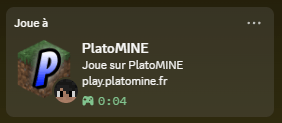
Shows the server you're playing on in your Discord status (name, IP, logo), and hides it automatically while you're vanished.
截图


介绍
Server Presence
Show the Minecraft server you’re playing on in your Discord status — automatically.
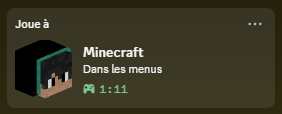
Join a server and your Discord profile shows "Playing <server name>" with its address, its logo, your skin’s head and a session timer. Go back to the menus and it switches to "In the menus".
Features
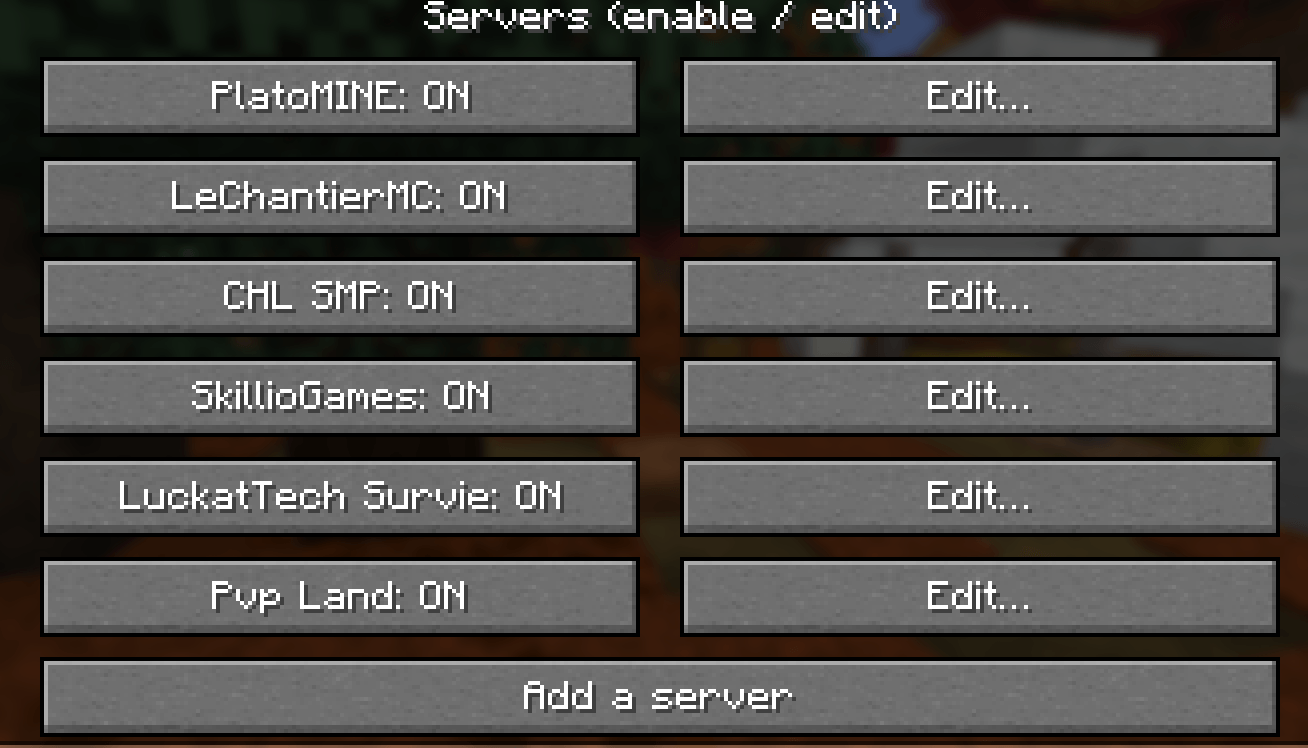
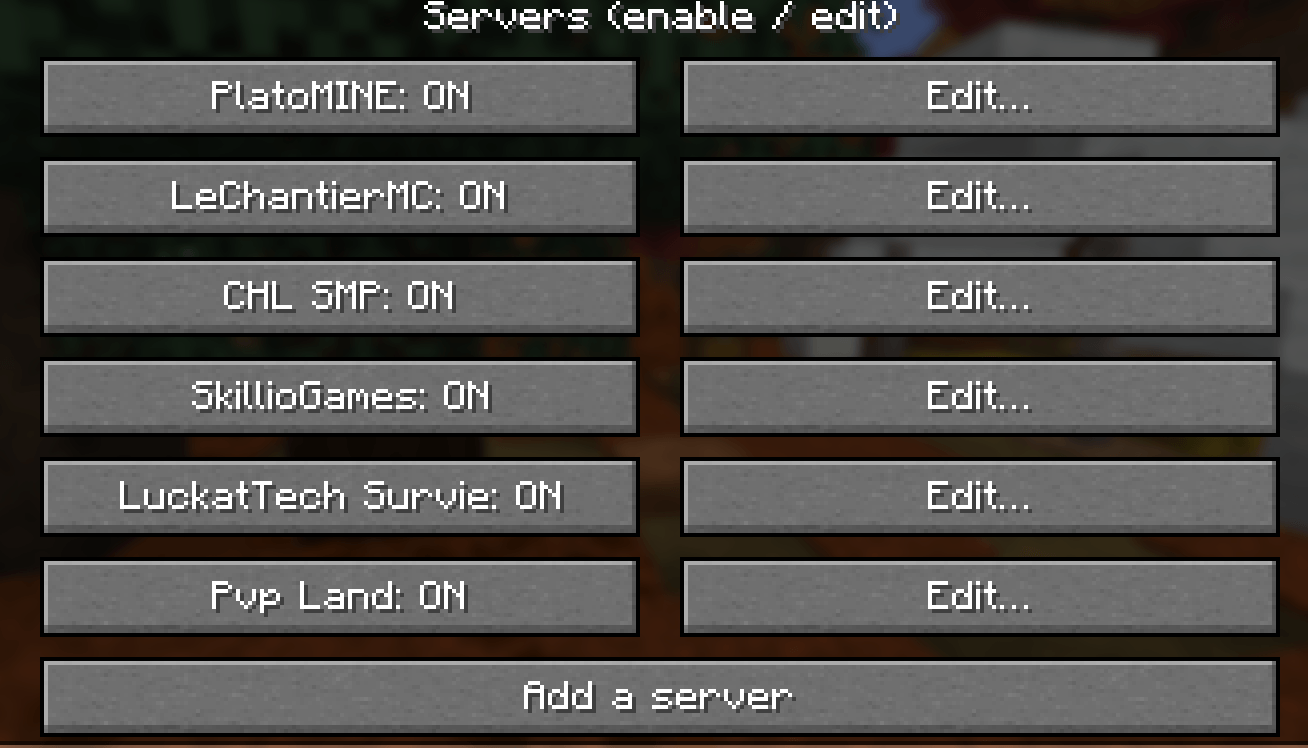
- Automatic: every server you join is added on its own, with its name from your Multiplayer list and its real server icon. No setup needed.
- One-click toggle in the Multiplayer list: a small Discord icon under each server’s ping bars. Blue = shown on Discord, grey = hidden. Click to switch.
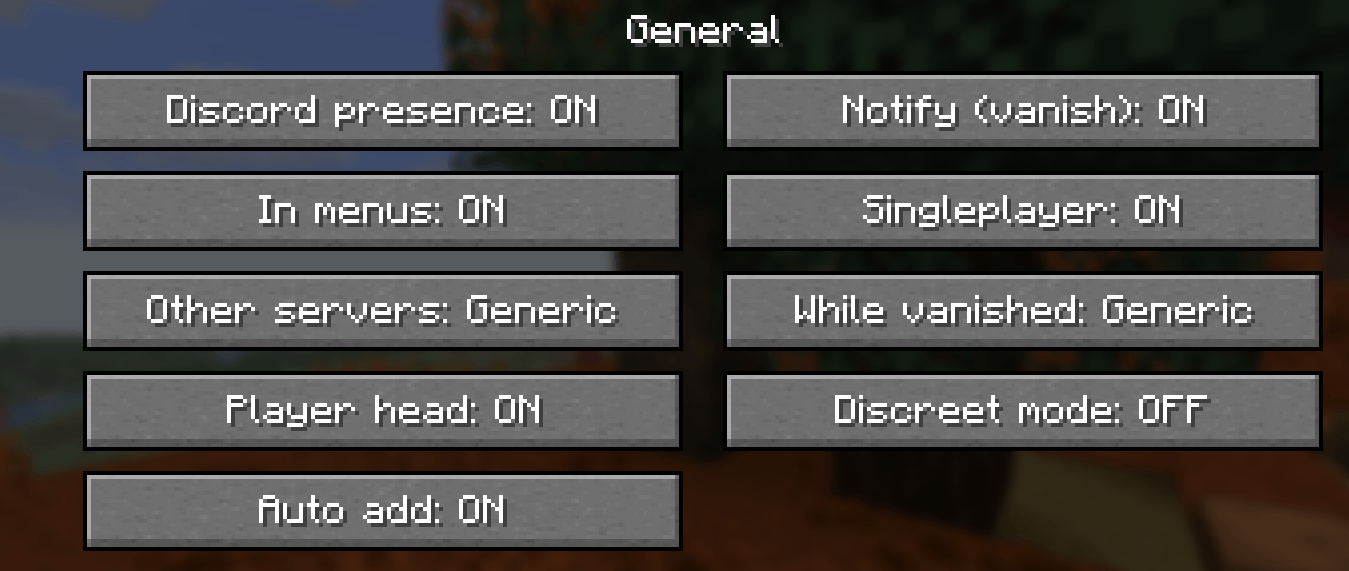
- Vanish detection for staff: when you are vanished, your server disappears from Discord (or shows a generic "Multiplayer" status). Works with the usual vanish plugins (SuperVanish, PremiumVanish, EssentialsX, CMI…) by reading the server’s own messages, the scoreboard, the tab list, boss bars and the action bar. Patterns can be customized per server.
- Discreet mode: hide the current server by hand with
/presence discretor a key bind. - Fully customizable per server: "Playing" name, two text lines, logo, a clickable button (website, Discord…), timer, addresses. Placeholders:
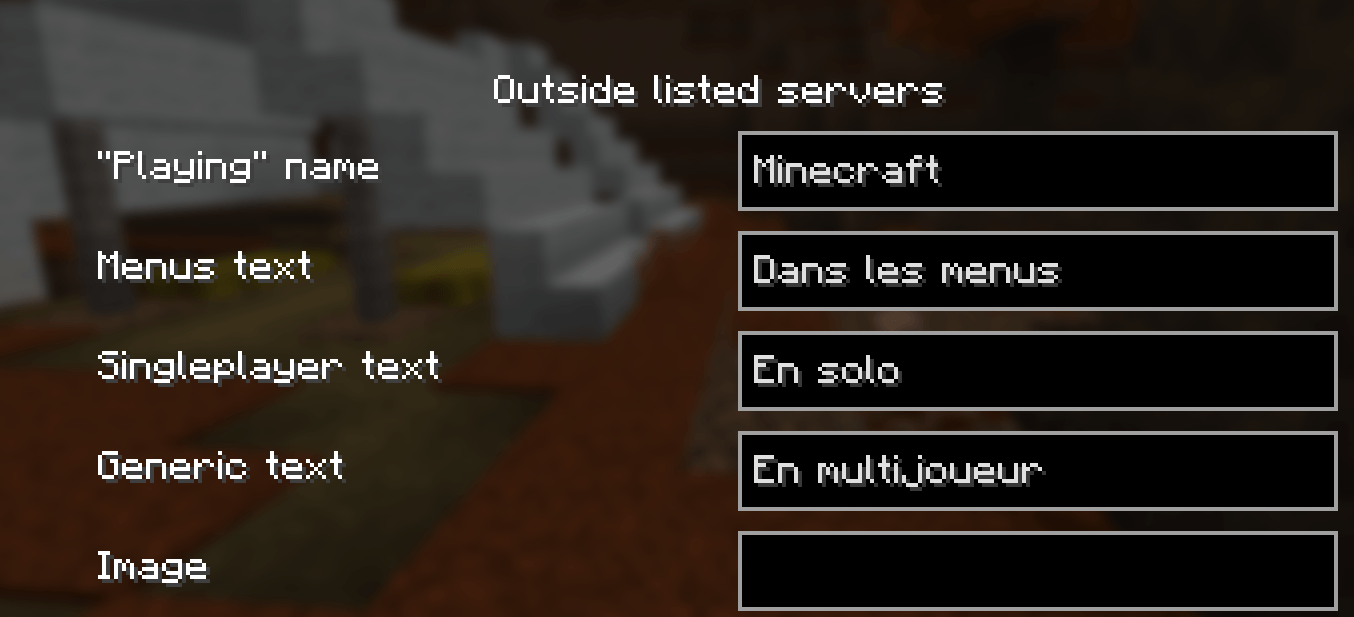
{server}{ip}{players}{player}{dimension}{version}. - Privacy options: choose what happens on unlisted servers, in singleplayer and in menus (generic or nothing at all).
Settings
- Options → Discord Presence… (works from the title screen)
- F7 in game (rebindable in Controls)
- /presence command
Requirements
- Fabric Loader 0.19.5+ and Fabric API
- Minecraft 26.3, Java 25
- The Discord desktop app running (Windows, Linux, macOS)
Good to know
- Client-side only: works on any server, nothing to install server-side.
- No account, no data collected by the mod. Server logos come from api.mcsrvstat.us and player heads from mc-heads.net; Discord loads these images itself.
- Compatible with Server Groups.
常见问题
Server Presence 支持哪些 Minecraft 版本?
Server Presence 支持 Minecraft Java 版 1.21.11–26.3,共 2 个版本,可用的加载器:Fabric。下载时注意选择和你游戏版本一致的文件。
Server Presence 怎么安装?
先用 PCL2 或 HMCL 启动器安装对应版本的 Fabric,再把下载的 .jar 文件放进游戏目录的 mods 文件夹,重新启动游戏即可。开启了版本隔离的,mods 文件夹在 versions/版本名 下面。
draft_fr 的其他作品
查看全部 →
Ville RP
RP modpack focused on a realistic city experience with player interaction, economy, and immersive gameplay.
Chantier Status
Displays a custom Discord Rich Presence status automatically when you're connected to play.lechantiermc.fr.
评论
登录后评论和评分