
Server Guard
ServerGuard is a lightweight server-side mod that blocks unauthorized access, bots, and scans. Fully configurable, no client required, and ideal for private, public, or cracked servers. Take full control of who connects and what they see.
截图
介绍
🔐 ServerGuard – Advanced Server Protection for Minecraft
ServerGuard is a powerful and lightweight server-side Minecraft mod designed to protect your server from unwanted connections, unauthorized access, name spoofing, and scanning bots — all without requiring any client-side installation.
Whether you’re hosting a public, private, or cracked server, ServerGuard gives you full control over who can connect and how your server appears to outsiders.
✨ Features
-
✅ IP Whitelist & UUID Whitelist
Only allow specific players or IPs to join your server. -
🚫 Name Blacklist Filtering
Block usernames containing suspicious or banned substrings (e.g., “admin”, “bot”, “exploit”). -
🕵️ Ping Obfuscation (Anti-Scan)
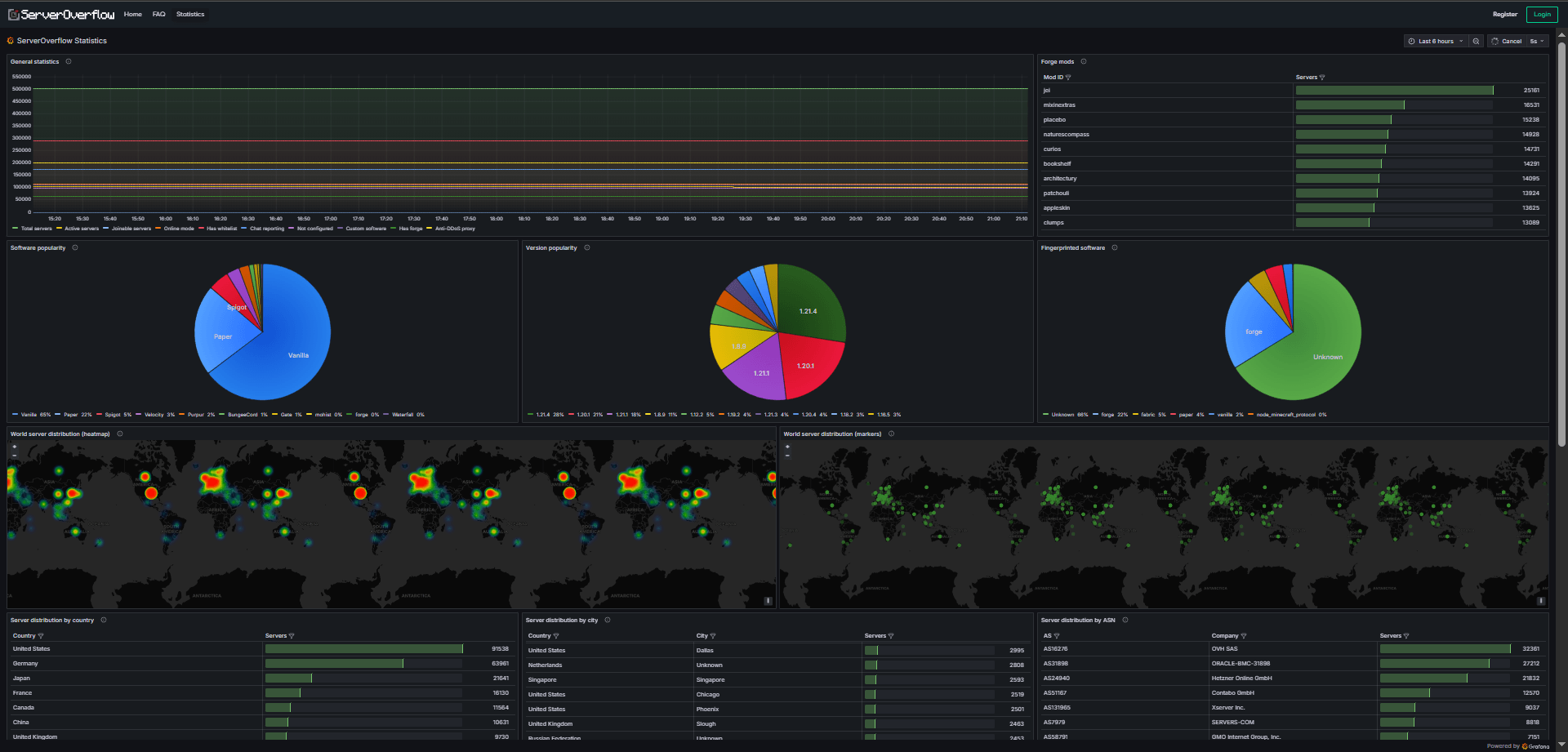
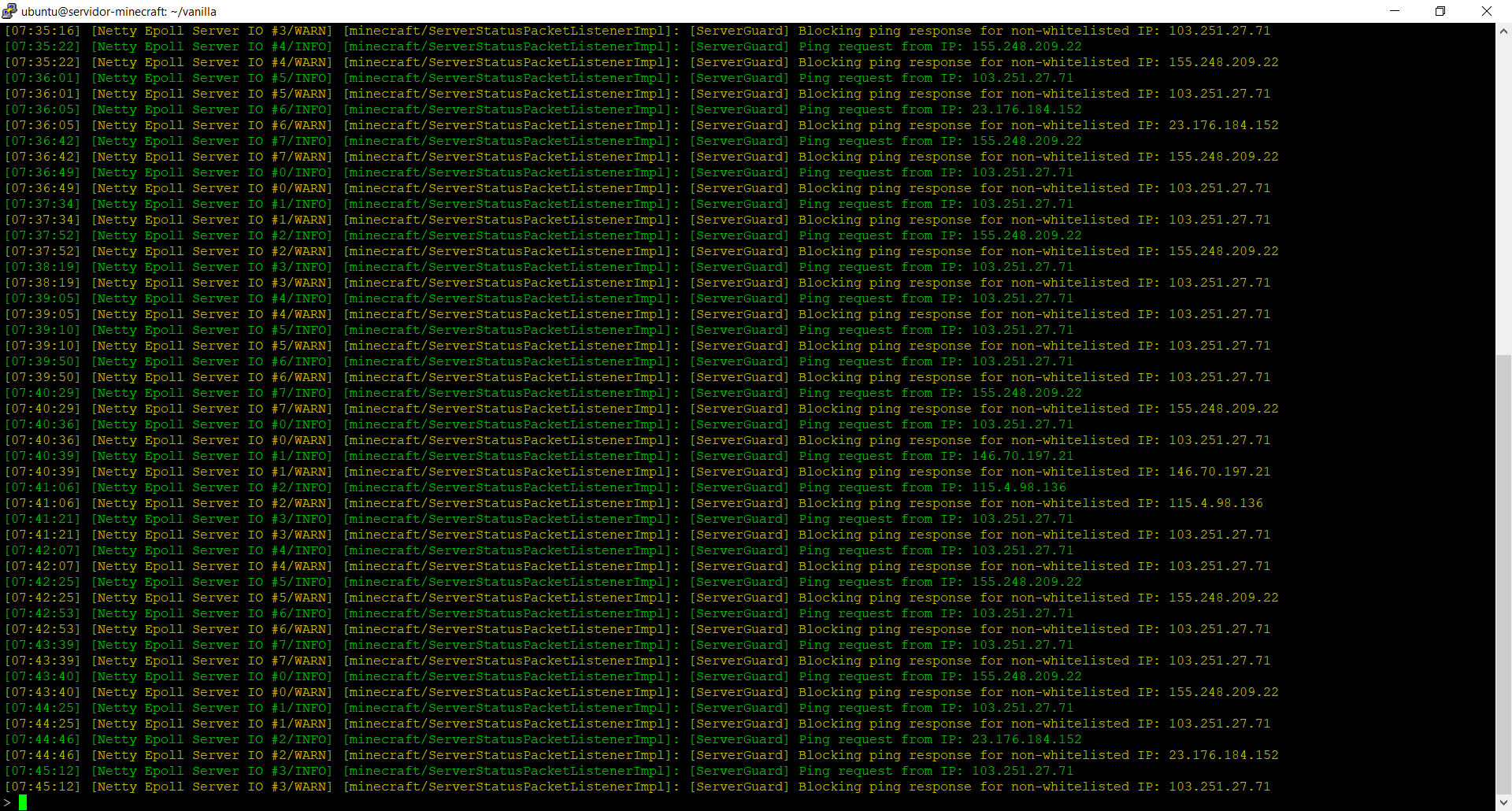
Hide sensitive server status (player count, mod list, version info) or make the server appear offline to unauthorized users. -
⏱️ Protection Timer
Temporarily disable protections for a limited time to allow known players to join (useful for events or maintenance). -
⚙️ Fully Configurable
Simple JSON-based configuration and data files stored in theconfig/serverguard/directory. -
📡 Server-Only Mod
Works 100% from the server — no client installation required.
🧪 Use Cases
-
Block known bots or attack attempts.
-
Hide your server from status scanners or mass connection tools.
-
Allow only approved IPs or UUIDs to connect.
-
Prevent name impersonation or suspicious login patterns.
-
Create event-based access windows with the timer system.
常见问题
Server Guard 支持哪些 Minecraft 版本?
Server Guard 支持 Minecraft Java 版 1.20.1–1.20.6,共 6 个版本,可用的加载器:Forge。下载时注意选择和你游戏版本一致的文件。
Server Guard 怎么安装?
先用 PCL2 或 HMCL 启动器安装对应版本的 Forge,再把下载的 .jar 文件放进游戏目录的 mods 文件夹,重新启动游戏即可。开启了版本隔离的,mods 文件夹在 versions/版本名 下面。
评论
登录后评论和评分