
Sequoia
A Wynncraft mod for members of the Sequoia guild, providing various features like a party finder, discord chat bridge and war tracking.
截图
介绍
Sequoia


Sequoia is a client-side Fabric mod for Sequoia guild members on Wynncraft.
It provides the in-game client for Sequoia’s guild systems: backend authentication, Discord bridge integration, party finder tools, raid tracking, and a small set of guild-specific utilities. The goal is straightforward: put the guild workflows members actually use into the game client instead of splitting them across chat, Discord, and manual commands.
This is not a general-purpose Wynncraft mod. Most online features require a linked Sequoia account, and several of them only make sense if you are already part of the guild’s Discord and in-game processes.
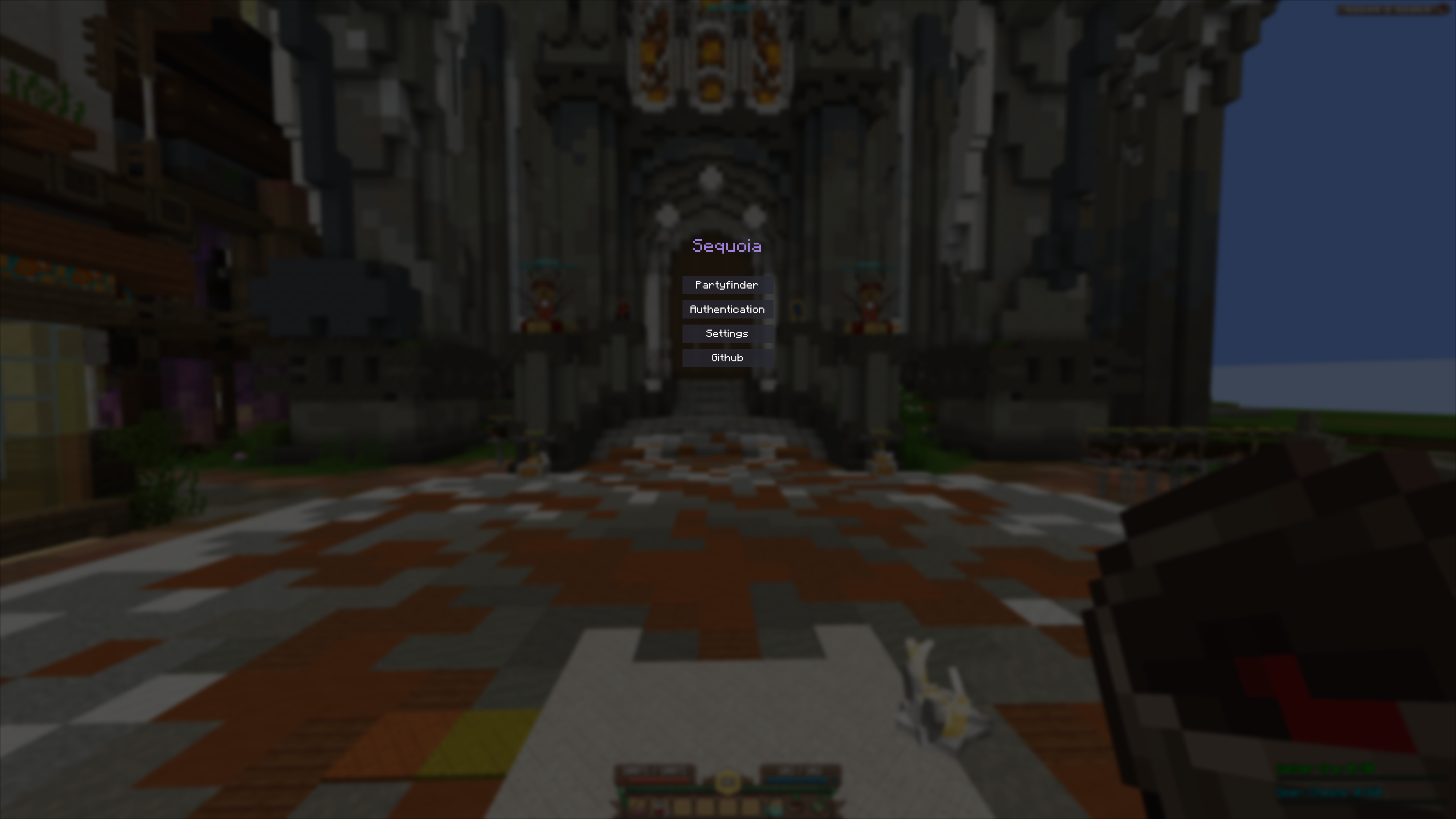
If you are a Sequoia member, the expected setup is simple: install the mod, link your account from the Sequoia menu, connect to the backend, and use the guild integrations from there.
Features
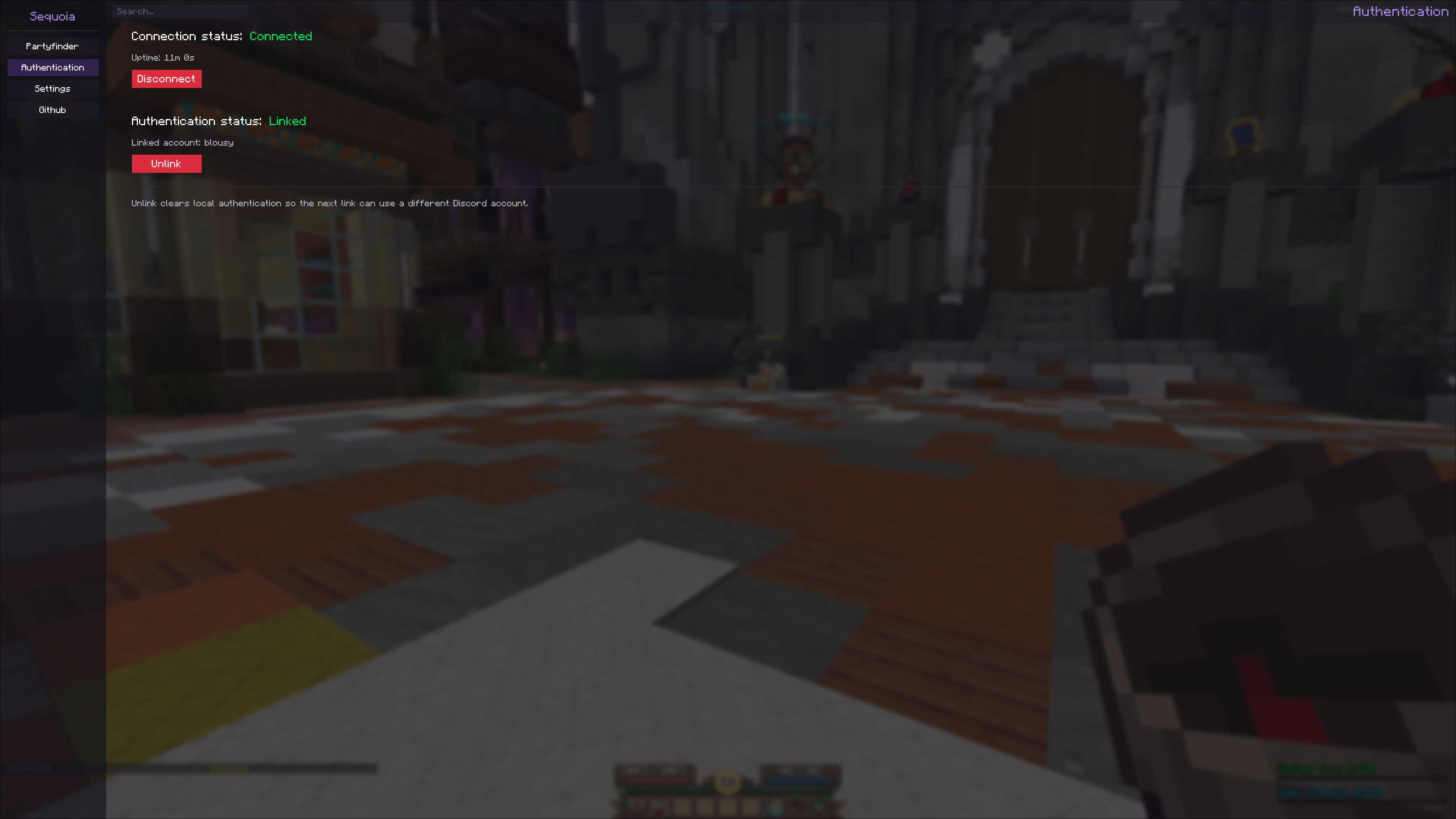
- Sequoia account linking and backend authentication
- Automatic connection to Sequoia services
- In-game Discord chat bridge
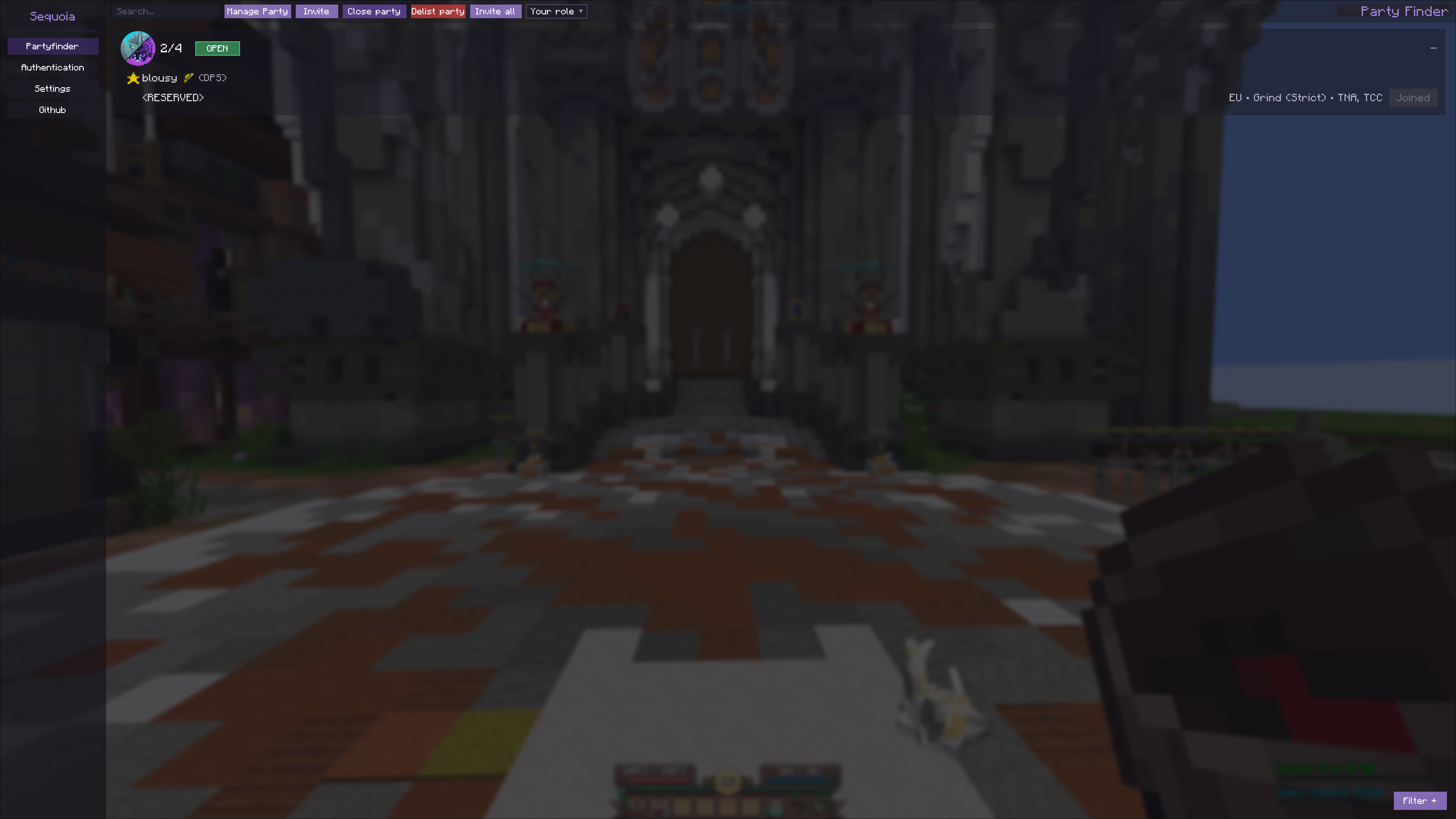
- Party finder commands and UI
- Raid tracking and announcements
- Guild-specific settings and status screens
Requirements
- Minecraft
1.21.11 - Fabric Loader
0.18.4or newer - Fabric API
0.141.2+1.21.11 - Java
21 - Wynntils (Optional)
First-time setup
- Join the guild – you need to be a member of Sequoia on Wynncraft for backend features to work.
- Install the mod using the steps below.
- Link your account – open the Sequoia Mod menu (
Oby default) and navigate to the Authentication section. - Connect – the mod auto-connects on startup if enabled, or by using a button in the Authentication section.
- Check status – run
/seq statusto make sure you’re connected. - Configure – press
Oand open settings to toggle Discord chat, raid announcements, and related behavior.
Common commands
/seq: open the main Sequoia screen/seq p: open the Sequoia party finder UI/seq connect: connect to the backend/seq link: link or refresh backend authentication/seq status: show connection state and token status/seq logout: clear the saved token
Full command list
/seq/seq connect/seq link/seq disconnect/seq connected/seq status/seq logout/seq party/seq p/seq party list/seq party status/seq party create <activities>/seq party update <activities>/seq party join <listingId>/seq party join <listingId> token <inviteToken>/seq party join <listingId> <role>/seq party join <listingId> <role> token <inviteToken>/seq party deny <listingId>/seq party leave/seq party invite <username>/seq party reserve <count>/seq party open/seq party close/seq party disband/seq party role <role>/seq party kick <username>/seq party promote <username>/seq party game create/seq party game invite <username>/seq party game invite-all
Settings
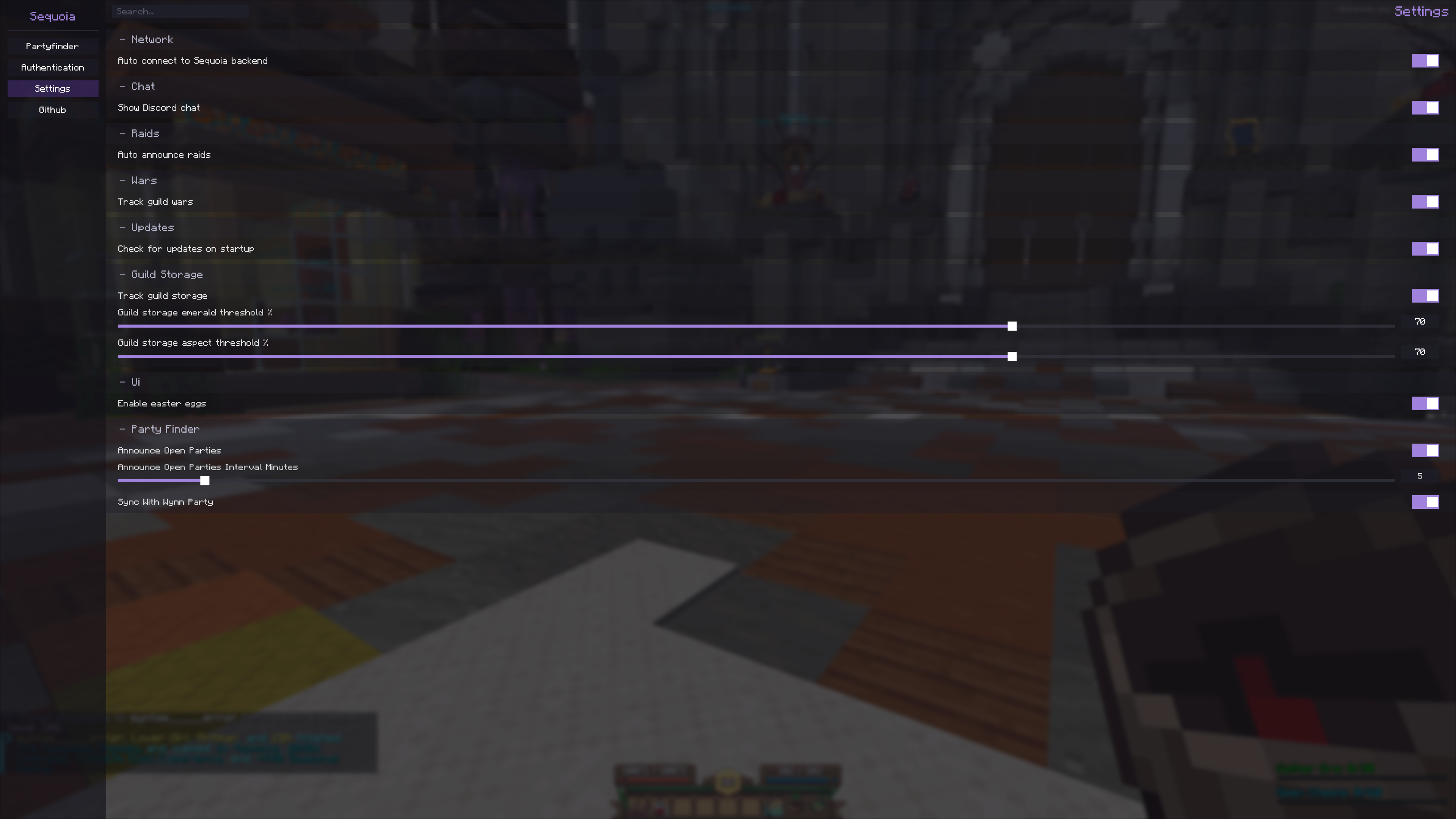
The settings screen has toggles for:
- Auto connect to the Sequoia backend
- Discord chat display
- Raid auto-announce
- Update checks on startup
Installation
- Install Fabric for Minecraft
1.21.11. - Put the Sequoia mod jar in your Minecraft
modsfolder. - Install Fabric API.
- Install Wynntils for improved class detection.
- Start the game and press
O, or run/seq.
License
MIT: LICENSE.txt.
常见问题
Sequoia 支持哪些 Minecraft 版本?
Sequoia 支持 Minecraft Java 版 1.21.11,可用的加载器:Fabric。下载时注意选择和你游戏版本一致的文件。
Sequoia 怎么安装?
先用 PCL2 或 HMCL 启动器安装对应版本的 Fabric,再把下载的 .jar 文件放进游戏目录的 mods 文件夹,重新启动游戏即可。开启了版本隔离的,mods 文件夹在 versions/版本名 下面。运行环境:仅客户端。


评论
登录后评论和评分