Selfie Camera
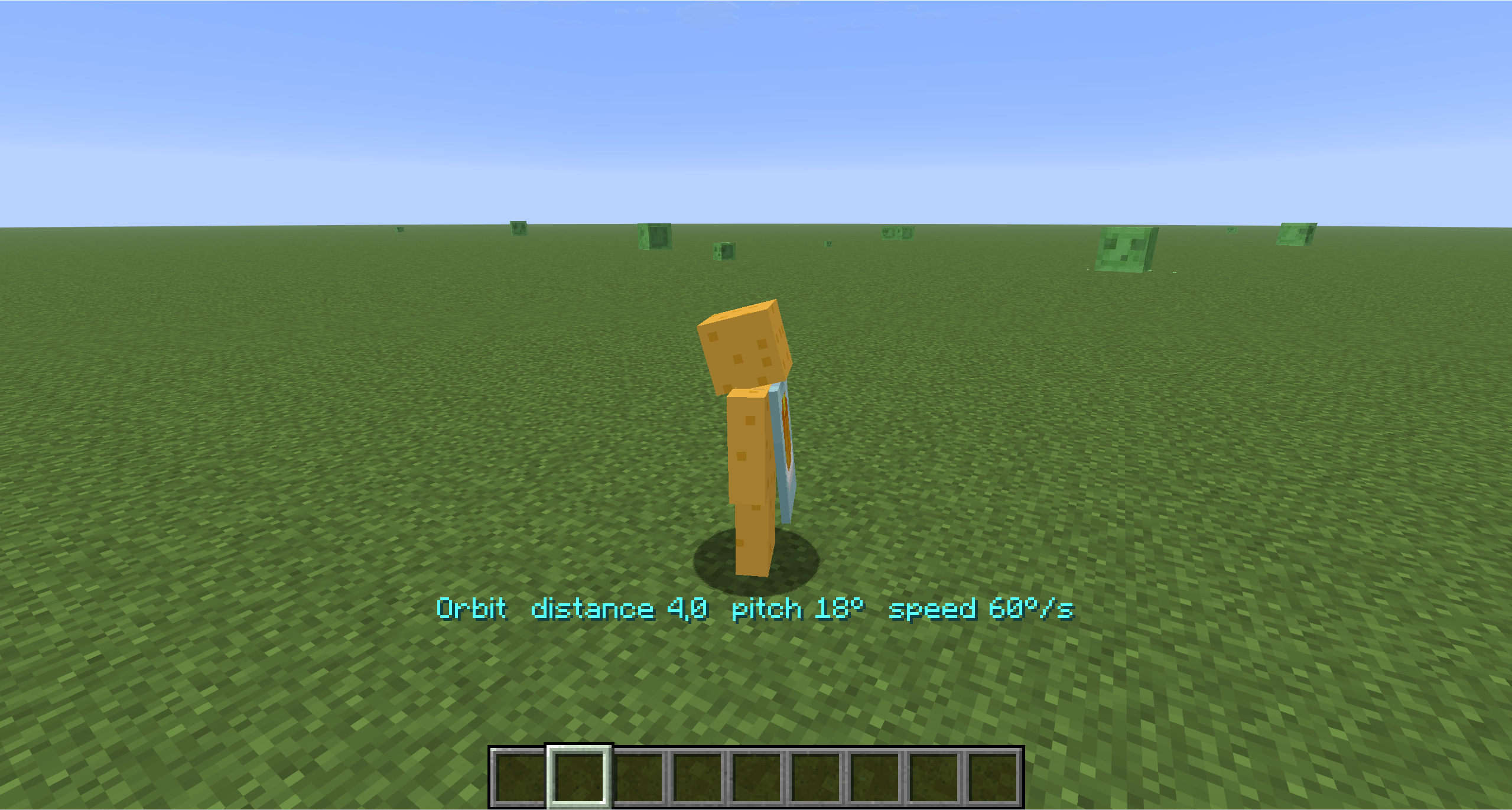
Selfie, GoPro and Orbit camera modes for filming clips, Shorts and TikToks. Switch with one key, adjust distance, height and angle live in-game, hide the HUD, record. Smooth, wall-safe, client-side.
截图
介绍
📸 SelfieCam
Three camera rigs, one key. Made for clips.
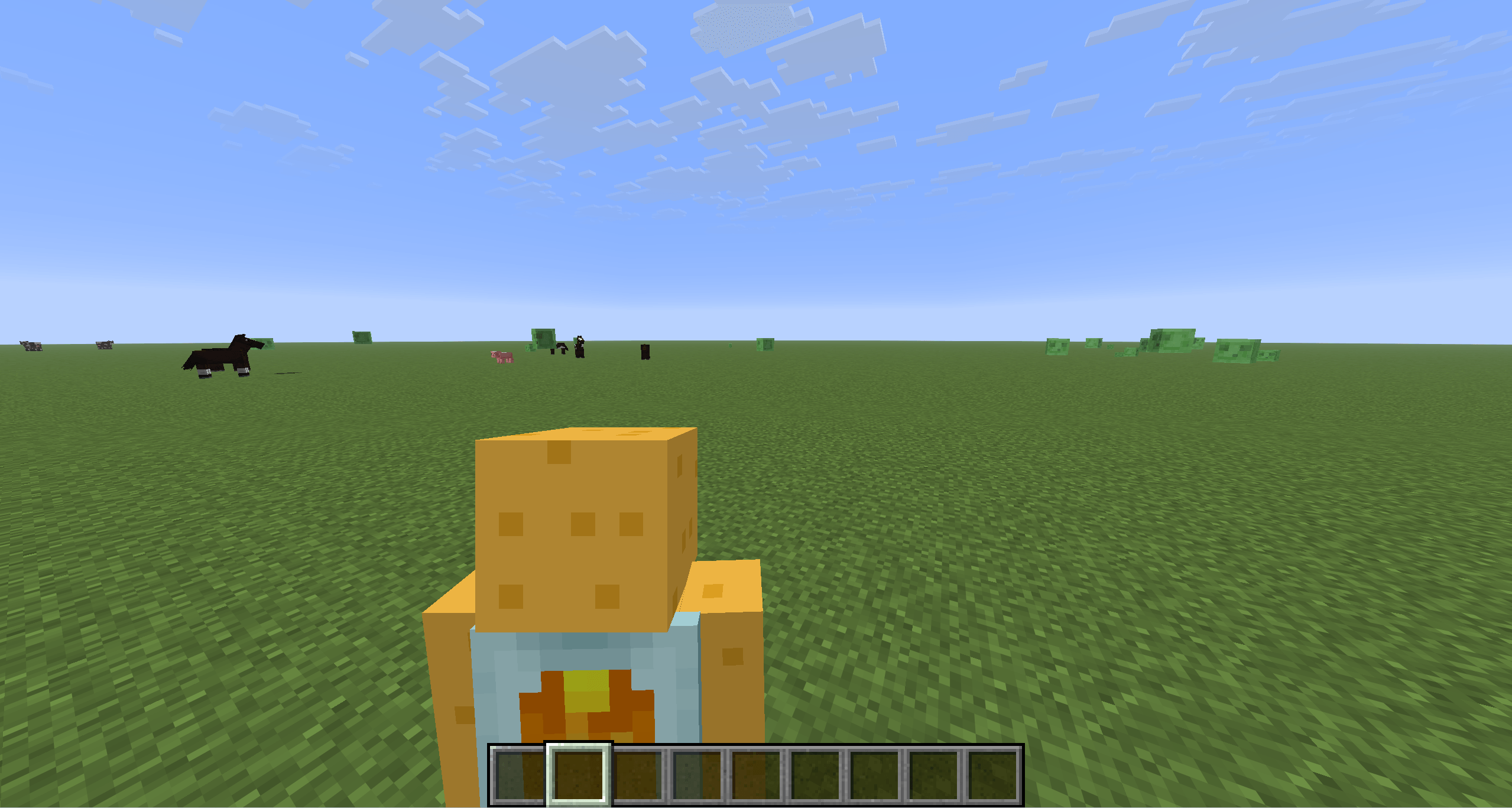
Filming Minecraft for TikTok, Shorts or a montage? Vanilla gives you first person and “somewhere behind me”. SelfieCam gives you a phone-on-a-stick selfie view, a wide-angle over-the-shoulder action cam and a slow cinematic orbit – all adjustable while you play, with the camera gliding smoothly between positions and never clipping through walls.
🎥 Modes (press V to cycle)
| Mode | What you get |
|---|---|
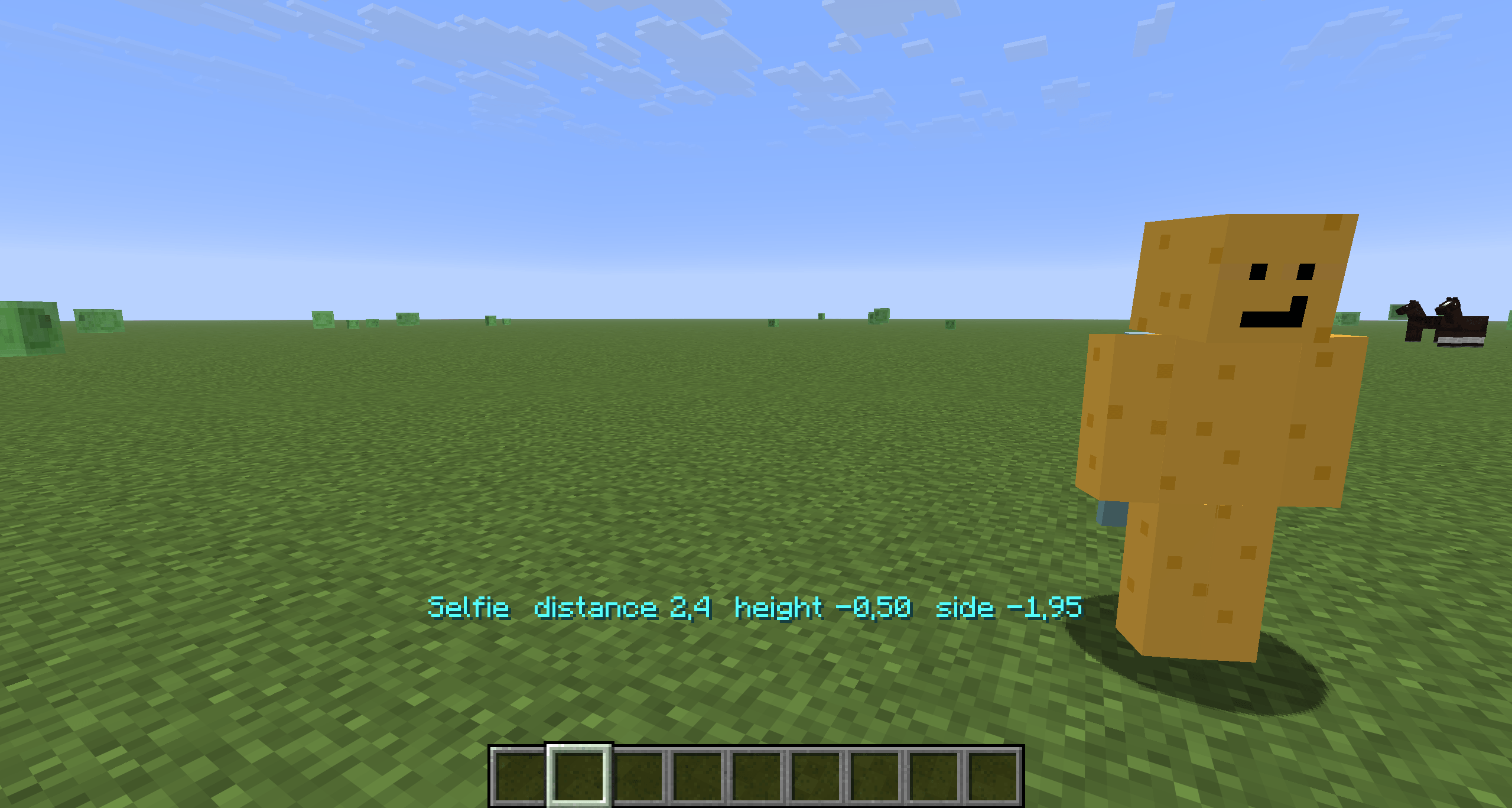
| Selfie | Camera in front of you, slightly above eye level, looking at your face – like holding a phone. It follows your head, so where you look still reads on camera. |
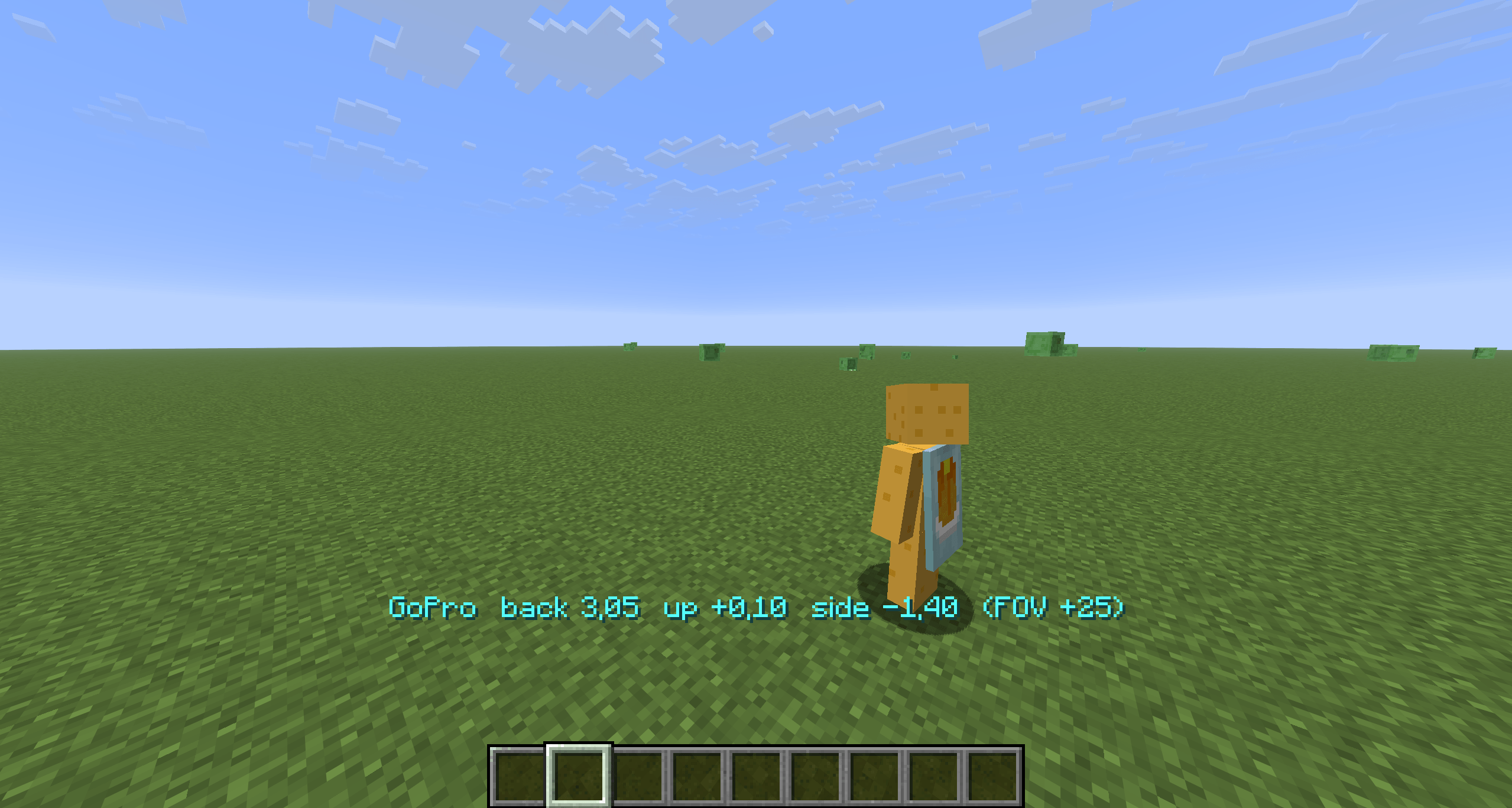
| GoPro | Over-the-shoulder action cam with a wide lens (+25° FOV). Your body stays in frame while you run, mine, fight, ride or fly. |
| Orbit | A slow cinematic circle around you at a fixed distance and pitch – hands-free b-roll. Pauses when the game is paused. |
🎮 Controls
Rebindable in Options → Controls → SelfieCam.
| Key | Selfie | GoPro | Orbit |
|---|---|---|---|
V |
next mode | next mode | next mode |
[ / ] |
closer / farther | closer / farther | closer / farther |
↑ / ↓ |
camera higher / lower | camera higher / lower | pitch up / down |
← / → |
camera left / right | camera left / right | slower / faster (negative = reverse) |
R |
reset this mode | reset this mode | reset this mode |
H |
hide / show HUD – then F2 for a clean screenshot |
Hold a key to keep adjusting; the current values show on the action bar and are saved to config/selfiecam.json.
💡 Tips for creators
- Cinematic b-roll: Orbit →
H→ record. Tune pitch with↑/↓and speed with←/→until it feels right. - Reaction shots: Selfie shows your face and whatever is behind you – perfect for “look what I found” clips.
- Action: GoPro keeps your character in the frame during parkour, elytra and combat; nudge it over either shoulder with
←/→. - Skins & emotes: Selfie mode is the easiest way to show off a skin or an emote mod.
⚙️ Config (config/selfiecam.json)
Everything the keys change plus a few extras: selfieTilt (how much the selfie looks down at you), goproFovAdd, orbitTargetY (aim at chest vs. eyes), hideHudInModes, smoothCamera, showMessages.
🧩 Compatibility
- Minecraft 1.21.8 – 1.21.11, Fabric Loader 0.16+, Fabric API required
- Client-side only – works on any server
- Uses the vanilla camera collision, so the camera never ends up inside a wall
F5keeps working; if you cycle into first person, pressVagain to bring the body back- Other mods that replace the third-person camera (shoulder-surfing style) may fight over the position – keep one of them off while filming
❓ FAQ
Does it record video? No – it positions the camera. Use OBS, ShadowPlay or your usual recorder.
Can other players see it? No, it is purely client-side.
Can I set the camera to look at something else? Not yet – the rigs are anchored to you. Say what you need in the issues.
常见问题
Selfie Camera 支持哪些 Minecraft 版本?
Selfie Camera 支持 Minecraft Java 版 1.21.8–1.21.11,共 4 个版本,可用的加载器:Fabric。下载时注意选择和你游戏版本一致的文件。
Selfie Camera 怎么安装?
先用 PCL2 或 HMCL 启动器安装对应版本的 Fabric,再把下载的 .jar 文件放进游戏目录的 mods 文件夹,重新启动游戏即可。开启了版本隔离的,mods 文件夹在 versions/版本名 下面。
Pokato 的其他作品
查看全部 →
Auto Stun Slam/Shield Braker
StunSlam 是一款轻量级客户端 Fabric 模组,可在 Minecraft PvP 中自动打出斧头 → 重锤的“眩晕猛击”连招。

Auto crystal PVP
自动放置并打破末影水晶,让水晶 PvP 更快速、更高效。
Dragons
驯服、骑乘并驾驶六种元素龙,每种龙都有独特的动画模型和能力:火焰吐息、冰霜吐息、闪电、毒液、虚空闪现和潮汐喷射。

Counter-Strike Guns
完整还原《反恐精英2》军火库:35 种枪械、刀具、手雷和 C4,配有 3D 第一人称模型、后坐力、瞄准镜、穿墙射击和丰富特效。
评论
登录后评论和评分