
截图
介绍
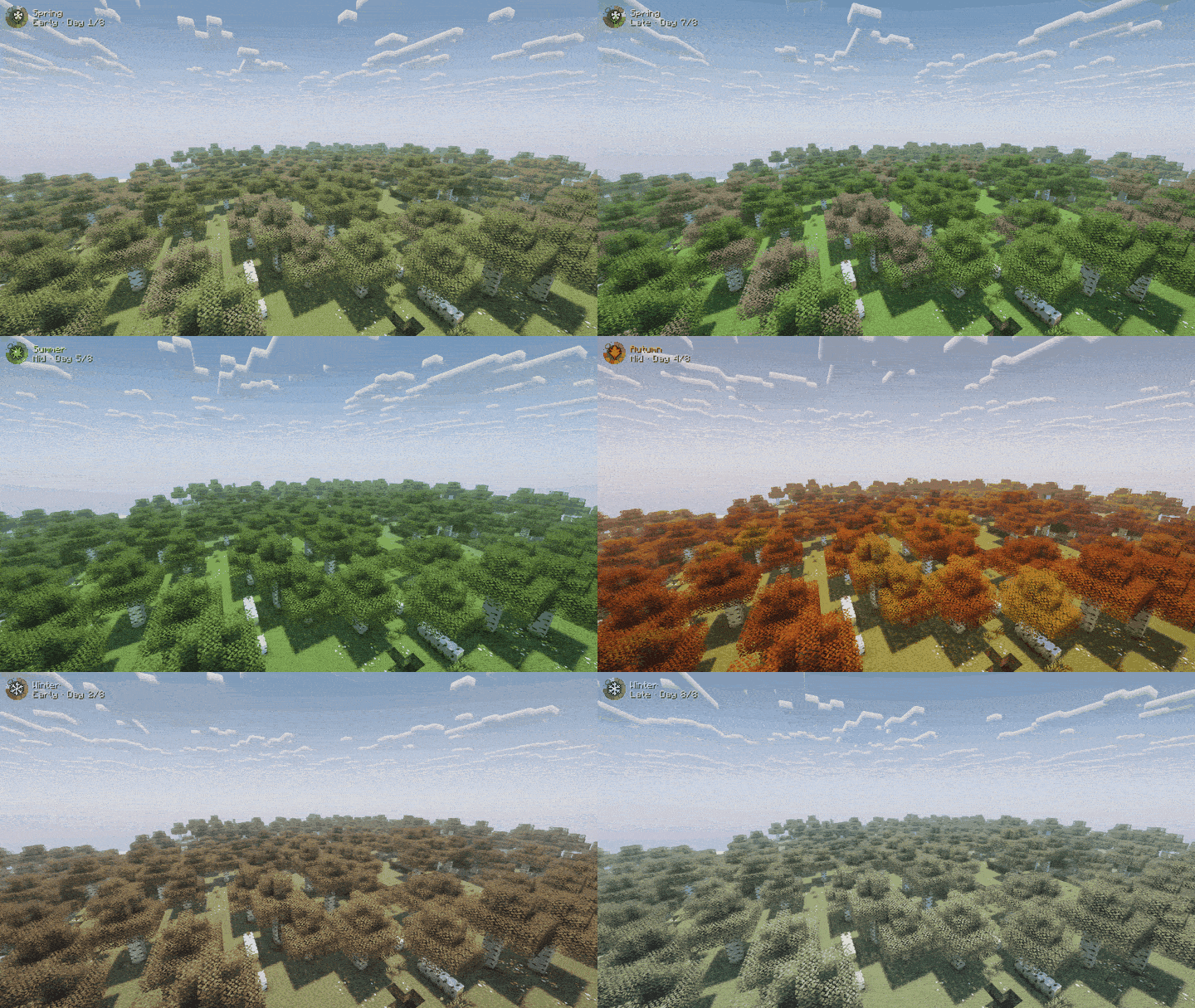
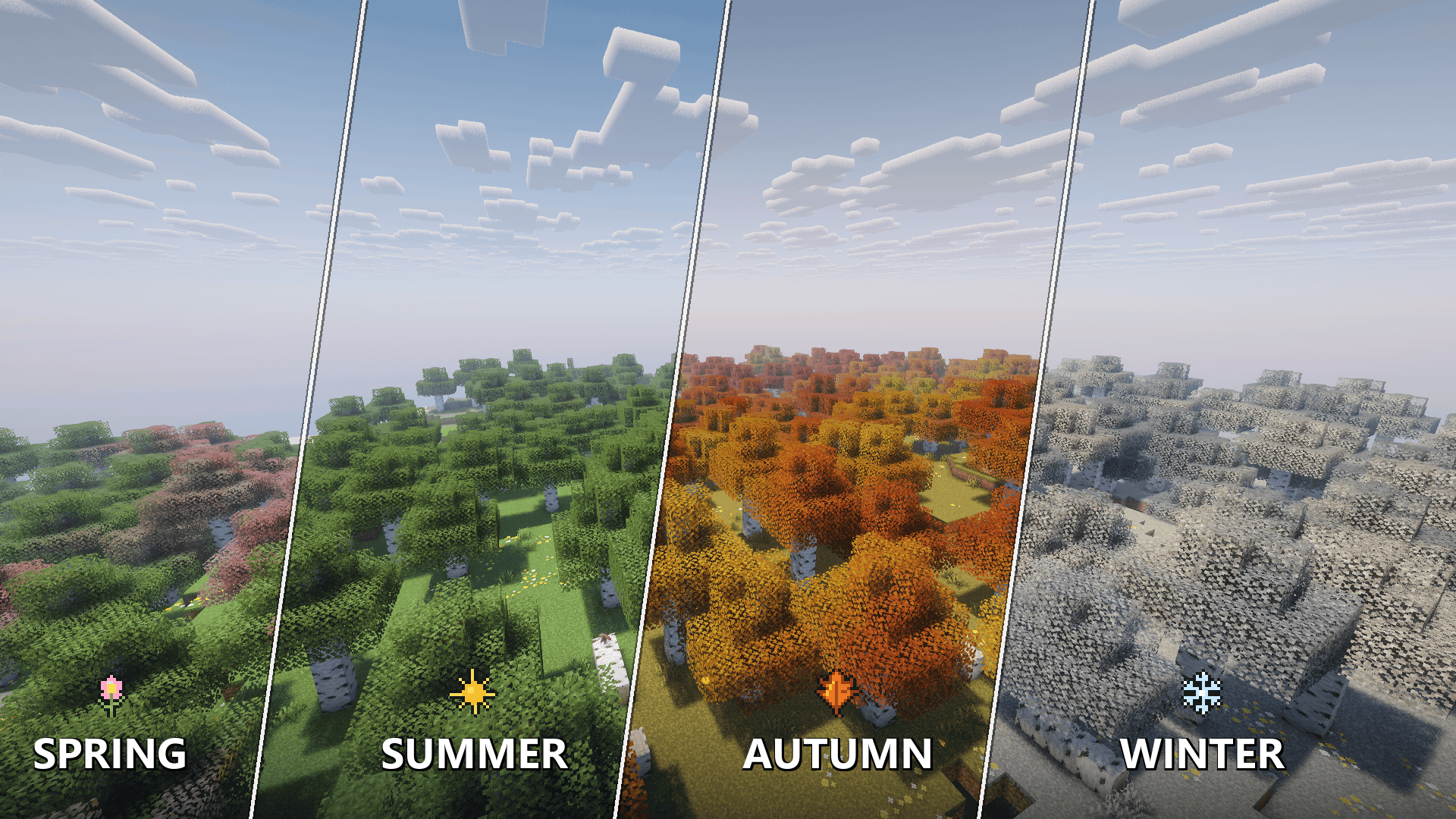
Seasons Anywhere gives your existing worlds a spring, summer, autumn and winter look. Leaves, grass, vines, water, sky, fog and clouds change colour through the year, and leaves, petals and snow drift through the air.
Client-side only. Nothing is needed on the server and nothing is saved in your world. It is purely your own view.
Features
- Four seasons in twelve steps (early, mid, late), blended smoothly
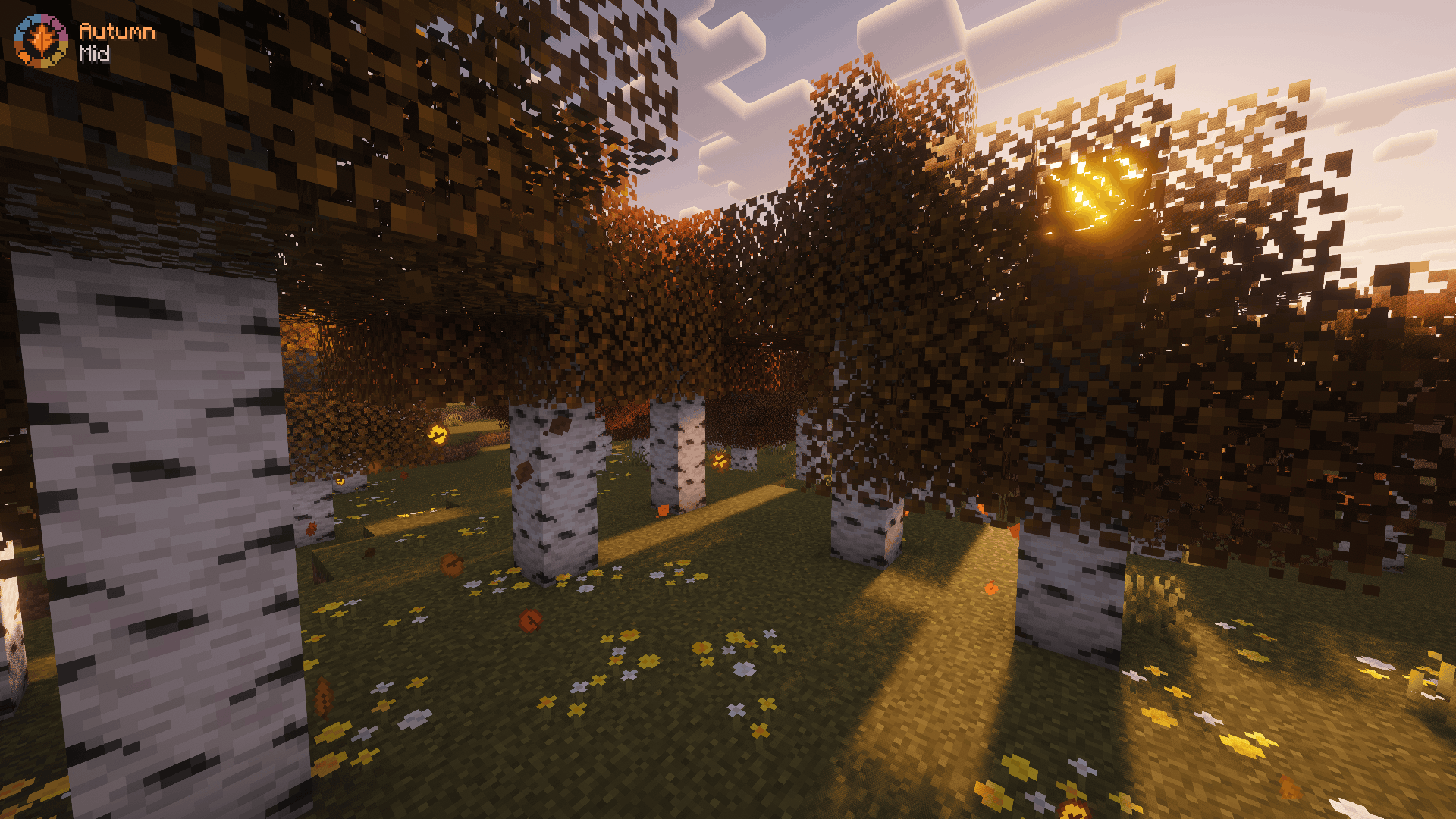
- Autumn: every tree gets its own yellow, orange, red or brown
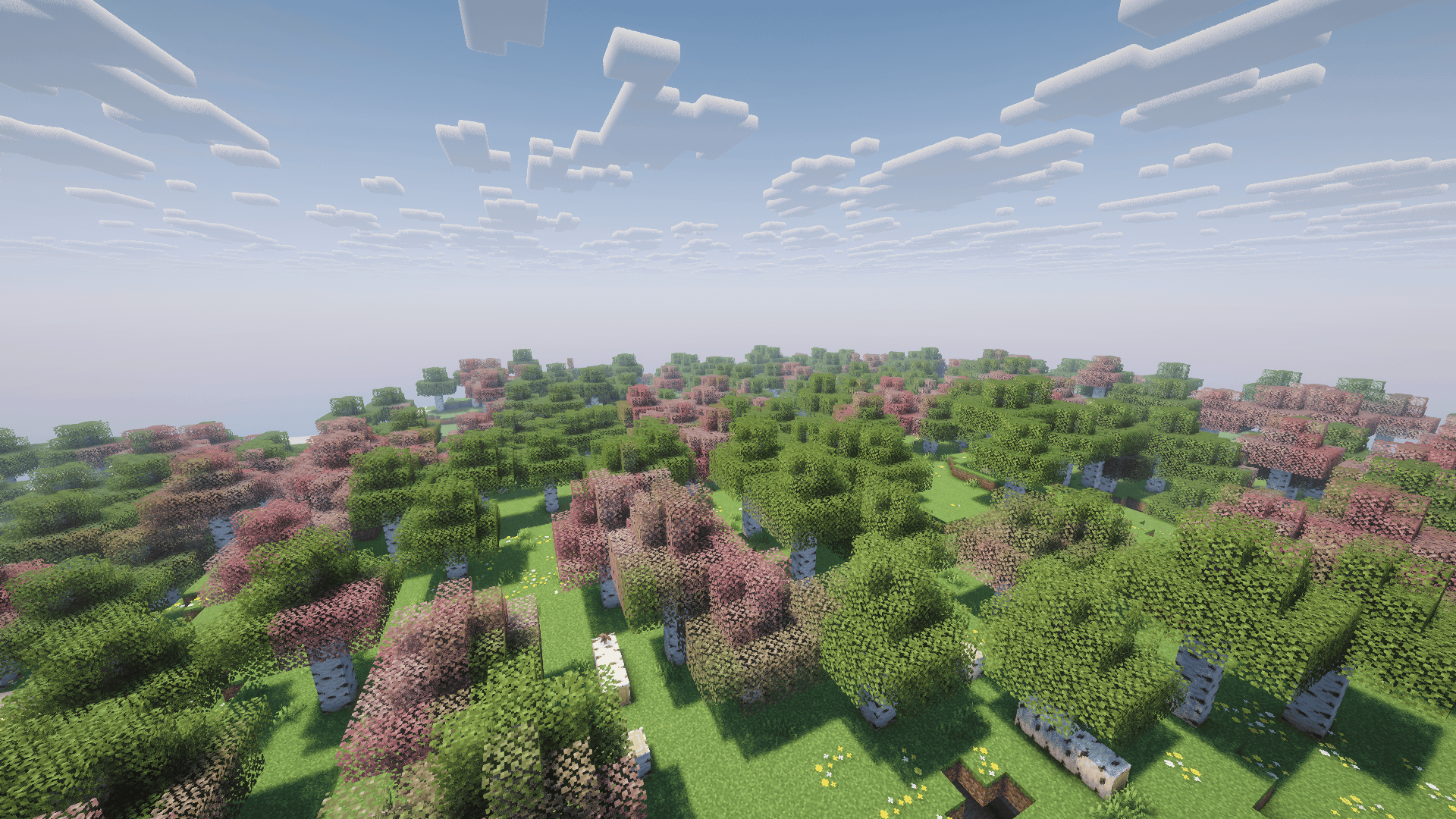
- Spring: fresh growth and some trees in pink and white blossom
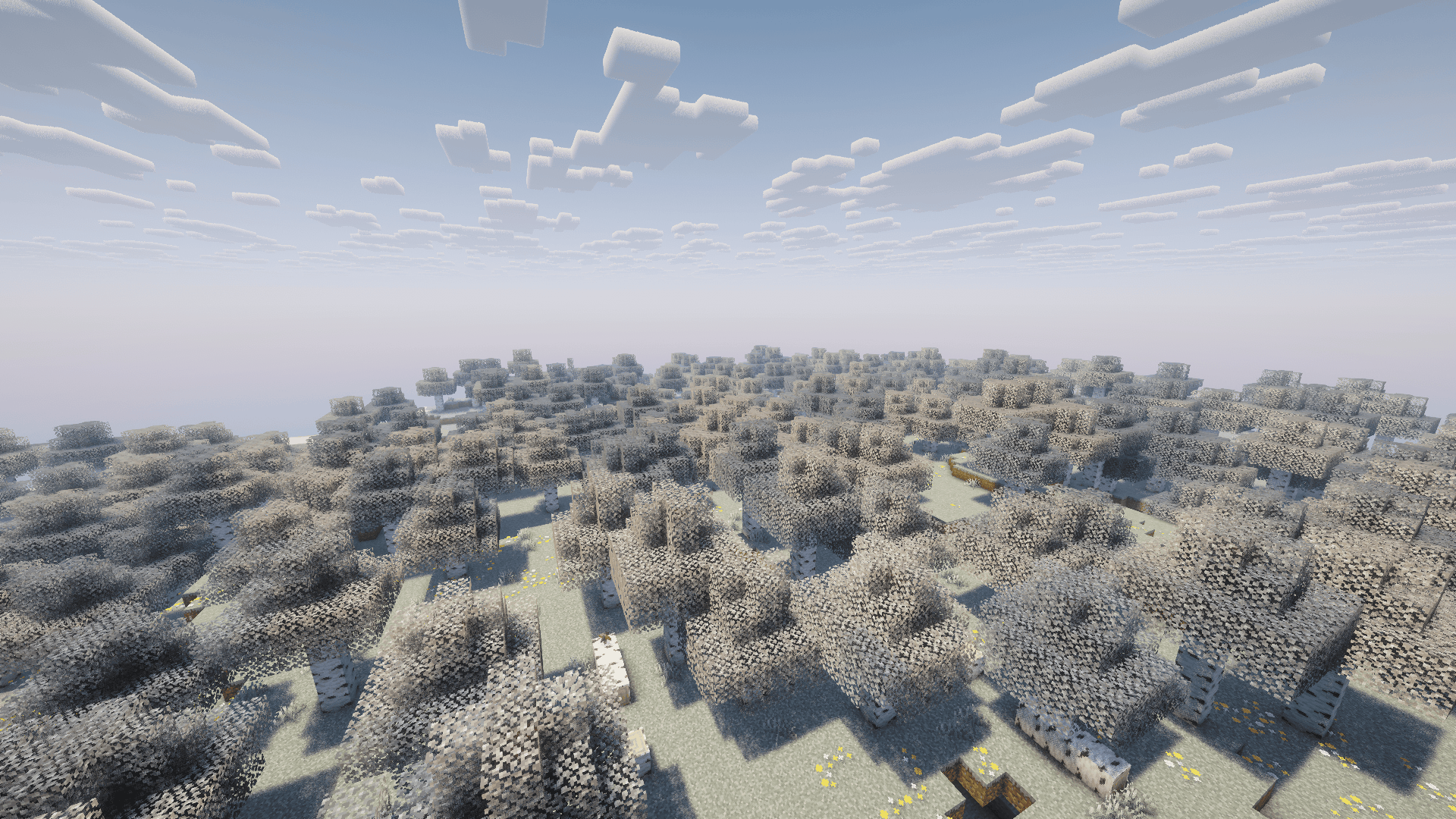
- Winter: frosted pale leaves and grass, paler sky and fog
- Particles: falling leaves, blossom petals, snow, pollen, dandelion fluff, frost glints
- HUD season badge with a year dial and day count
- Biome aware: deserts barely change, snowy biomes stay close to normal
Calendar
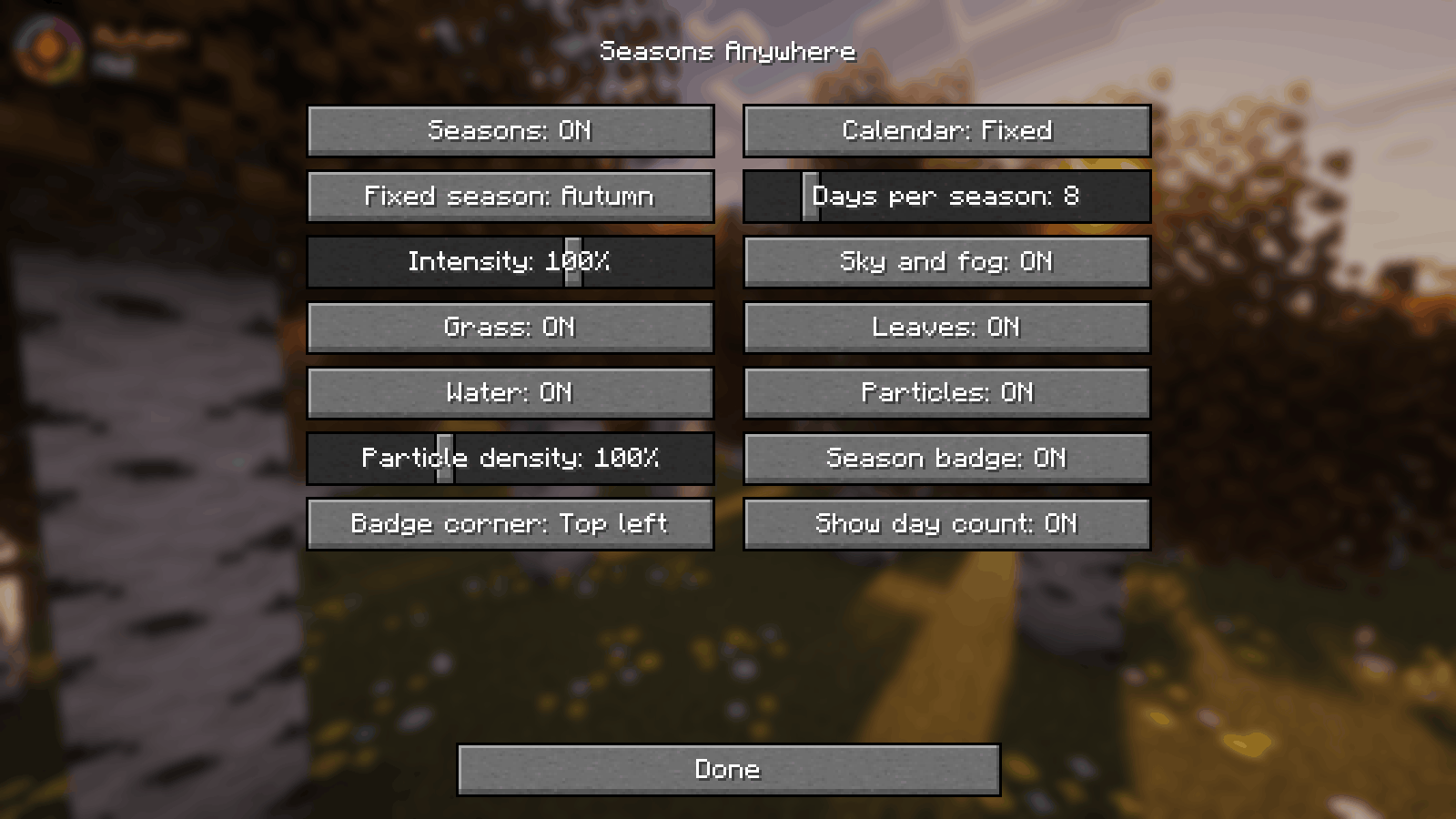
- World days (default): 8 days per season
- Real date, with a southern hemisphere switch
- One fixed season
Commands
/seasonsshows the current season/seasons set spring|summer|autumn|winter/seasons auto,/seasons real/seasons length <days>,/seasons skip <days>/seasons reload
A settings screen is available through Mod Menu (optional).
Versions
Fabric for Minecraft 1.20.1, 1.21.1, 1.21.11, 26.2 and 26.3. Download the file that matches your version. Fabric API is required.
Install
- Install Fabric Loader and Fabric API for your Minecraft version.
- Put the Seasons Anywhere file in your
modsfolder. - Start the game and run
/seasons.
FAQ
Does the server need it? No. It sends no packets and works on any server or Realm.
Does it change gameplay? No. No crops, temperature, real snow or weather changes. It adds no blocks, items or entities.
Other mods? Mods that also recolour leaves or biomes may conflict.
MIT licensed.
常见问题
Seasons Anywhere 支持哪些 Minecraft 版本?
Seasons Anywhere 支持 Minecraft Java 版 1.20.1–26.3,共 5 个版本,可用的加载器:Fabric。下载时注意选择和你游戏版本一致的文件。
Seasons Anywhere 怎么安装?
先用 PCL2 或 HMCL 启动器安装对应版本的 Fabric,再把下载的 .jar 文件放进游戏目录的 mods 文件夹,重新启动游戏即可。开启了版本隔离的,mods 文件夹在 versions/版本名 下面。

评论
登录后评论和评分