
Sculk Radio
Use the power of Sculk to stream music, redstone, and voice chat across your world.
截图


介绍
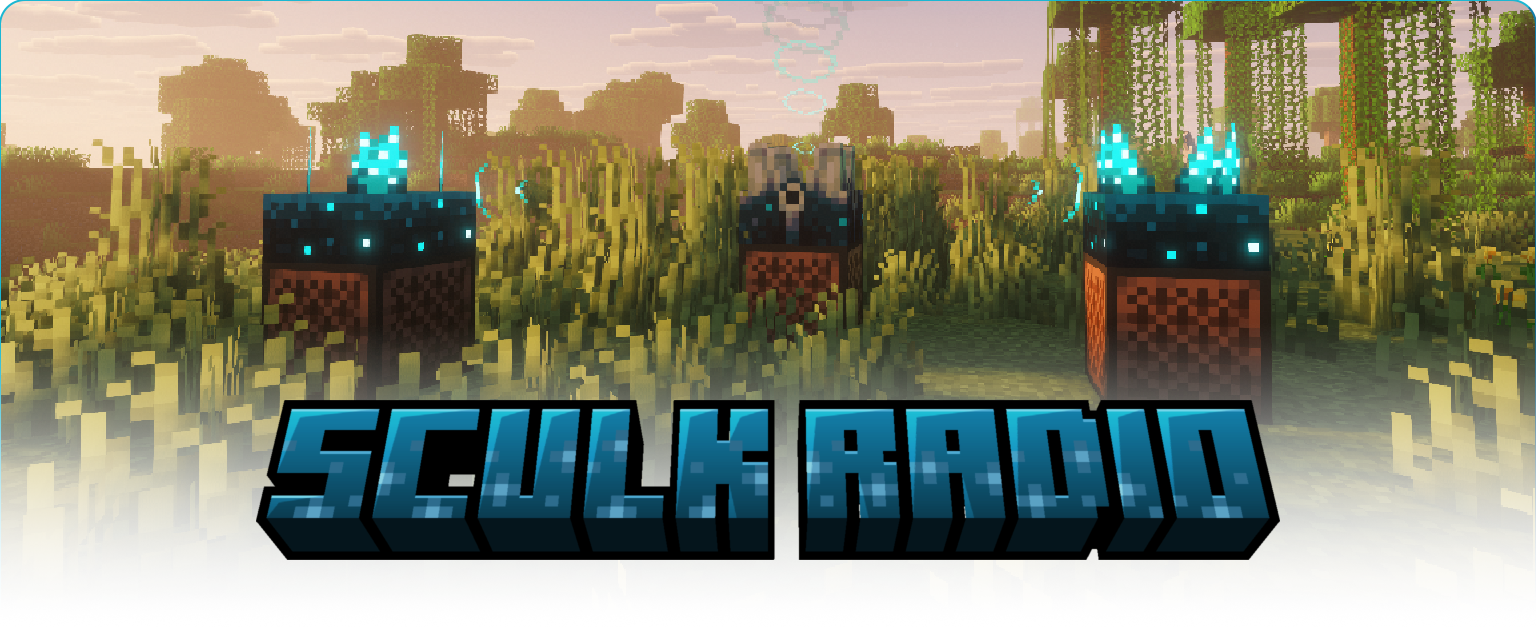
Build networks to stream music, redstone, and voice chat across your world.
Sculk Networks
A network is built out of ‘nodes’, which connect with other nodes in range (16 blocks by default).
These nodes are _multiblocks_ with a Sculk block as top.
_Connection_
To connect all other nodes together to create and interconnect networks.
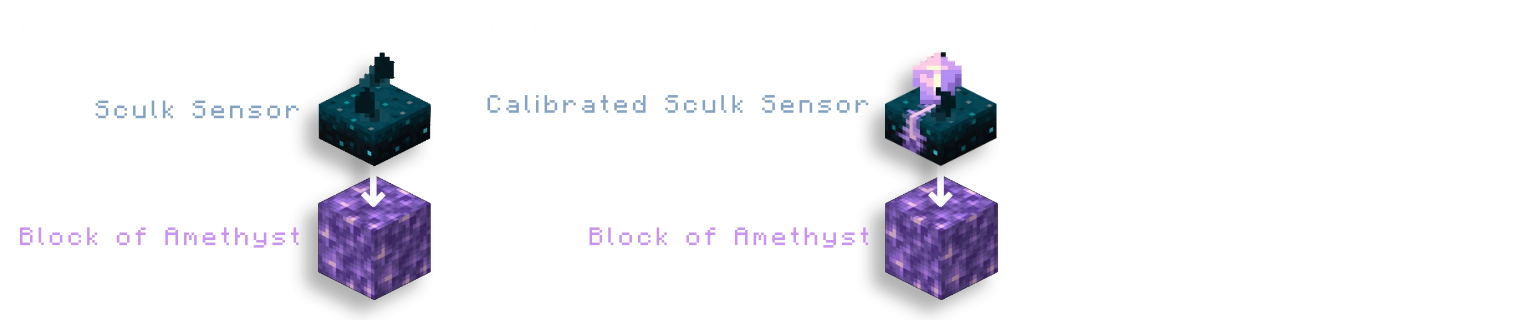
Relay – sculk sensor on top of an amethyst block
A relay acts as a repeater of a stream, connecting source and receiver nodes together.
Antenna – calibrated sculk sensor on top of an amethyst block
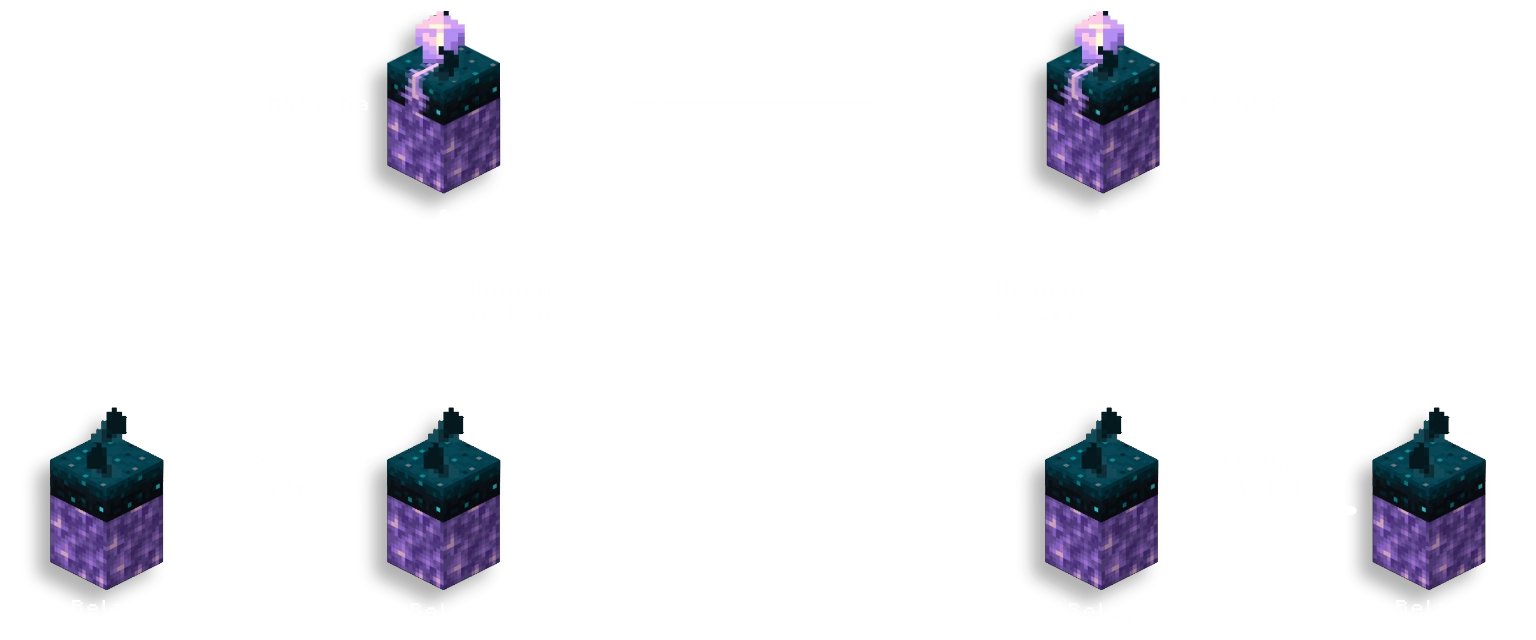
An antenna can connect different networks together over a frequency.\
For an antenna to function, it needs to be placed directly above a relay with a minimum distance instead of a maximum (16 blocks by default).
An _amethyst shard_ can be used to tune an antenna by right-clicking it.\
- If either the shard or the antenna has a frequency, it will be copied over to the other.\
- If neither have a frequency, a random new frequency will be tuned to both.
An analog redstone signal can be input into the _calibrated sculk sensor_ to set that as frequency.
Can be disabled in config file
_Audio_
Stream vanilla or voice chat audio across sculk networks.

Radio – sculk shrieker on top of a jukebox
A radio will stream the audio of any music disc into an _audio stream_ instead of playing it themselves.
A radio also streams the redstone signals it outputs, both normal and analog strengths.
Microphone – sculk shrieker on top of a sculk catalyst
`requires Simple Voice Chat`
A microphone will stream the voice chat of any player
within range (8 blocks by default) into an _audio stream_ as long as it is powered by redstone.
A microphone streams a redstone signal of 15 while active, and an analog redstone signal based on the amount of people are speaking in range.
Can be disabled in config file
Speaker – sculk sensor on top of a note block
A speaker outputs all audio from _audio streams_ it receives.
Outputs the highest redstone signal from the streams it’s playing.
_Redstone_
Stream redstone signals across sculk networks.
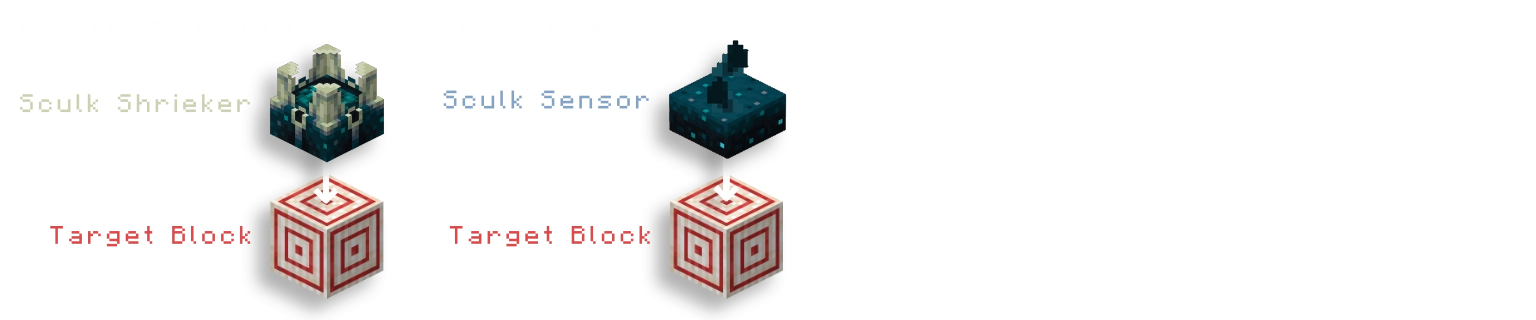
Redstone Transmitter – sculk shrieker on top of a target block
A redstone transmitter will stream the highest redstone
signal going into the target block into a _redstone stream_.
Can be disabled in config file
Redstone Receiver – sculk sensor on top of a target block
A redstone receiver outputs the strongest redstone power from receiving _redstone streams_.
Can be disabled in config file
_Teleportation_ `disabled by default`
Stream entities across sculk networks for teleportation.

Ender Transmitter – sculk shrieker on top of a purpur block
An ender transmitter will stream any entities in range (2 blocks) into a _teleport stream_
as long as it is powered by redstone.
Can be enabled in config file
Ender Receiver – sculk sensor on top of a purpur block
An ender receiver will teleport any entity from a _teleport stream_ towards itself.
Can be enabled in config file
Things to Know
- Vanilla music discs will only be able to be heard if the player is in range of the speaker when it starts playing.
- Audio coming out of a speaker has the same distance and volume as if it came out of a jukebox.
- Sculk blocks will not activate when they are part of a nodes. Outside of these ‘multiblocks’ they have their vanilla behavior.
- Right-clicking a node with an empty hand will show which nodes are in range using vibration particles.
Voice Chat
While it works without it, it is recommended to use _Sculk Radio_ alongside
Simple Voice Chat and AudioPlayer by henkelmax
to get the most use out of its features.
Other Mod Support
Explicit support has been added for More Jukebox/Noteblock Variants by LieOn Studios
Music Discs added by mods _should_ work exactly the same as any vanilla disc.
Configuration
On its own, the mod will not create a config file.
To change settings, you need to install Fzzy Config.
To load changes to the config file, you can use the vanilla `/reload` command.
Some config options are labelled with `
[Requires restart]`, these can not be reloaded using the command.
Demo
常见问题
Sculk Radio 支持哪些 Minecraft 版本?
Sculk Radio 支持 Minecraft Java 版 1.21.9–26.3,共 7 个版本,可用的加载器:Fabric。下载时注意选择和你游戏版本一致的文件。
Sculk Radio 怎么安装?
先用 PCL2 或 HMCL 启动器安装对应版本的 Fabric,再把下载的 .jar 文件放进游戏目录的 mods 文件夹,重新启动游戏即可。开启了版本隔离的,mods 文件夹在 versions/版本名 下面。运行环境:仅服务端。
Gjorgdy 的其他作品
查看全部 →
Bars & Ladders
Use Bars as fireman poles and Ladders as climbing rope

Project E(strogen)
Become what you've always wanted to be; a girl

Pl3xMarkers
A massive collection of markers for Pl3xMap. Including support for mods like Shopkeepers and Open Parties & Claims
Pl3xMarkers
A massive collection of markers for Pl3xMap. Including support for mods like Shopkeepers and Open Parties & Claims
评论
登录后评论和评分