
ScriptFX
A mod that is a scripting engine written in Kotlin; with this engine, you can create your own storylines, cutscenes, NPCs, and quests.
截图
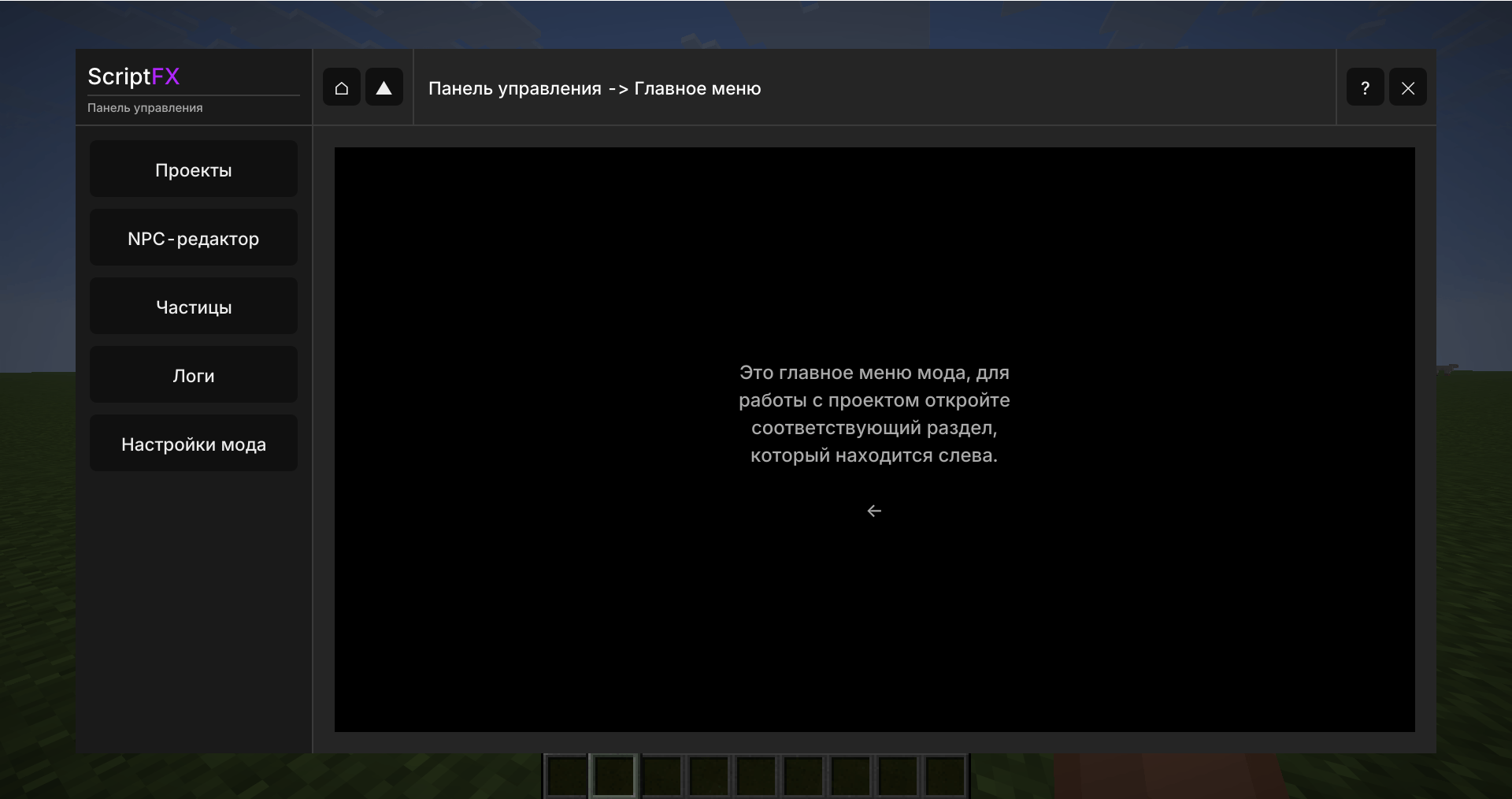
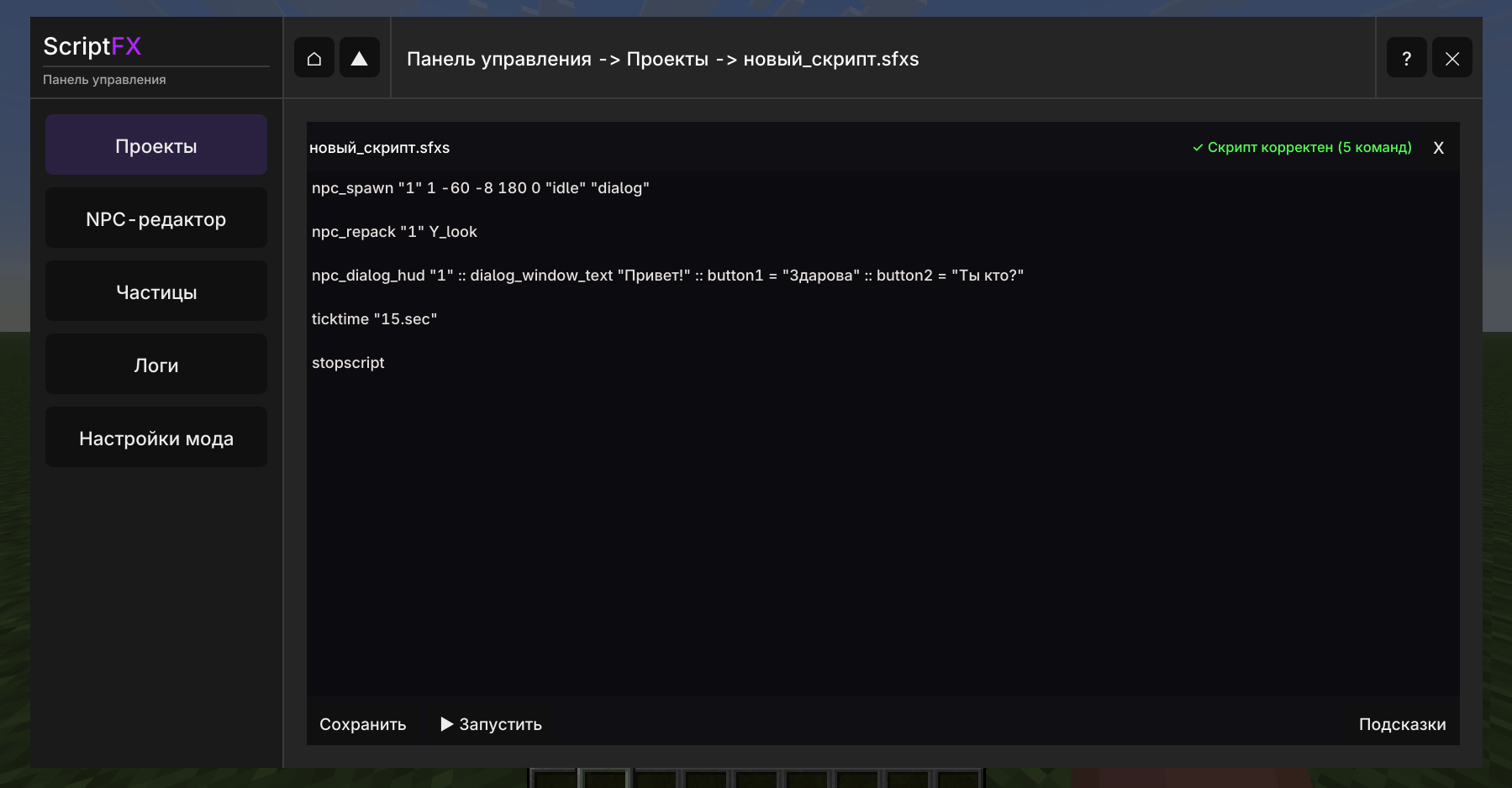
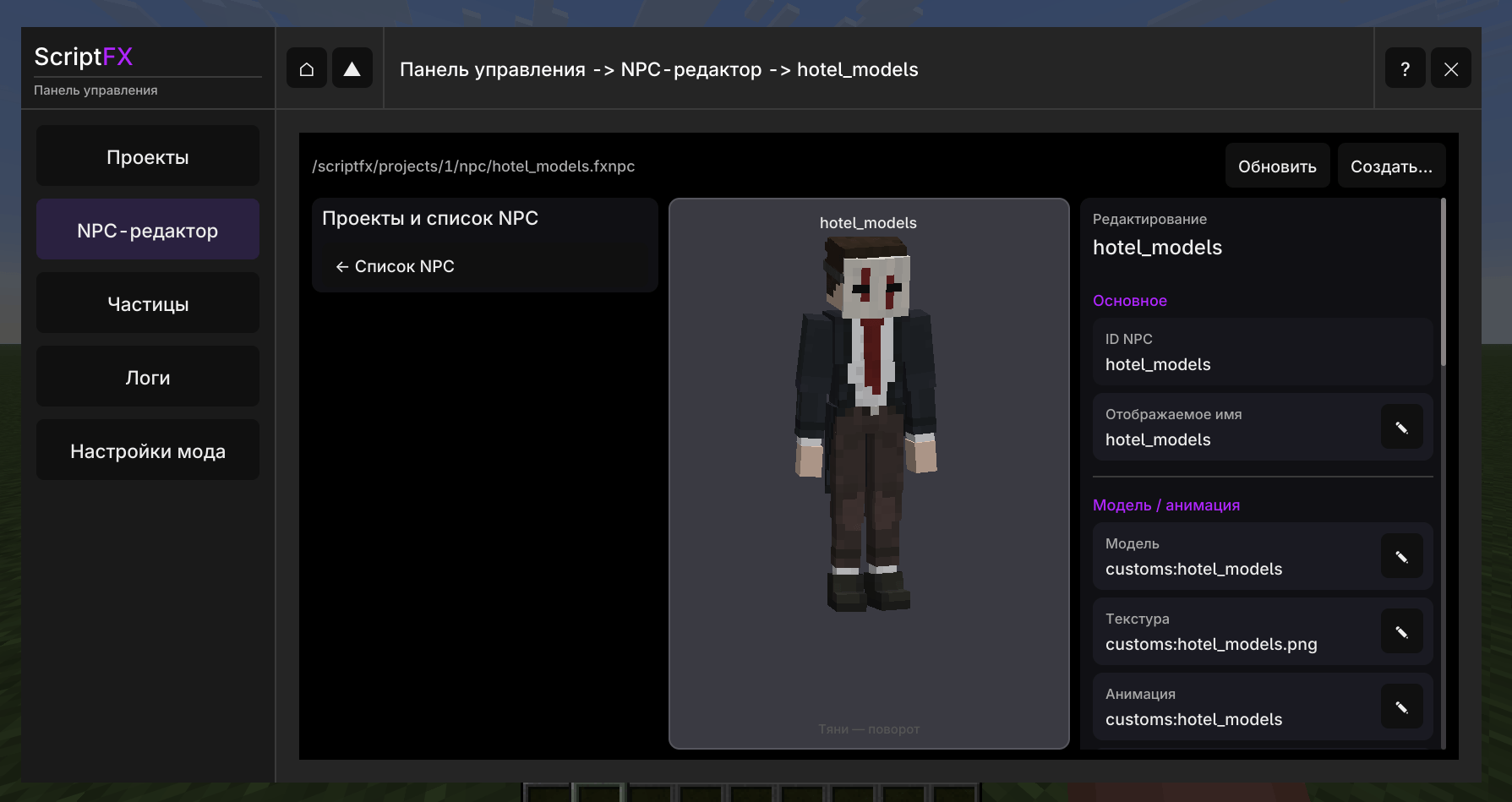
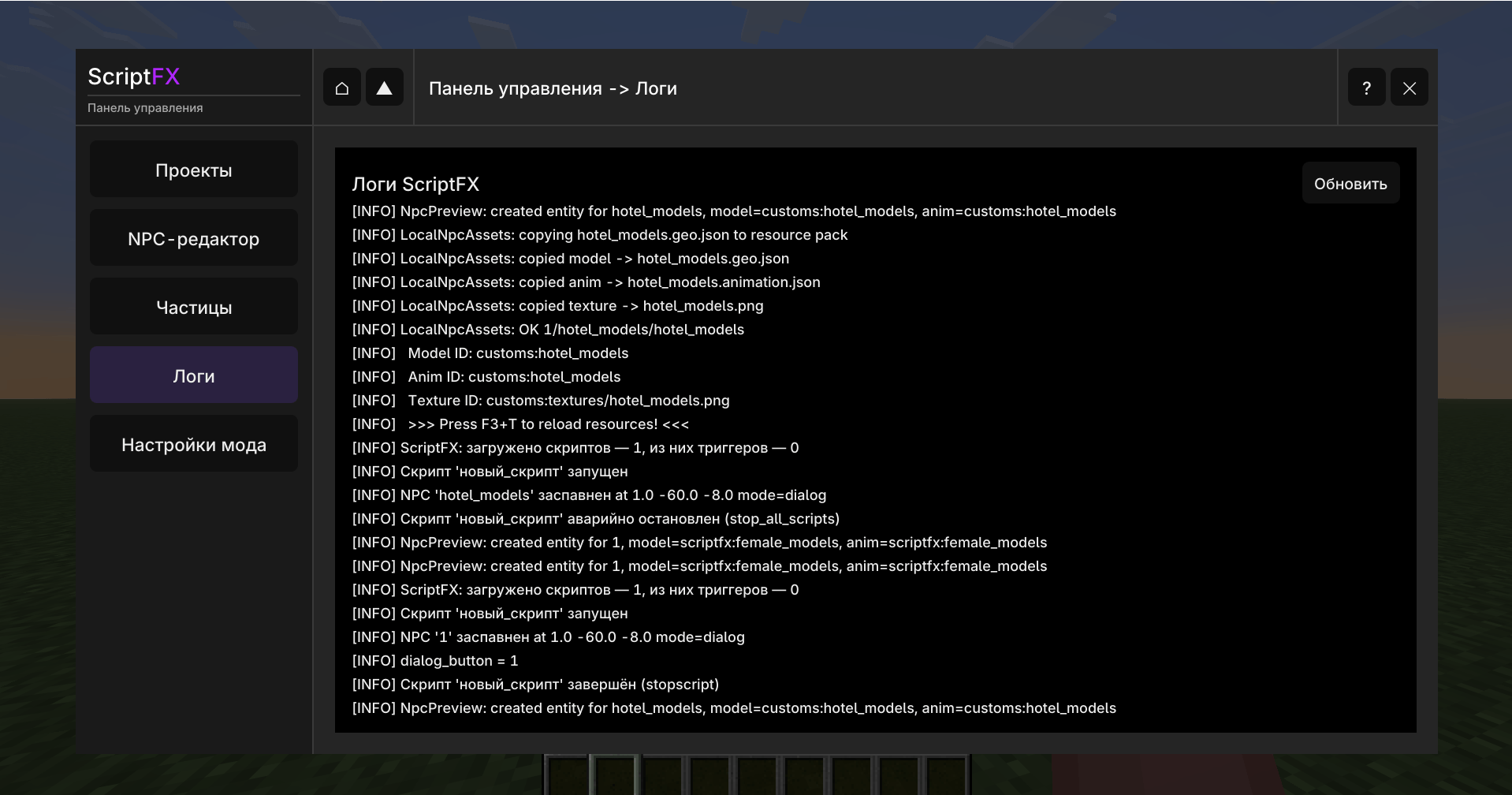
介绍
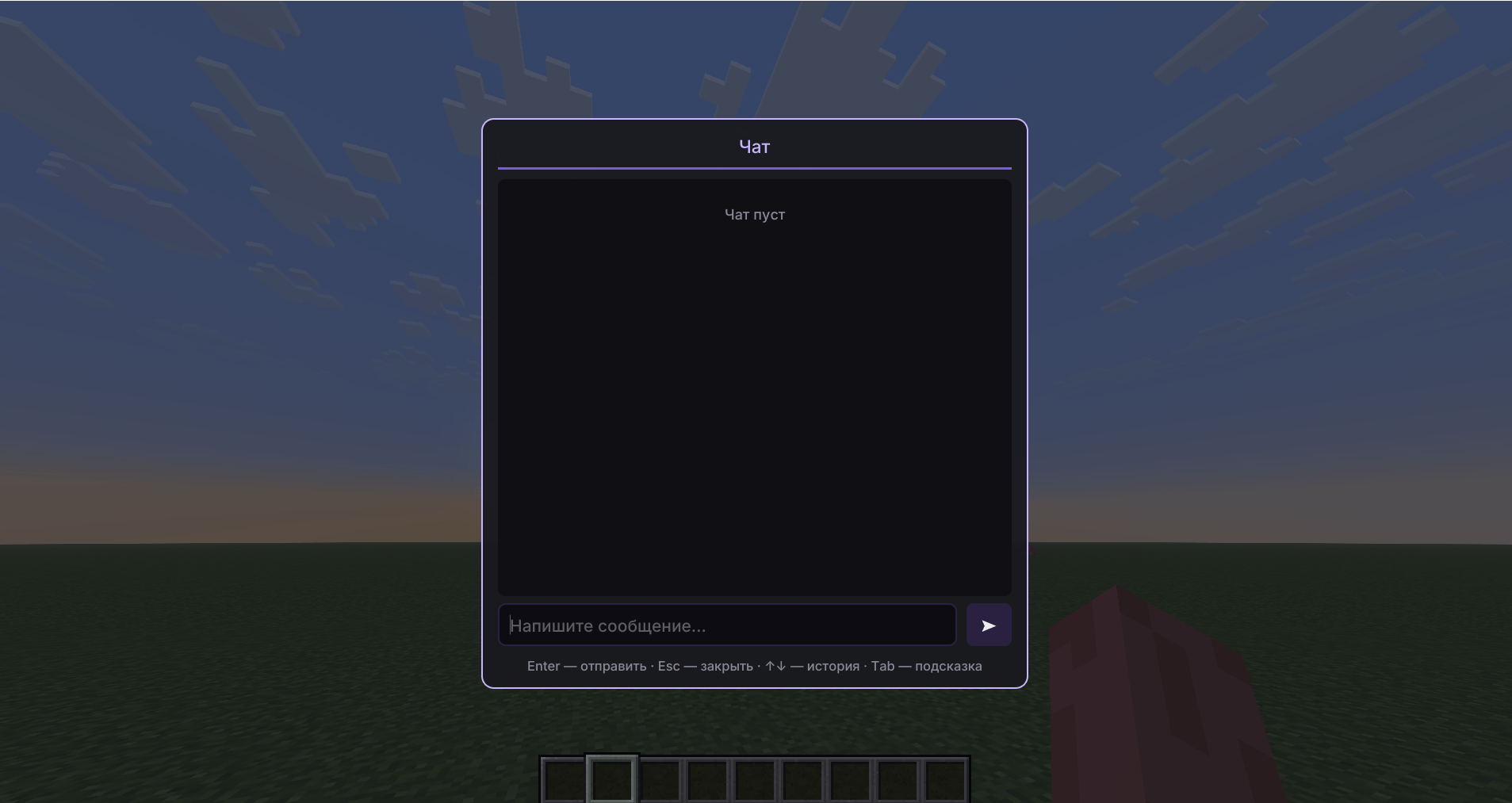
ScriptFX is a mod that functions as a scripted engine written in Kotlin. Using this engine, you can create your own storylines, cutscenes, NPCs, and quests. The mod currently includes a cutscene system, NPCs, partially integrated Snowstorm particles, quests, and triggers, and it also has its own UI settings.
Features
- NPC system
- Trigger system
- Cutscene system
- A dialog box with a cutscene
- The ability to create storylines
- Support for custom GeckoLib models.
- The Snowstorm particle system has been partially added.
Installation
To install it, you will need Minecraft (version: Fabric 26.1); download the latest version of the mod.
You will also need to install the following mods: Fabric-API, Forge Config API Port, Modern UI, GeckoLib. Place them in the mods folder in Minecraft and launch the game.
After that, the ScriptFX mod should be installed and appear in the Minecraft mods menu. If ScriptFX has not been installed and does not appear in the Minecraft mods menu, it means something went wrong. In such cases, it is important to double‑check where you placed the files.
Resources and other stuff
At the moment, the mod is still under development. This means there may be bugs, lags, crashes, and game crashes. If you find a problem while using the ScriptFX mod, please report it in the Problems tab.
The documentation for the mod is available in the mod’s UI itself; you need to open the control panel using the hotkey “=” and then, in the top right corner, click the “?” button.
License
This project is available under the GNU General Public License v3.0.
I allow modifications to be created for this mod, as well as the possibility to use it in your own projects.
The mod was partially written with the help of AI, but human involvement was also part of the development process.
常见问题
ScriptFX 支持哪些 Minecraft 版本?
ScriptFX 支持 Minecraft Java 版 26.1,可用的加载器:Fabric。下载时注意选择和你游戏版本一致的文件。
ScriptFX 怎么安装?
先用 PCL2 或 HMCL 启动器安装对应版本的 Fabric,再把下载的 .jar 文件放进游戏目录的 mods 文件夹,重新启动游戏即可。开启了版本隔离的,mods 文件夹在 versions/版本名 下面。
评论
登录后评论和评分