ScreenshotGallery Mod
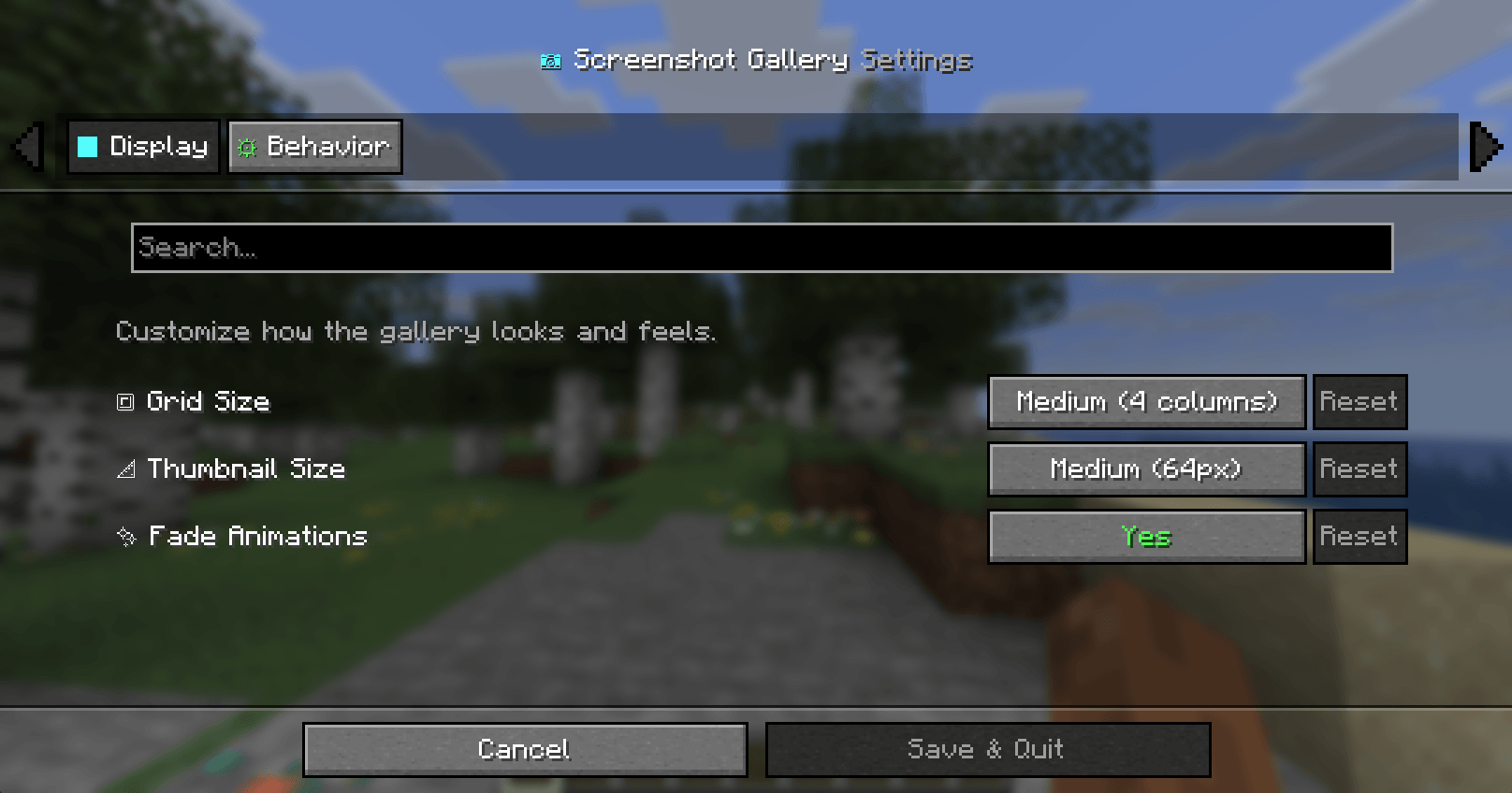
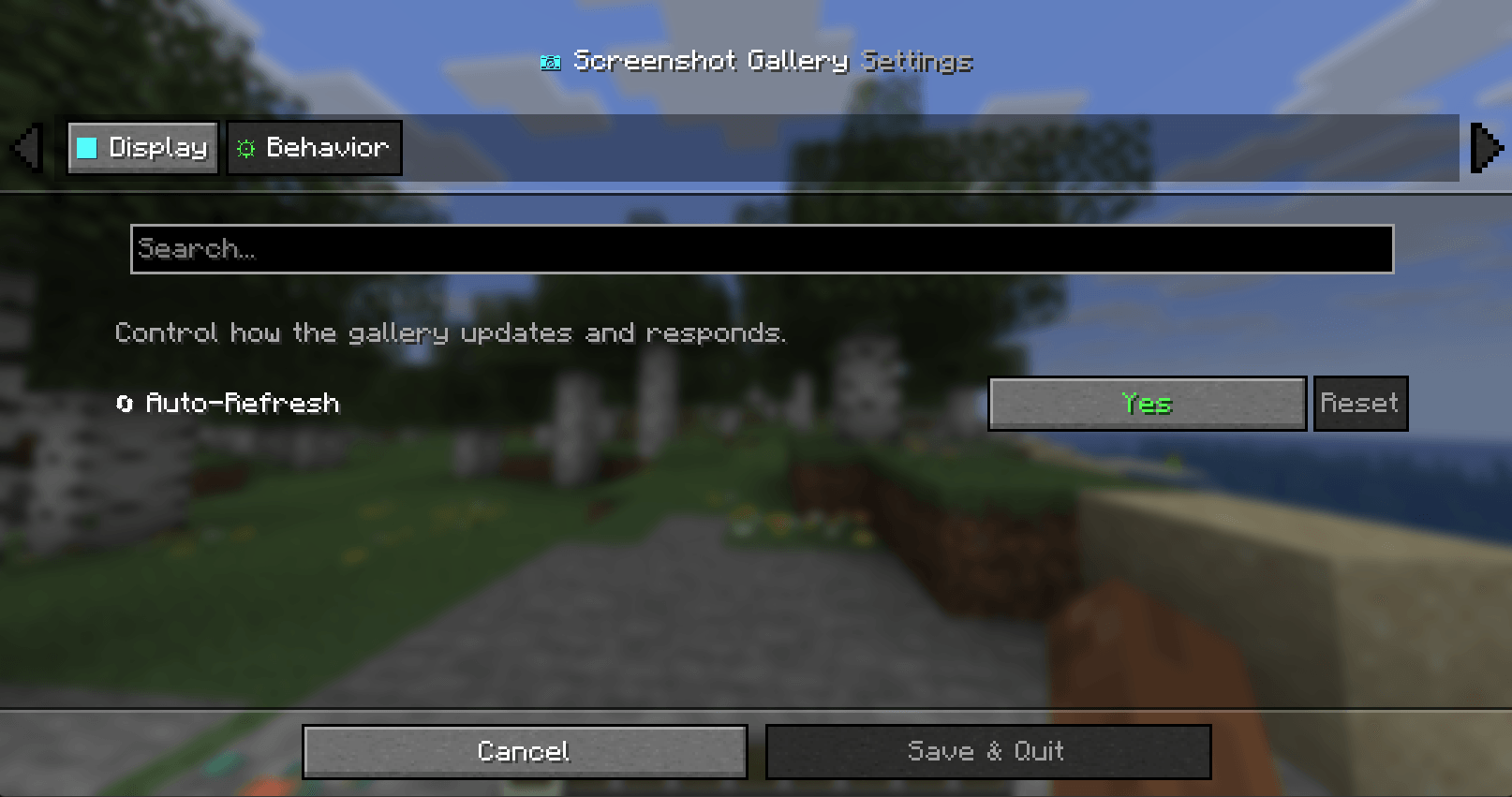
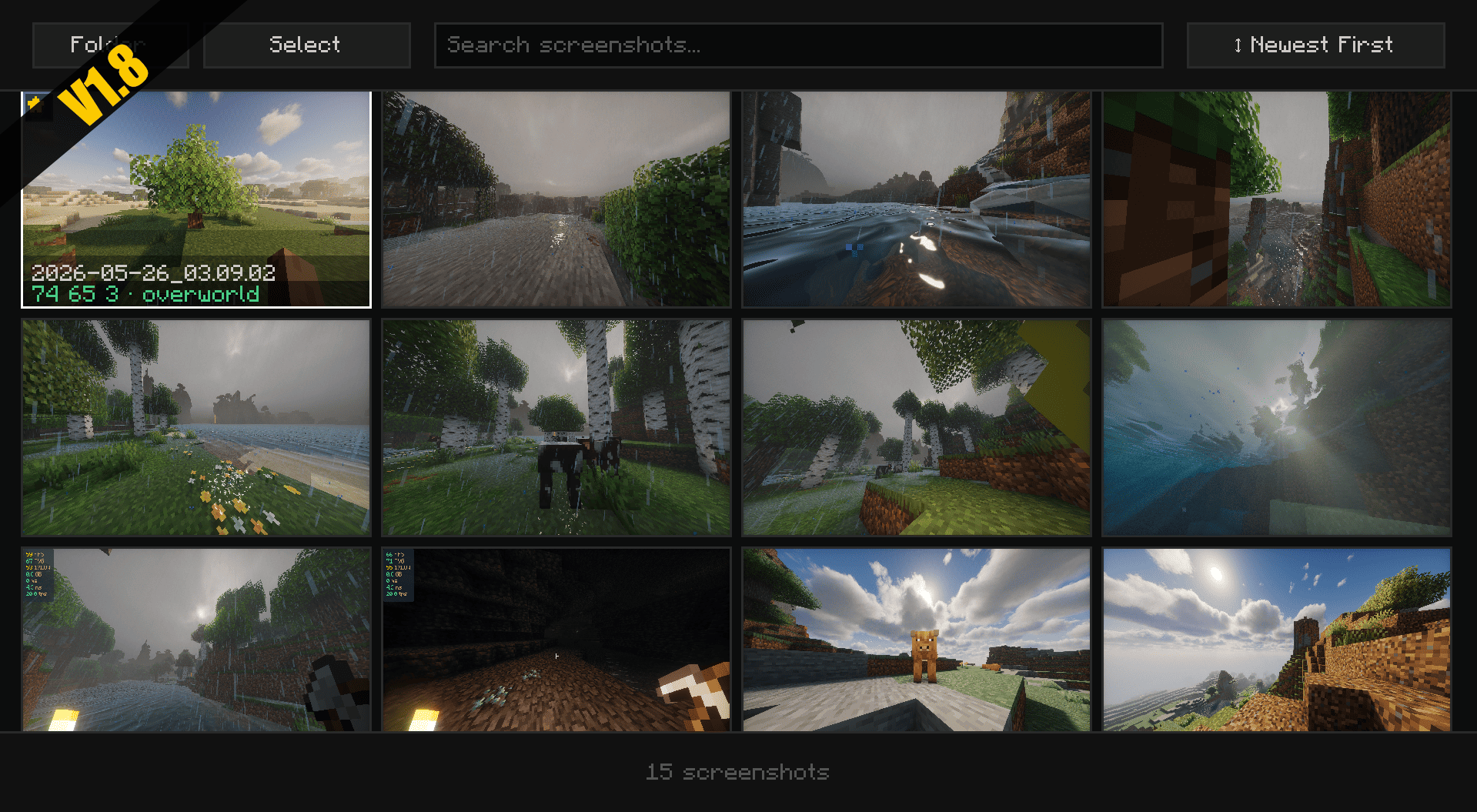
integrates a native screenshot gallery into the pause menu, allowing you to preview, manage, and copy images to your clipboard without leaving the game.
截图
介绍
Screenshot Gallery
Your Ultimate In-Game Photography Manager





What does this mod do?
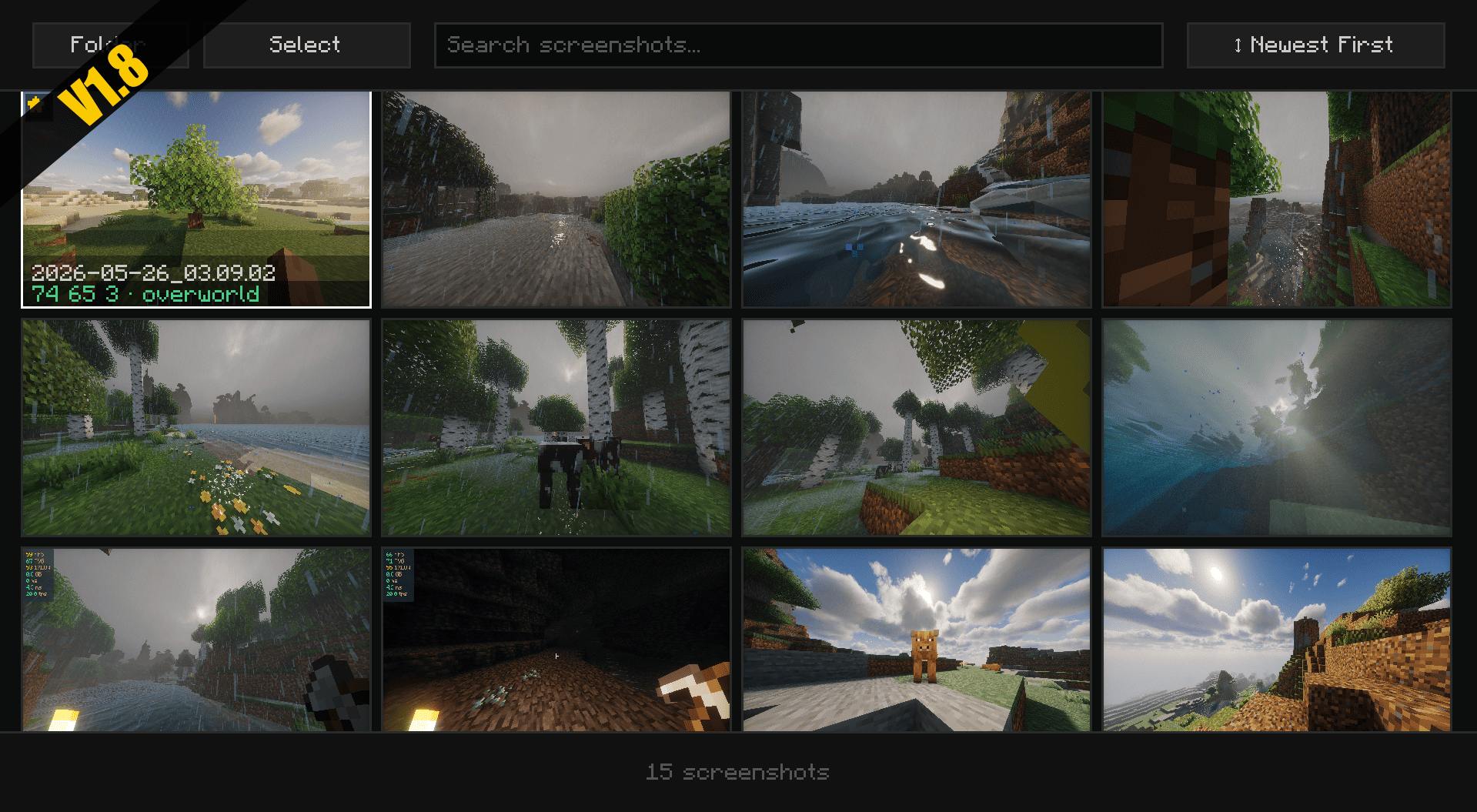
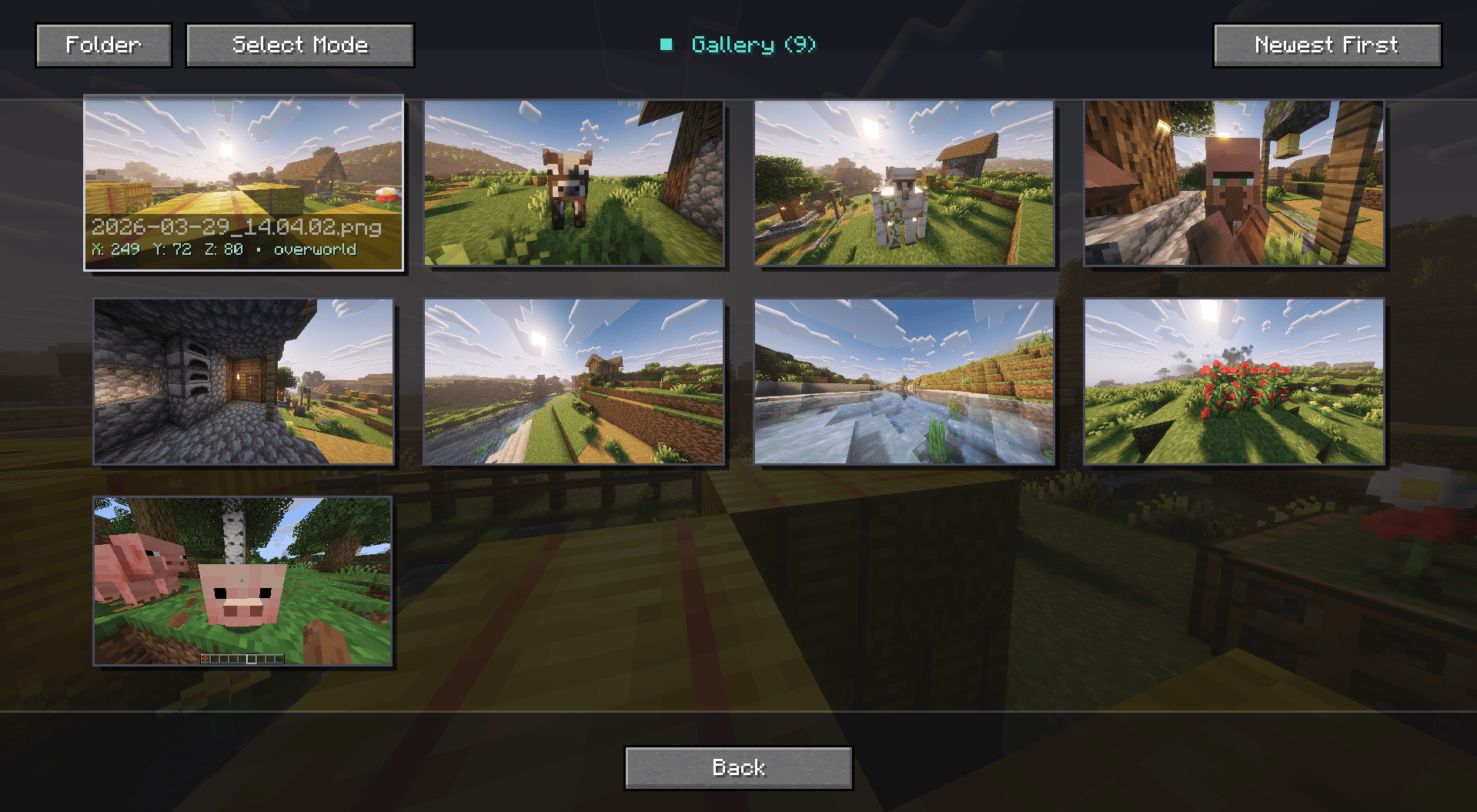
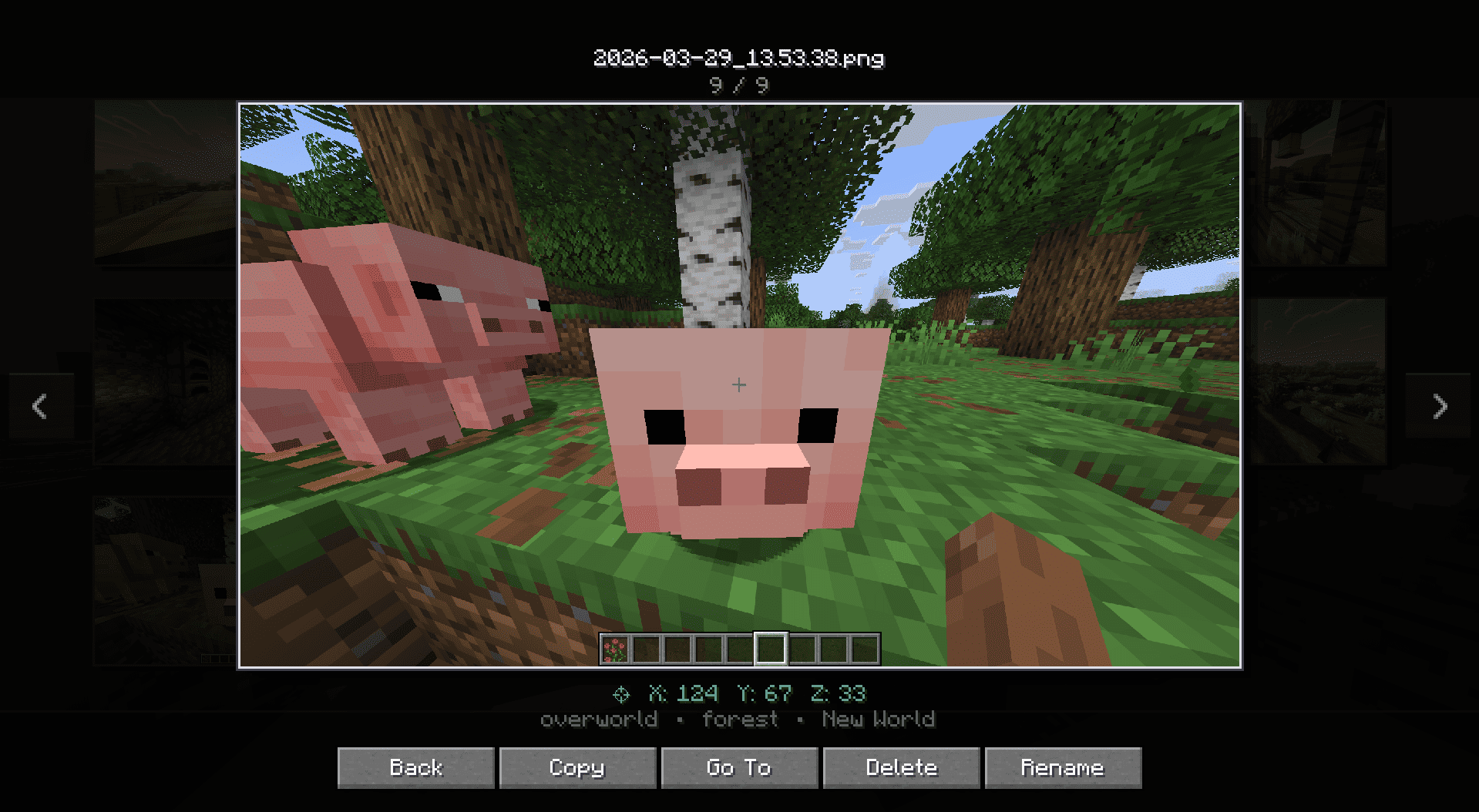
Stop alt-tabbing and digging through your deep folder directories just to find that one perfect sunset screenshot. Screenshot Gallery seamlessly integrates a sleek, minimalist image browser directly into your Minecraft pause menu. View, manage, locate, and share your photos without ever leaving the game.
Fullscreen
Key Features
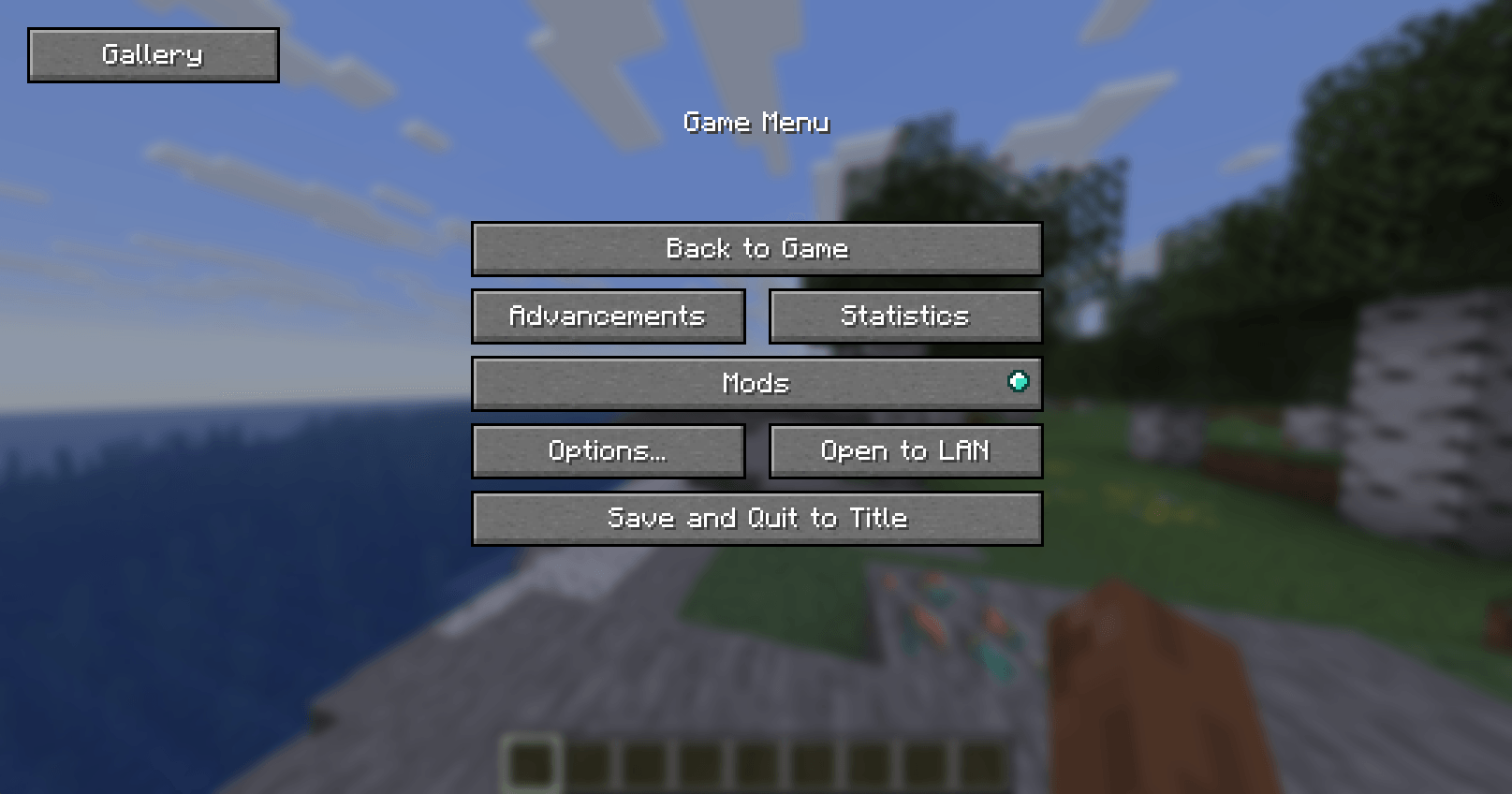
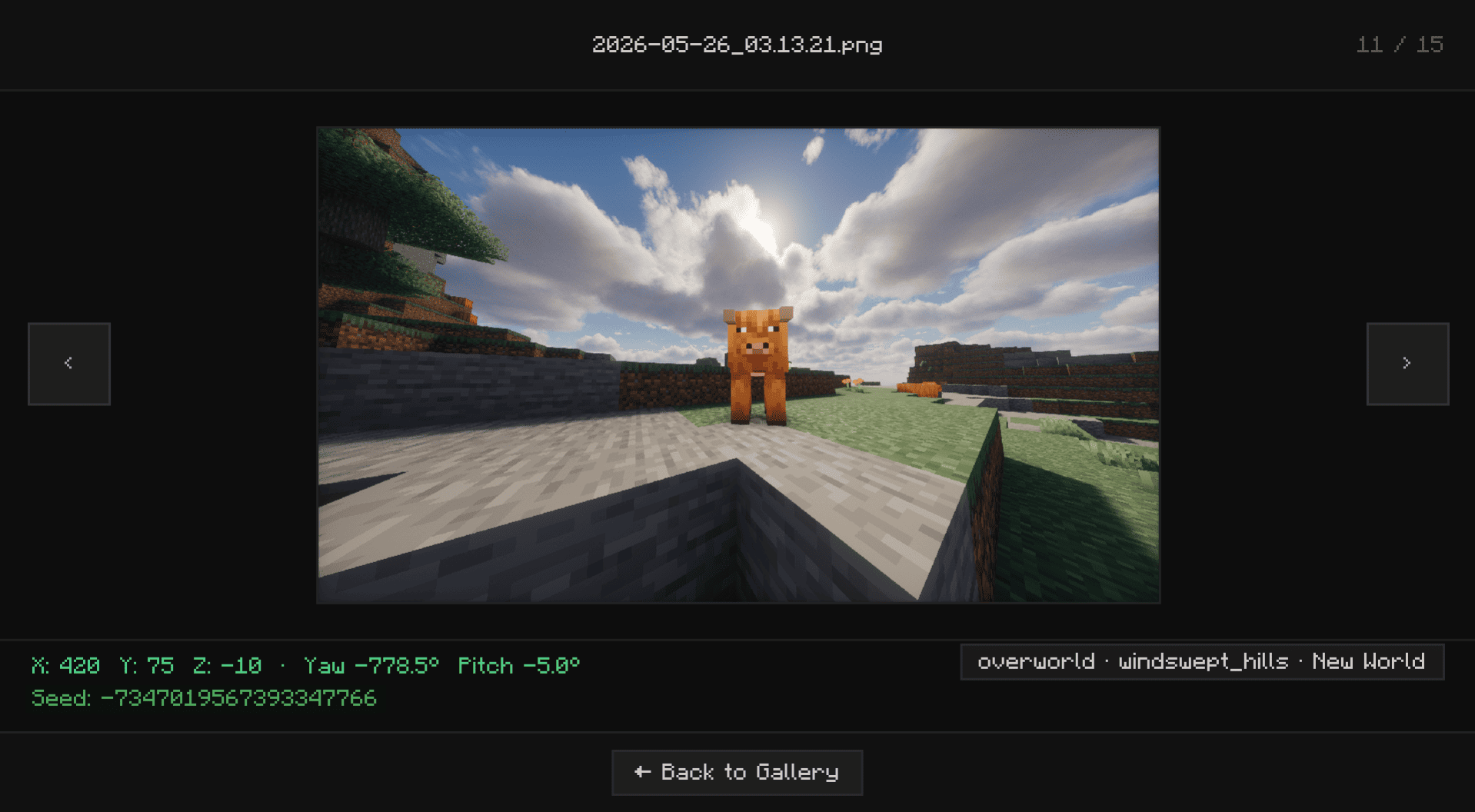
- Seamless In-Game Access: A new “Gallery” button is injected straight into your Pause Menu (Esc) for immediate access to your captures.
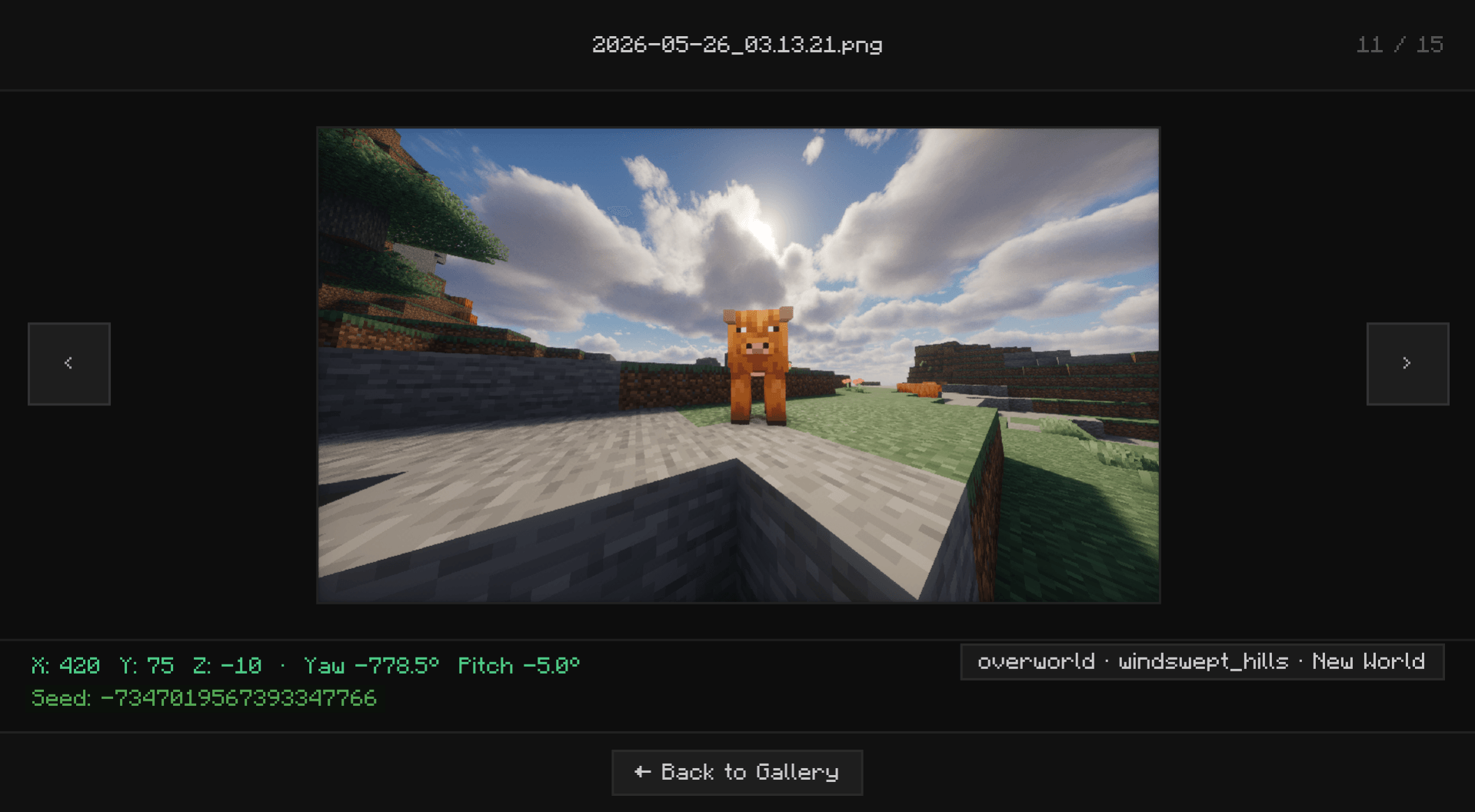
- “Go To” Explorer Support: Need the actual file to share on Discord or Reddit? The “Go To” button instantly opens your Windows File Explorer with the exact screenshot highlighted.
- Quick File Management: Took a bad shot? Delete unwanted screenshots instantly from the in-game UI to keep your folders clean and save disk space without cluttering your screen.
- Zero-Lag Performance: Built with smart lazy-loading technology. Whether you have 10 or 10,000 screenshots, your game will remain buttery smooth while browsing.
Installation Guide
Screenshot Gallery supports Fabric, Forge, and NeoForge from a unified Architectury codebase.
For Fabric Users
- Download the latest Fabric version of the mod.
- Ensure you have the required Fabric API installed.
- Drop both
.jarfiles into your/.minecraft/modsfolder.
For Forge & NeoForge Users
- Download the correct Forge or NeoForge version for your specific Minecraft instance.
- Drop the downloaded
.jarfile directly into your/.minecraft/modsfolder. - (No extra API required!)
常见问题
ScreenshotGallery Mod 支持哪些 Minecraft 版本?
ScreenshotGallery Mod 支持 Minecraft Java 版 1.20.1–26.3,共 9 个版本,可用的加载器:Fabric / Forge / NeoForge。下载时注意选择和你游戏版本一致的文件。
ScreenshotGallery Mod 怎么安装?
先用 PCL2 或 HMCL 启动器安装对应版本的 Fabric / Forge / NeoForge,再把下载的 .jar 文件放进游戏目录的 mods 文件夹,重新启动游戏即可。开启了版本隔离的,mods 文件夹在 versions/版本名 下面。
Hichamdev 的其他作品
查看全部 →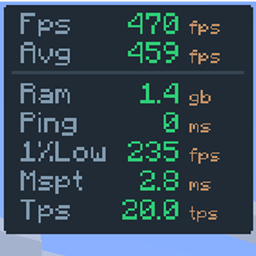
FPS Overlay
A fully customizable, zero-bloat overlay. Tweak the layout to show exactly what you need to see for PvP and performance testing: FPS, 1% lows, ping, server TPS, and MSPT.
The Right Click Harvest
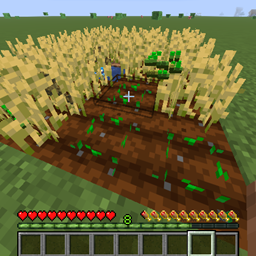
Breaking crops, picking up items, and replanting them
Tools Durability Warning
This client-side mod warns you when your tools/armors are about to break with visual, audio alerts.
评论
登录后评论和评分