
Screenshot Overhaul
Improve Minecraft screenshots with a built-in gallery, metadata, custom names, previews, panoramas, and map integrations.
截图
介绍
Screenshot Overhaul



Improve Minecraft screenshots with a built-in gallery, metadata, custom names, previews, panoramas, and map
integrations.
Features
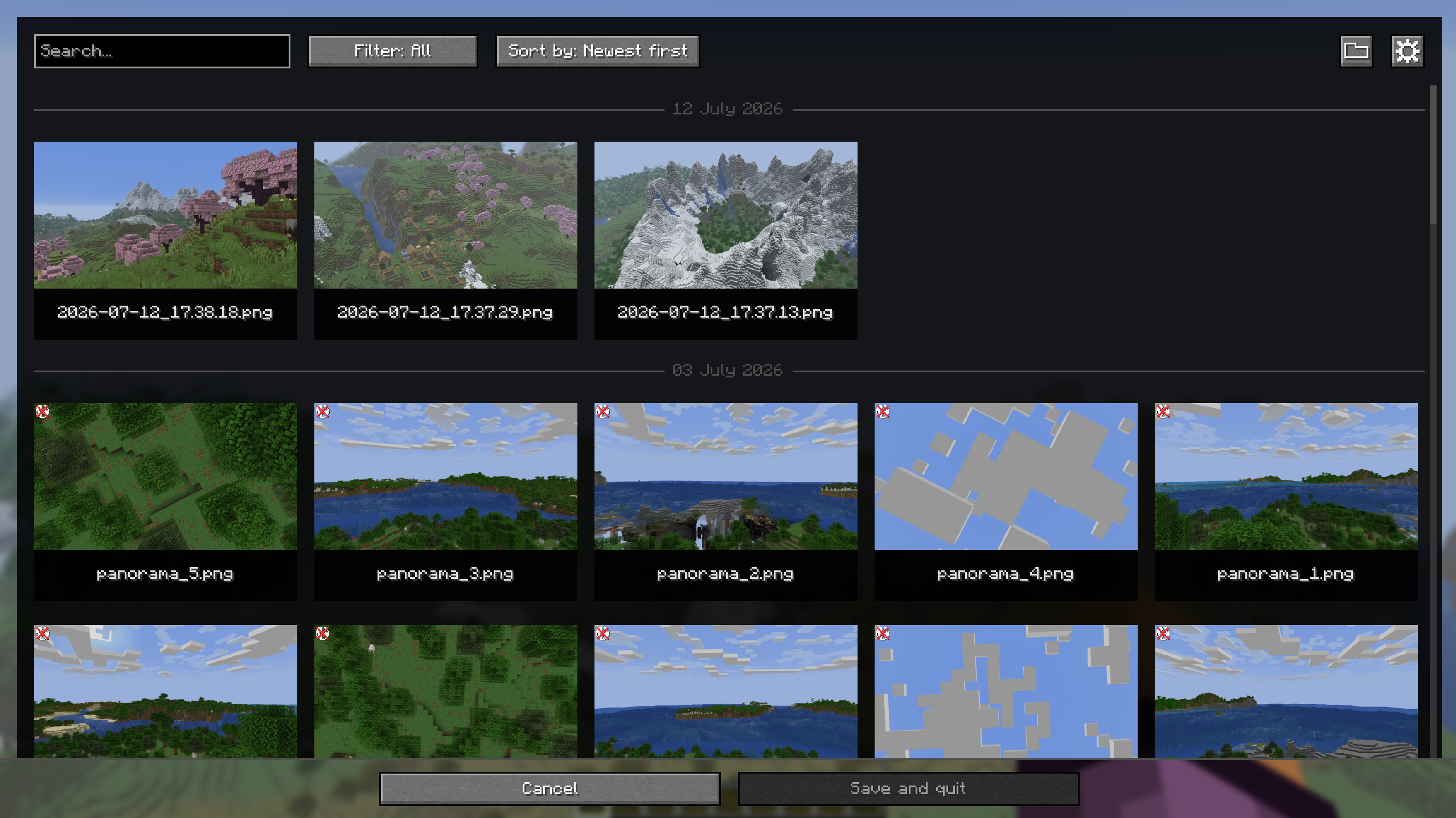
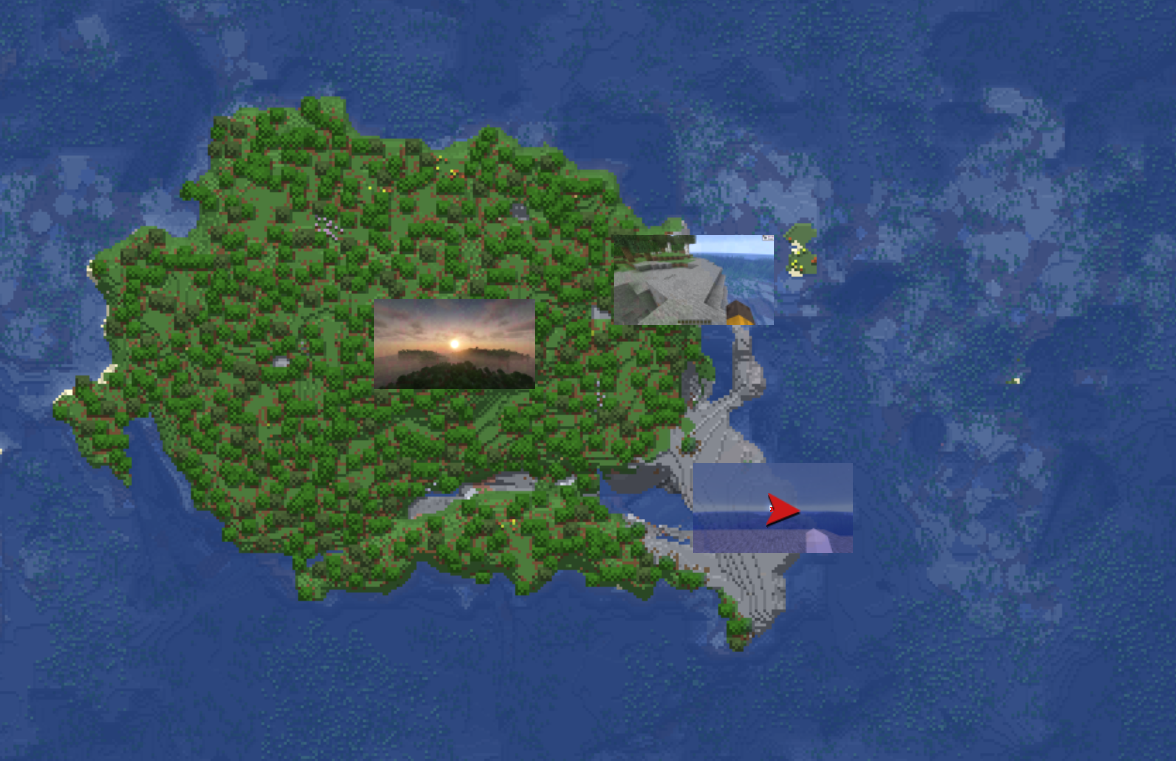
- Built-in screenshot gallery available from the title screen and pause menu.
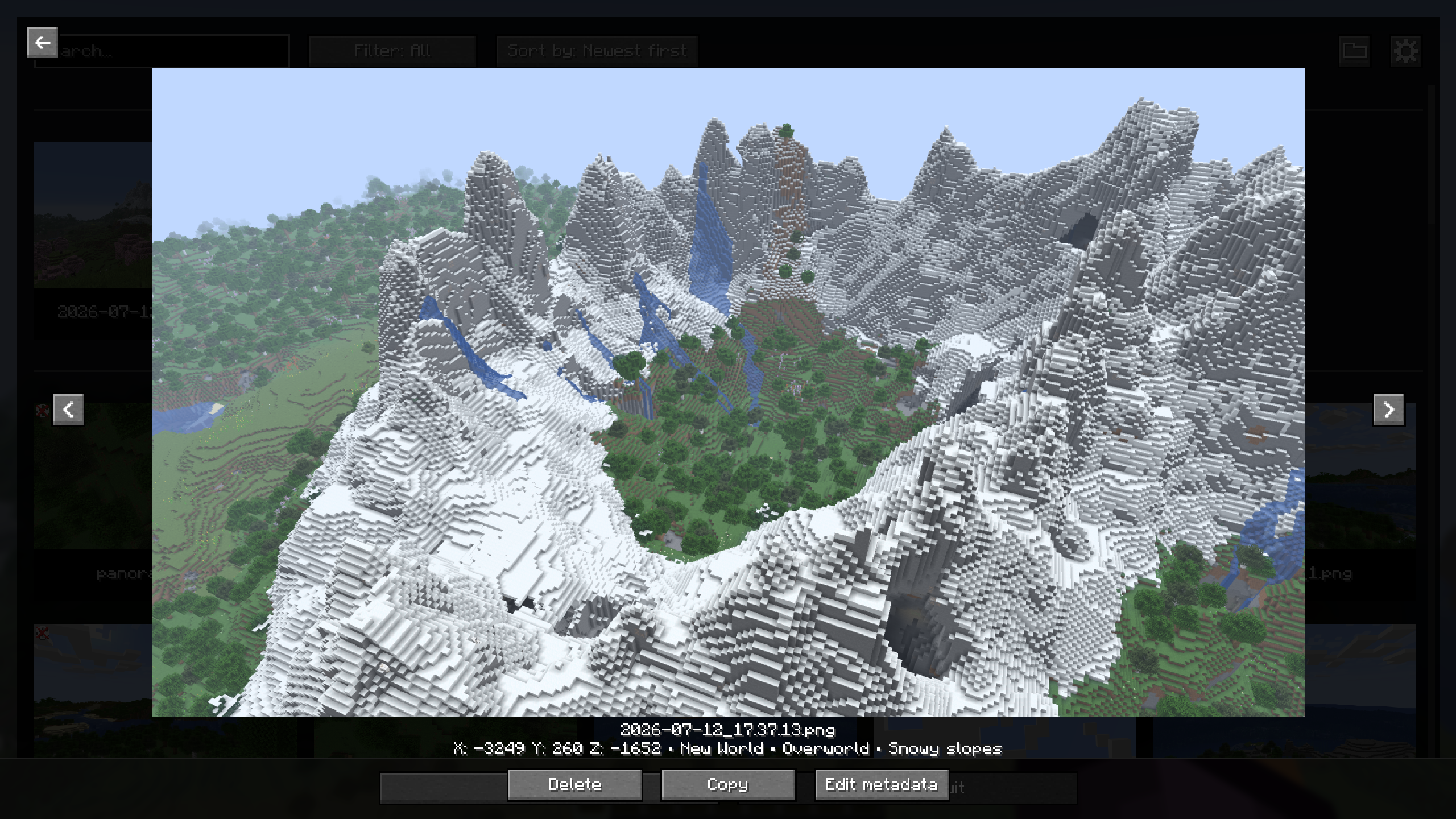
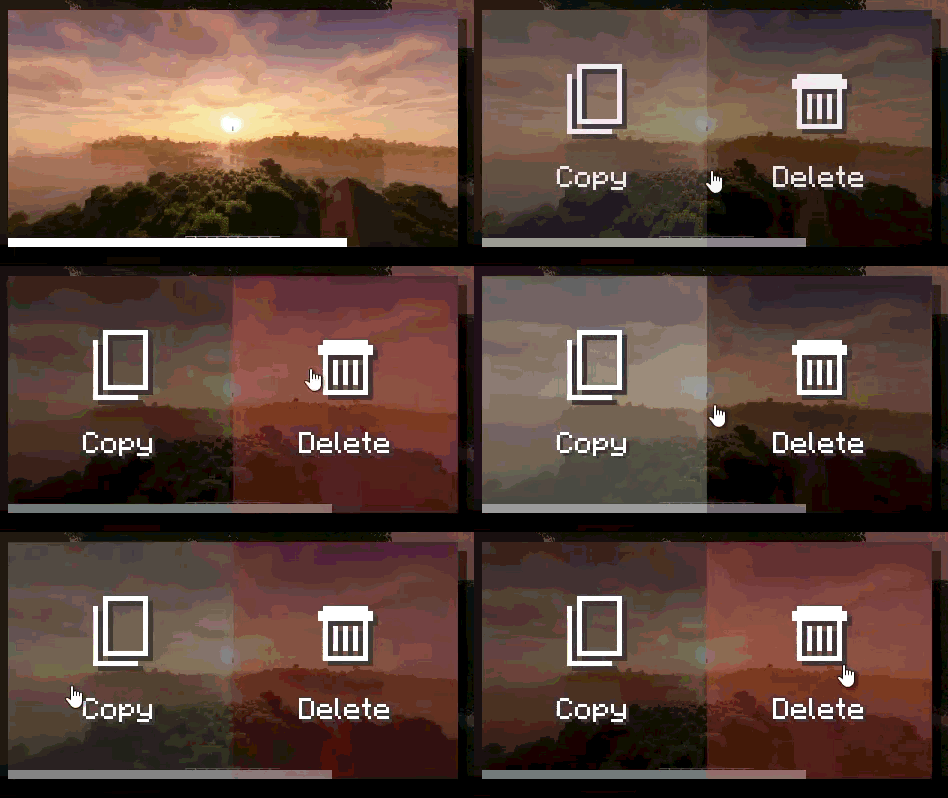
- Full-screen screenshot viewer with navigation, delete, and copy actions.
- Search, sorting, and favorites filtering in the gallery.
- Persistent favorites and an option to hide specific screenshots from compatible maps.
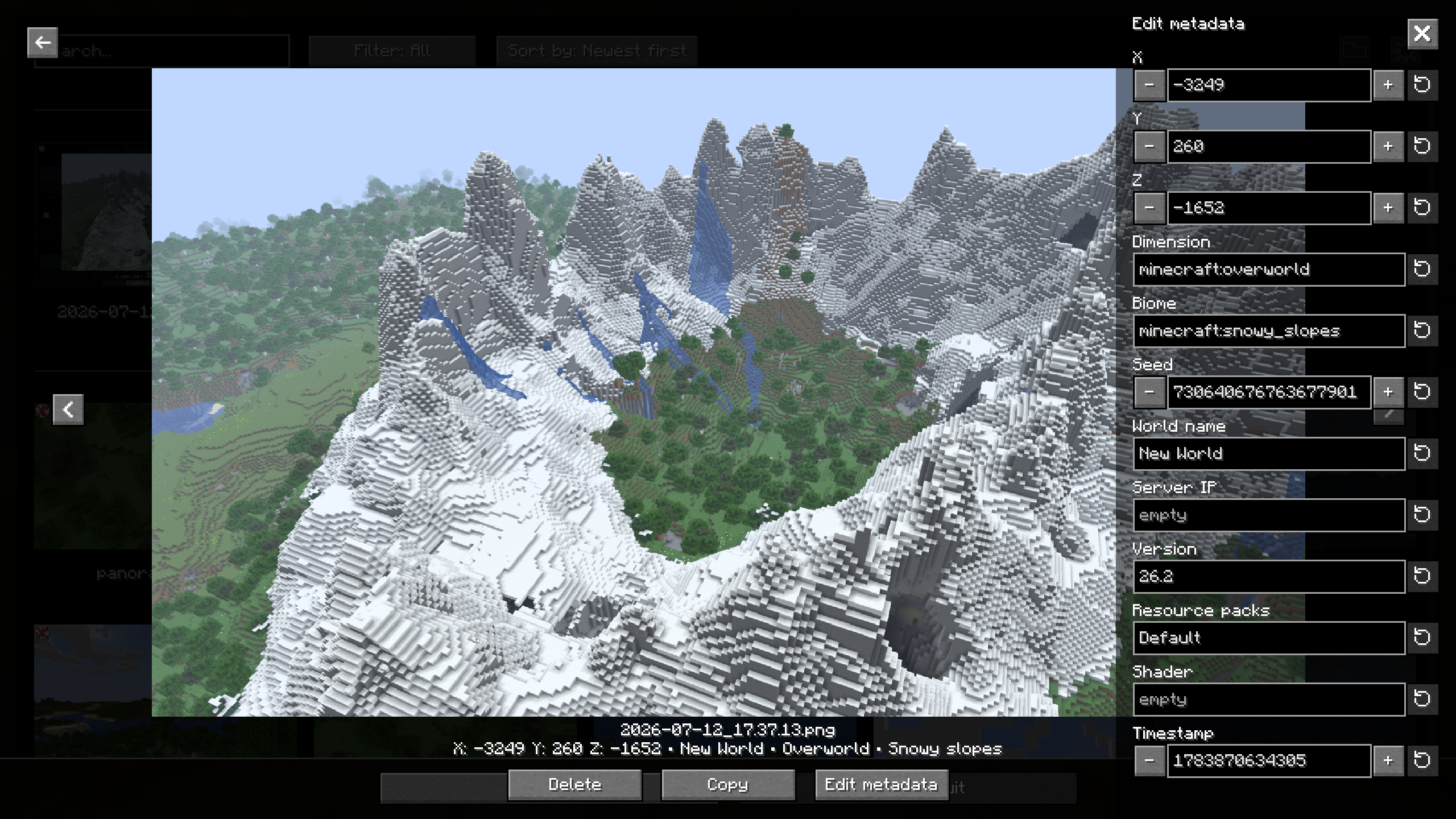
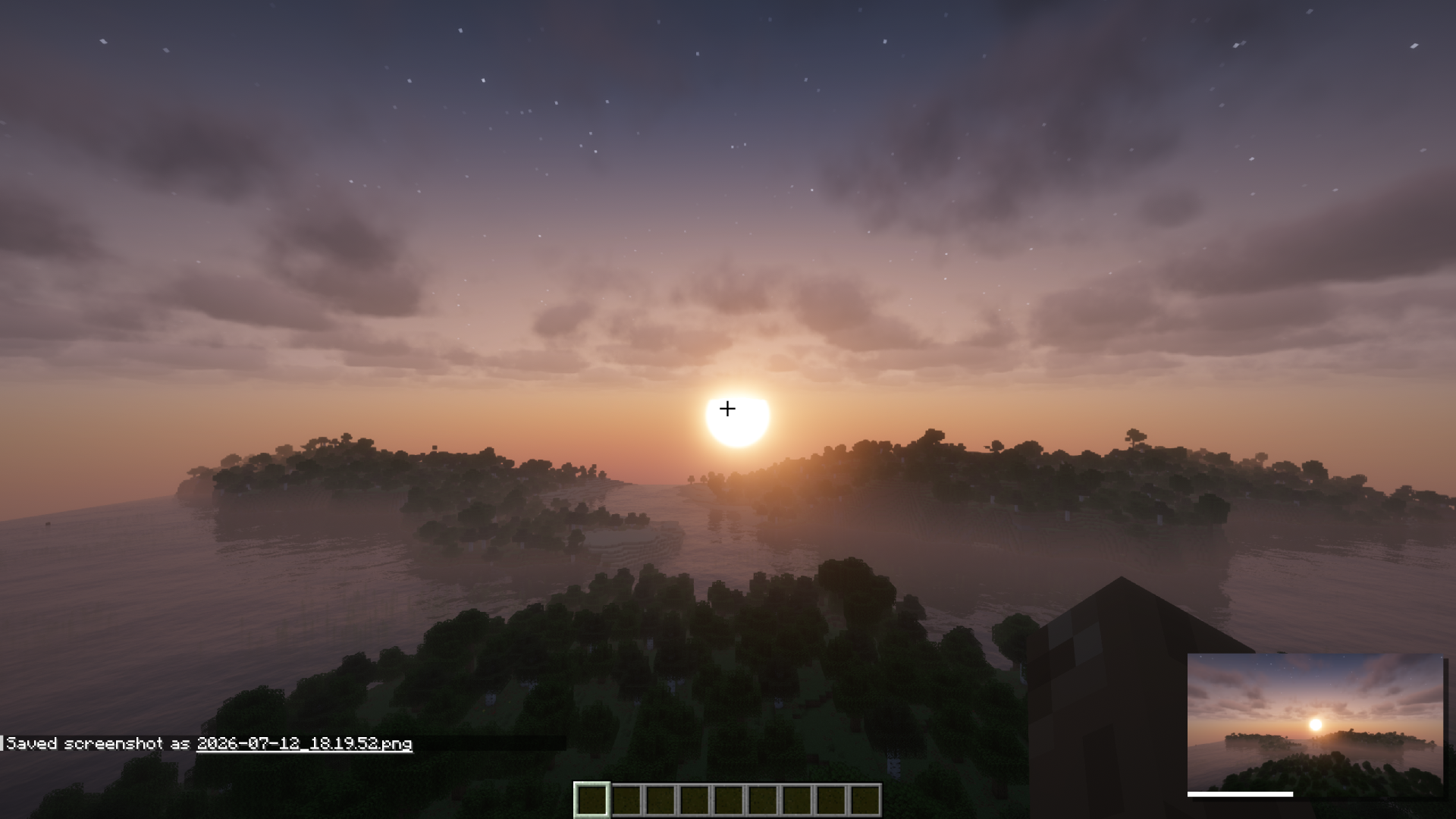
- PNG metadata added to screenshots: position, dimension, biome, seed, world, server, version, resource packs, shader, and timestamp.
- Metadata editing directly from the gallery.
- Configurable screenshot directory, with support for subfolders.
- Custom screenshot file names using tokens (
<datetime>,<worldname>,<shader>, etc.). - Animated screenshot preview after capture.
- Options to hide the HUD, chat, or hand only while taking a screenshot.
- Optional automatic screenshot capture when an advancement is unlocked.
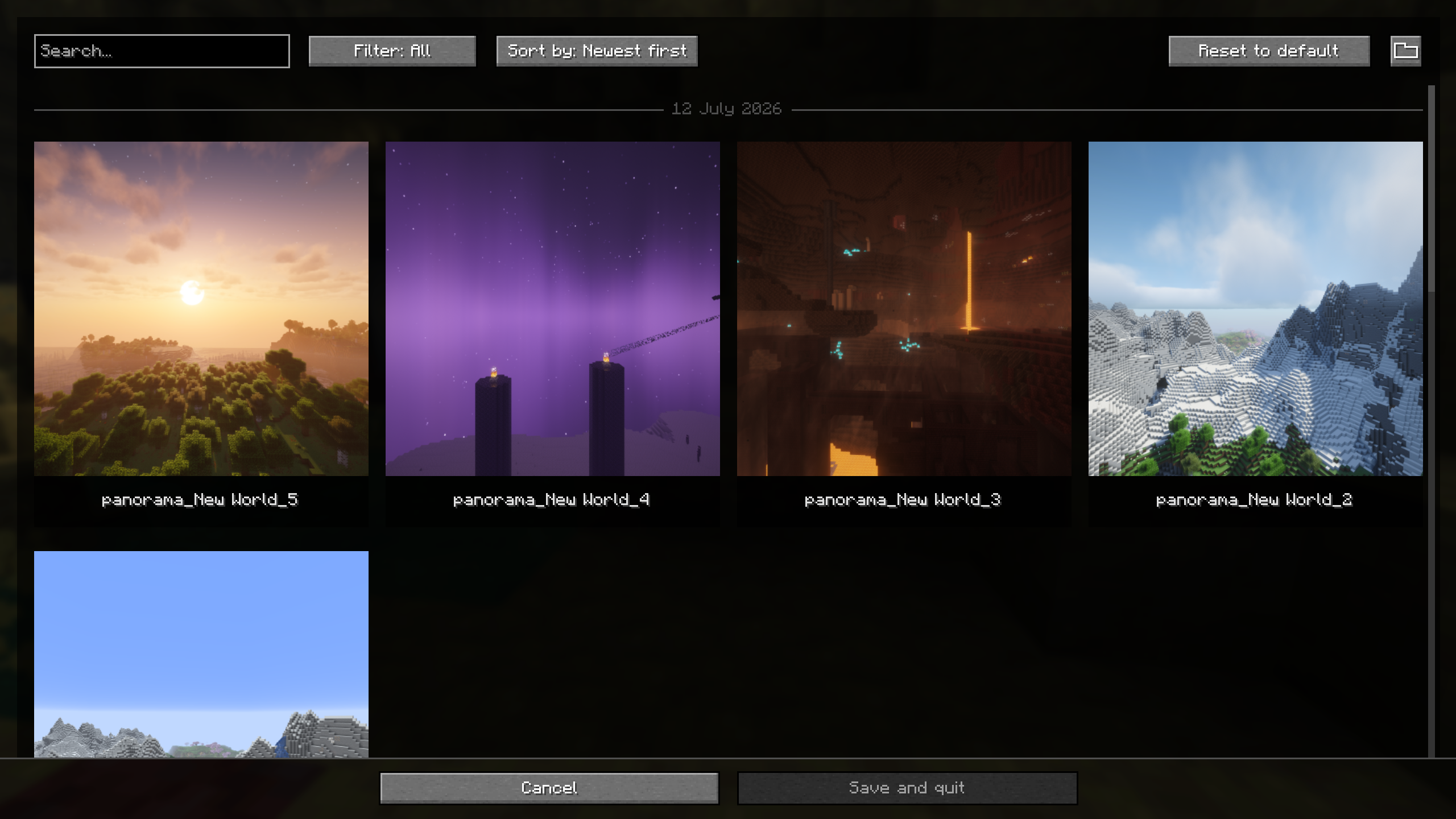
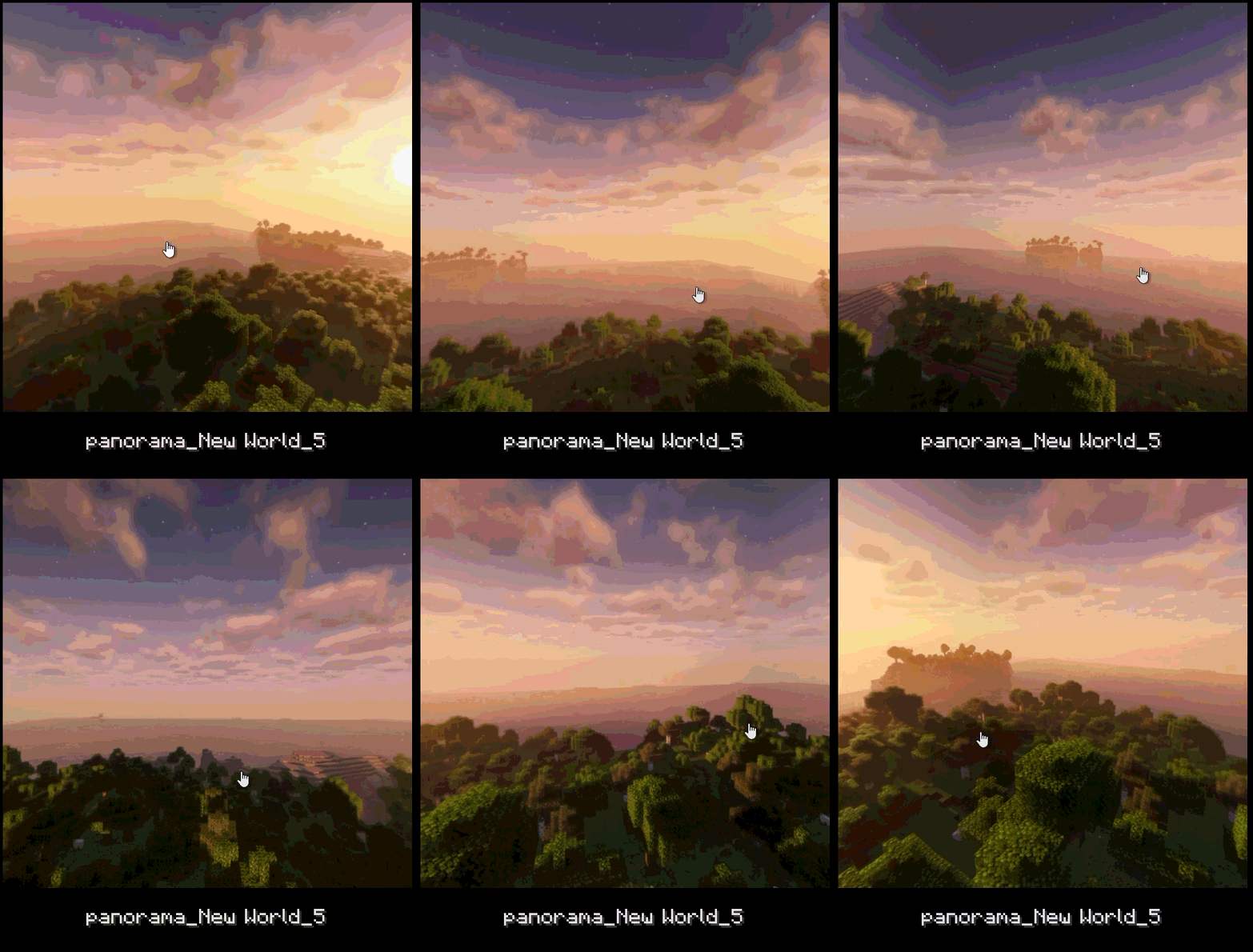
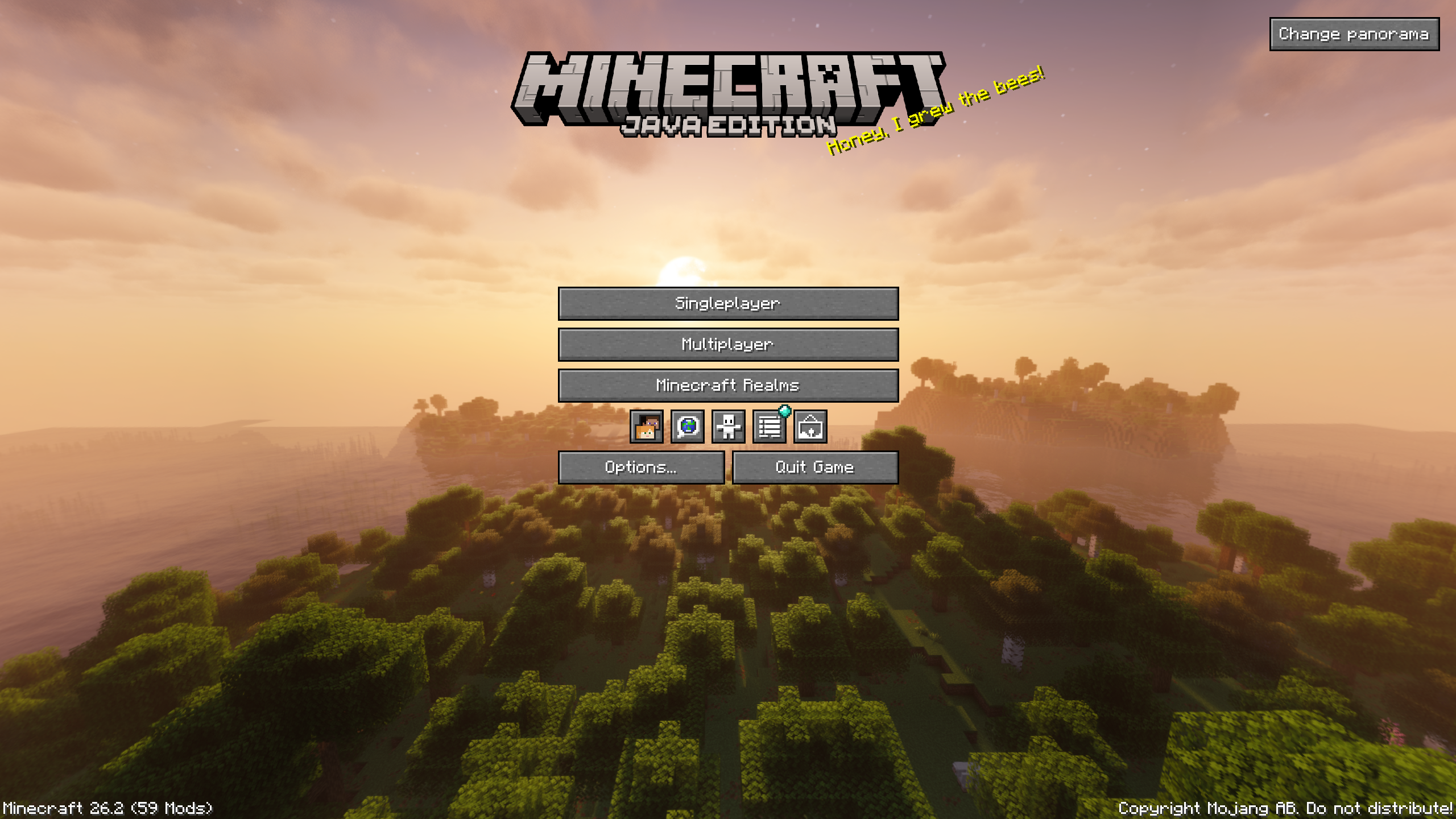
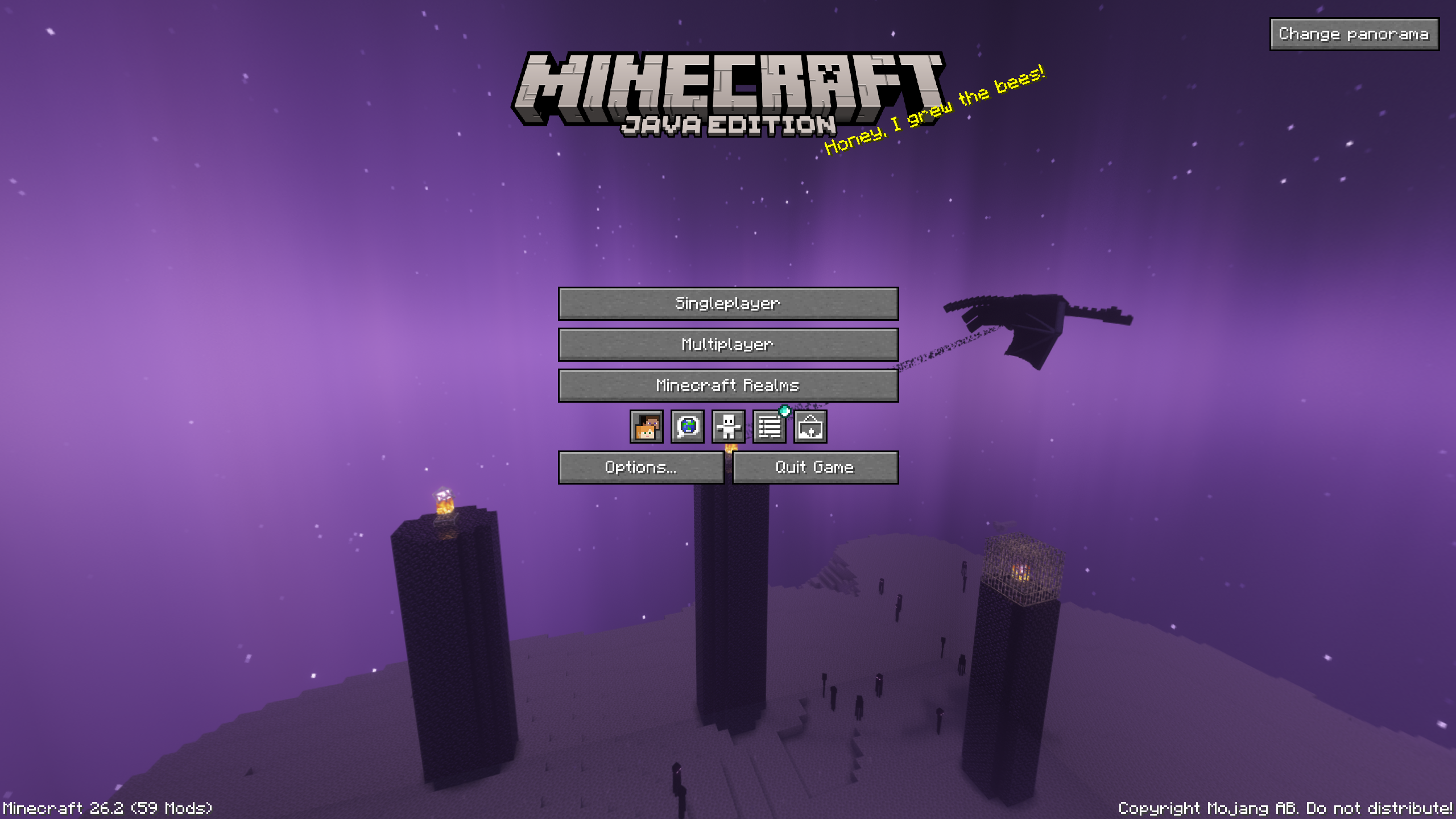
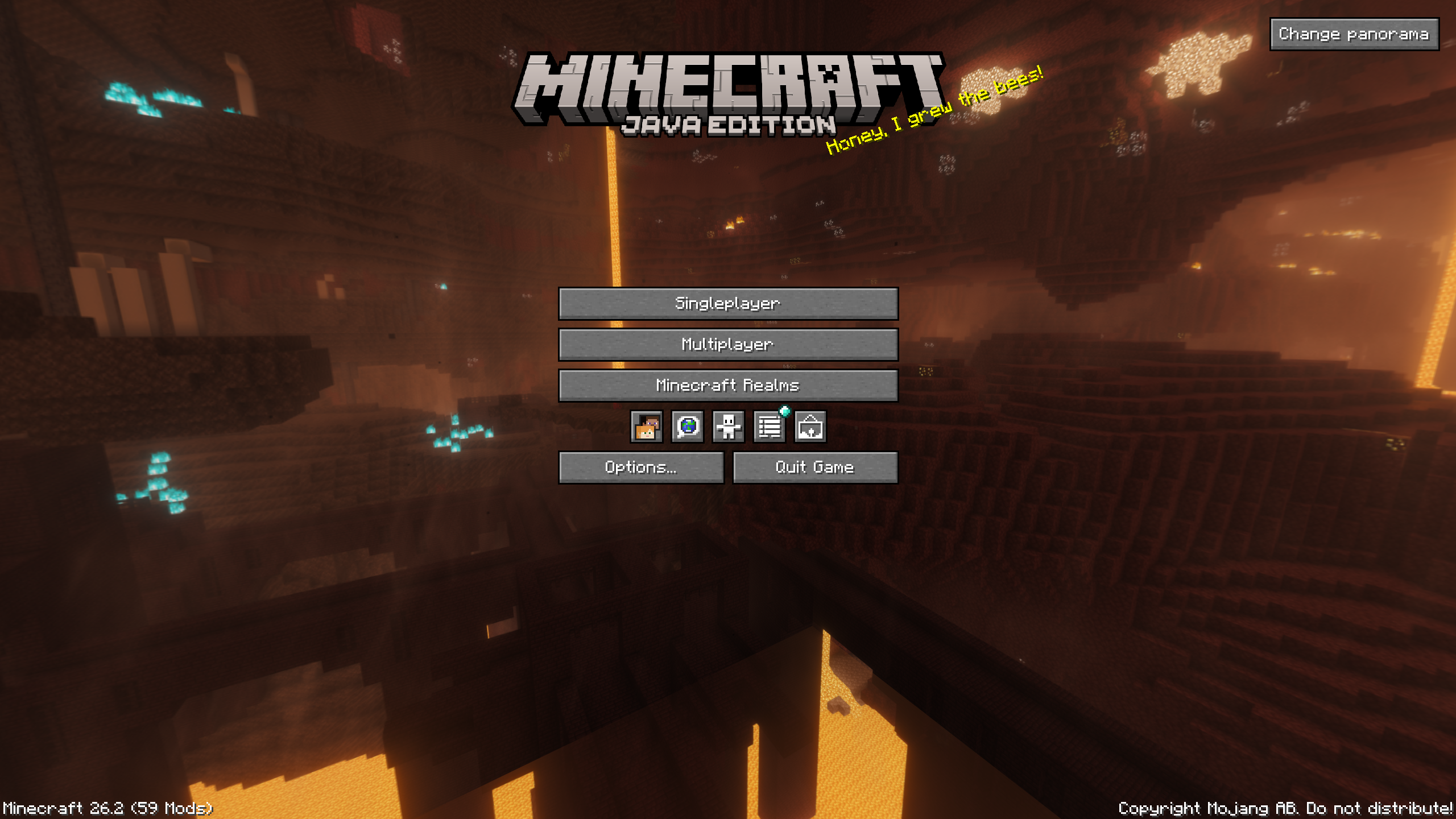
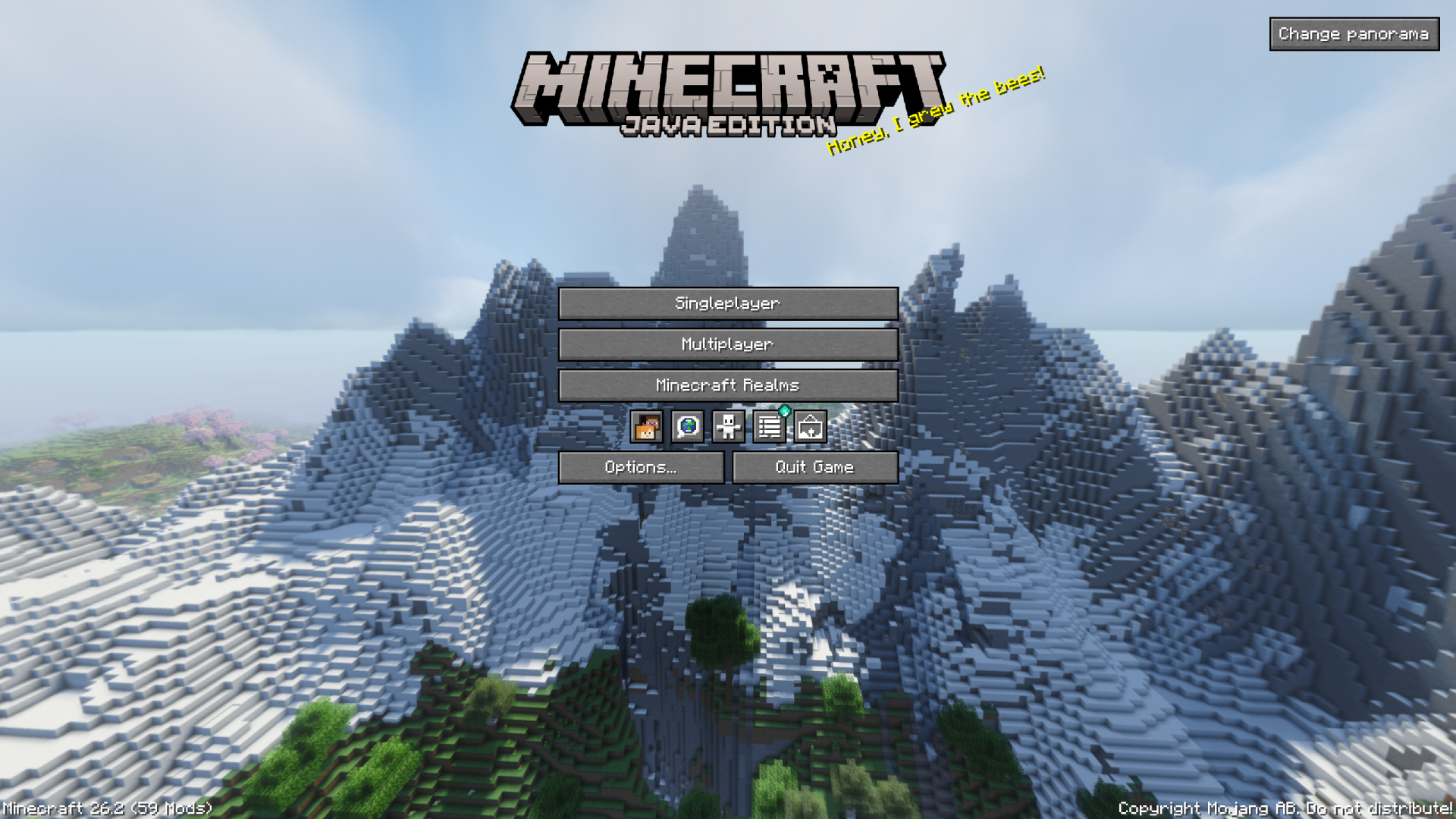
- Panorama capture with a dedicated keybind.
- Panorama gallery and support for using a captured panorama as the title screen background.
- Optional integration with Xaero’s World Map and JourneyMap to display screenshots on the map.
- Iris compatibility to save the active shader in metadata and file-name tokens.
- Fabric and NeoForge support.
Photo mode exists in the codebase but is gated behind
SCREENSHOT_OVERHAUL_ENABLE_PHOTO_MODEsince this feature is
still in the development phase.
Quick Usage
- Open the screenshot gallery from the title screen or pause menu.
- Press
F9to take a panorama screenshot. - Use the
Change panoramabutton on the title screen to choose a captured panorama as the background. - Open the settings from the gallery, through Mod Menu on Fabric, or from NeoForge’s mod configuration screen.
Configuration
The configuration file is created automatically on first launch: .minecraft/config/screenshot_overhaul.json.
General
| Option | Description |
|———————————–|—————————————————————–|
| enableWholeMod | Enables or disables the mod’s features. |
| showScreenshotsOnXaerosWorldMap | Shows screenshots on Xaero’s World Map if the mod is installed. |
| showScreenshotsOnJourneyMap | Shows screenshots on JourneyMap if the mod is installed. |
Screenshot
| Option | Description |
|——————————–|——————————————————————————————-|
| screenshotsFileName | Pattern used to name screenshots. Can include tokens and subfolders. |
| screenshotsDir | Directory where screenshots are saved. |
| showChatMessage | Shows the Minecraft chat message after taking a screenshot. |
| showPreview | Shows an animated preview after taking a screenshot. |
| hideHudOnScreenshot | Hides the HUD while taking a screenshot. |
| hideChatOnScreenshot | Hides the chat while taking a screenshot. Disabled when hideHudOnScreenshot is enabled. |
| hideHandOnScreenshot | Hides the player’s hand while taking a screenshot. |
| grabScreenshotOnAdvancement | Automatically takes a screenshot when an advancement is unlocked. |
| advancementScreenshotDelay | Delay before taking an advancement screenshot, in ticks. Clamped between 0 and 100. |
Panorama
| Option | Description |
|—————————|——————————————————————————–|
| panoramaFolderName | Pattern used to name panorama folders. |
| panoramaResolution | Resolution in pixels for each panorama face. Clamped between 256 and 4096. |
| rotationSpeed | Title screen panorama rotation speed. Clamped between 0 and 100. |
| rotationDirection | Panorama rotation direction. Values: TO_LEFT, TO_RIGHT. |
| verticalAngle | Panorama vertical angle. Clamped between -180 and 180. |
| startingHorizontalAngle | Initial panorama horizontal angle. Clamped between 0 and 360. |
Photo Mode
This category is only available when photo mode is enabled in the mod environment.
| Option | Description |
|———————|———————————-|
| freezeInPhotoMode | Freezes the world in photo mode. |
| showPlayer | Shows the player in photo mode. |
| showNametags | Shows nametags in photo mode. |
UI-Saved Data
These values are saved by the mod but are not primary gameplay options.
| Option | Description |
|————————|———————————————————|
| screenshotSortOrder | Saved sort order for the screenshot gallery. |
| panoramaSortOrder | Saved sort order for the panorama gallery. |
| selectedPanoramaUUID | Panorama currently used as the title screen background. |
Naming Tokens
The screenshotsFileName and panoramaFolderName options support the following tokens:
| Token | Description |
|—————|——————————————————|
| <datetime> | Date and time formatted by Minecraft for file names. |
| <year> | Four-digit year. |
| <month> | Two-digit month. |
| <day> | Two-digit day. |
| <hour> | Two-digit hour. |
| <minute> | Two-digit minute. |
| <second> | Two-digit second. |
| <worldname> | Singleplayer world name, empty in multiplayer. |
| <serverip> | Server address, empty in singleplayer. |
| <version> | Minecraft version. |
| <shader> | Active shader if Iris is installed, empty otherwise. |
Examples:
<year>/<month>/<datetime>
<worldname>/screenshot_<datetime>
<serverip>/<datetime>_<shader>
Compatibility
| Mod | Integration |
|——————-|————————————————————|
| Mod Menu | Settings access on Fabric. |
| Xaero’s World Map | Optional screenshot display on the map. |
| JourneyMap | Optional screenshot display on the map. |
| Iris | Active shader detection for metadata and file-name tokens. |
常见问题
Screenshot Overhaul 支持哪些 Minecraft 版本?
Screenshot Overhaul 支持 Minecraft Java 版 26.1–26.3,共 5 个版本,可用的加载器:Fabric / NeoForge。下载时注意选择和你游戏版本一致的文件。
Screenshot Overhaul 怎么安装?
先用 PCL2 或 HMCL 启动器安装对应版本的 Fabric / NeoForge,再把下载的 .jar 文件放进游戏目录的 mods 文件夹,重新启动游戏即可。开启了版本隔离的,mods 文件夹在 versions/版本名 下面。运行环境:仅客户端。
Azz_9 的其他作品
查看全部 →
Flex HUD
This mod adds a fully customizable HUD system and useful utilities for Minecraft. Whether you're playing survival, building, or PvP, it provides all the information and quality-of-life features you need in one place.

Unbounded Bundle
Removes the 12-item display limit on bundles and replaces the fixed tooltip with a scrollable, dynamically-sized grid.

Toast Remover
Hide any toast, selectively disable toast sounds, and take full control over Minecraft's notifications with an extensive and highly configurable client-side mod.

MobCountMod Updated
Updated version of MobCountMod for fabric 1.21.4+. Counts entities in a region around you.
评论
登录后评论和评分