
Screenshot Overhaul
Improve Minecraft screenshots with a built-in gallery, metadata, custom names, previews, panoramas, and map integrations.
截图
介绍
Screenshot Overhaul



Improve Minecraft screenshots with a built-in gallery, metadata, custom names, previews, panoramas, and map
integrations.
Features
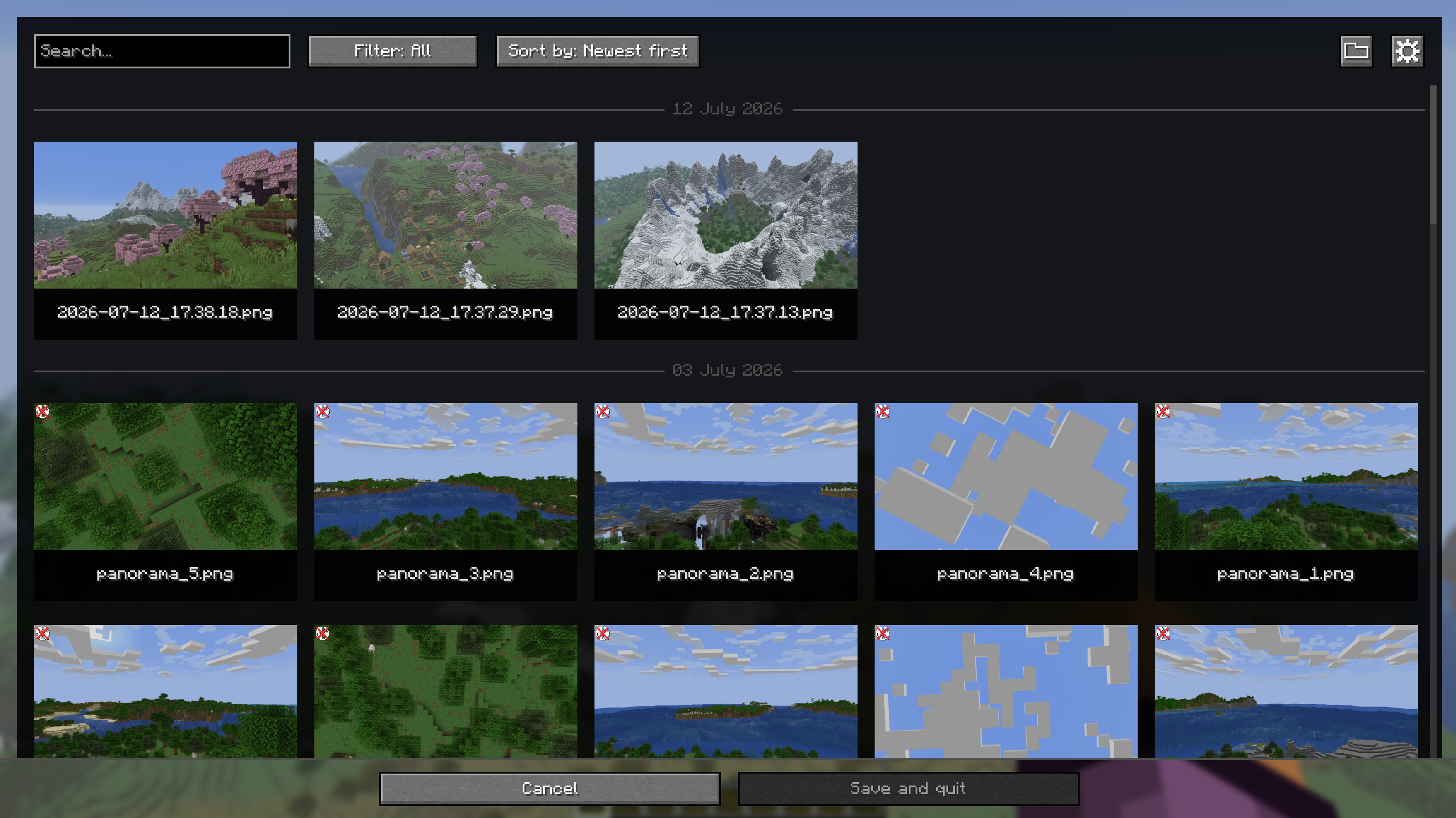
- Built-in screenshot gallery available from the title screen and pause menu.
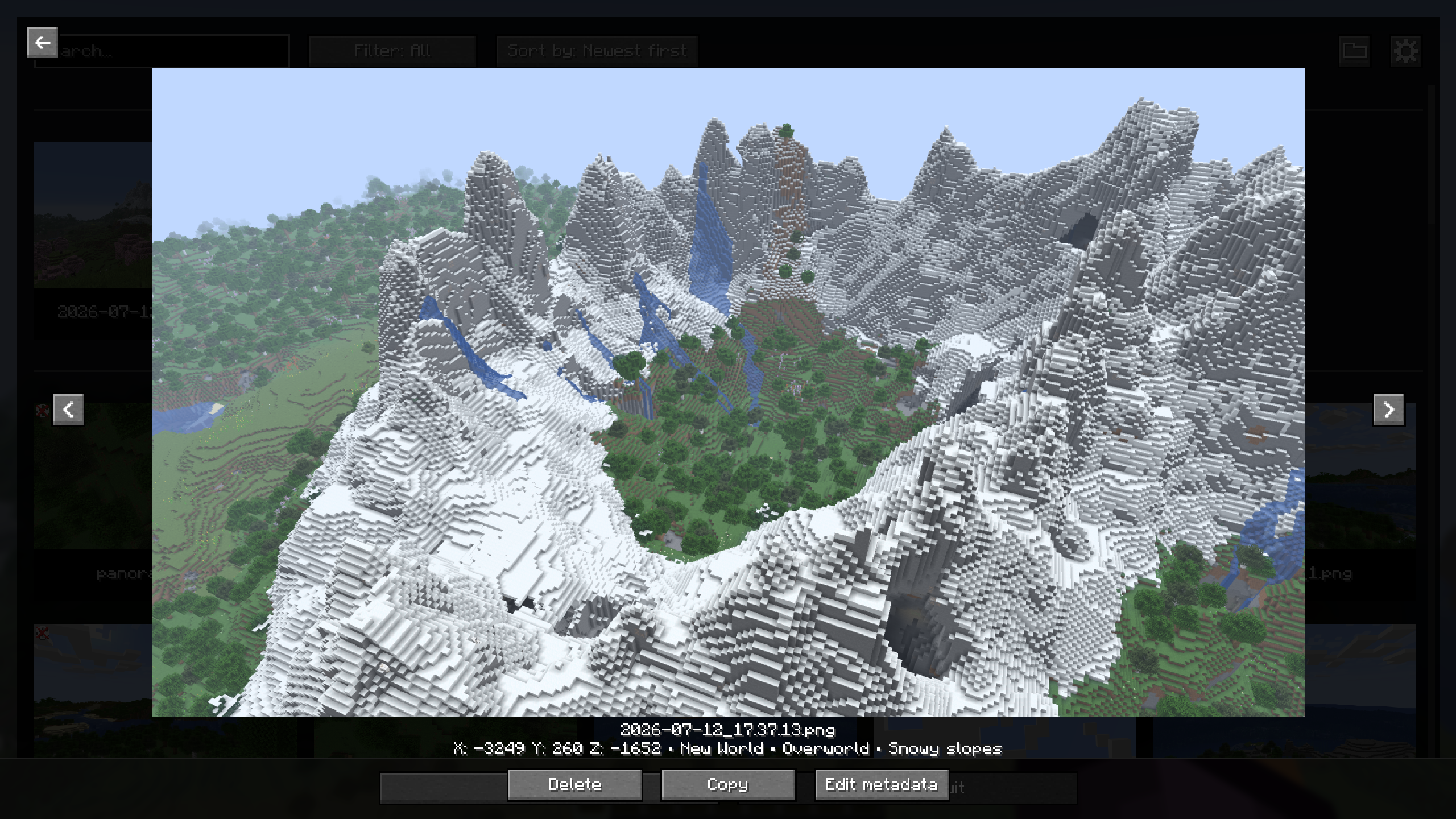
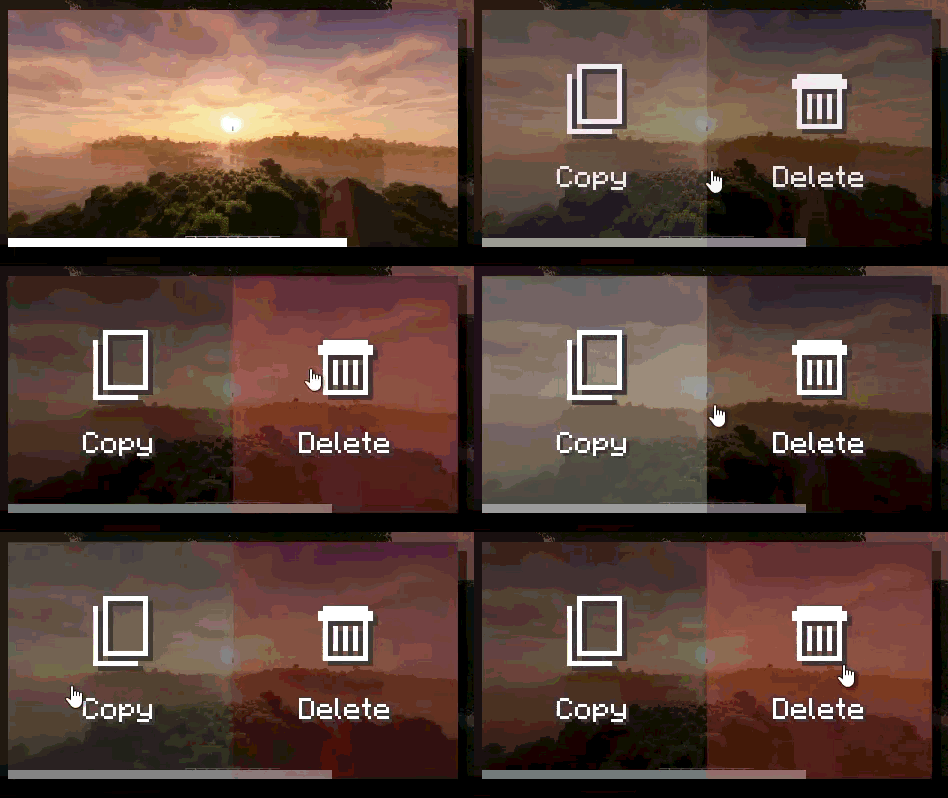
- Full-screen screenshot viewer with navigation, delete, and copy actions.
- Search, sorting, and favorites filtering in the gallery.
- Persistent favorites and an option to hide specific screenshots from compatible maps.
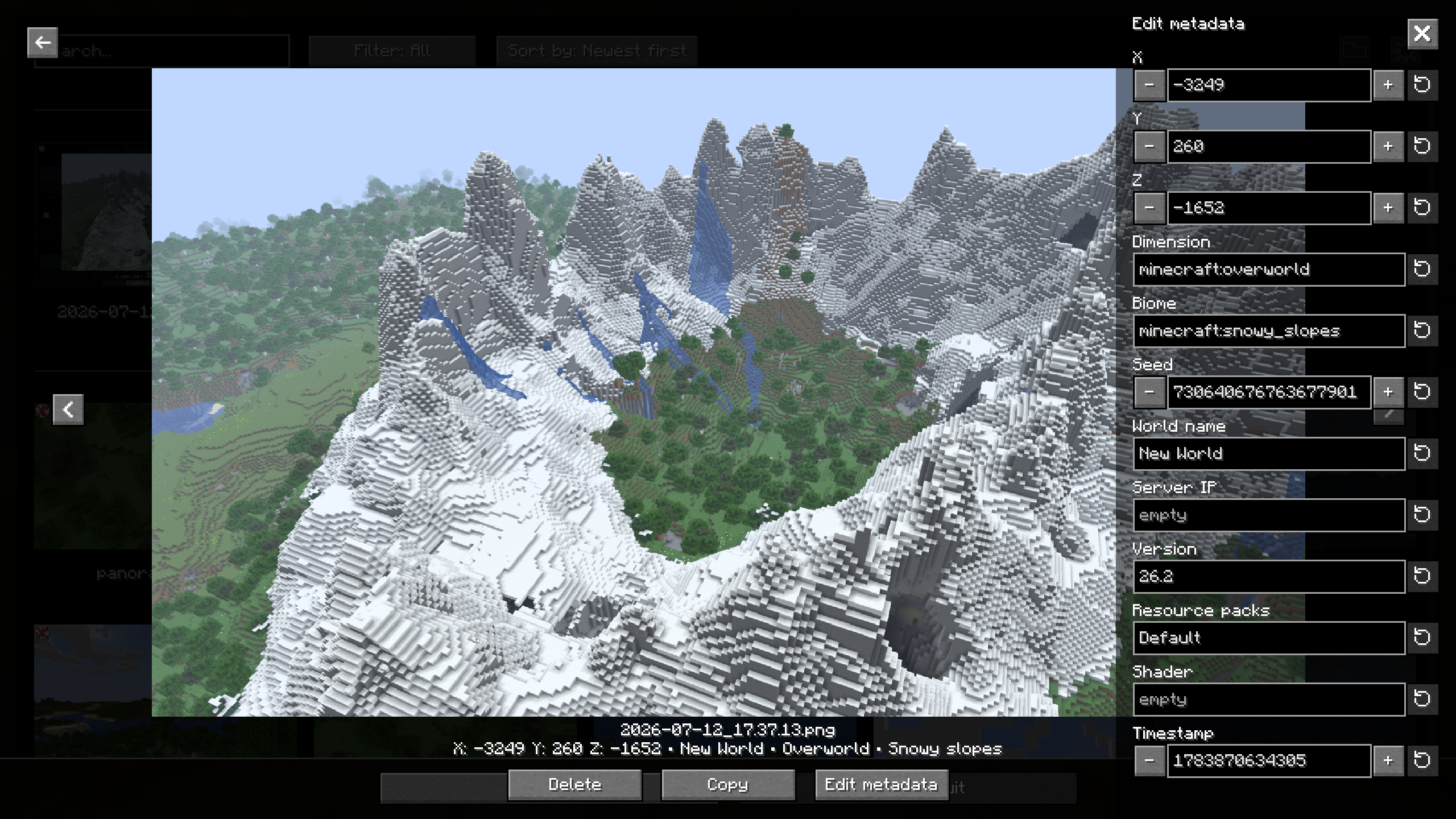
- PNG metadata added to screenshots: position, dimension, biome, seed, world, server, version, resource packs, shader, and timestamp.
- Metadata editing directly from the gallery.
- Configurable screenshot directory, with support for subfolders.
- Custom screenshot file names using tokens (
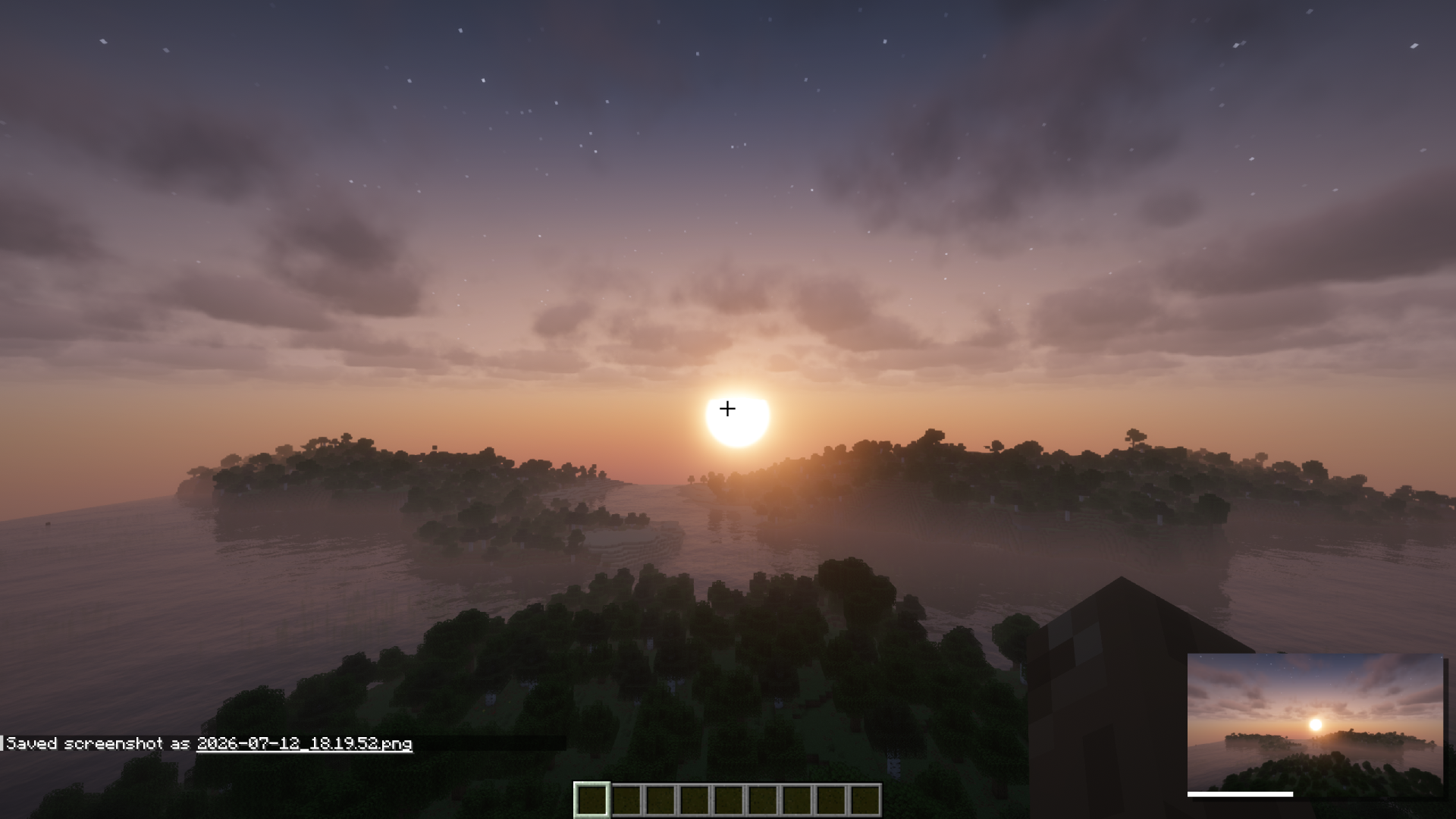
<datetime>,<worldname>,<shader>, etc.). - Animated screenshot preview after capture.
- Options to hide the HUD, chat, or hand only while taking a screenshot.
- Optional automatic screenshot capture when an advancement is unlocked.
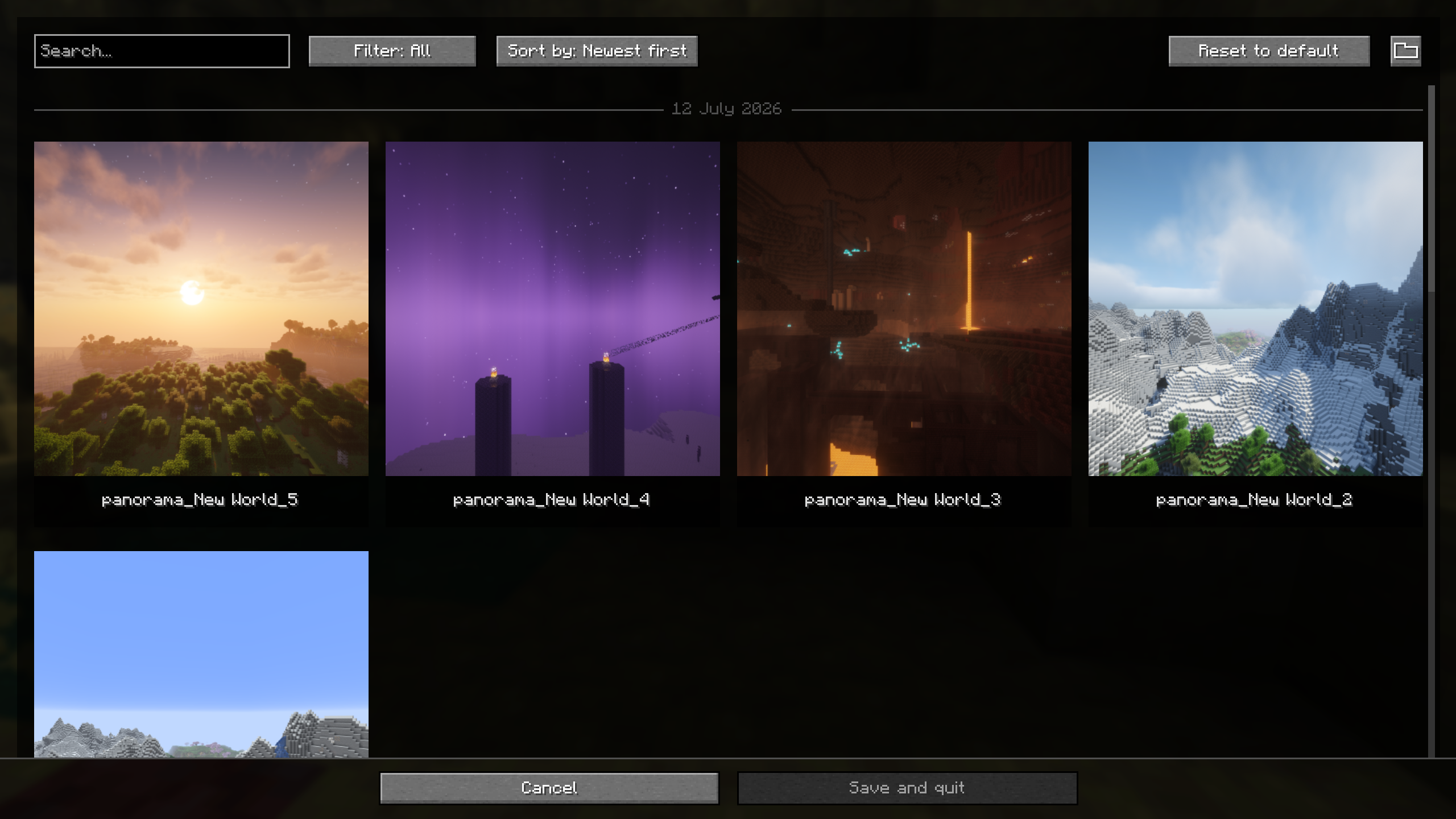
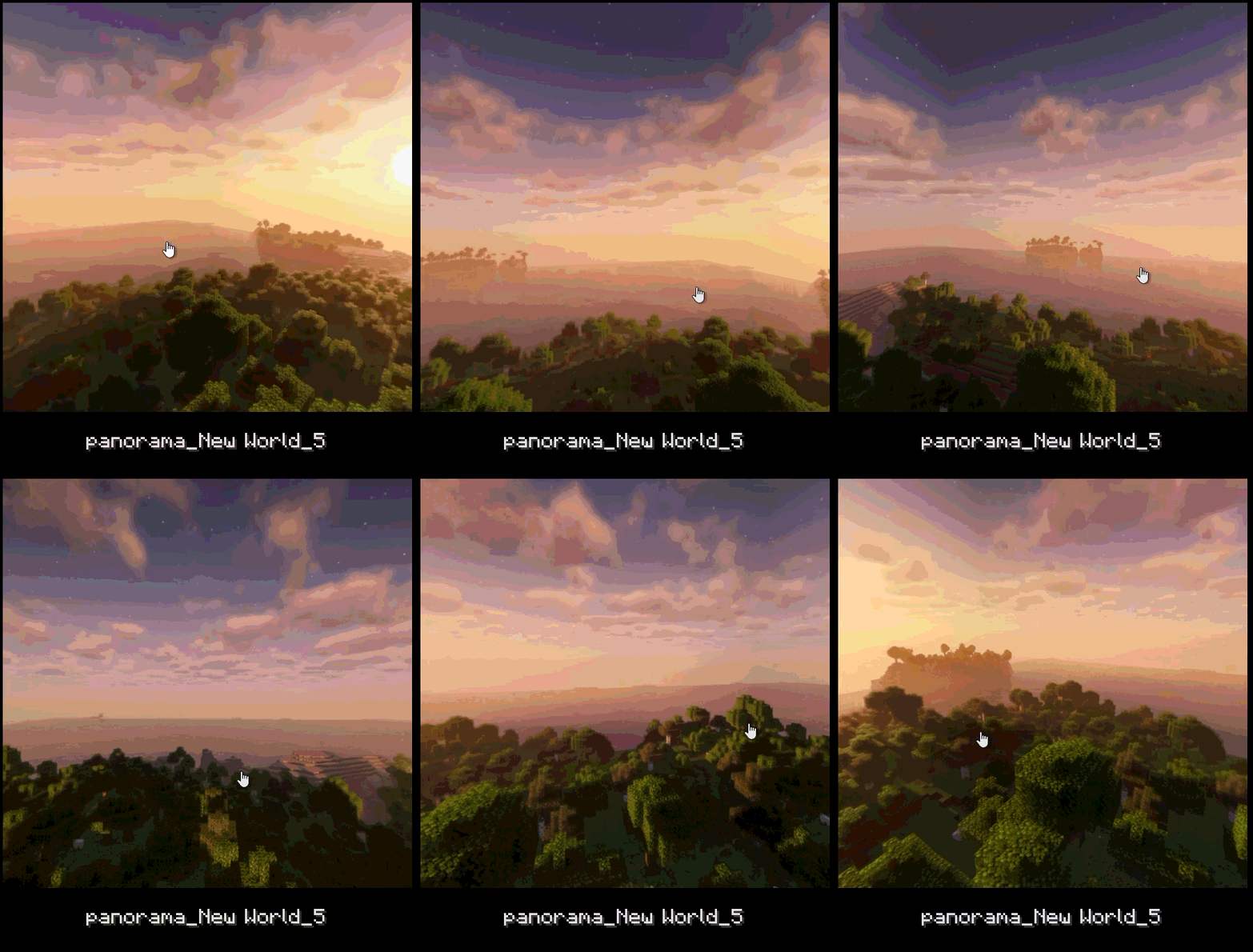
- Panorama capture with a dedicated keybind.
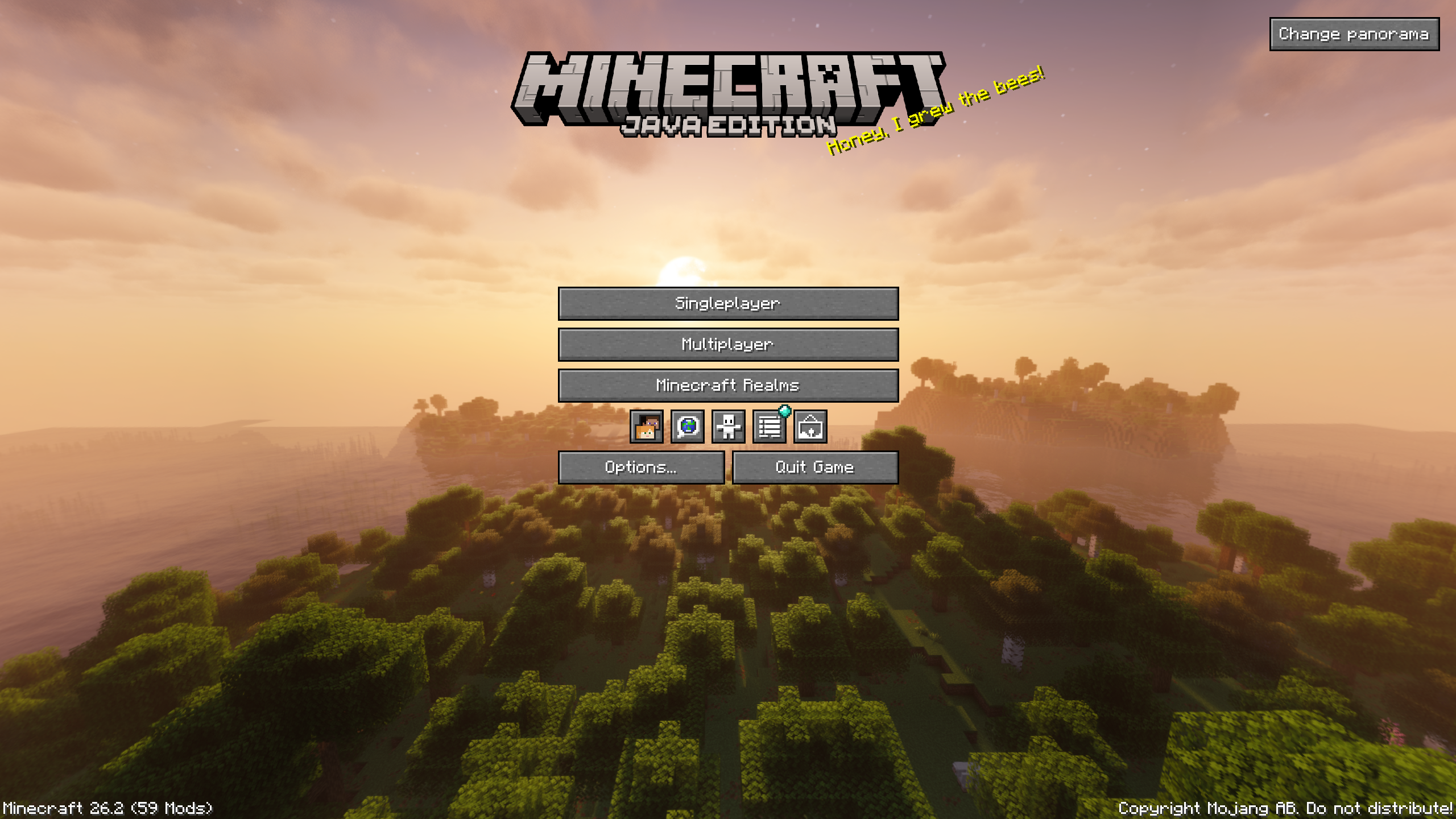
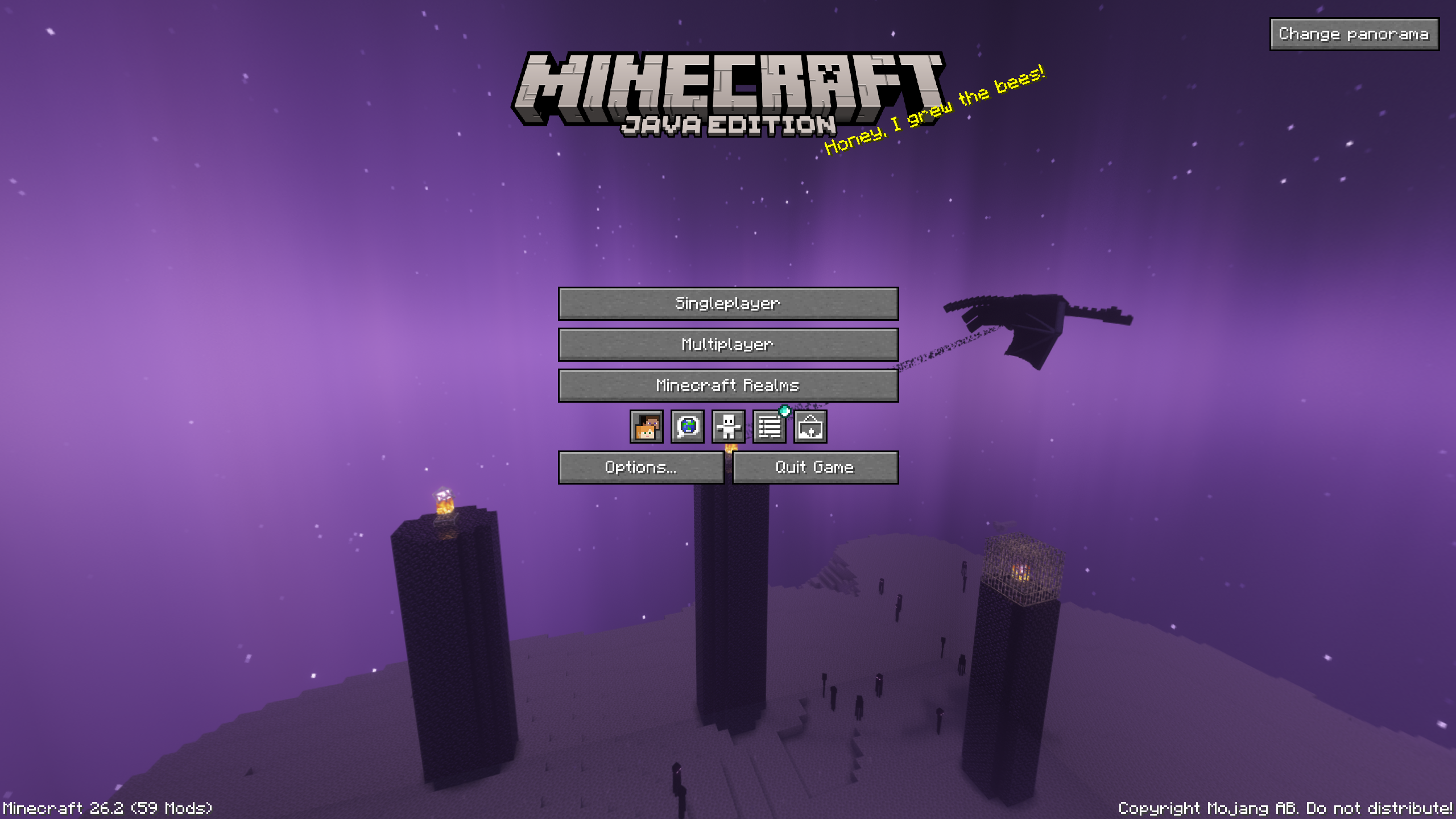
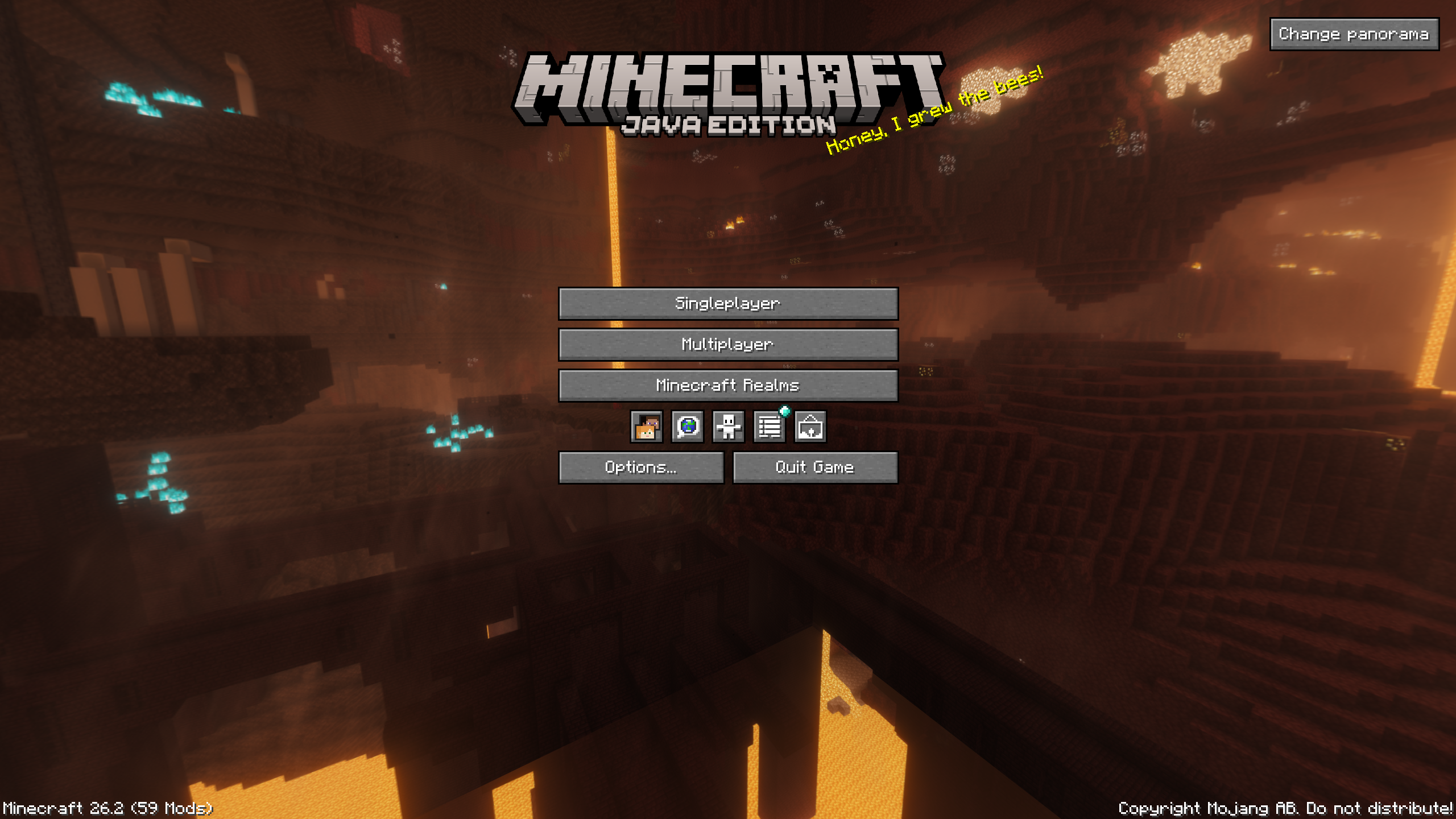
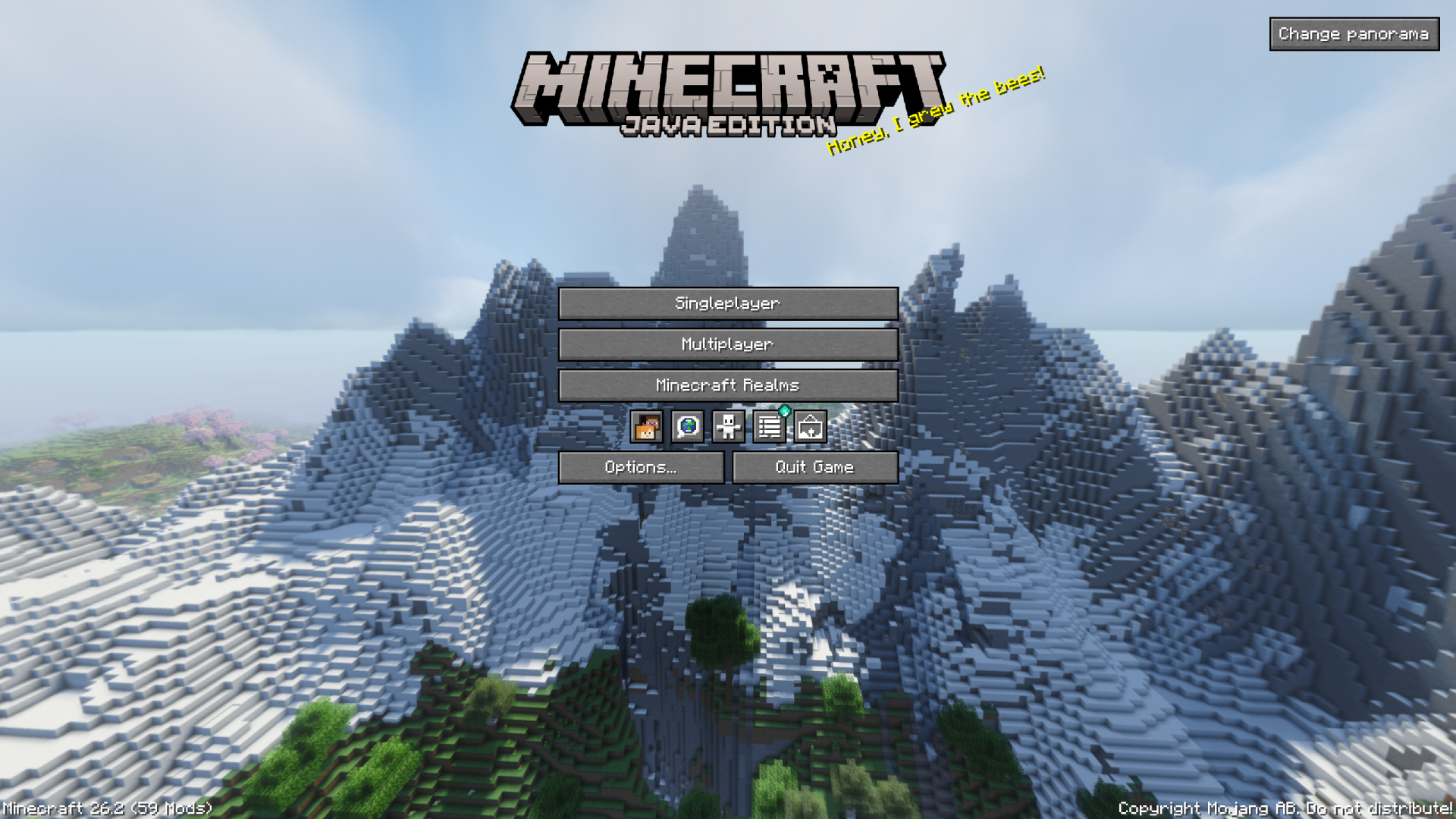
- Panorama gallery and support for using a captured panorama as the title screen background.
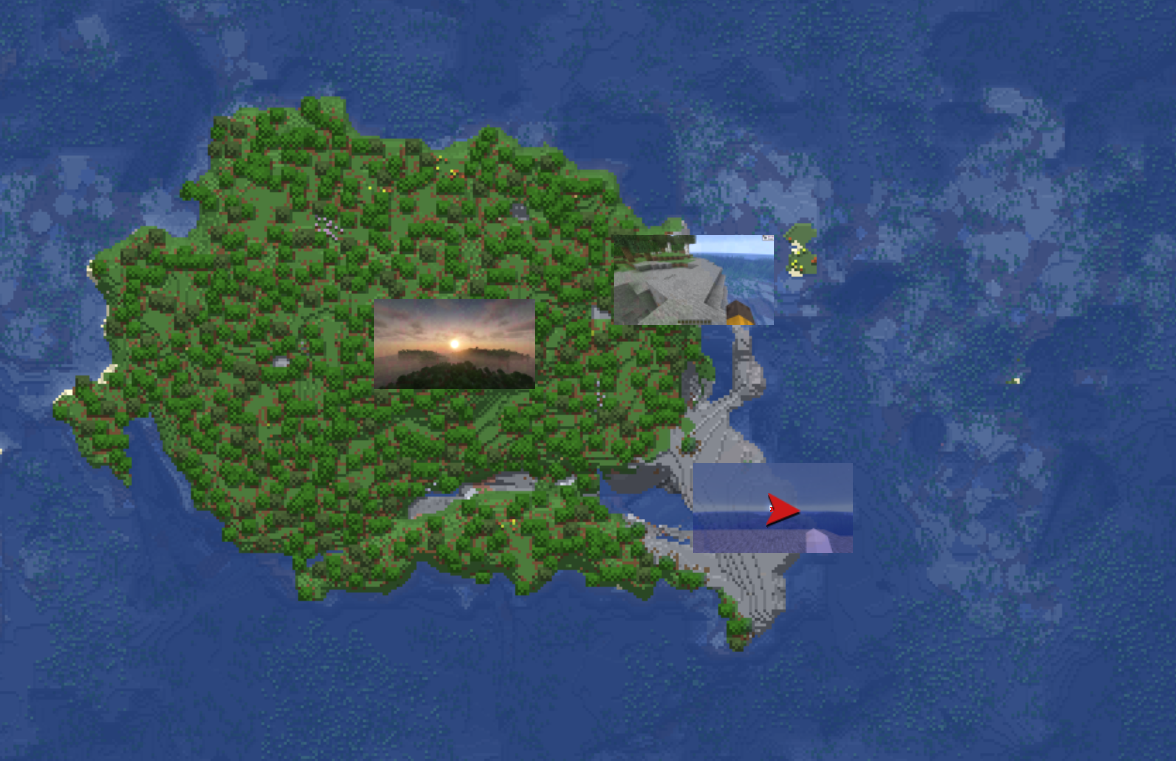
- Optional integration with Xaero’s World Map and JourneyMap to display screenshots on the map.
- Iris compatibility to save the active shader in metadata and file-name tokens.
- Fabric and NeoForge support.
Photo mode exists in the codebase but is gated behind
SCREENSHOT_OVERHAUL_ENABLE_PHOTO_MODEsince this feature is
still in the development phase.
Quick Usage
- Open the screenshot gallery from the title screen or pause menu.
- Press
F9to take a panorama screenshot. - Use the
Change panoramabutton on the title screen to choose a captured panorama as the background. - Open the settings from the gallery, through Mod Menu on Fabric, or from NeoForge’s mod configuration screen.
Configuration
The configuration file is created automatically on first launch: .minecraft/config/screenshot_overhaul.json.
General
| Option | Description |
|———————————–|—————————————————————–|
| enableWholeMod | Enables or disables the mod’s features. |
| showScreenshotsOnXaerosWorldMap | Shows screenshots on Xaero’s World Map if the mod is installed. |
| showScreenshotsOnJourneyMap | Shows screenshots on JourneyMap if the mod is installed. |
Screenshot
| Option | Description |
|——————————–|——————————————————————————————-|
| screenshotsFileName | Pattern used to name screenshots. Can include tokens and subfolders. |
| screenshotsDir | Directory where screenshots are saved. |
| showChatMessage | Shows the Minecraft chat message after taking a screenshot. |
| showPreview | Shows an animated preview after taking a screenshot. |
| hideHudOnScreenshot | Hides the HUD while taking a screenshot. |
| hideChatOnScreenshot | Hides the chat while taking a screenshot. Disabled when hideHudOnScreenshot is enabled. |
| hideHandOnScreenshot | Hides the player’s hand while taking a screenshot. |
| grabScreenshotOnAdvancement | Automatically takes a screenshot when an advancement is unlocked. |
| advancementScreenshotDelay | Delay before taking an advancement screenshot, in ticks. Clamped between 0 and 100. |
Panorama
| Option | Description |
|—————————|——————————————————————————–|
| panoramaFolderName | Pattern used to name panorama folders. |
| panoramaResolution | Resolution in pixels for each panorama face. Clamped between 256 and 4096. |
| rotationSpeed | Title screen panorama rotation speed. Clamped between 0 and 100. |
| rotationDirection | Panorama rotation direction. Values: TO_LEFT, TO_RIGHT. |
| verticalAngle | Panorama vertical angle. Clamped between -180 and 180. |
| startingHorizontalAngle | Initial panorama horizontal angle. Clamped between 0 and 360. |
Photo Mode
This category is only available when photo mode is enabled in the mod environment.
| Option | Description |
|———————|———————————-|
| freezeInPhotoMode | Freezes the world in photo mode. |
| showPlayer | Shows the player in photo mode. |
| showNametags | Shows nametags in photo mode. |
UI-Saved Data
These values are saved by the mod but are not primary gameplay options.
| Option | Description |
|————————|———————————————————|
| screenshotSortOrder | Saved sort order for the screenshot gallery. |
| panoramaSortOrder | Saved sort order for the panorama gallery. |
| selectedPanoramaUUID | Panorama currently used as the title screen background. |
Naming Tokens
The screenshotsFileName and panoramaFolderName options support the following tokens:
| Token | Description |
|—————|——————————————————|
| <datetime> | Date and time formatted by Minecraft for file names. |
| <year> | Four-digit year. |
| <month> | Two-digit month. |
| <day> | Two-digit day. |
| <hour> | Two-digit hour. |
| <minute> | Two-digit minute. |
| <second> | Two-digit second. |
| <worldname> | Singleplayer world name, empty in multiplayer. |
| <serverip> | Server address, empty in singleplayer. |
| <version> | Minecraft version. |
| <shader> | Active shader if Iris is installed, empty otherwise. |
Examples:
<year>/<month>/<datetime>
<worldname>/screenshot_<datetime>
<serverip>/<datetime>_<shader>
Compatibility
| Mod | Integration |
|——————-|————————————————————|
| Mod Menu | Settings access on Fabric. |
| Xaero’s World Map | Optional screenshot display on the map. |
| JourneyMap | Optional screenshot display on the map. |
| Iris | Active shader detection for metadata and file-name tokens. |
常见问题
Screenshot Overhaul 支持哪些 Minecraft 版本?
Screenshot Overhaul 支持 Minecraft Java 版 26.1–26.3,共 5 个版本,可用的加载器:Fabric / NeoForge。下载时注意选择和你游戏版本一致的文件。
Screenshot Overhaul 怎么安装?
先用 PCL2 或 HMCL 启动器安装对应版本的 Fabric / NeoForge,再把下载的 .jar 文件放进游戏目录的 mods 文件夹,重新启动游戏即可。开启了版本隔离的,mods 文件夹在 versions/版本名 下面。运行环境:仅客户端。
Azz_9 的其他作品
查看全部 →
Flex HUD
这个模组为 Minecraft 添加了可完全自定义的 HUD 系统和实用工具。无论你是在玩生存、建造还是 PvP,它都能集中提供你所需的信息和各种便利功能。

Unbounded Bundle
移除收纳袋的12件物品显示上限,并将固定提示框改为可滚动、大小自适应的网格。

Toast Remover
Hide any toast, selectively disable toast sounds, and take full control over Minecraft's notifications with an extensive and highly configurable client-side mod.

Durability Alert
Receive a sound and/or message alert when your gear drops below a configurable durability threshold.
评论
登录后评论和评分