
Screen Stats
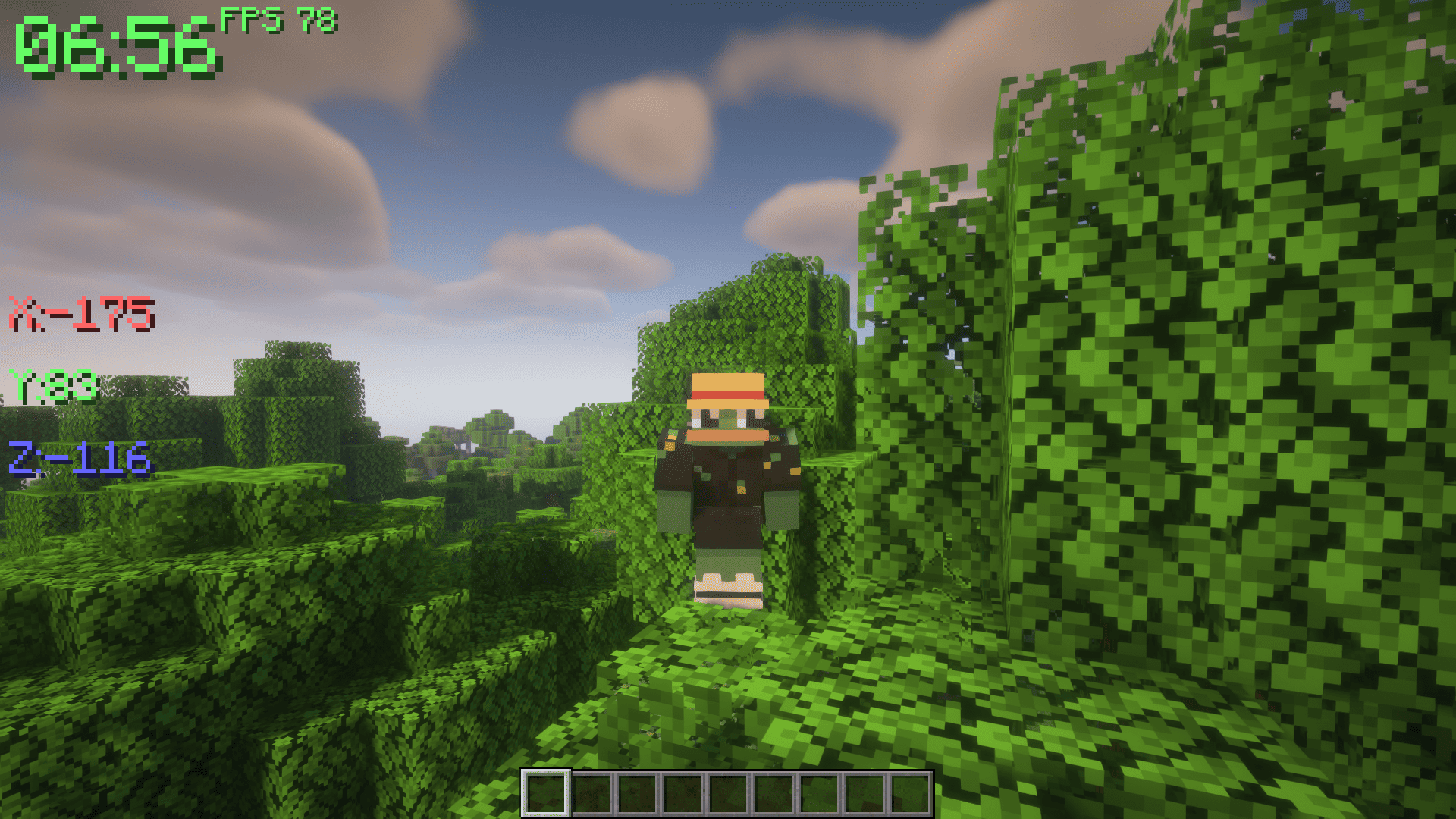
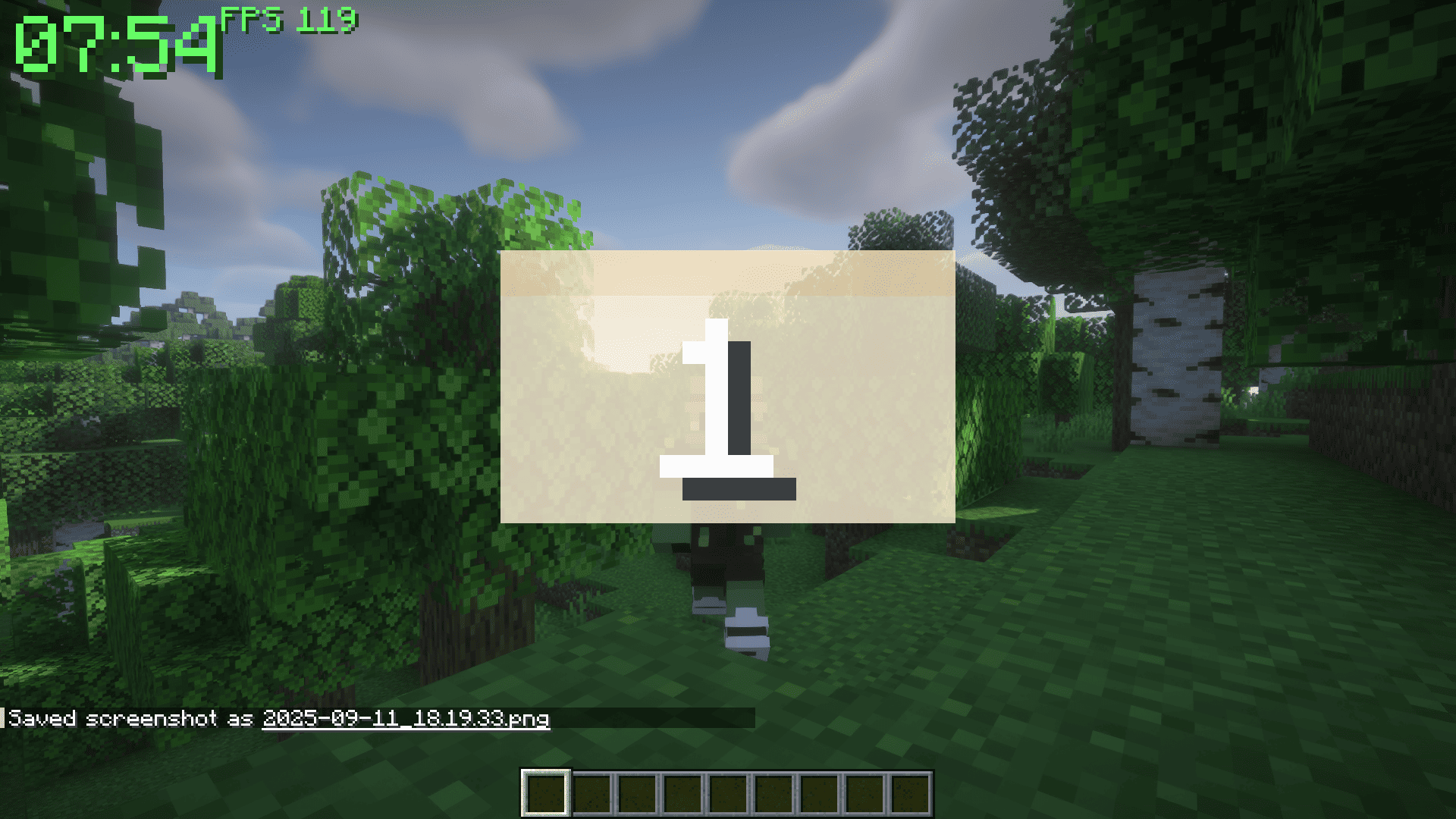
Lightweight Fabric HUD showing time, FPS, coords, biome, weather, and calendar.
截图

介绍
📊 Screen Stats
Screen Stats is a minimalist HUD mod for Minecraft that shows all essential information directly on your screen. See everything at a glance without opening menus. Perfect for survival, building, or exploring.

✨ Features
🕒 World Time
Quickly know the current in-game time. See when night is coming or when the sun is rising without checking the clock.
🎮 FPS Counter
Keep an eye on your game performance. Instantly see if your FPS drops so you can adjust settings or troubleshoot lag.
📍 Coordinates (Toggle: Z)
Know exactly where you are. Instantly check X, Y, and Z positions to navigate, mark locations, or share coordinates with friends.
📅 Calendar (Toggle: C)
See the current in-game day and month at a glance. Plan events, track farming cycles, or just keep track of time in your world.
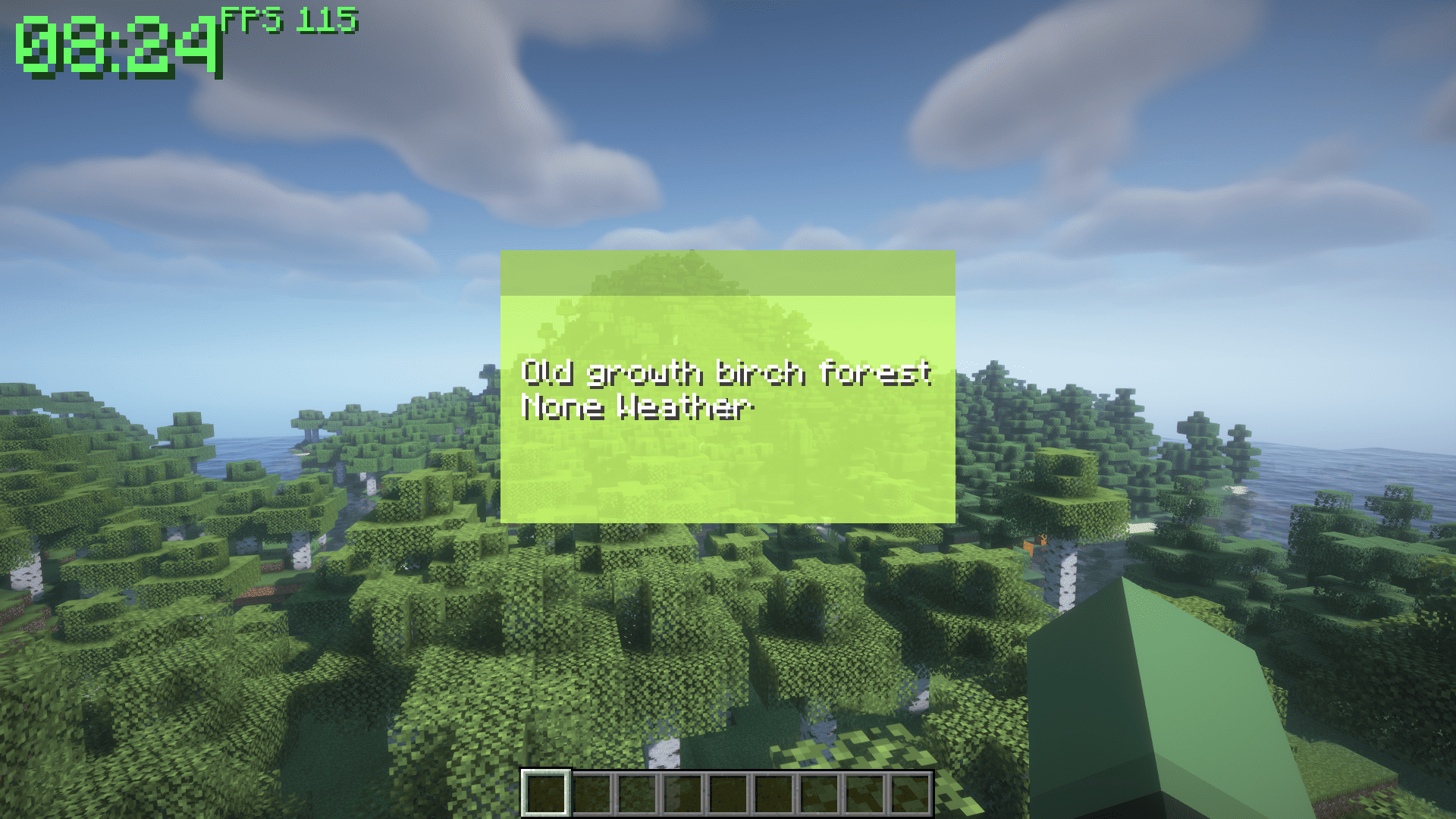
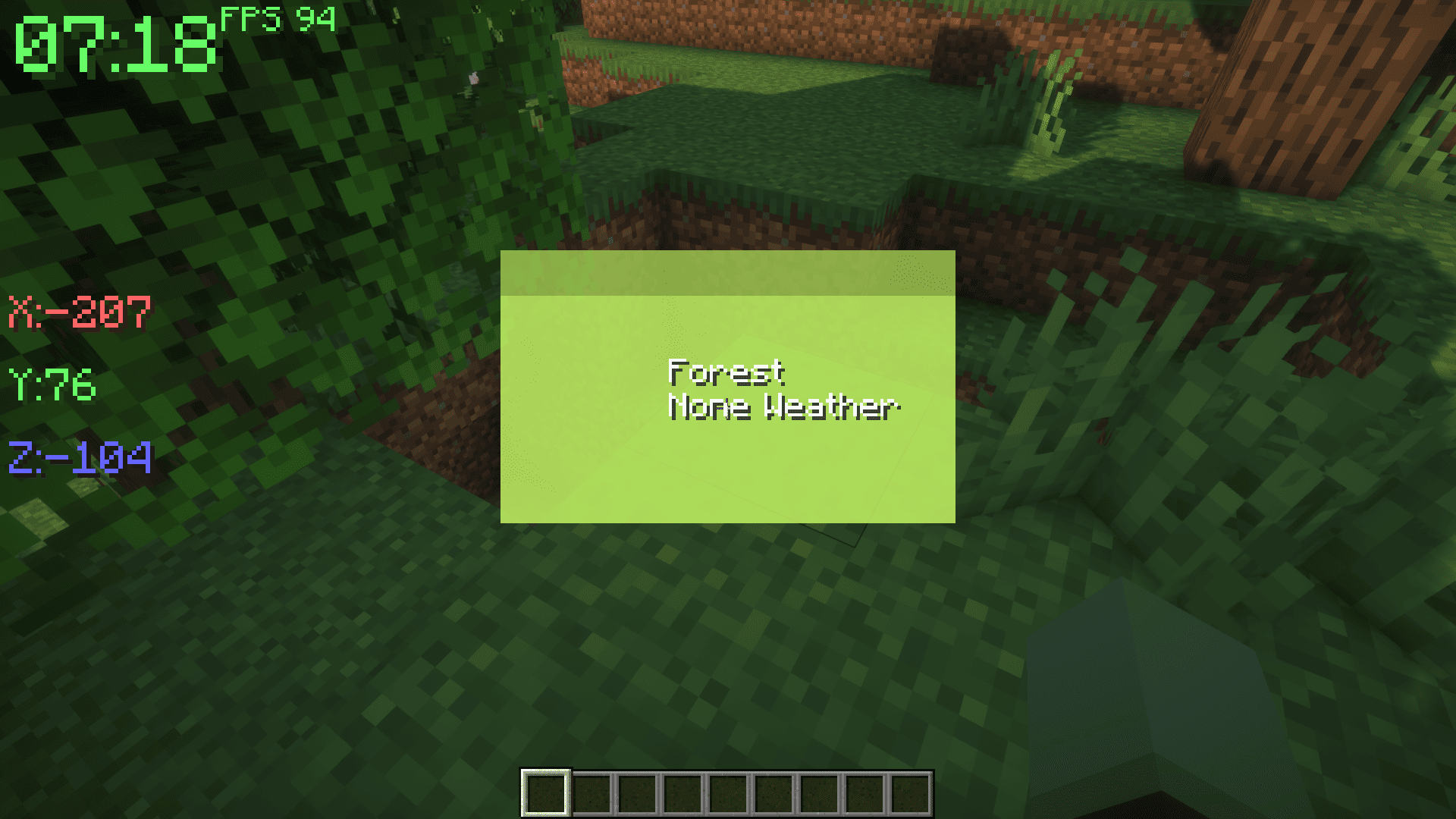
⛅ Weather & Biome (Toggle: X)
Always know your environment. See the current biome and weather: clear, rain, or thunder. Plan your activities or prepare for storms without surprises.
🎨 Customization
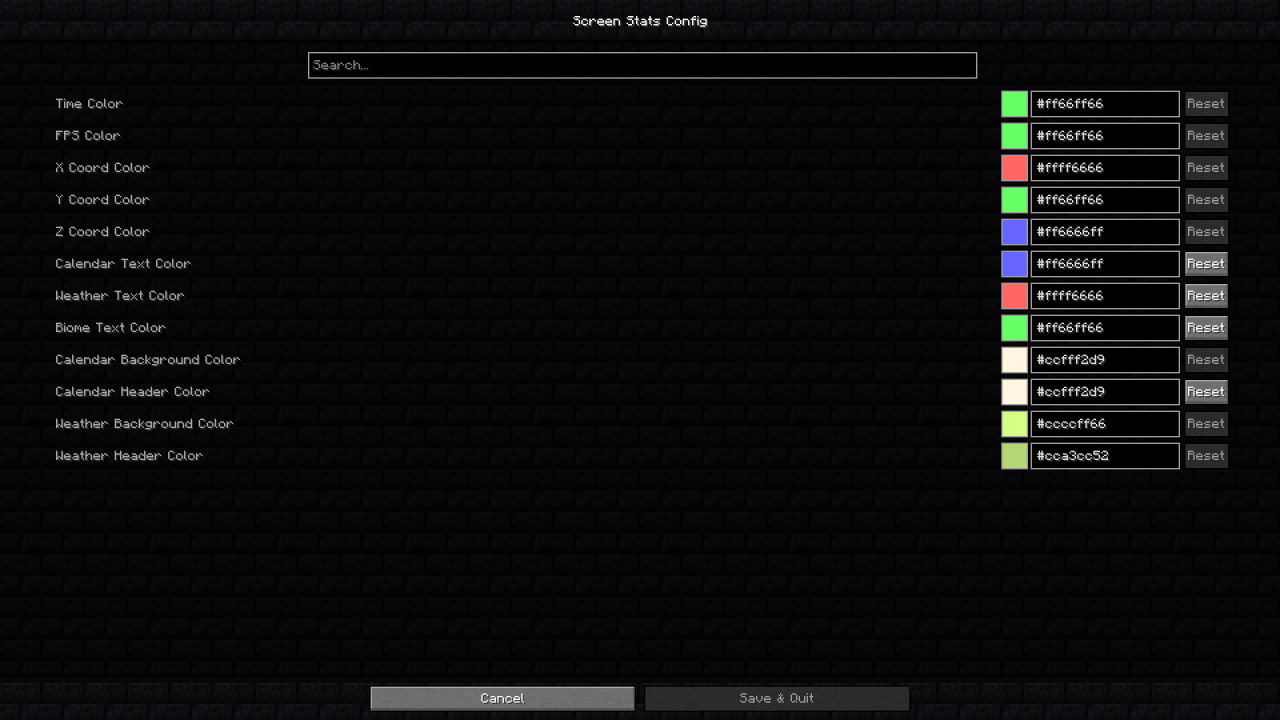
Make the HUD fit your style. Change colors, transparency, and scale to match your screen and preferences. Highlight important info in the colors you like.
⌨️ Controls
- Z — Show or hide coordinates
- C — Show or hide calendar
- X — Show or hide weather & biome
Everything is instantly visible, easy to read, and customizable to your taste.
常见问题
Screen Stats 支持哪些 Minecraft 版本?
Screen Stats 支持 Minecraft Java 版 1.20.1–1.20.6,共 6 个版本,可用的加载器:Fabric。下载时注意选择和你游戏版本一致的文件。
Screen Stats 怎么安装?
先用 PCL2 或 HMCL 启动器安装对应版本的 Fabric,再把下载的 .jar 文件放进游戏目录的 mods 文件夹,重新启动游戏即可。开启了版本隔离的,mods 文件夹在 versions/版本名 下面。运行环境:仅客户端。
Ghost 的其他作品
查看全部 →
Samurai Dynasty
这个模组灵感来源于日本民间传说和武士,将为游戏添加新的3D盔甲和武器。

Harvestable Flowers
可采集花朵让你能通过对花朵使用骨粉来获取花朵。

Epic Knights’n’Mages – Forge
This is an Ars Nouveau addon, focused on adding new armors and Source Gem's to the game.

Regions Unexplored: Expansion
Remodels vanilla biomes to match the look of Regions Unexplored biomes
评论
登录后评论和评分