In this mod, any creature that looks at SCP-151 will drown within 24 hours.

A painting of the sea capable of drowning anyone who looks at it.



The Painting mod adds six new items _(SCP, documentation, label and more)_ and one structure to the game.
The mod is heavily inspired by SCP-151 from the SCP Foundation Universe.
SCP-151 a painting of the sea capable of drowning anyone who looks at it.
● Mod made by : TheCaptainFoxy (me)
● Mod created with MCreator
● Mod inspired by zcoper’s mods
FAQ
► Where can I find the mod content?
SCP-151, its documentation, and its label can only be found inside the SCP-151 containment chamber structure.
The “cloth” can be crafted, you will find the crafting by scrolling down the page.
► Where does the structure spawn?
The structure spawns in any Overworld biome at surface level, with approximately one structure every 3000 blocks.
You can find it using /locate command
► How can I place the document?
Right-click to read the document.
Shift + right-click to place it.
► How long will it take for SCP-151 to take effect?
If the vision of SCP-151 lasts more than 30 ticks (a second and a half) SCP-151‘s effect will occur.
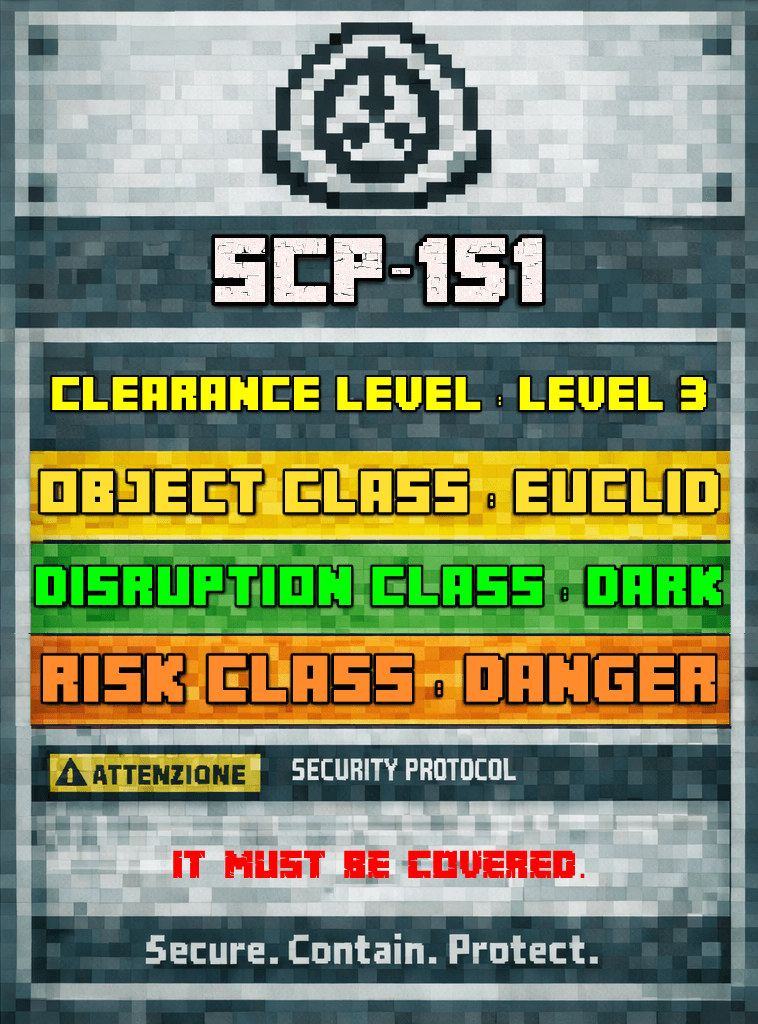

SCP-151 is _”The Painting”_, a painting of the sea capable of drowning anyone who looks at it.
Looking at SCP-151 for more than a second and a half will result in your death. Your oxygen will then slowly begin to deplete, and after 24 hours of Minecraft, you will drown.
_The total time before drowning is customizable via the_
_"/gamerule scp151TimerLength [tick]"_
_Simply enter the time in ticks. The default value is 24000._
_If you want the timer to be visible, enable :_
_"/gamerule scp151VisibleTimer true"_
Looking at SCP-151 while holding it will have the same effect. However, during the one and a half seconds before the effect activates, you can rotate it so that you are no longer looking at the painting’s front.
_Shift+Right Click will rotate the painting while holding it._
_To place SCP-151, it must be rotated properly in order to hang it._
There is a way to contain the effects of SCP-151 while **it is placed**: cover it with a cloth. Simply right-click on the placed SCP-151 while holding a cloth.
_The Painting is compatible with every mod._
Show all content
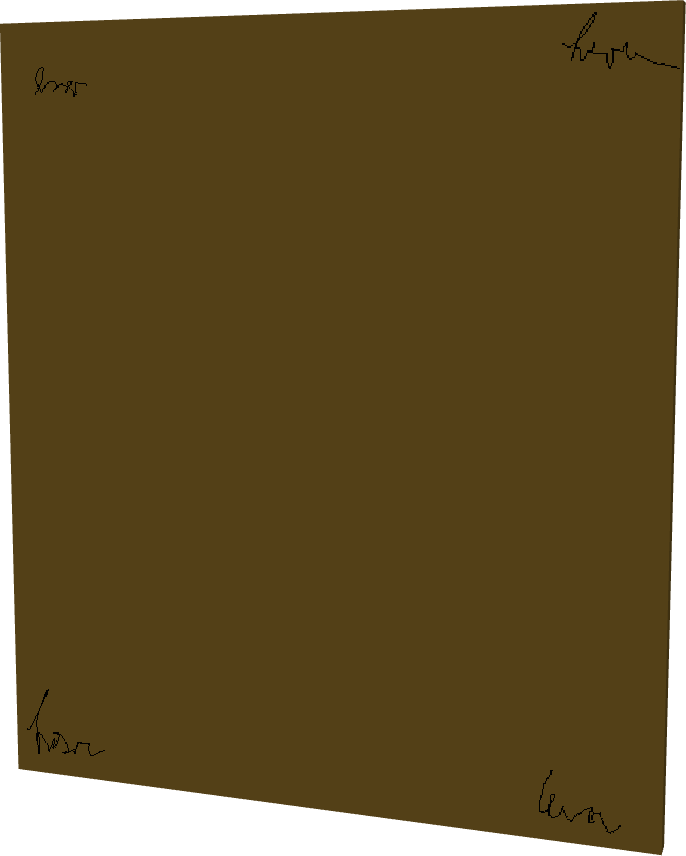
As mentioned before, SCP-151 can be rotated while holding it by pressing Shift + Right-click.
By doing this, the front of the painting will no longer be visible, and therefore its effect will not activate.
However, in order to hang it on a wall again, it must be rotated back to its upright position.
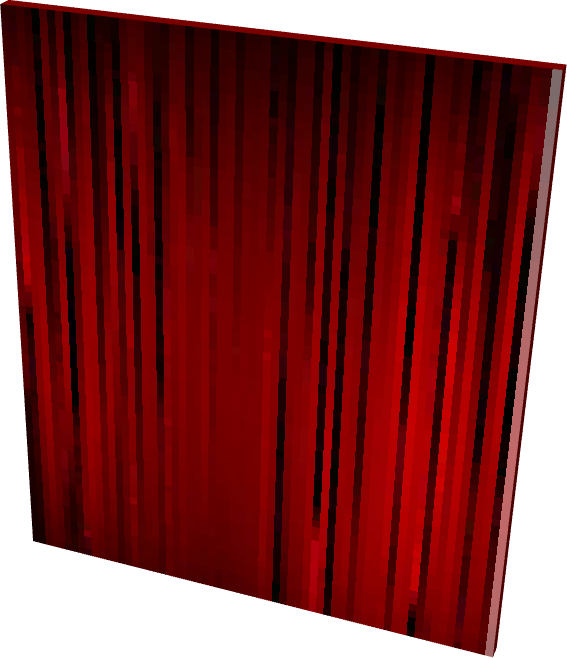
As mentioned before, SCP-151 can be covered by right-clicking on the placed painting while holding a cloth.
When covered, SCP-151 will no longer have any effect, as the painting itself is not visible.
However, it cannot be moved while in this state. Once the covered block is broken, the cloth will be removed from the painting and they will drop separately.
The most effective way to move it is to pick it up, be quick, and rotate it so you are not looking at the front.
_WITH EVERY COLOR NOW!_
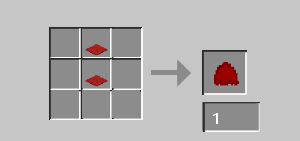
The cloth can be crafted by placing two red carpets, one on top of the other, in the two upper-center slots of the crafting table.
The cloth can be placed over the painting to cover it, and it can be removed either by breaking the painting or by right-clicking on the covered painting.
_WITH EVERY COLOR NOW!_
<img
src=”https://media.forgecdn.net/attachments/description/null/description_2f3390ff-f16a-4daa-8974-bce269eff658.png” alt=”” width=”546″ height=”294″>
SCP-151 can only be found inside the SCP-151 Containment Chamber/Cell.
The structure spawns in any Overworld biome at surface level and is rare.
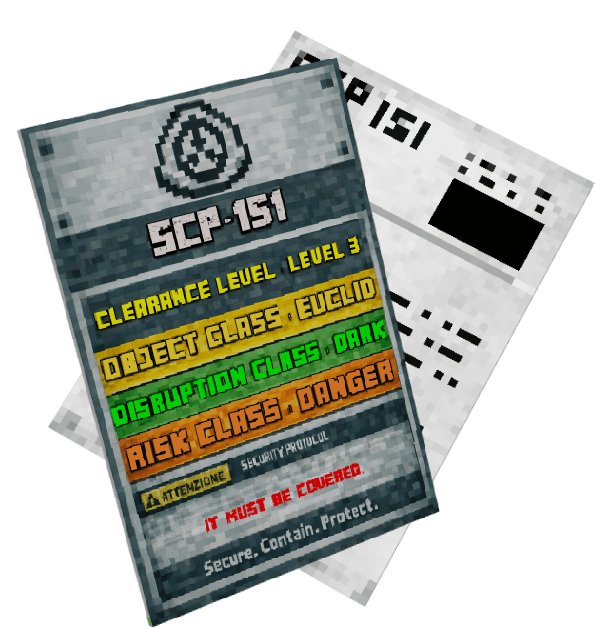
The SCP-151 documentation can be found inside the SCP-151 Containment Chamber together with The Painting Covered.
The document is readable, while the label provides information about the SCP’s classification and risk level.
_● SCP Document: _
● You have permission to use this mod in your modpacks!
_● Check out my other Mods:_
_● Join my discord for support/question/suggestions/sneak-peaks and more!_
SCP-151 | The Painting 支持 Minecraft Java 版 1.20.1,可用的加载器:Forge。下载时注意选择和你游戏版本一致的文件。
先用 PCL2 或 HMCL 启动器安装对应版本的 Forge,再把下载的 .jar 文件放进游戏目录的 mods 文件夹,重新启动游戏即可。开启了版本隔离的,mods 文件夹在 versions/版本名 下面。运行环境:客户端和服务端都要装。

Minecraft 和 Cobblemon 的宝可梦属性实用工具箱! 包含属性相克表、队伍分析、扫描等更多功能!

一把能打开任何锁的异常钥匙。

一把蓝色牙刷,可以永久抹除非生命物质。

一个老旧的滴答作响的子弹箱。无论里面装着什么,都必须不惜一切代价将其摧毁。
评论
登录后评论和评分