
Schematica-Plus
Enhanced Schematica mod for 1.7.10, contains 120% functions from Litematica.
截图
介绍
The latest version is 1.0.0-beta.4.
TL;DR:
Litematica backport for 1.7.10, added with compatibilities/optimizations/functions.
NO MORE PREREQUISTE MOD.
It can be installed in both the SERVER and the CLIENT
Add it to the SERVER for better paste/easy placement support!
For tutorials, check the description of Litematica
Requirements
- Minecraft 1.7.10
- Minecraft Forge
Installation
Drop the mod jar into your mods folder.
If you are playing GTNH, replace the existing Schematica-1.12.6-GTNH.jar with this mod.
It is NOT COMPATIBLE with the original Schematica and Schematica-GTNH
It can read files with .schematic/.schemplus/.litematic/.nbt/.schem format.
We also have a built-in printer and an export-to-NEI option, yay!
Okay gud, I guess you guys all have learnt how to use Litematica right?
It also SUPPORTS UP TO 13 LANGUAGES!
including 文言 (華夏) and 繁體中文 (台灣)


Yipee! No excuses to stop playing GTNH with Schematica Plus!
Schematica-Plus is an enhanced version of the classic Schematica mod for Minecraft 1.7.10 (Forge).
It restores and extends the original Schematica‘s functionality while bringing many modern features inspired by Litematica, the popular schematic mod for newer Minecraft versions.
If you wanted a more modern Schematica mod in 1.7.10 and wished it could do more, this is the mod for you.
What Does This Mod Do?
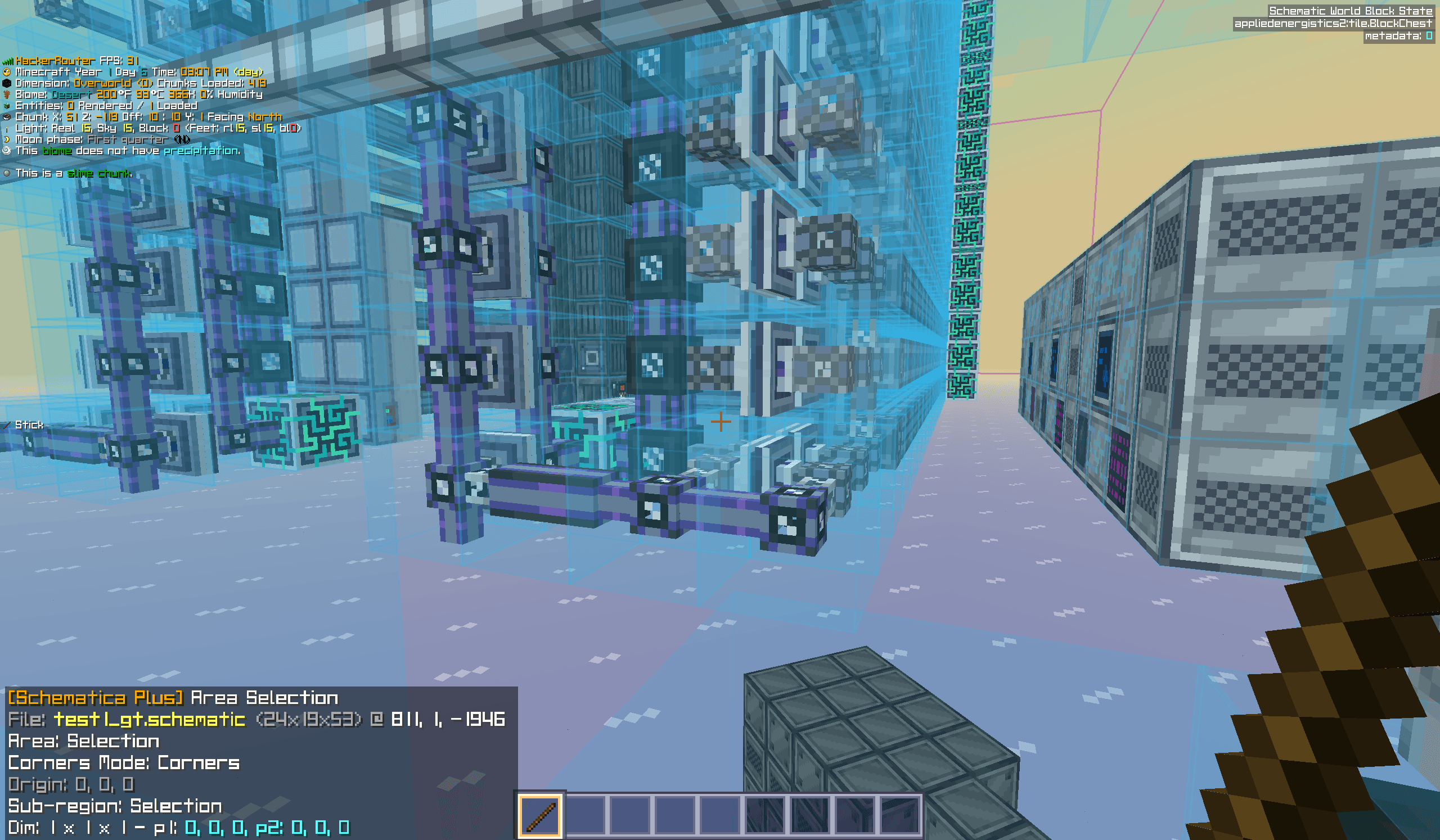
Schematica-Plus lets you load, display, and build from schematic files as 3D hologram overlays in your world. You can save your own builds to schematic files and share them with others. The hologram guides you block-by-block so you can accurately recreate complex structures — from small houses to massive redstone contraptions — without memorizing every block placement.
Quick start and default controls
Release M to open the Schematica+ menu. Load a schematic into memory and
create a placement, or open the area selection manager to select a build to save.
Loaded sources and placements are independent: one source can have several
placements, and removing a placement does not unload its source.
The default tool item is minecraft:stick. While holding it, Left Ctrl + wheel
cycles tool modes. The configuration screen supports keyboard/mouse combinations,
press/release actions, contexts and advanced matching settings.
| Default input | Action |
|---|---|
Release M |
Main menu |
M + C |
Configuration and hotkeys |
M + S |
Area selection manager |
M + P |
Placements |
M + L |
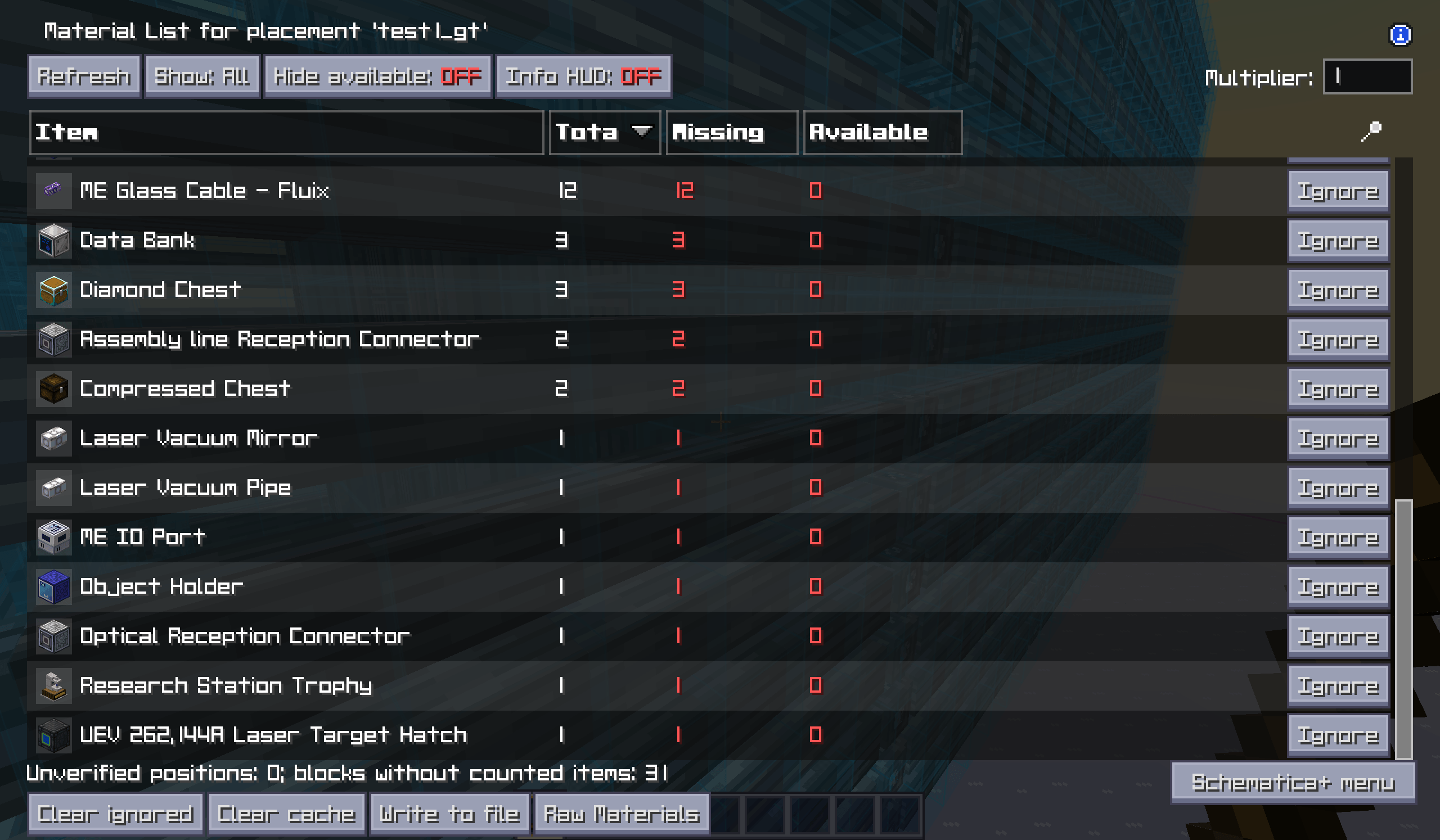
Last material list, or the selected placement’s list |
M + V |
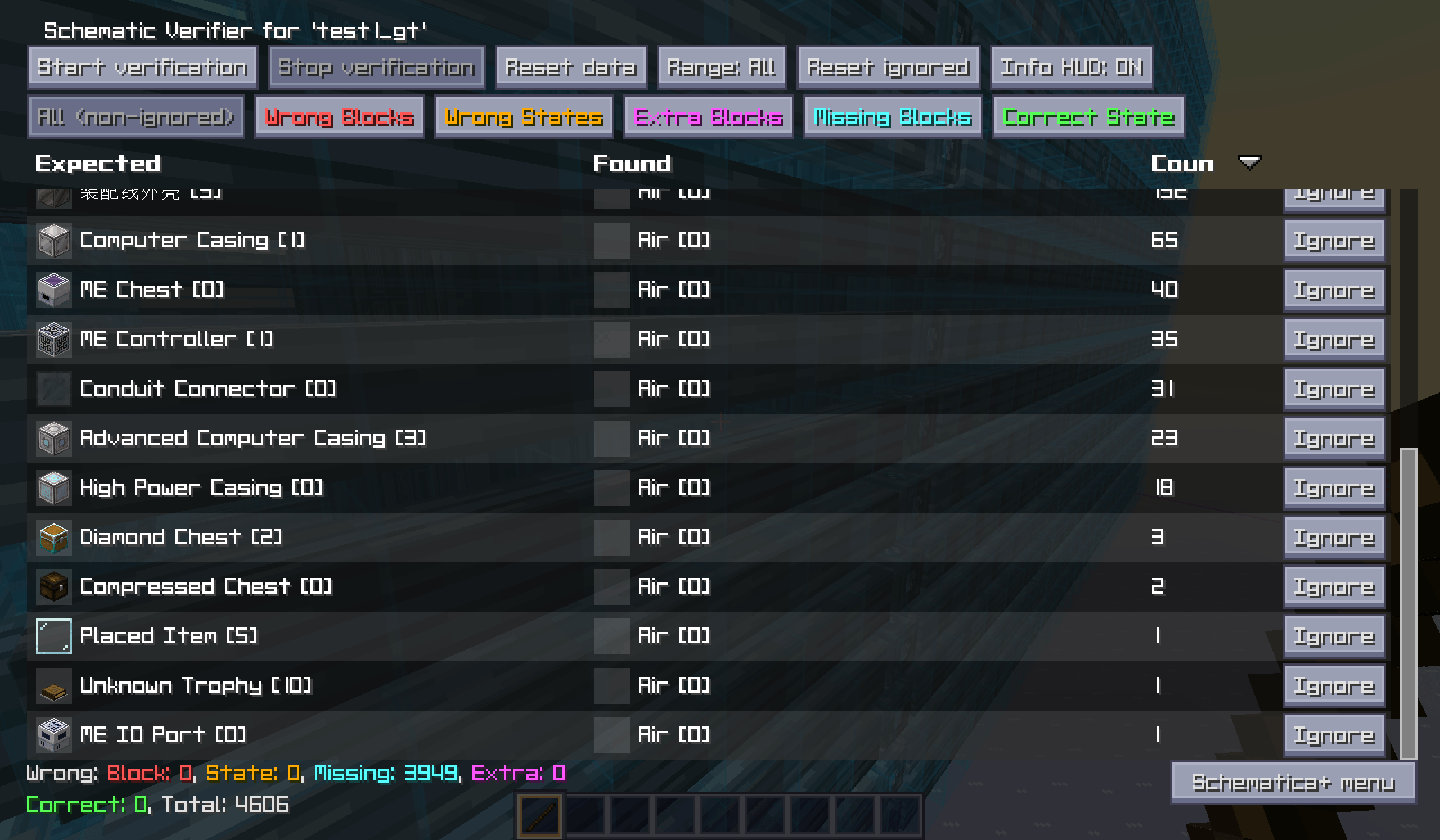
Schematic verifier |
Left Ctrl + Left Alt + S |
Save area to a file |
Numpad * / Numpad - |
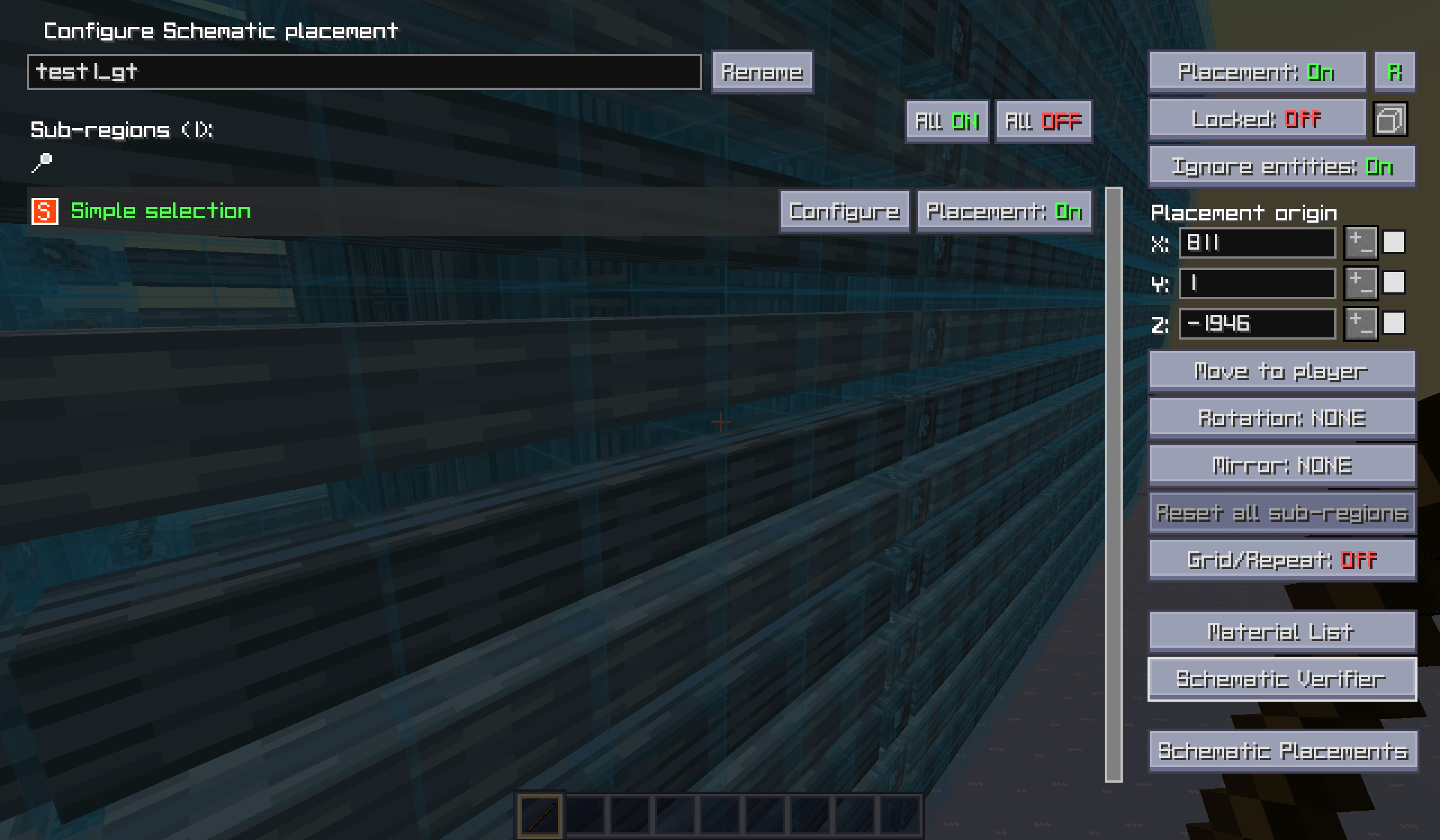
Area editor / placement configuration |
Left Ctrl + wheel, holding tool |
Cycle tool mode |
| Left / right click, holding tool | Set corner 1 / 2, or position a placement, according to mode |
| Middle click, holding tool | Select an area element or placement |
Left Alt + wheel, holding tool |
Nudge the selected element |
Left Alt + middle / Left Shift + middle |
Pick primary / secondary block for applicable modes |
Page Up / Page Down |
Move render layer |
M + Page Up / M + Page Down |
Cycle render-layer mode |
M + R / M + G |
Toggle all rendering / schematic rendering |
M + T |
Toggle tool functionality |
| Unbound | Execute Operation; assign a key before using creative edit modes |
Schematic files and saving
| Format | Current support |
|---|---|
.schematic |
Read/write classic Alpha schematics with 12-bit block IDs |
.schemplus |
Read/write extended IDs, Plus metadata, visual payloads and independent overlapping regions |
.litematic |
Import and export; newly written files use the version 4 / Minecraft 1.12.2 layout |
.nbt |
Read/write vanilla structures; export uses the Minecraft 1.12 layout |
Sponge .schem |
Import v1–v3; no export; biomes are ignored |
For more details:
Please check the GitHub page.
Credits and license
Original Schematica by Lunatrius; GTNH fork by the GTNewHorizons contributors;
Schematica Plus maintained by HackerRouter. Litematica/MaLiLib adaptations credit
masa, Sakura-Ryoko and their contributors. The main UI target is Litematica
26.1.2-0.27.12 with MaLiLib 26.1.2-0.28.11; grid placement also uses the 1.12.2
Litematica implementation as a reference.
The original project and bundled LunatriusCore utilities retain MIT licensing.
Adapted Litematica/MaLiLib files and assets retain their LGPL-3.0 notices.
常见问题
Schematica-Plus 支持哪些 Minecraft 版本?
Schematica-Plus 支持 Minecraft Java 版 1.7.10,可用的加载器:Forge。下载时注意选择和你游戏版本一致的文件。
Schematica-Plus 怎么安装?
先用 PCL2 或 HMCL 启动器安装对应版本的 Forge,再把下载的 .jar 文件放进游戏目录的 mods 文件夹,重新启动游戏即可。开启了版本隔离的,mods 文件夹在 versions/版本名 下面。

评论
登录后评论和评分