
SayAs Mod
Adds the /sayas command, allowing users to send chat messages as another player. Fully compatible with LuckPerms.
截图
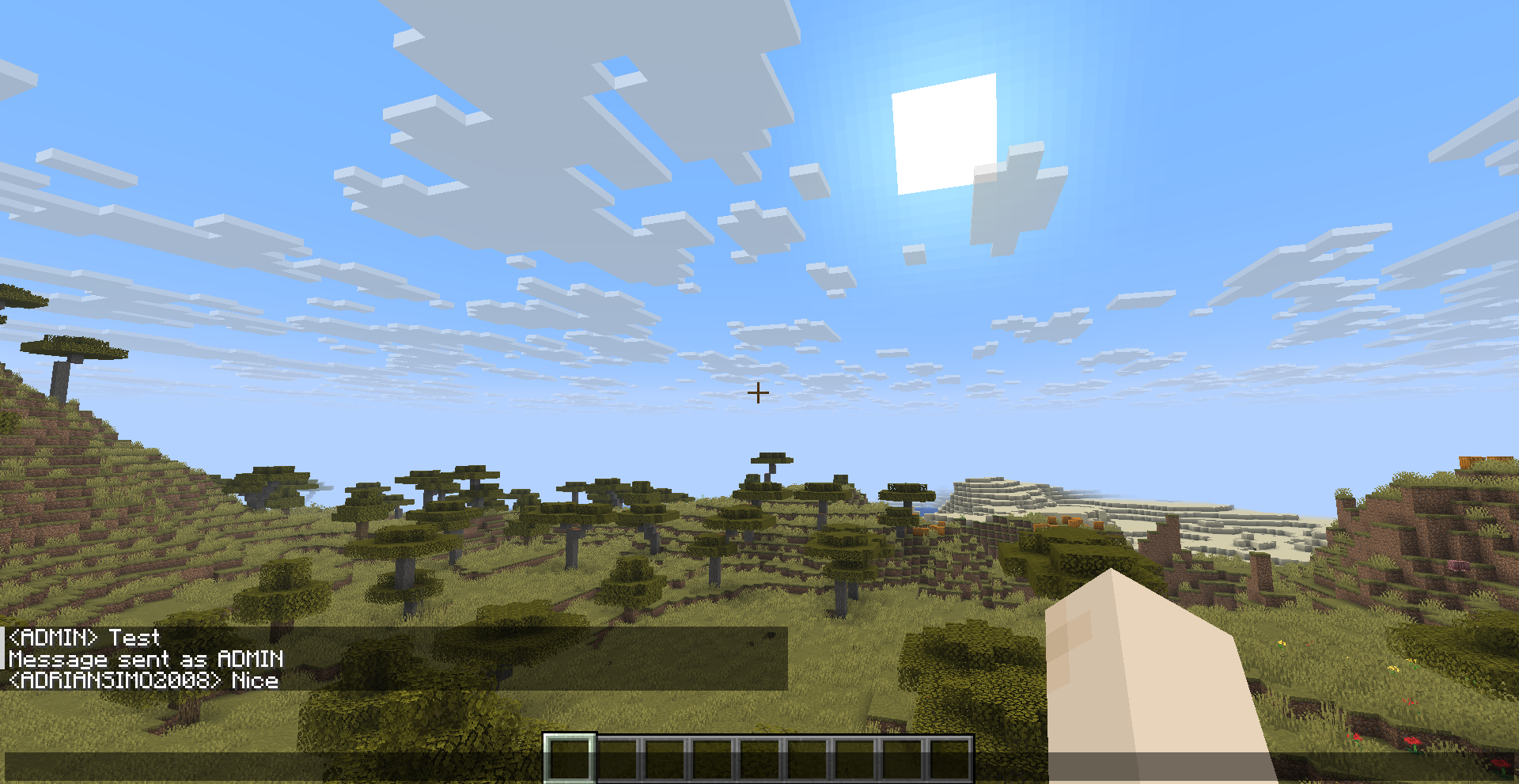
介绍
🗣️ SayAs
SayAs is a lightweight Fabric mod that allows players (with permission) to send chat messages as another player, use custom aliases, or fully mimic other players in real-time.
Perfect for administrators, moderation tools, role-play servers, and custom events.
✨ Features
Adds multiple commands:
Basic usage
/sayas as <player> <message>Sends a message as if written by the selected player
Alias system
/sayas name <name>
/sayas name show
/sayas name clear
Set, view, or clear your custom display name (stored per-player)
Mimic mode
/sayas mimic <on|off|status>When enabled, your normal chat messages are sent as your configured name
Attempts real player mimic if the target is online
JSON messages
/sayas json <player> <json>Send advanced chat messages using raw JSON (tellraw format)
🔐 Permissions
sayas.use– Basic usagesayas.mimic– Enable mimic modesayas.json– Use JSON messages
✔ Fully compatible with LuckPerms
✔ Falls back to OP system if LuckPerms is not installed
📂 Logging
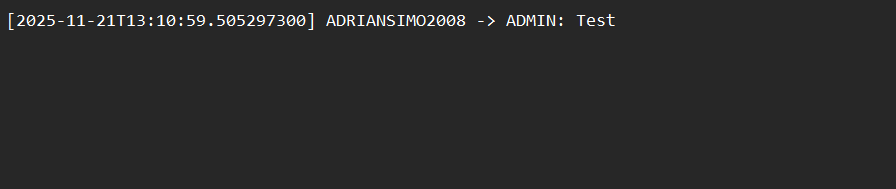
All actions are automatically logged:
sayas/log/sayas.logExample:
[2025-11-21T13:10:59.505297300] PlayerA -> PlayerB: Hello
JSON [2025-11-21T13:11:10] PlayerA -> PlayerB: {"text":"Hi"}
⚙️ Features Overview
- Persistent alias system (UUID-based)
- Real-time chat interception (mimic mode)
- Fallback system if mimic fails
- JSON chat support for advanced formatting
- Lightweight and thread-safe implementation
- No noticeable performance impact
🧩 Requirements
- Fabric Loader 0.18.1+
- Fabric API
- Minecraft 1.21.10+
🔧 Target Use Cases
- Server administration
- Role-play events
- Moderation tools
- Chat testing and scripting
常见问题
SayAs Mod 支持哪些 Minecraft 版本?
SayAs Mod 支持 Minecraft Java 版 1.21.10–26.1.1,共 3 个版本,可用的加载器:Fabric。下载时注意选择和你游戏版本一致的文件。
SayAs Mod 怎么安装?
先用 PCL2 或 HMCL 启动器安装对应版本的 Fabric,再把下载的 .jar 文件放进游戏目录的 mods 文件夹,重新启动游戏即可。开启了版本隔离的,mods 文件夹在 versions/版本名 下面。运行环境:仅服务端。
评论
登录后评论和评分