
Save Inventory
Create and load inventories. Loading results in your current inventory just being organized from the saved one. Usable in any game mode. Command for this mod is /si
截图
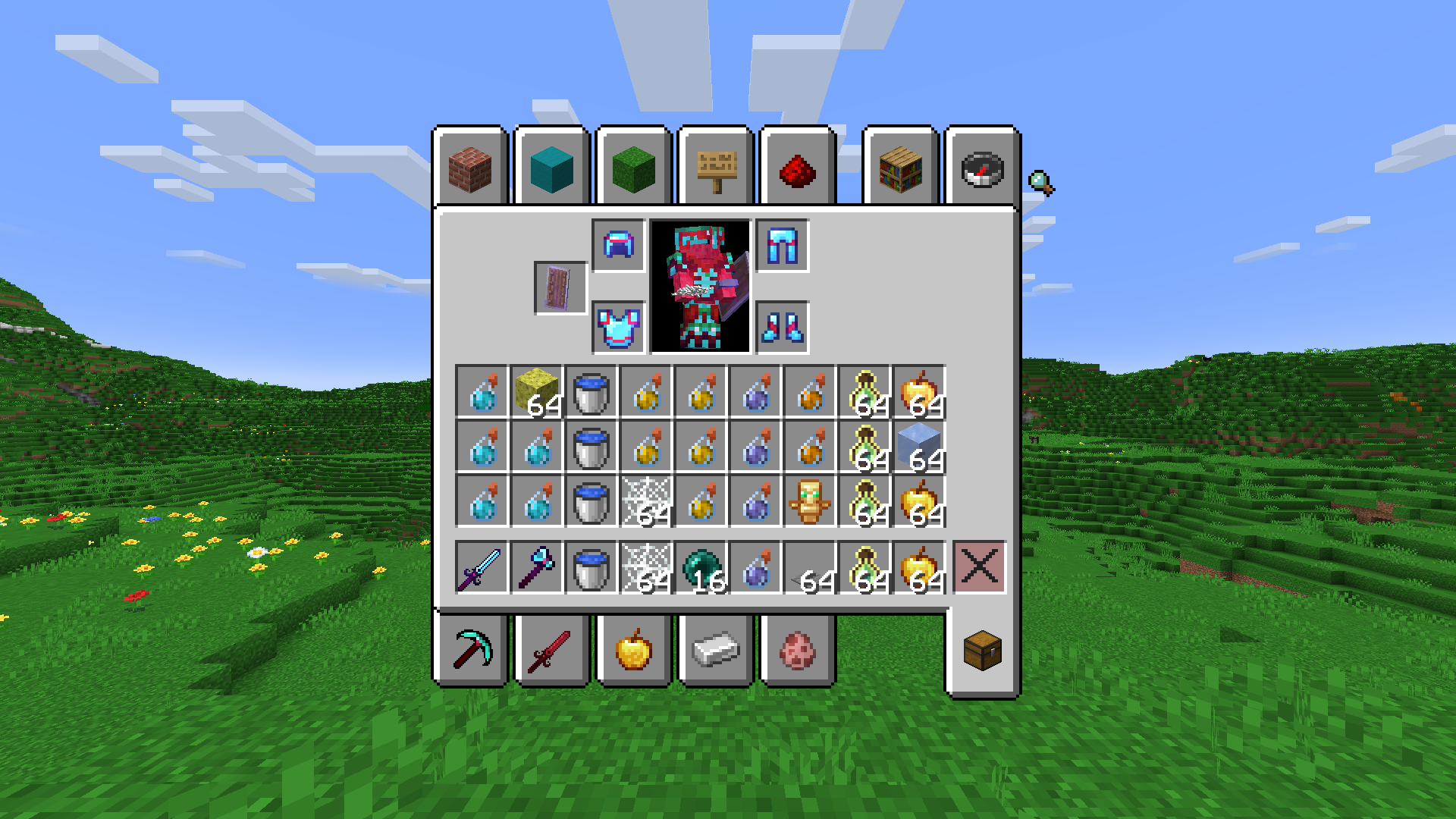


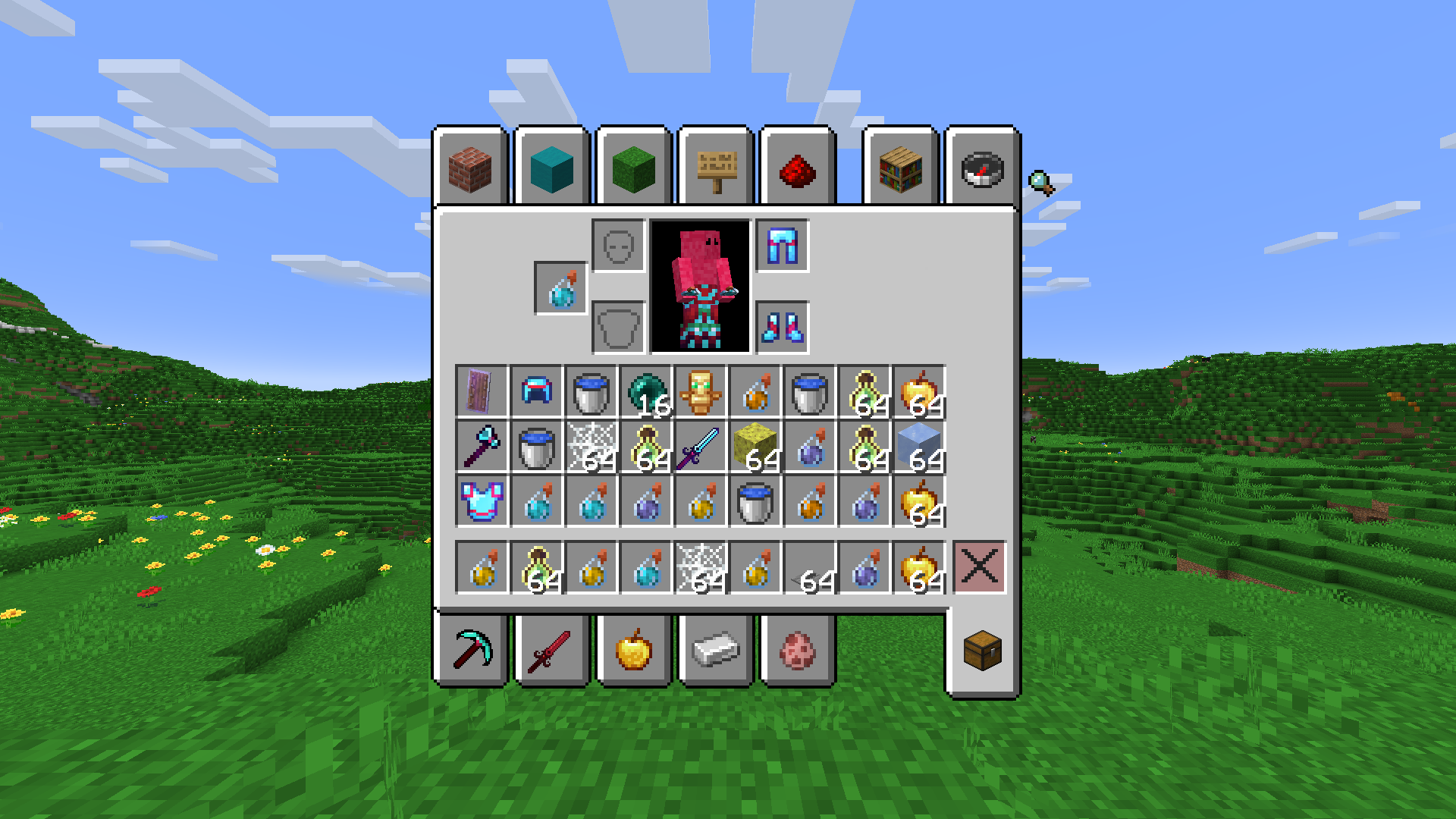


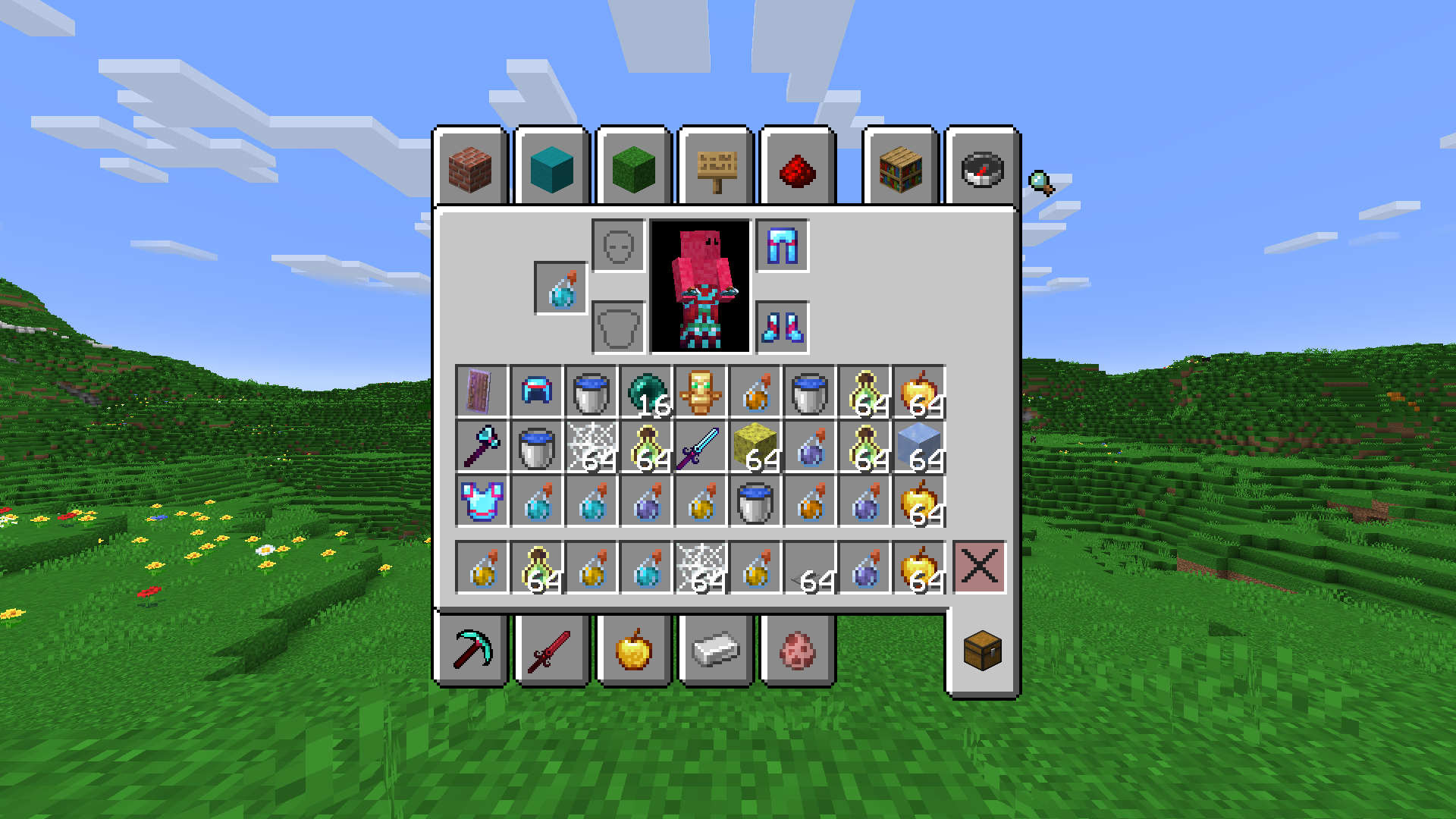


介绍
Save and Organize your inventory!
This mod allows you to save inventories, and load them no matter what server you are on, gamemode you are in, or if you have operator.
How To Use:
After placing the mod in your mods folder, you will have access to the following commands in-game:
- ### /si save (name):
This will save your current inventory with the chosen name.
- ### /si load (name):
This will load the selected inventory, organizing your current inventory as best it can.
- ### /si remove (name):
This will remove the chosen kit.
WARNING
After removing an inventory, the inventory is permanently gone.
- ## Known Bugs:
- Items with NBT data (like potions) will not be organized based off potion content, so if you have 1 strength and 1 speed, its just whatever it gets to first
- After restarting game, saved inventories no longer show when you load/remove, but they are still there. You can load and remove them, but there is no suggestion with the command
常见问题
Save Inventory 支持哪些 Minecraft 版本?
Save Inventory 支持 Minecraft Java 版 1.21–1.21.5,共 6 个版本,可用的加载器:Fabric。下载时注意选择和你游戏版本一致的文件。
Save Inventory 怎么安装?
先用 PCL2 或 HMCL 启动器安装对应版本的 Fabric,再把下载的 .jar 文件放进游戏目录的 mods 文件夹,重新启动游戏即可。开启了版本隔离的,mods 文件夹在 versions/版本名 下面。运行环境:仅客户端。
BIGBOIBEEF 的其他作品
查看全部 →
Quick Craft
Allows you to craft items quickly by pressing space bar, like you can with villagers.

Blue end crystals B!!
this makes end crystals blue

Time Tracker
A mod that makes a clock on your screen. Toggleable with O by default.

Anti Admin Abuse Mod
This mod allows you to see players past commands, log ins, and log outs, all with the times they did them. Does NOT log /msg.
评论
登录后评论和评分