
介绍
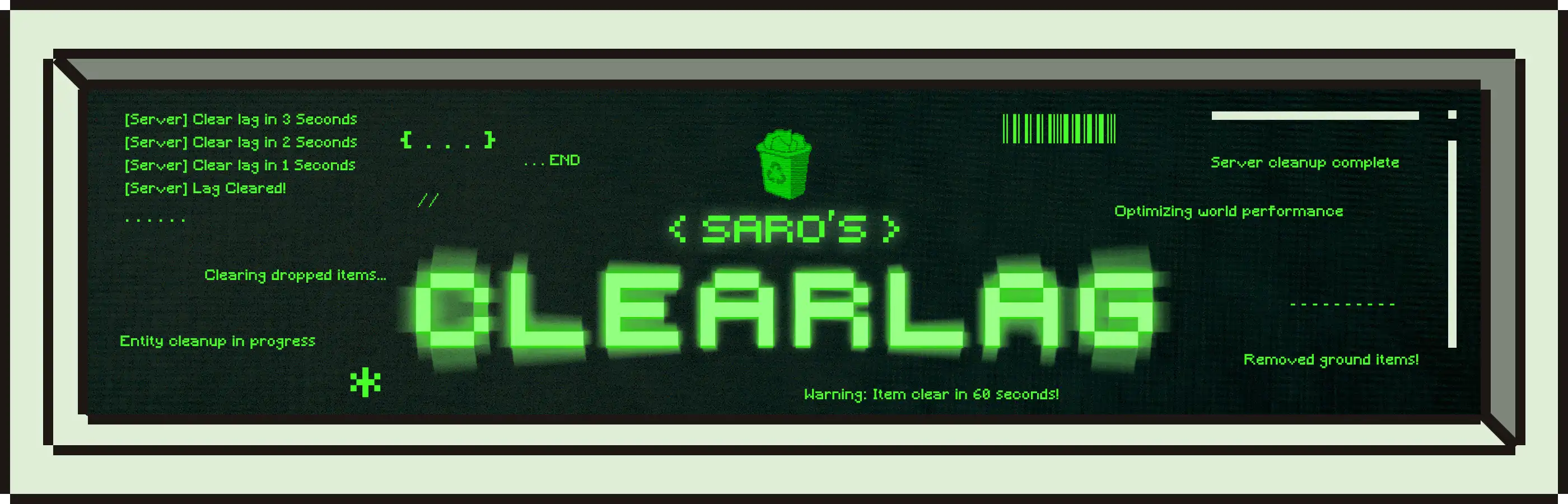
Saro’s Clearlag is a powerful server-side optimization mod designed to keep your Minecraft server running smoothly by automatically clearing lag-causing entities. With highly customizable intervals, blacklists, and whitelists, you have complete control over what gets cleared and when. Perfect for both vanilla and modded servers!

- Automatic Entity Clearing 🔄
- Set custom intervals to automatically clear entities and keep your server lag-free.
- Configurable warning system alerts players before entities are cleared.
- Smart Filtering System 🎯
- Choose between blacklist or whitelist mode for precise control.
- Protect specific entity types from being cleared.
- Full support for modded entities from any mod!
- Advanced Protection 🛡️
- Automatically protect named entities (like named pets).
- Keep tamed animals safe from clearing.
- Protect leashed entities.
- Set protection radius around players.
- Flexible Configuration ⚙️
- Configure which entity types to clear: items, mobs, projectiles, boats, minecarts, XP orbs.
- Customize warning messages and clear notifications.
- Adjust all settings via easy-to-use config file.
- Server-Side Only 🖥️
- Clients don’t need the mod installed to connect!
- Perfect for server administrators.
- Can also be used client-side for single-player optimization.

Clearable Entity Categories:
- Items 📦: Dropped items on the ground
- Hostile Mobs 👾: Zombies, skeletons, creepers, and more
- Projectiles 🏹: Arrows, snowballs, and other thrown items
- Vehicles 🚂: Boats and minecarts
- Experience Orbs ✨: XP orbs from mining and mob kills
- Custom Mod Entities 🔧: Full support for entities from other mods!

All commands require OP level 2 (operator permissions)
/clearlag clear: Manually clear entities immediately/clearlag info: Display current configuration settings/clearlag count: Count how many entities would be cleared/clearlag timer: Show time remaining until next automatic clear/clearlag reset: Reset the automatic clear timer/clearlag reload: Reload configuration from file/clearlag help: Display command help

Configuration File Location:
The config file is automatically generated at: config/sarosclearlag-common.toml
Key Configuration Options:
Auto-Clear Settings:
- Enable/disable automatic clearing
- Set interval between clears (30-3600 seconds)
- Configure warning messages and timing
Entity Filtering:
- Choose blacklist or whitelist mode
- Add entity types using format:
minecraft:entity_typeormodid:entity_type - Examples:
minecraft:zombie,minecraft:item,create:contraption
Protection Settings:
- Protect named entities
- Protect tamed animals
- Protect leashed entities
- Set protection radius around players
Message Customization:
- Customize clear messages (use
{count}for entity count) - Customize warning messages (use
{time}for seconds remaining) - Enable/disable broadcast messages

Example Use Cases:
🎮 Survival Server: Clear dropped items and hostile mobs every 5 minutes while protecting named pets and items near players.
🏗️ Creative Server: Clear only projectiles and XP orbs to prevent lag from player experiments.
⚔️ PvP Server: Clear items and mobs frequently but protect items near players with a protection radius.

Currently Supported
- Forge 1.20.1 ✅
More versions coming soon!

Join our community on Discord to give feedback and suggestions or report any bugs you find!

Project Support & Usage
Hosting: For the best performance, I recommend using BisectHosting linked in the banner.
Modpacks: You are free to include my work in any modpack. Please ensure proper credit is given by providing a link to this project page.
常见问题
Saro´s Clearlag 支持哪些 Minecraft 版本?
Saro´s Clearlag 支持 Minecraft Java 版 1.20.1–26.3,共 3 个版本,可用的加载器:Forge。下载时注意选择和你游戏版本一致的文件。
Saro´s Clearlag 怎么安装?
先用 PCL2 或 HMCL 启动器安装对应版本的 Forge,再把下载的 .jar 文件放进游戏目录的 mods 文件夹,重新启动游戏即可。开启了版本隔离的,mods 文件夹在 versions/版本名 下面。运行环境:仅服务端。
Sarocesch 的其他作品
查看全部 →
Saro´s Money
Adds physical coins (1€–2€), banknotes (5€–500€), ATMs, and bank accounts for a complete multiplayer economy — with /pay, /eco commands, sign shops, and a leaderboard.
Saro´s Road Signs
Adds functional traffic lights, speed signs, stop signs, and custom sign packs with 3D models and sounds. Pairs with Saro's Road Blocks for complete road infrastructure.

Saro´s Road Blocks
Adds asphalt with slope/stair variants, crash barriers, street lights, and road marking tools for building realistic roads, highways, and on-ramps.
Saro´s Construction
Adds construction barriers, cones, scaffolding, and interactive site equipment for building realistic construction zones.
评论
登录后评论和评分