
截图
介绍
中文介绍正在准备中,下面暂时显示原文。
SaiCo Auto-Clicker is a client-side autoclicker for Minecraft 1.8.9. Hold the mouse button and it clicks for you.
Controls
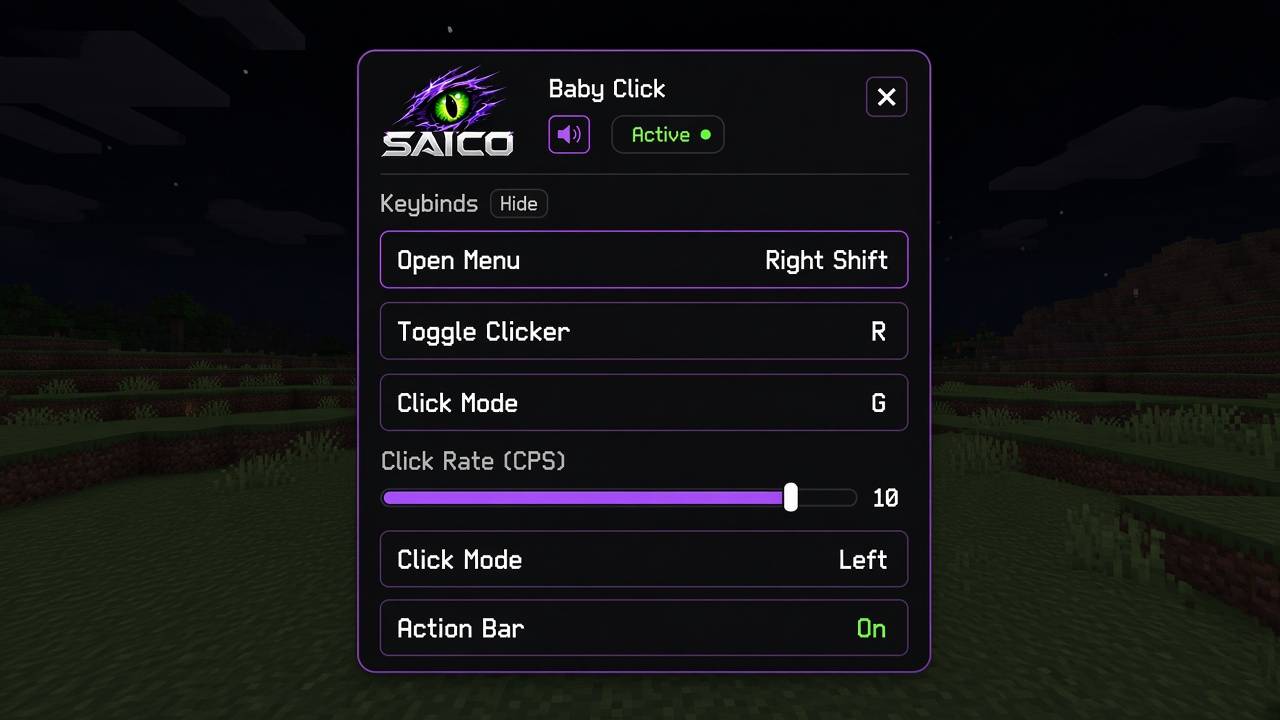
- R toggles the autoclicker
- Right Shift opens the settings menu
- G switches between left-click and right-click mode
All three keys can be changed in the menu.
Left click
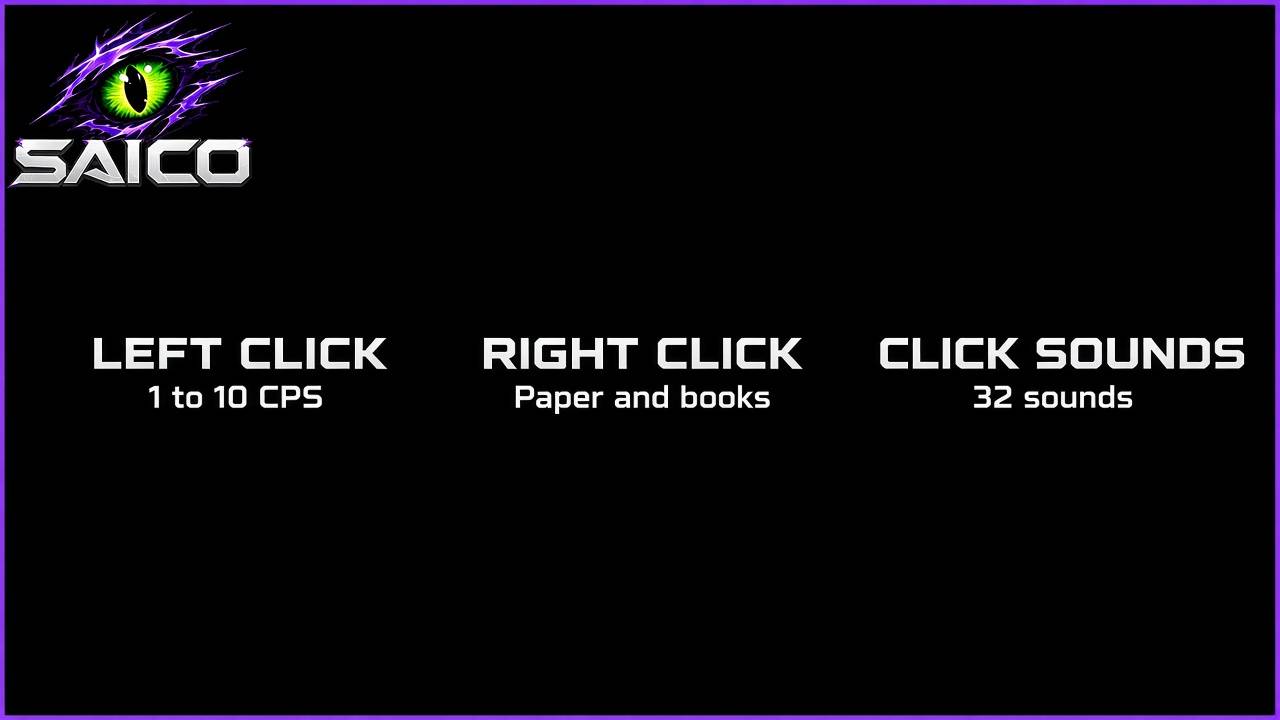
- CPS slider from 1 to 10
- Hold left click to auto-click
- Attacks the player or mob under your crosshair
Right click
- Fires while you hold right click
- Only works while holding paper or a book
Pauses on its own
- Pauses while any menu is open, including inventories and chests
- Turns back on when that menu closes, if it was on before
- Also pauses while drawing a bow, eating, drinking, or blocking
Action bar
- Left-click mode shows the mode and your CPS
- Right-click mode shows the mode
- Can be turned off
- Server action bars always take priority
Click sounds
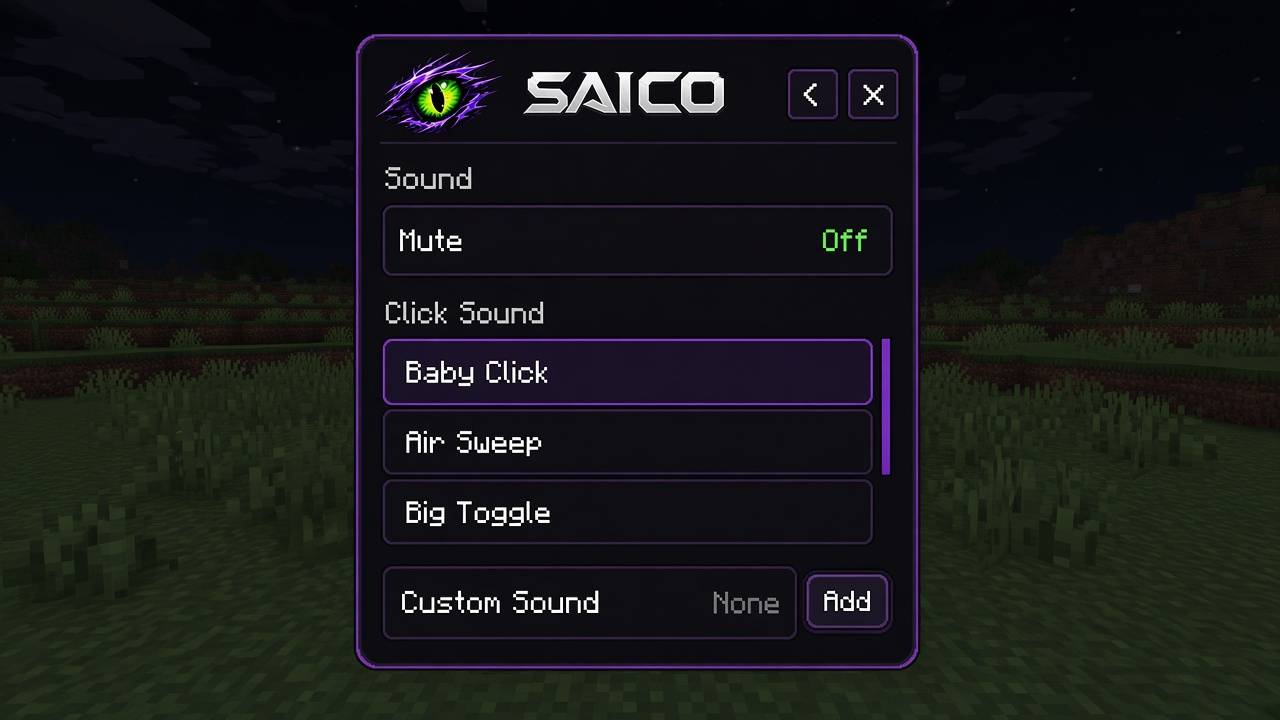
- 32 built-in clicks.
- Add your own .ogg click
- Mute switch
Install it on the client with Minecraft Forge for 1.8.9.
常见问题
SaiCo Auto-Clicker 支持哪些 Minecraft 版本?
SaiCo Auto-Clicker 支持 Minecraft Java 版 1.8.9,可用的加载器:Forge。下载时注意选择和你游戏版本一致的文件。
SaiCo Auto-Clicker 怎么安装?
先用 PCL2 或 HMCL 启动器安装对应版本的 Forge,再把下载的 .jar 文件放进游戏目录的 mods 文件夹,重新启动游戏即可。开启了版本隔离的,mods 文件夹在 versions/版本名 下面。

评论
登录后评论和评分