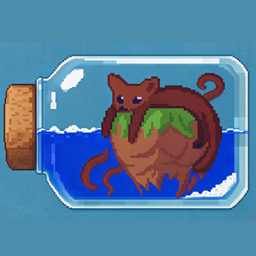
截图
介绍
中文介绍正在准备中,下面暂时显示原文。
Sable in Bottle
The first official release — bottle up Sable physics ships, carry them anywhere, and release them on demand.
Features
- Bottle a ship — Right-click a Sable ship with an empty bottle to serialize its blocks, block entities and ticking state in full.
- Carry & release — Right-click the ground with a filled bottle (without sneaking) to release the ship at the targeted position. Saved data is not tied to its original coordinates.
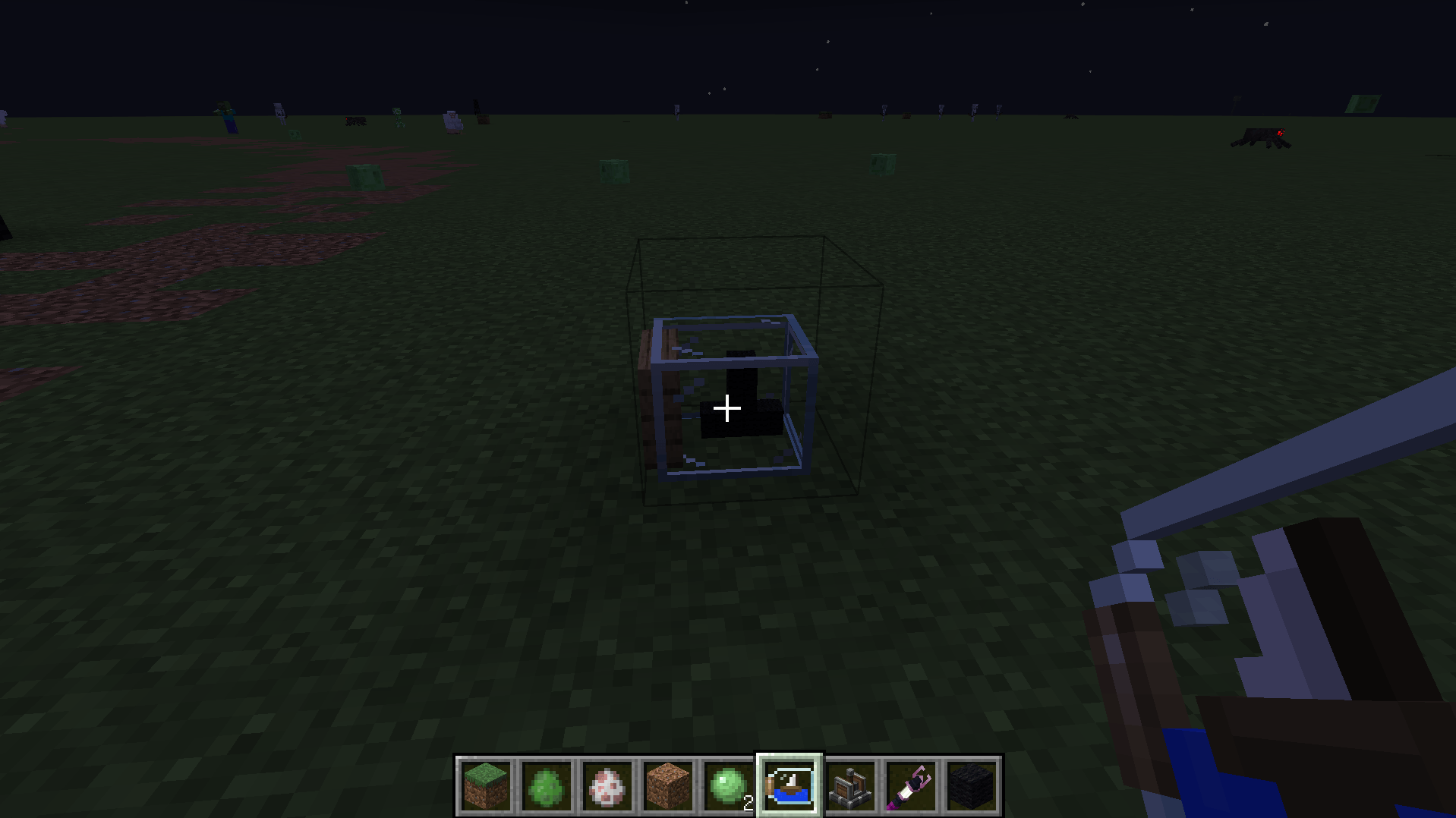
- Live in-bottle rendering — Filled bottles render the stored structure inside the glass cavity in real time. Empty and filled bottles are instantly distinguishable.
- Floating animation — The stored structure hovers in the centre of the cavity with a slow up-and-down bob instead of sitting flush against the glass.
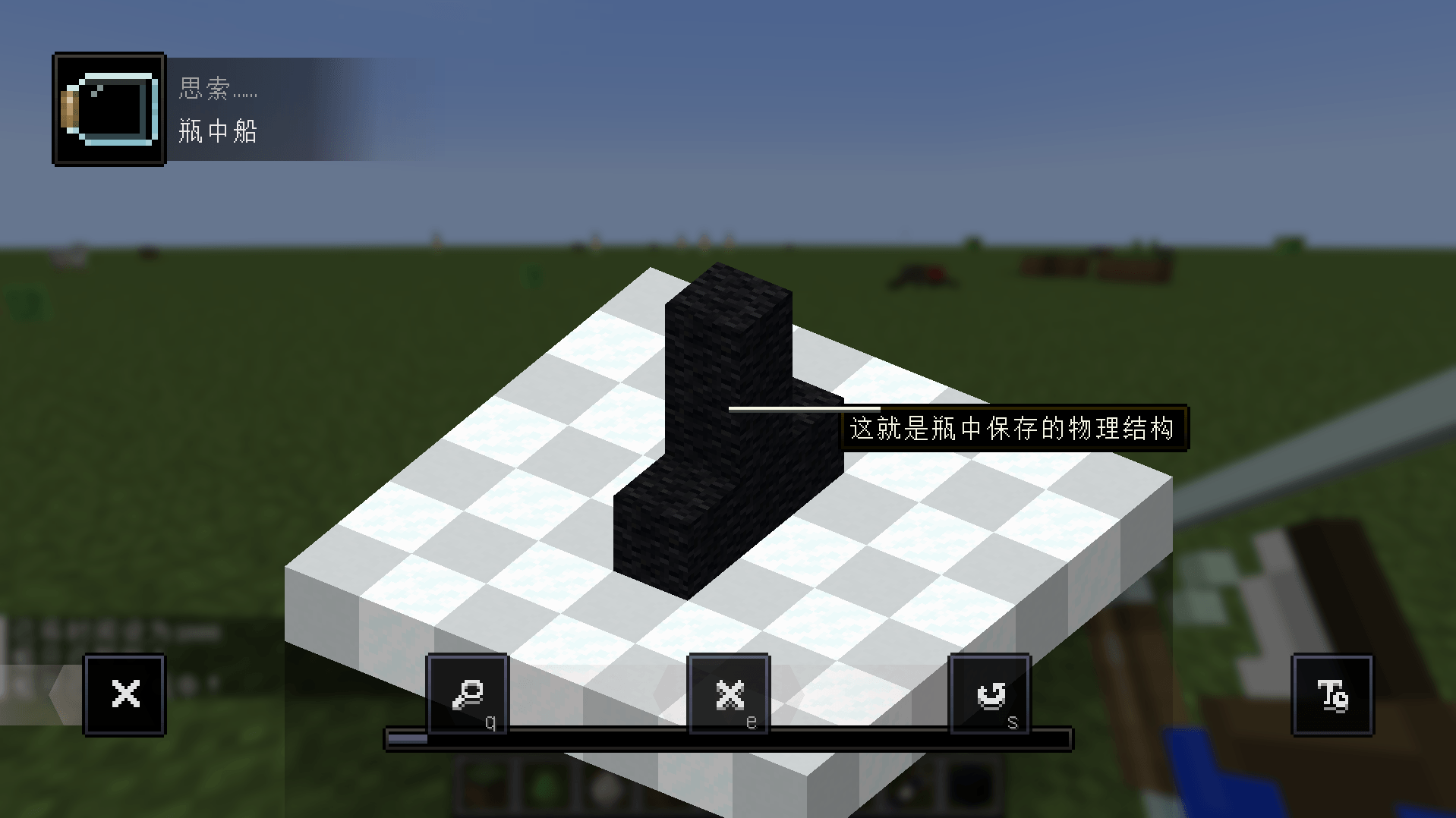
- Ponder preview — Hover over a bottle and hold
Wto inspect its contents. The view auto-scales and centres, and block orientations match the released ship. - Configurable preview limit —
max_structure_sizeinconfig/sableinbottle.jsoncontrols the maximum structure size shown in the preview.
Requirements
| Dependency | Version |
|---|---|
| Minecraft | 1.21.1 |
| NeoForge | 21.1.228+ |
| Sable | 2.0.0 – 2.x |
| Create | 6.0.10+ |
| Create: Aeronautics | 1.3.2+ |
Installation
Drop sableinbottle-neoforge-1.21.1-1.1.0.jar into your mods folder and ensure all required dependencies listed above are installed.
Source & License
GitHub Repository: https://github.com/Clownfish170/Sable-In-Bottle-1.21-neoforge
This project is open-source under the MIT License. Report bugs and feature requests via GitHub Issues.
常见问题
Sable in Bottle 支持哪些 Minecraft 版本?
Sable in Bottle 支持 Minecraft Java 版 1.21.1,可用的加载器:NeoForge。下载时注意选择和你游戏版本一致的文件。
Sable in Bottle 怎么安装?
先用 PCL2 或 HMCL 启动器安装对应版本的 NeoForge,再把下载的 .jar 文件放进游戏目录的 mods 文件夹,重新启动游戏即可。开启了版本隔离的,mods 文件夹在 versions/版本名 下面。
评论
登录后评论和评分