
Nickname
Personalize your experience! Set a custom nickname and show off animated GIFs above your character with this easy-to-use mod.
截图
介绍
✨ Key Features
Custom Nicknames: Set a custom display name for your character. Perfect for roleplay or personal branding.
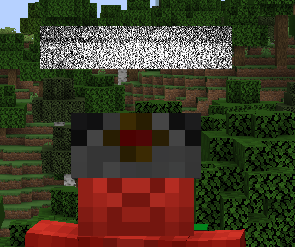
Animated GIF Support: Express yourself! Easily display animated GIFs above your character’s head to catch everyone’s attention.
Privacy Mode: Hide your real Minecraft username in the chat and on your player label to keep your account identity private.
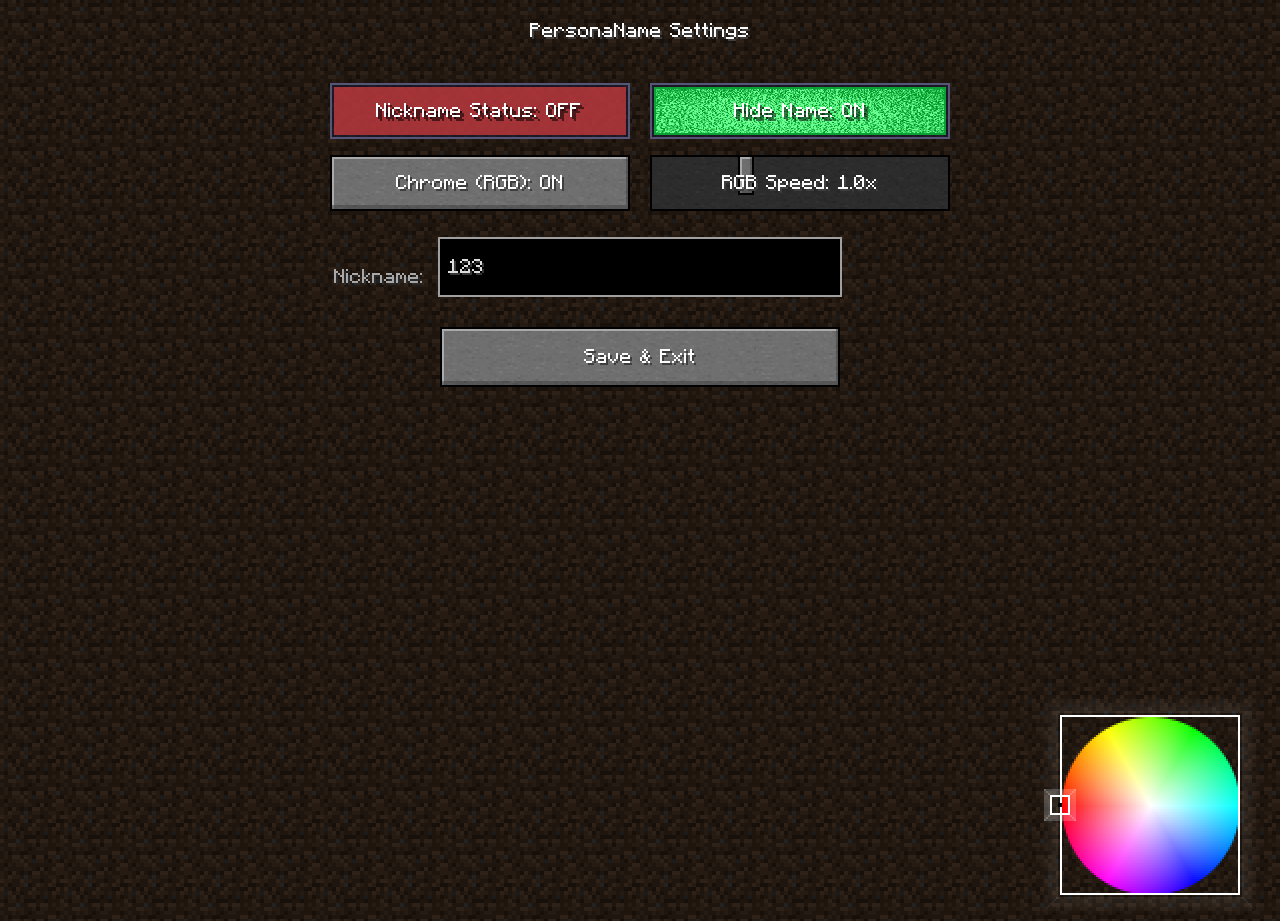
Intuitive GUI: Access your settings effortlessly with an in-game configuration menu. (Default key: J)
Lightweight & Non-Intrusive: Built to be performance-friendly. It’s a client-side mod, meaning it works on any server without requiring the server owner to install it!
🎮 How to Use
1-Install the mod and launch the game.
2-Press the J key to open the configuration menu.
3-Enter your desired nickname and toggle your preferences.
Save and enjoy your new look!
⚙️ Requirements
Minecraft: 1.20.1
Loader: Fabric
Dependency: Fabric API
💬 Support
If you encounter any bugs or have suggestions for new features, please feel free to leave a comment or report an issue on our GitHub repository.
Stand out. Be unique. Use Nickname.
常见问题
Nickname 支持哪些 Minecraft 版本?
Nickname 支持 Minecraft Java 版 1.20.1,可用的加载器:Fabric。下载时注意选择和你游戏版本一致的文件。
Nickname 怎么安装?
先用 PCL2 或 HMCL 启动器安装对应版本的 Fabric,再把下载的 .jar 文件放进游戏目录的 mods 文件夹,重新启动游戏即可。开启了版本隔离的,mods 文件夹在 versions/版本名 下面。运行环境:仅客户端。
S3don_Ms3od 的其他作品
查看全部 →
Killeffect Changer
A professional mod that adds epic visual and sound effects when killing entities

Trigger Swing
A simple mod that prevents you from swinging your weapon in the air. Only attacks when aiming at entities.

Void Helper
This project adds essential utility tools for Void players, featuring Auto Bucket, No Ghost Hit, and an intelligent nearby Player/Mob counter.
评论
登录后评论和评分