
Rudo Locator
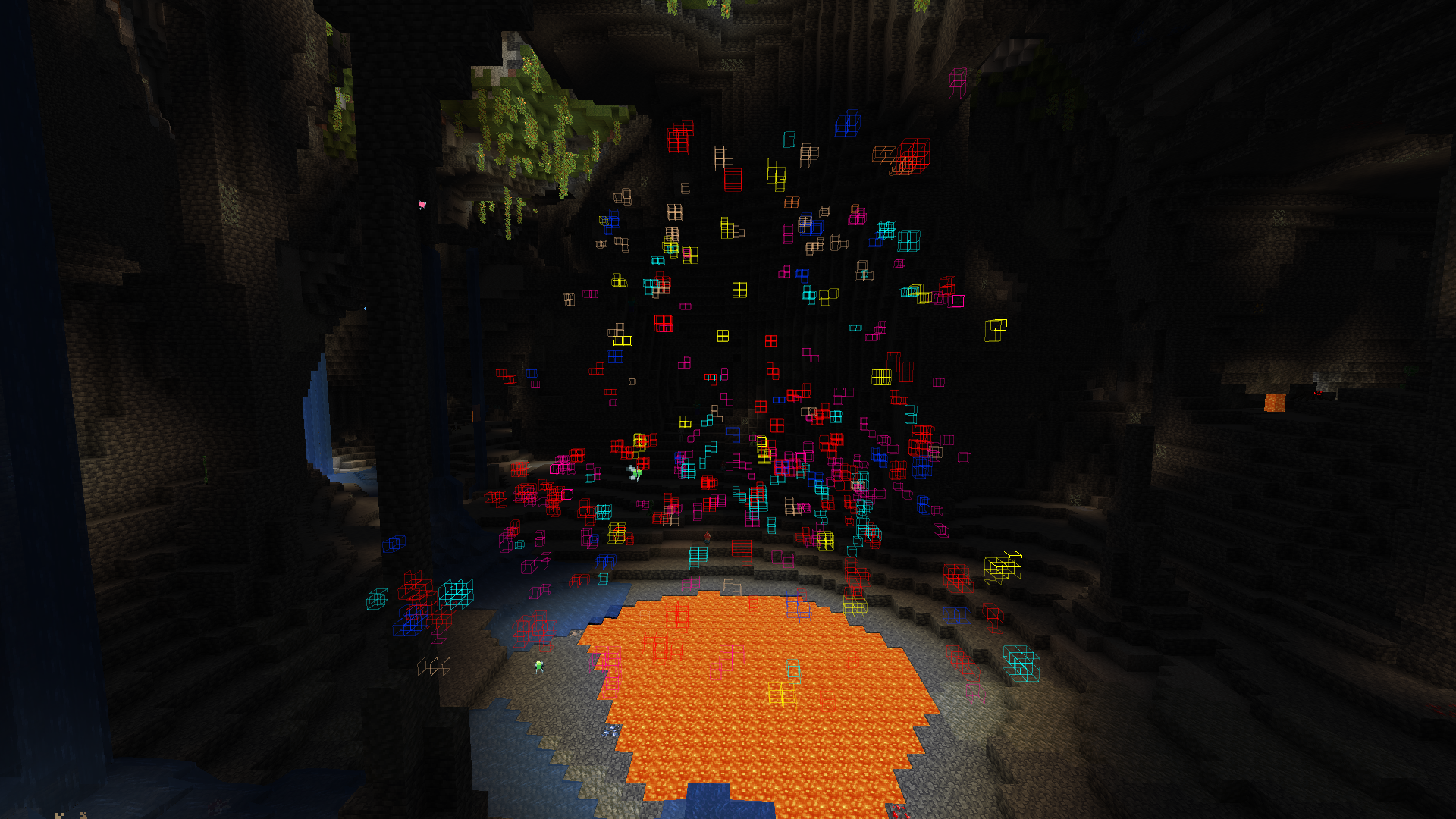
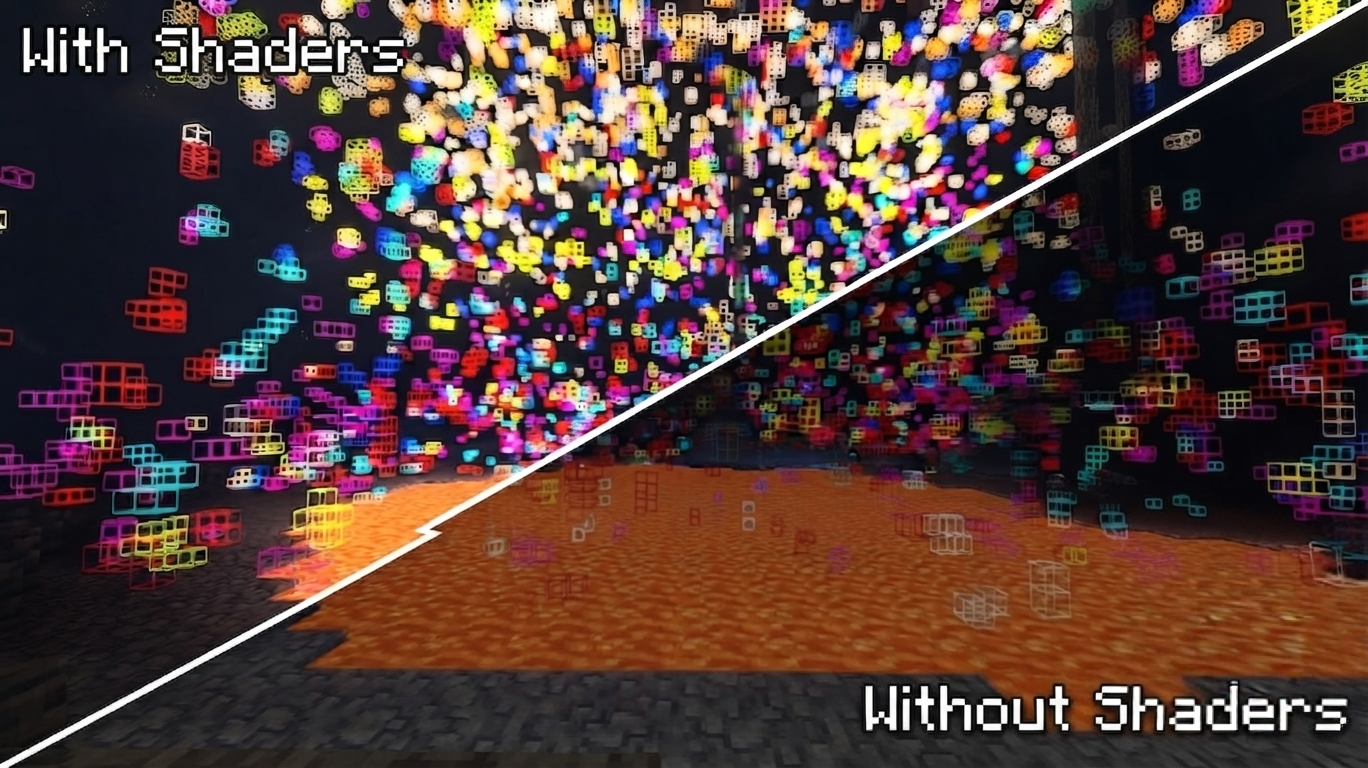
Advanced ore and block locator for Minecraft with deep RGB customization and tier progression.
截图
介绍


Advanced ore and block locator for Minecraft with deep customization and universal compatibility!
Features:
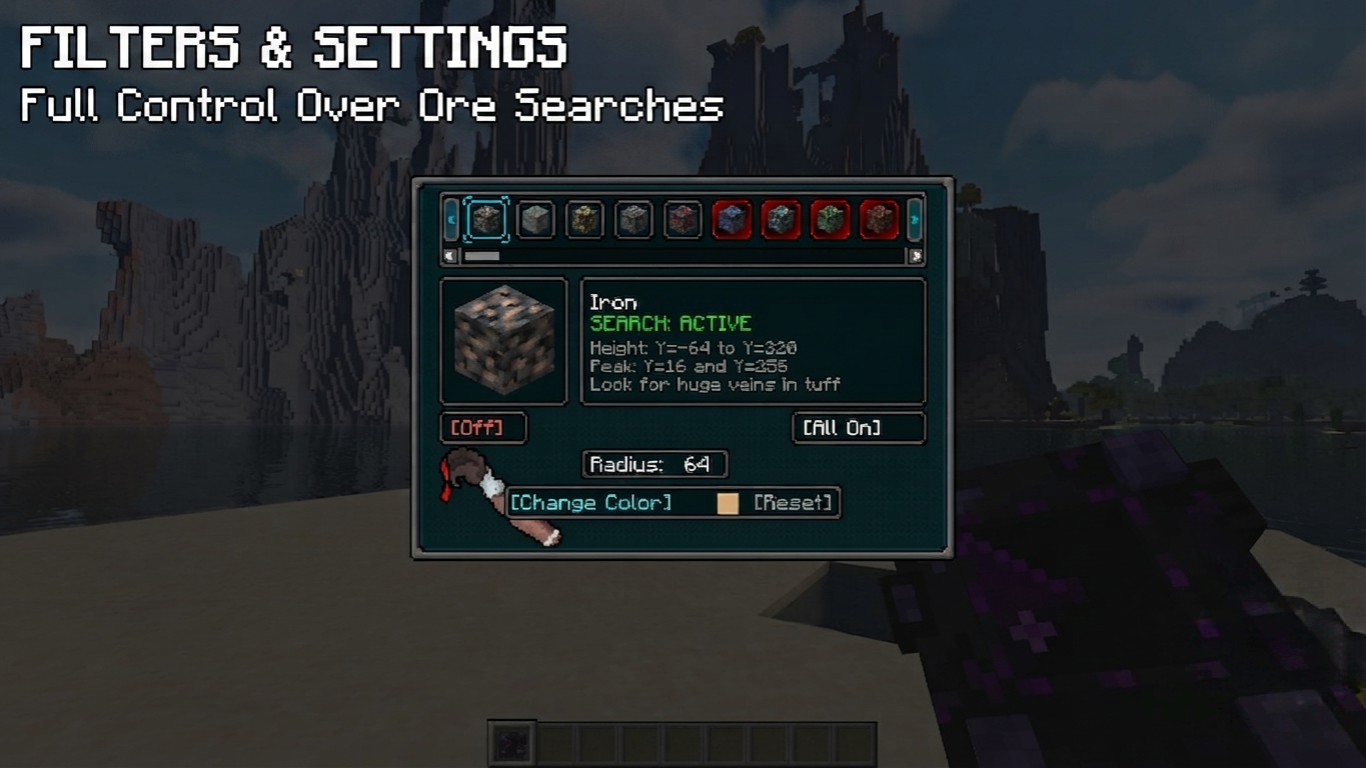
- 🎯 Precise Tracking: Highlights target ores and blocks in real-time.
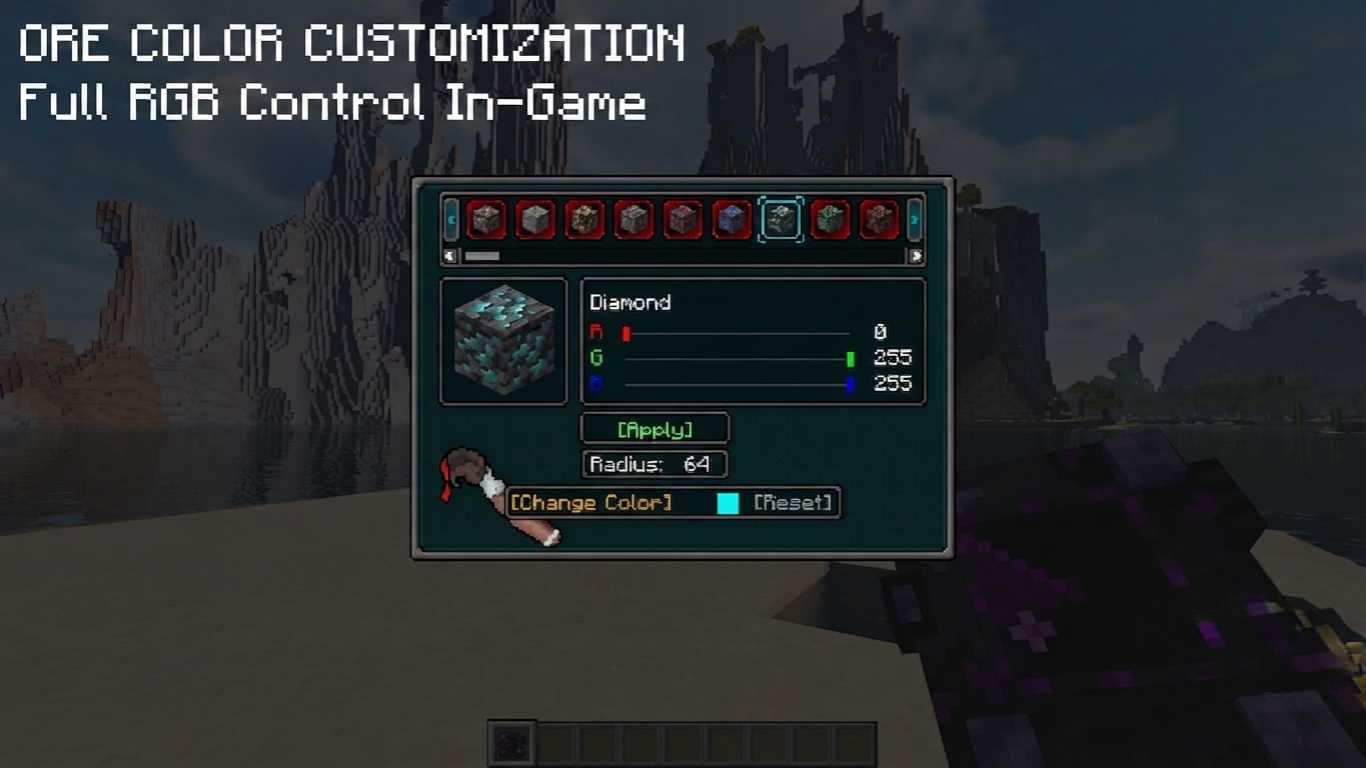
- 🎨 Full RGB Customization: Use built-in sliders to set any color for any specific ore.
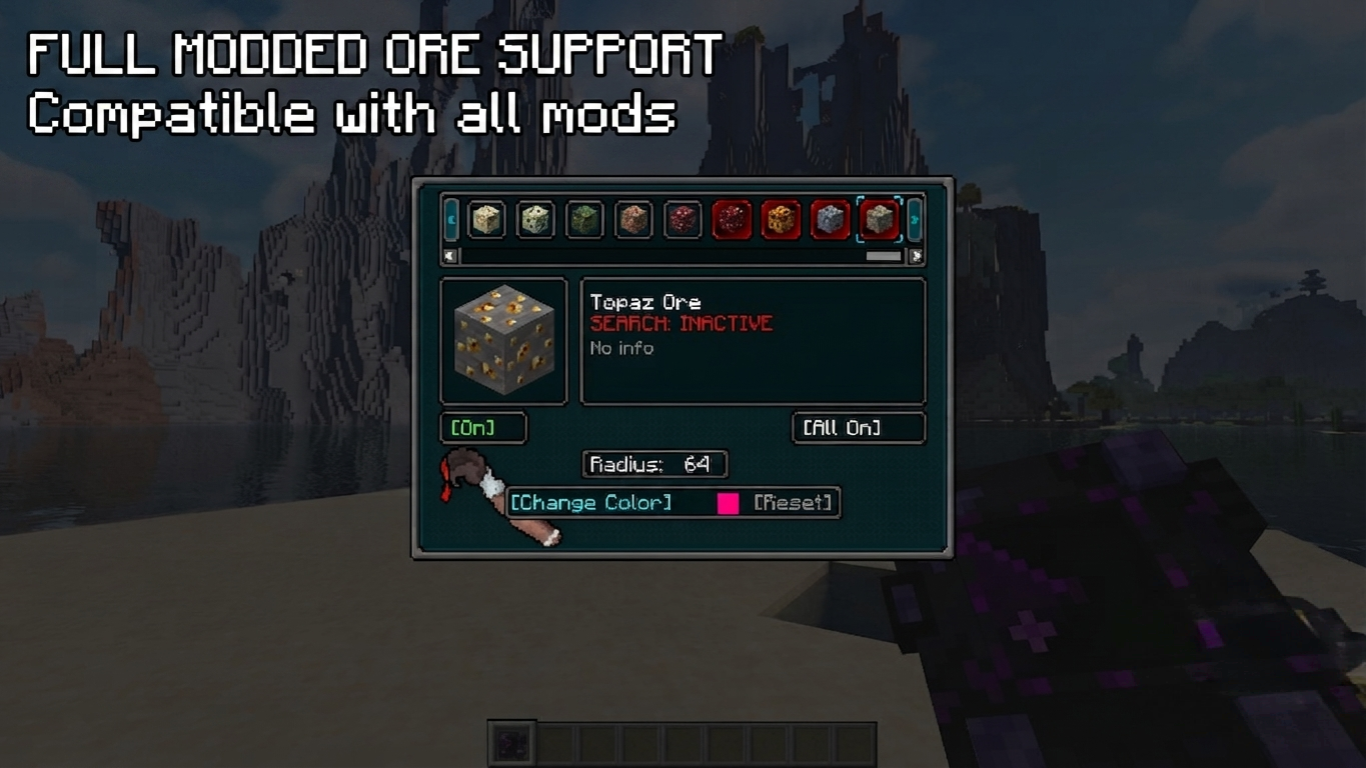
- 🌍 Universal Mod Support: Now fully compatible with custom ores from any other modifications!
- 📂 Shared Configurations: Easily share your filters with friends via the automatically generated config files.
- ⚙️ Polished GUI: Clean interface with locking frames for comfortable tweaking.
Tier System & Progression
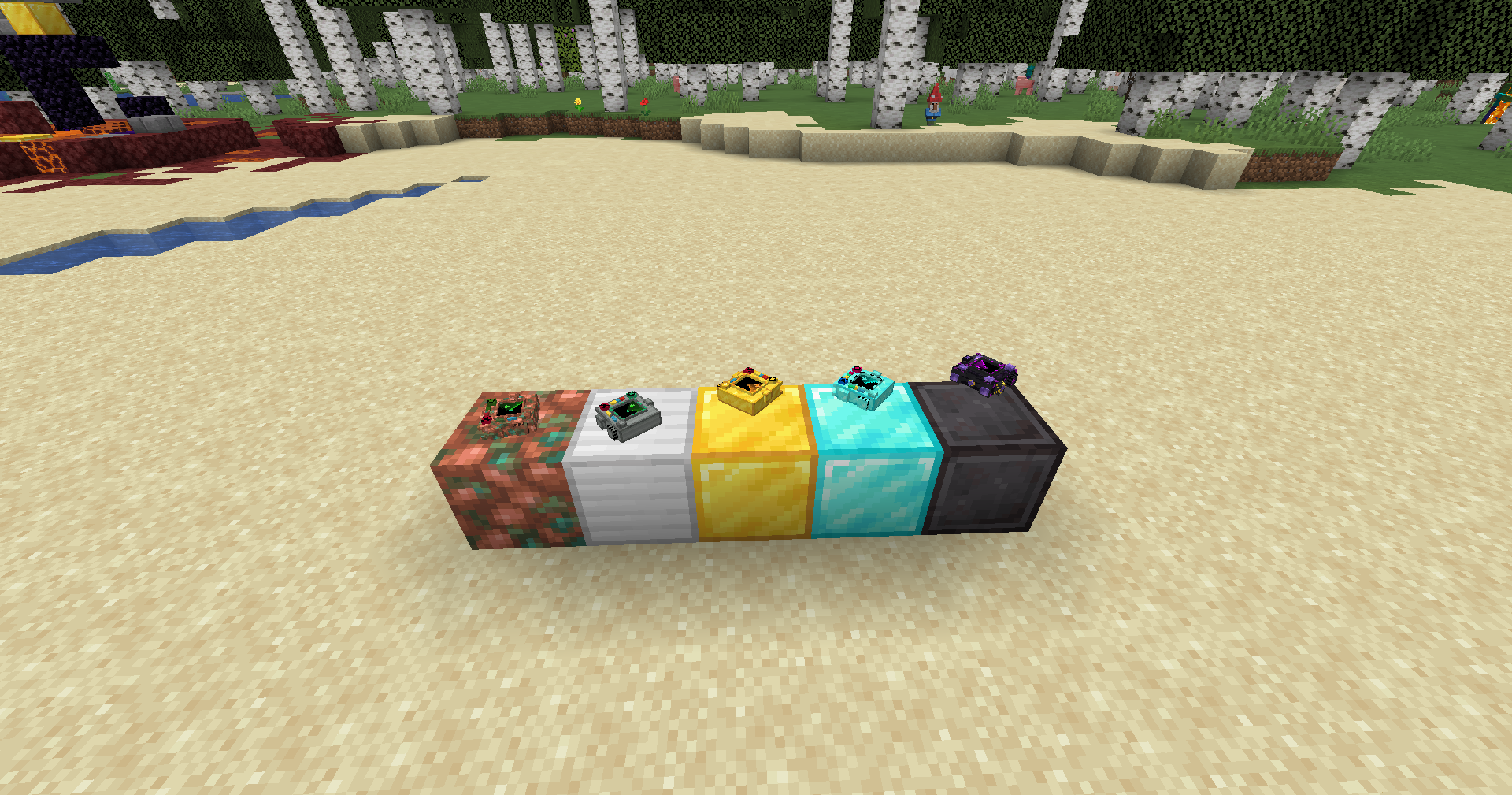
The locator evolves right along with you! The mod features 5 technological tiers, each increasing your detection range:
- Copper Locator — your first basic device for tracking simple resources at a short range.
- Iron Locator — expands your scanning radius for more efficient mining.
- Golden Locator — further increases the detection range to spot rare materials earlier.
- Diamond Locator — a powerful tool built for deep mining with a massive coverage area.
- Netherite Locator — the ultimate pinnacle of technology. Maximum scanning radius and complete immunity to fire and lava!
🛠️ Configuration & Sharing Guide
How to share your colors & filters with a friend:
- Open your Minecraft folder and navigate to
config/orelocator/. - Find the
filter.jsonfile and send it to your friend. - Your friend just needs to place this file into their own
config/orelocator/folder (replace the existing one). Changes apply instantly in-game!
How to increase the maximum scanning radius:
- Navigate to your
.minecraft/config/folder and openorelocator-common.tomlwith any text editor (like Notepad). - Find the lines for your locator tier, for example:
netherite_max_radius = 64andnetherite_current_radius = 64 - Change
64to your desired value (e.g.,128) in both lines, save the file, and restart the game.
(You can do the same for copper, iron, gold, or diamond max radius lines!)
⚠️ Important Note: To open the settings interface, you must hold the locator in your main hand! Press “R” to open settings in-game. If you are not holding the device, the menu will not open.
Русский
Продвинутый локатор руд и блоков с полной кастомизацией и универсальной совместимостью!
Особенности:
- 🎯 Точный поиск: Подсвечивает нужные руды в реальном времени.
- 🎨 RGB-кастомизация: Кастомные слайдеры позволяют настроить любой цвет подсветки для каждой руды отдельно.
- 🌍 Поддержка сторонних модов: Полная совместимость с кастомными рудами из абсолютно любых других модификаций!
- 📂 Общие конфигурации: Легко делитесь своими фильтрами с друзьями благодаря автоматической системе конфигурации.
- ⚙️ Продуманный GUI: Стильный интерфейс с аккуратными рамками-фиксаторами.
Система уровней и прогрессия
Локатор развивается вместе с вами! Мод предлагает 5 технологических тиров, каждый из которых увеличивает радиус вашего поиска:
- Медный локатор — ваше первое базовое устройство для поиска ресурсов на небольшом расстоянии.
- Железный локатор — расширяет радиус сканирования для более эффективных раскопок.
- Золотой локатор — ещё больше увеличивает дистанцию обнаружения, помогая находить редкие материалы раньше.
- Алмазный локатор — мощный инструмент для глубоких шахт с огромной зоной покрытия.
- Незеритовый локатор — абсолютный пик технологий. Максимальный радиус сканирования и полная неуязвимость к огню и лаве!
🛠️ Инструкция по настройке и обмену файлами
Как передать настройки цвета и фильтров другу:
- Откройте папку с игрой Minecraft, зайдите в папку
config, а внутри неё — в папкуorelocator. Полный путь:...\.minecraft\config\orelocator\filter.json - Скопируйте файл
filter.jsonи отправьте его другу через Discord, Telegram или любым удобным способом. - Друг должен положить этот файл в свою папку
config/orelocator/с заменой. Настройки подхватятся автоматически прямо в игре, перезапуск не нужен!
Как увеличить максимальный радиус локаторов:
- Откройте папку
.minecraft\config\и найдите там файлorelocator-common.toml. Откройте его через Блокнот. - Найдите строки нужного вам локатора, например, для незеритового:
netherite_max_radius = 64иnetherite_current_radius = 64 - Измените значения на нужные вам (например, на
128), сохраните файл (Ctrl+S) и перезапустите игру.
(Точно так же можно изменить максимум и для других тиров, изменив строки copper_max_radius, iron_max_radius, gold_max_radius или diamond_max_radius)
⚠️ Важное примечание: Чтобы открыть интерфейс настроек, вам обязательно нужно держать рудолокатор в руке! Нажмите кнопку “R”, чтобы открыть настройки в игре. Если устройство не выбрано, меню не откроется.
常见问题
Rudo Locator 支持哪些 Minecraft 版本?
Rudo Locator 支持 Minecraft Java 版 1.19.2–1.21.1,共 3 个版本,可用的加载器:Fabric / Forge / NeoForge。下载时注意选择和你游戏版本一致的文件。
Rudo Locator 怎么安装?
先用 PCL2 或 HMCL 启动器安装对应版本的 Fabric / Forge / NeoForge,再把下载的 .jar 文件放进游戏目录的 mods 文件夹,重新启动游戏即可。开启了版本隔离的,mods 文件夹在 versions/版本名 下面。运行环境:客户端和服务端都要装。
评论
登录后评论和评分