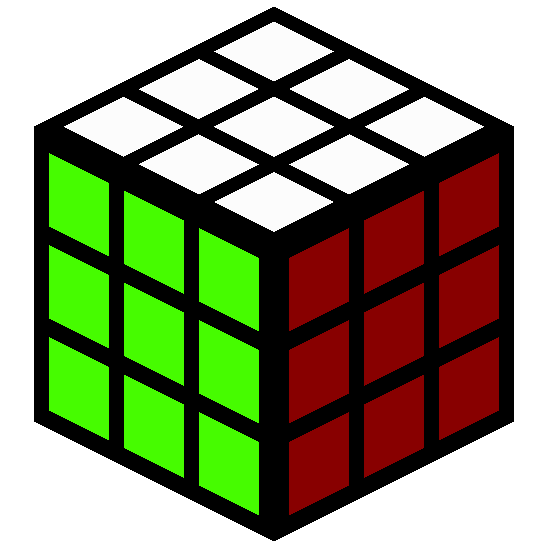
截图
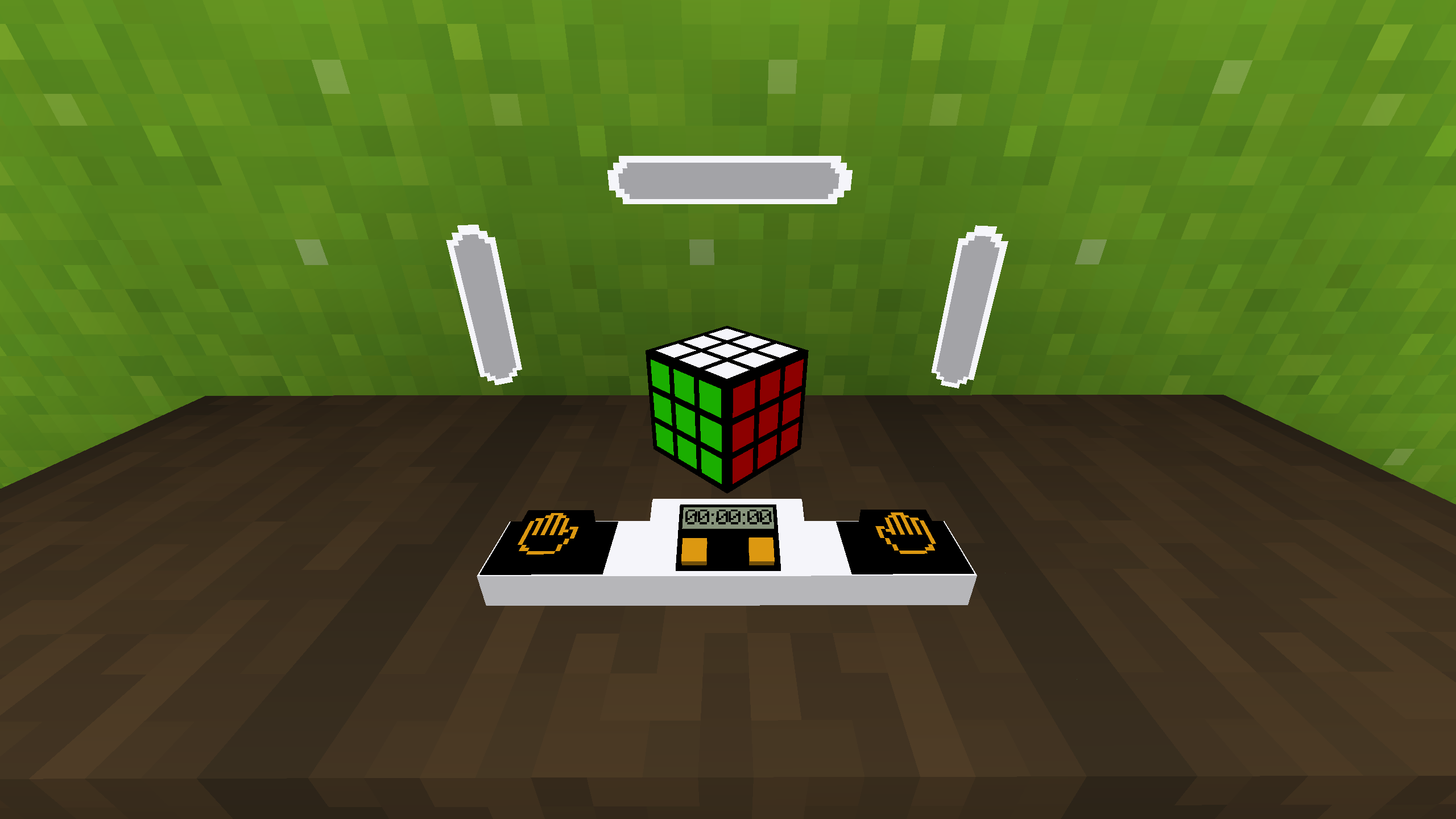
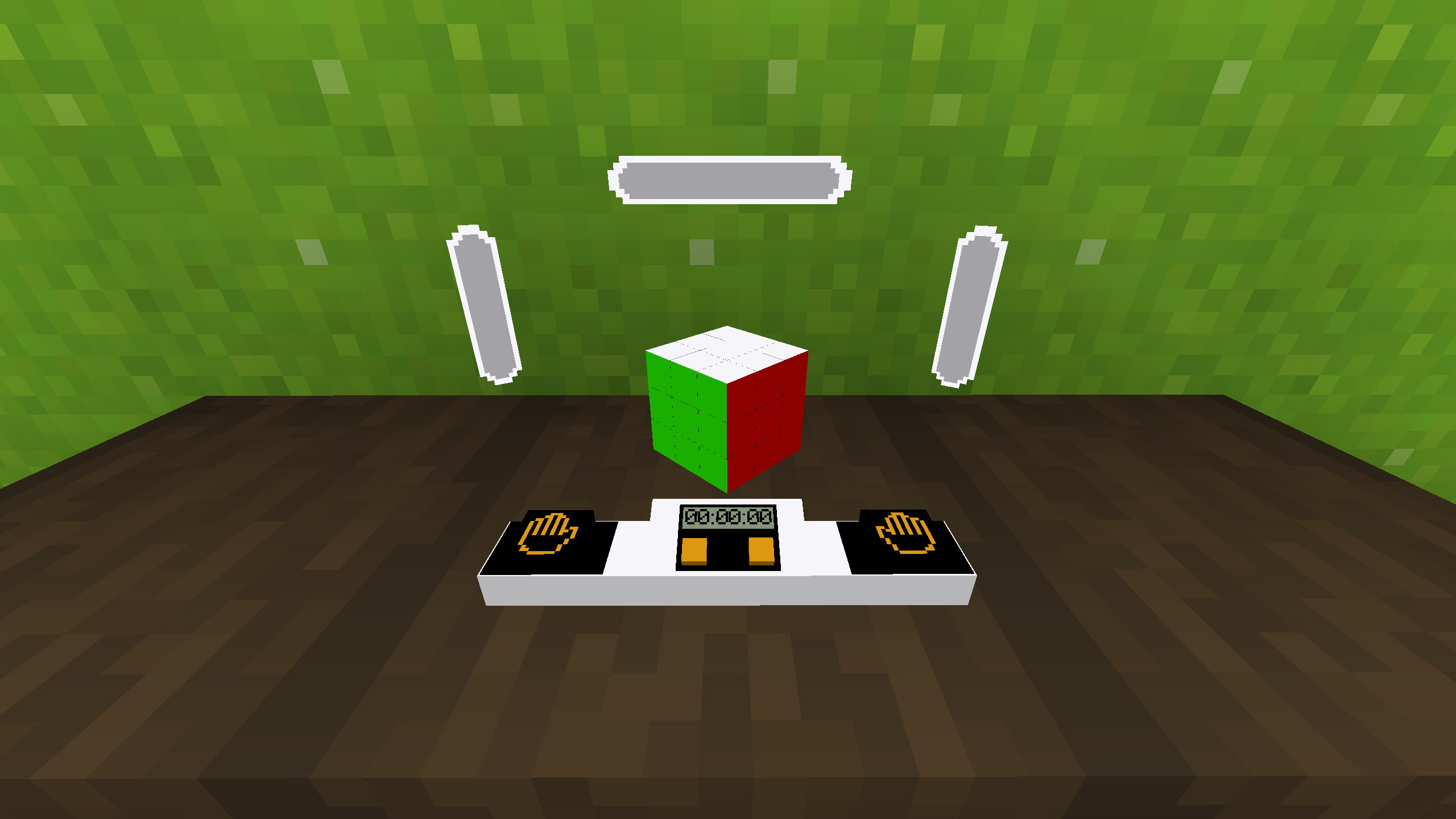
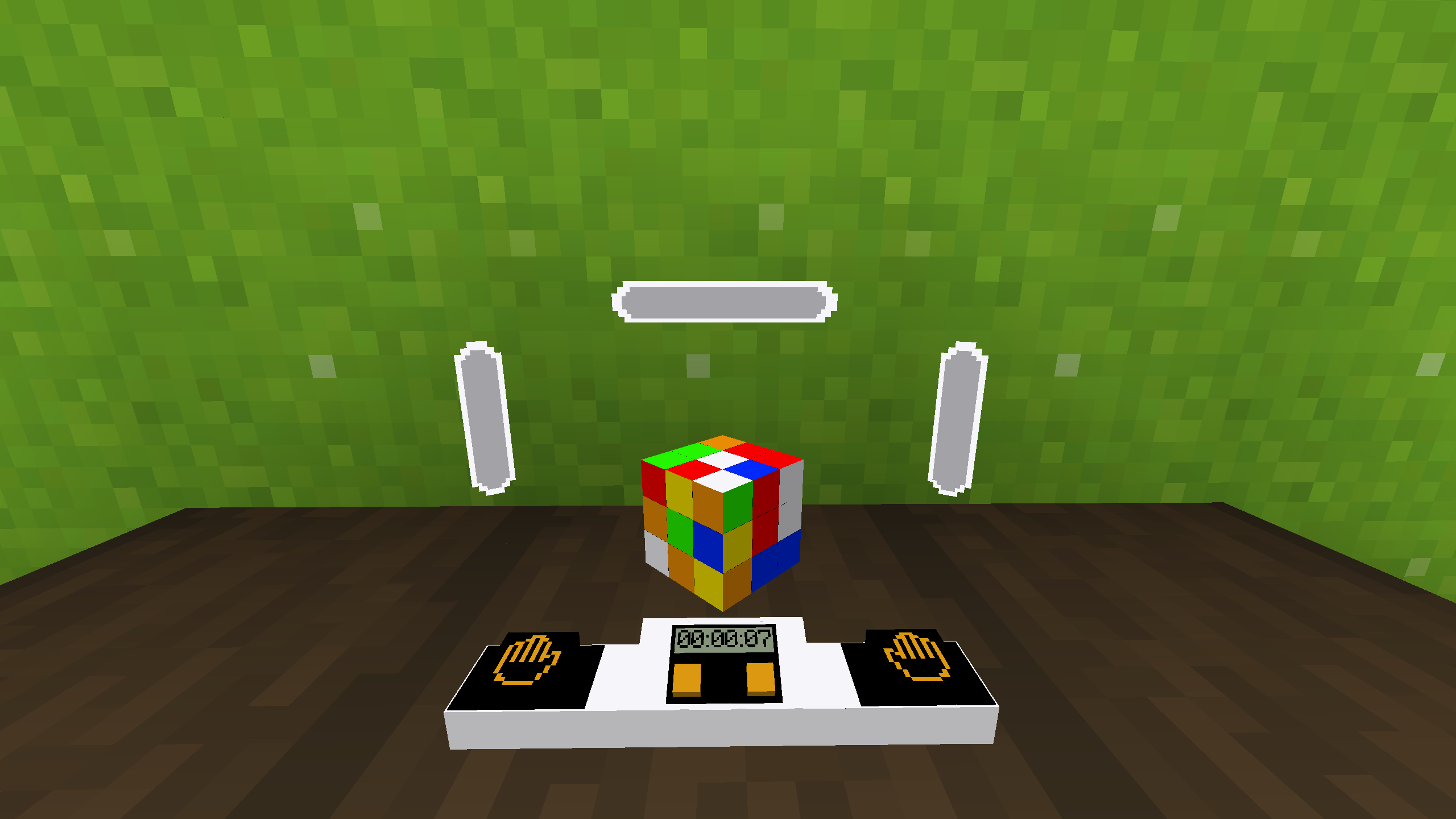
介绍

Description
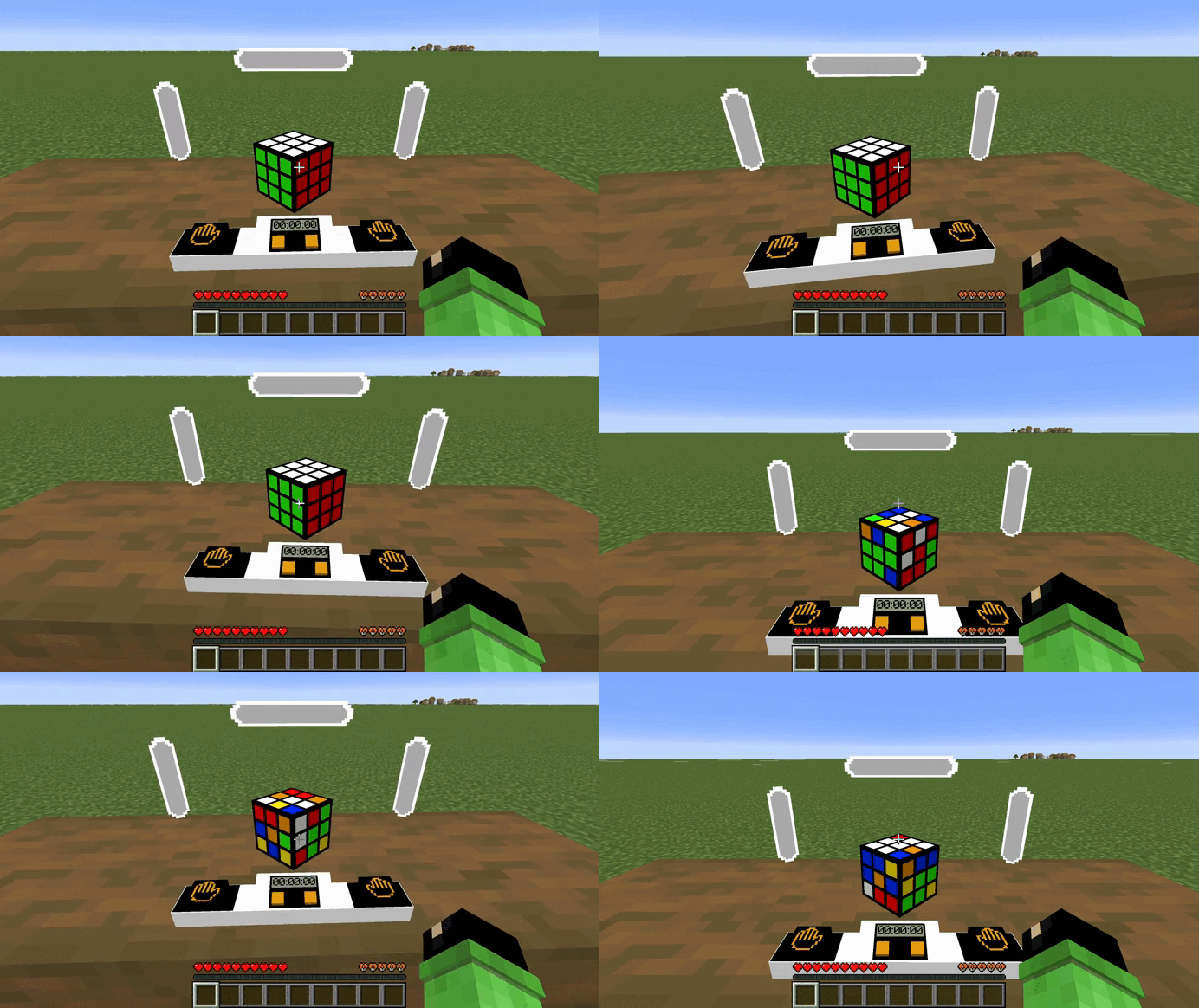
Mod/datapack adds a working Rubik’s cube.
How to use
In order for the cube to appear or assemble, you need to use this command.
/function cube:cubeTo make the cube colored you need to use this command.
/function cube:color_cubeTo make a cube with stickers you need to use this command.
/function cube:stiker_cubeTo rotate the edges, you need to sit on the seat (in order for the hitboxes to work correctly), hold down the left mouse button and turn in the direction where you want to scroll the edge. To start the timer you need to press the left button with the image of a palm, to stop it – on the right. To disassemble the cube you need to press the right orange button or the left one. The result is the same, but not the process.
Dependencies
- Fabric loader requires Fabric API
常见问题
Rubiks Cube 支持哪些 Minecraft 版本?
Rubiks Cube 支持 Minecraft Java 版 1.20.2–26.2,共 21 个版本,可用的加载器:Fabric / Forge / NeoForge / Quilt。下载时注意选择和你游戏版本一致的文件。
Rubiks Cube 怎么安装?
先用 PCL2 或 HMCL 启动器安装对应版本的 Fabric / Forge / NeoForge / Quilt,再把下载的 .jar 文件放进游戏目录的 mods 文件夹,重新启动游戏即可。开启了版本隔离的,mods 文件夹在 versions/版本名 下面。运行环境:客户端 / 服务端。
BizCub 的其他作品
查看全部 →
Simple Datapacks
简化数据包的使用

X Ray (no cheats)
在矿洞中更快、更轻松地找到矿石。
X Ray
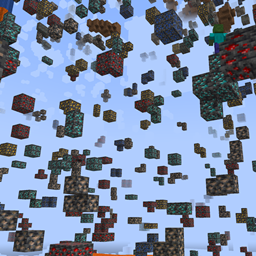
Find ores in mines faster and easier.

More Xp More Health
Each new level of experience increases the player's overall health. Now the player is invincible!
评论
登录后评论和评分