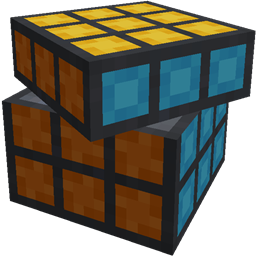
截图
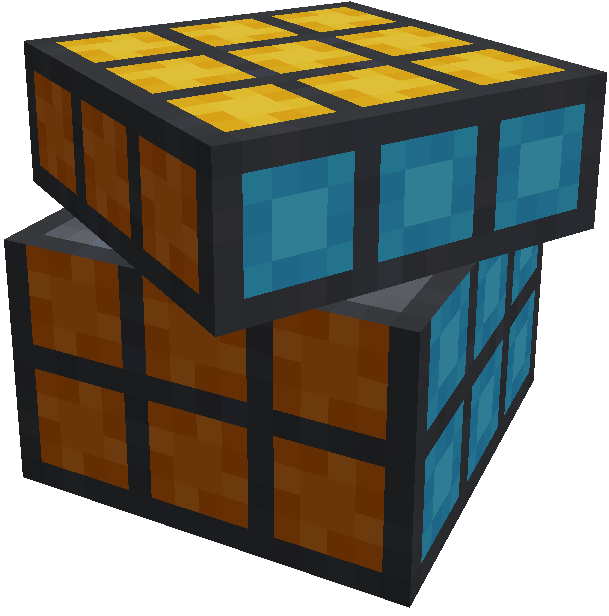
介绍
中文介绍正在准备中,下面暂时显示原文。
Rubik’s Cube
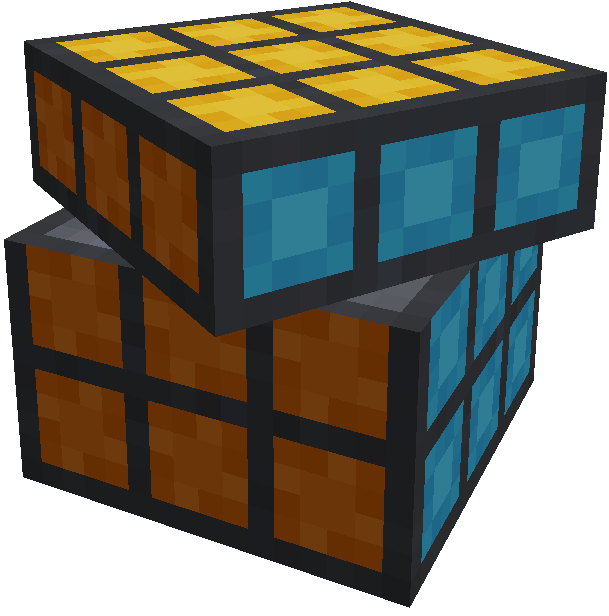
Minecraft Forge mod adding fully functional Rubik’s Cubes with smooth animations.
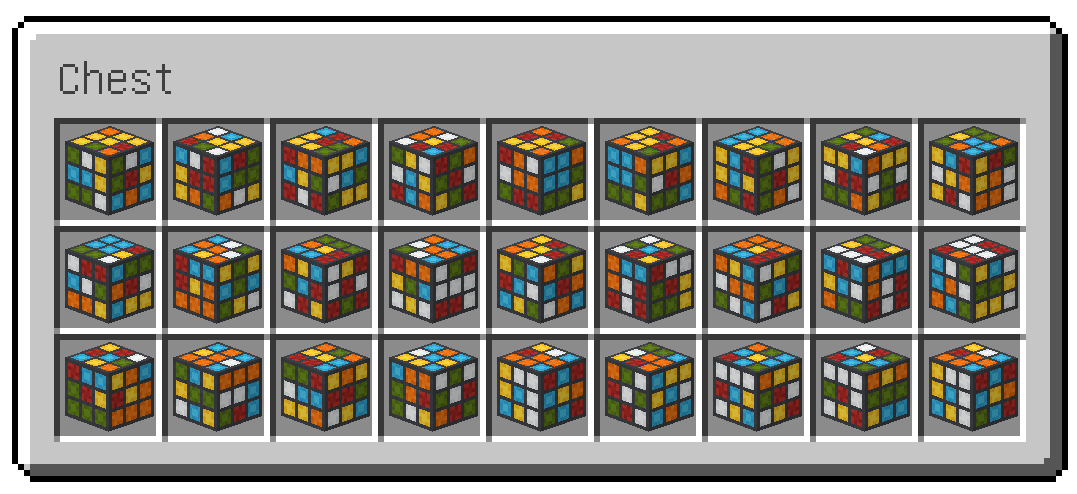
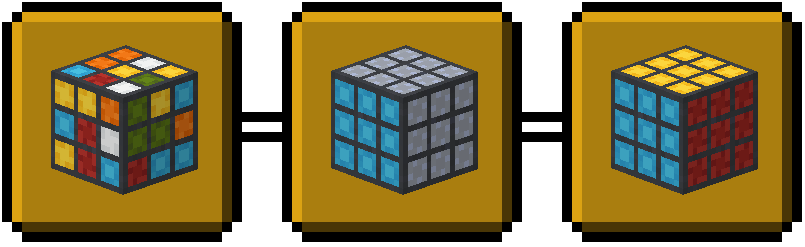
Endless combinations
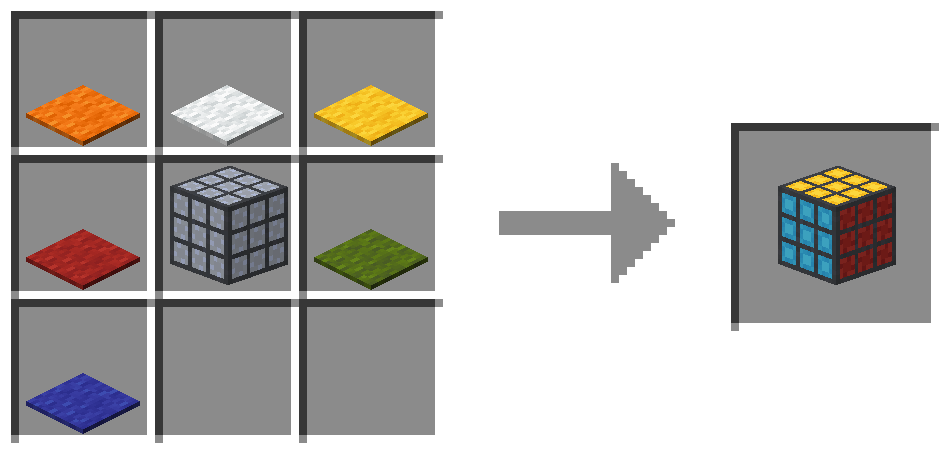
Crafting

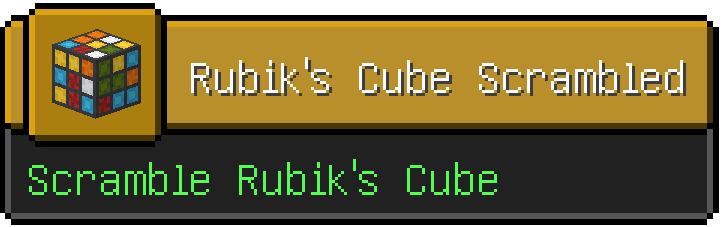
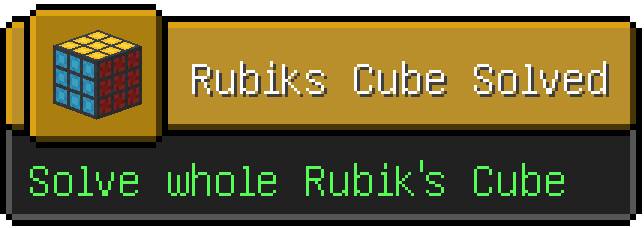
Advancements

Control
- Scramble cube – use Rubik’s Cube item (press right key when holding it and look somewhere far not to place block)
- Move face – place cube on the ground and click one of the faces with right button
- Rotate cube – click one of the faces with right button while holding
Rkeyboard button - Rotate/Move in opposite direction – addictionally hold
left controlkey while clicking face
Supported versions
- Minecraft 1.19.1
- Minecraft 1.19.2
Dependencies
- Geckolib mod – link
Installation
- Make sure Minecraft Forge is installed
- Go to mods folder inside minecraft directory
- Put Rubik’s Cube mod and Geckolib mod jar files there
- Launch Minecraft

常见问题
Rubik’s Cube 支持哪些 Minecraft 版本?
Rubik’s Cube 支持 Minecraft Java 版 1.19.1–1.19.2,共 2 个版本,可用的加载器:Forge。下载时注意选择和你游戏版本一致的文件。
Rubik’s Cube 怎么安装?
先用 PCL2 或 HMCL 启动器安装对应版本的 Forge,再把下载的 .jar 文件放进游戏目录的 mods 文件夹,重新启动游戏即可。开启了版本隔离的,mods 文件夹在 versions/版本名 下面。
评论
登录后评论和评分