
截图
介绍
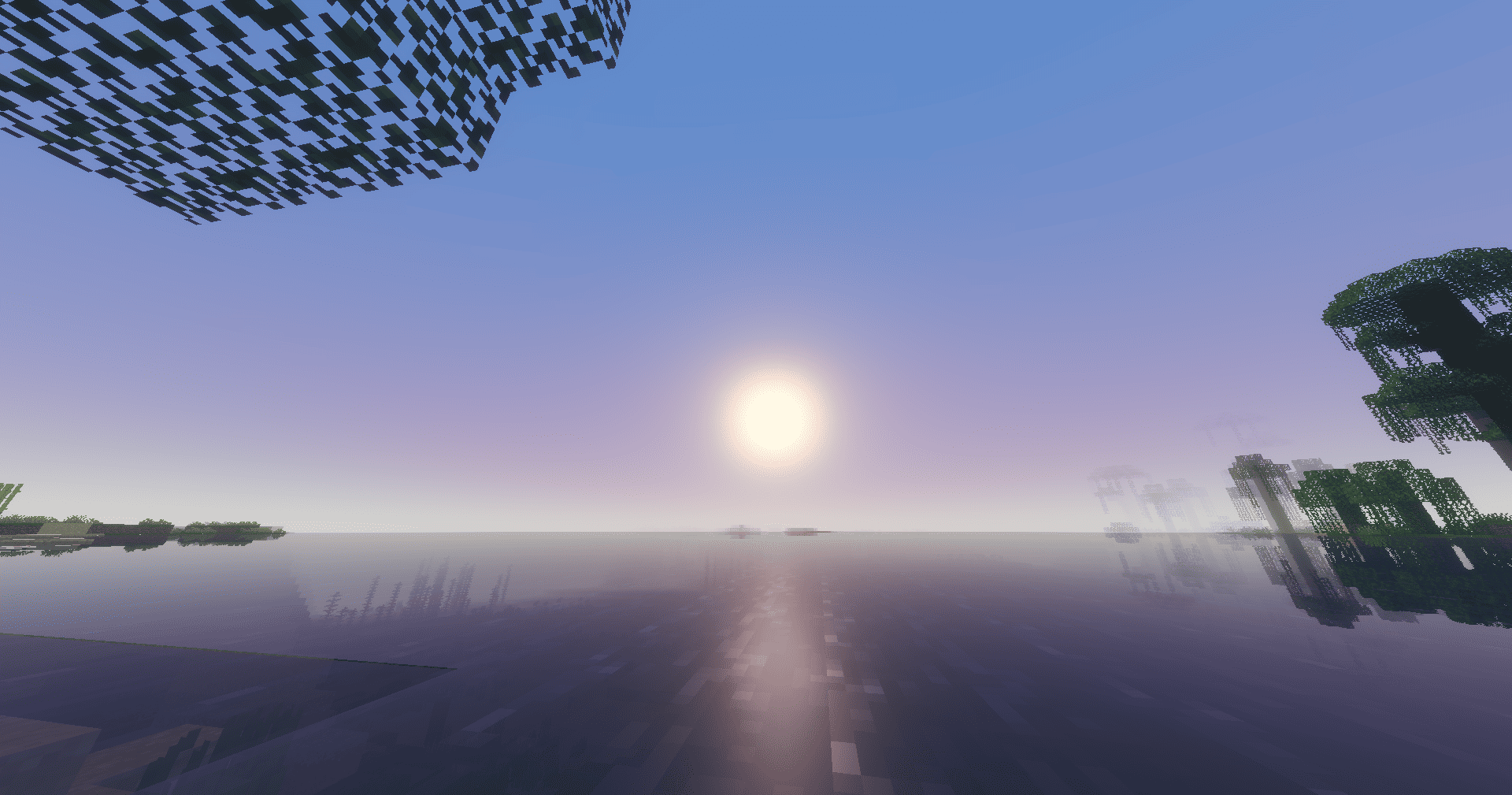


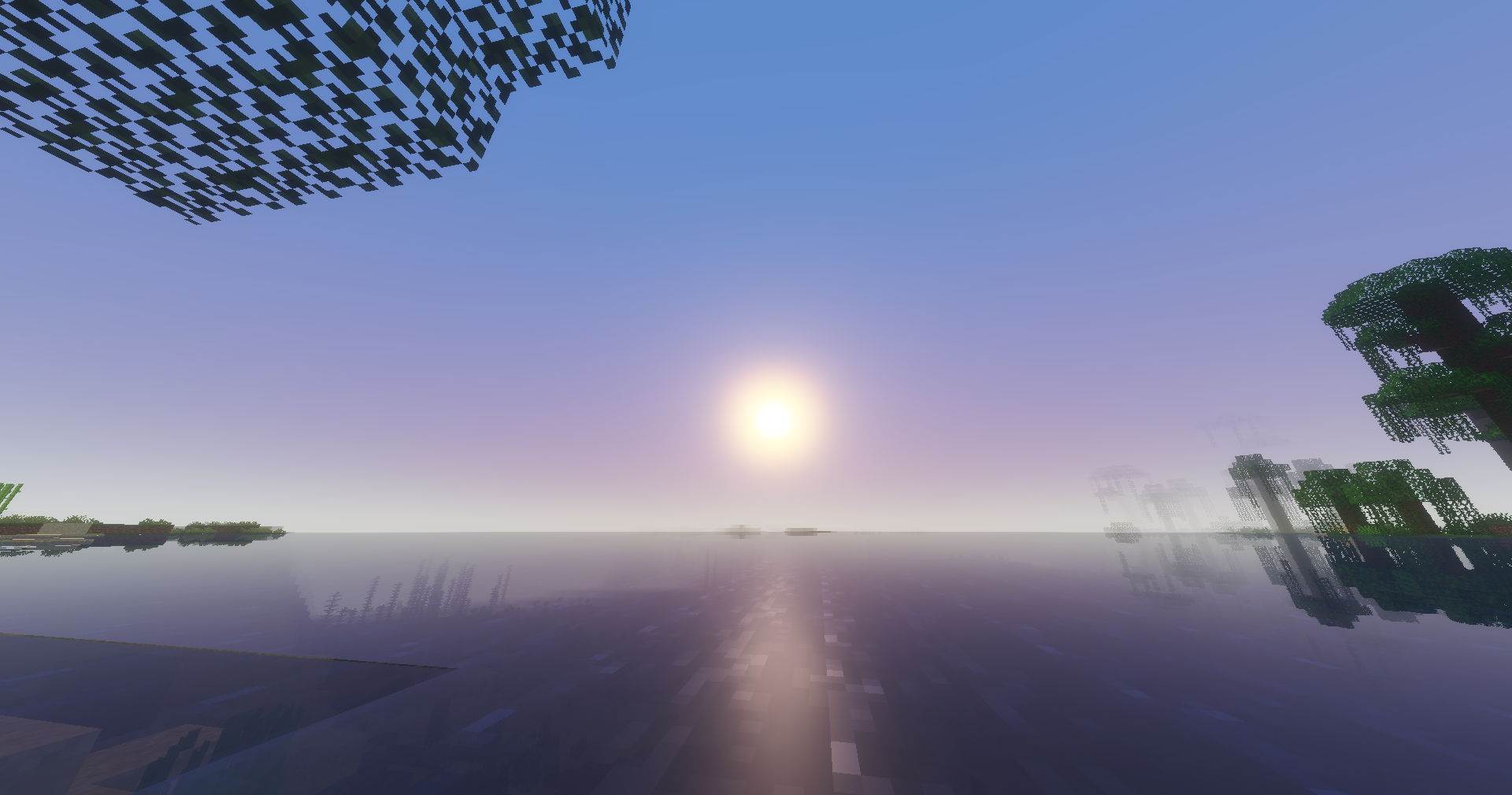
Synchronises Minecraft’s in-game time with real-world time, in the time zone of your choice. Compatible with Bukkit, Spigot, Paper, Forge and Fabric, for both server and single-player modes.
How it calculates the time
Minecraft measures time in “ticks”: 24,000 ticks = 1 day, but
tick 0 corresponds to 6.00 am (not midnight). RealTimeConverter
takes the real-world time in the configured time zone, converts it to a
percentage of the day, then applies an offset of 18,000 ticks so that
real-world midnight aligns with in-game midnight:
ticks = ((seconds_since_midnight / 86,400) * 24,000 + 18,000) % 24,000The in-game day counter (used for moon phases) is
preserved thanks to alignFullTime; only the time of day is rewritten.
Configuration
Each platform generates an rtw.properties file on first launch:
# Time zone (tz database), e.g. Europe/Paris, America/New_York, UTC
timezone=Europe/Paris
# Synchronisation frequency, in ticks (20 ticks = 1 second)
update-interval-ticks=20
# Disables the native day/night cycle so that only RTW controls the time
freeze-day-night-cycle=true
# ‘*’ for all worlds, or a comma-separated list
# (Bukkit name, e.g. ‘world,world_nether’ — or Forge/Fabric ID, e.g. ‘minecraft:overworld’)
worlds=*
File location depending on the platform:
- Bukkit/Spigot/Paper:
plugins/RealTimeWorld/rtw.properties - Forge:
config/rtw.properties(server-side/single-player world) - Fabric:
config/rtw.properties
Ideas for future developments
- More advanced
/rtwcommand (change time zone on the fly, force a specific time) - Support for multiple time zones per world (one world = one country)
- Smooth interpolation between two synchronisations to avoid visible ‘jumps’ in the sun/moon positions
rtw-neoforgemodule if you want to track the NeoForge fork as well as Forge
常见问题
Real Time World (RTW) 支持哪些 Minecraft 版本?
Real Time World (RTW) 支持 Minecraft Java 版 1.20–1.21,共 8 个版本,可用的加载器:Bukkit / Forge / Paper / Spigot。下载时注意选择和你游戏版本一致的文件。
Real Time World (RTW) 怎么安装?
先用 PCL2 或 HMCL 启动器安装对应版本的 Bukkit / Forge / Paper / Spigot,再把下载的 .jar 文件放进游戏目录的 mods 文件夹,重新启动游戏即可。开启了版本隔离的,mods 文件夹在 versions/版本名 下面。运行环境:仅服务端。

评论
登录后评论和评分