
Rougher Environment
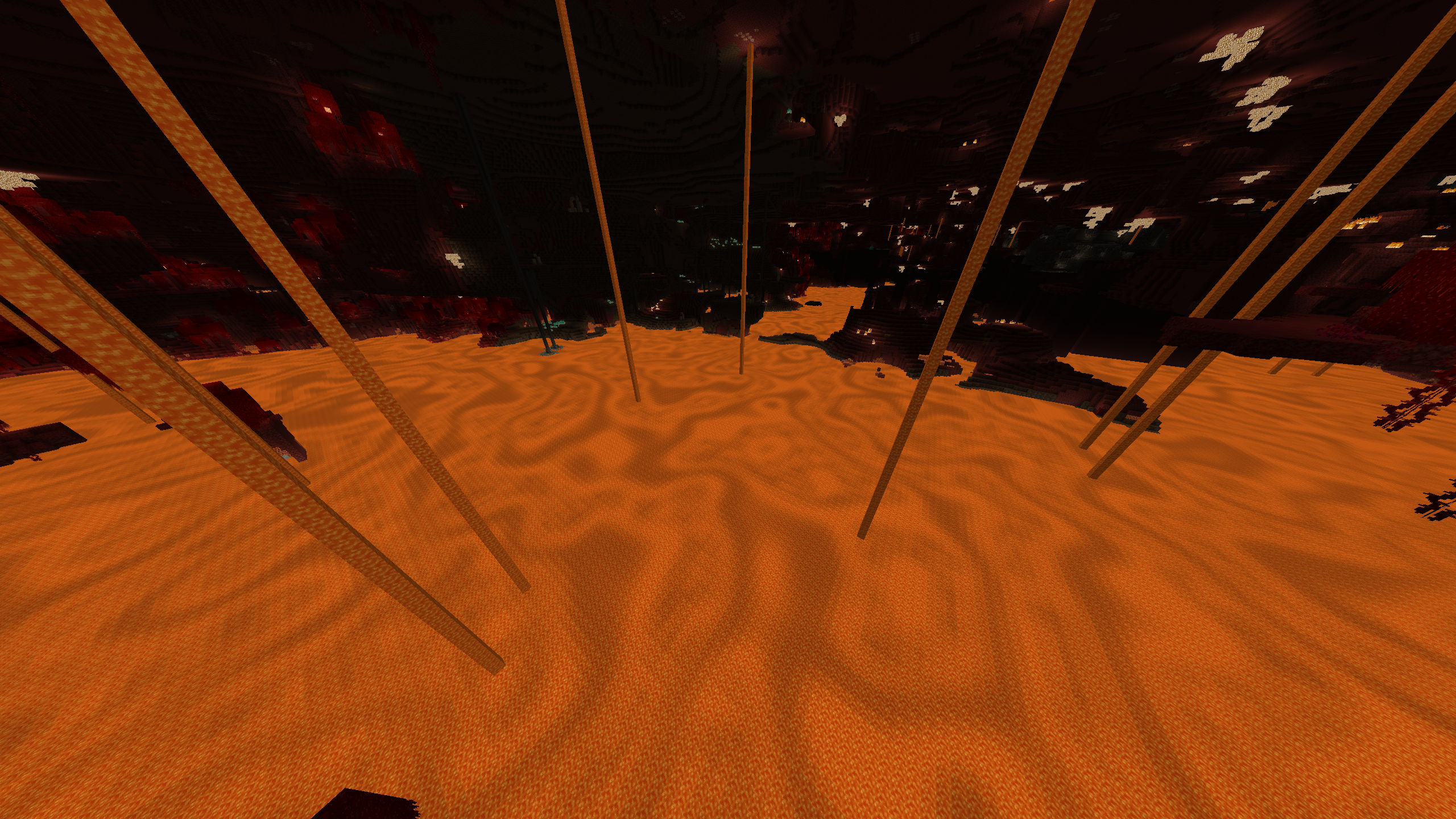
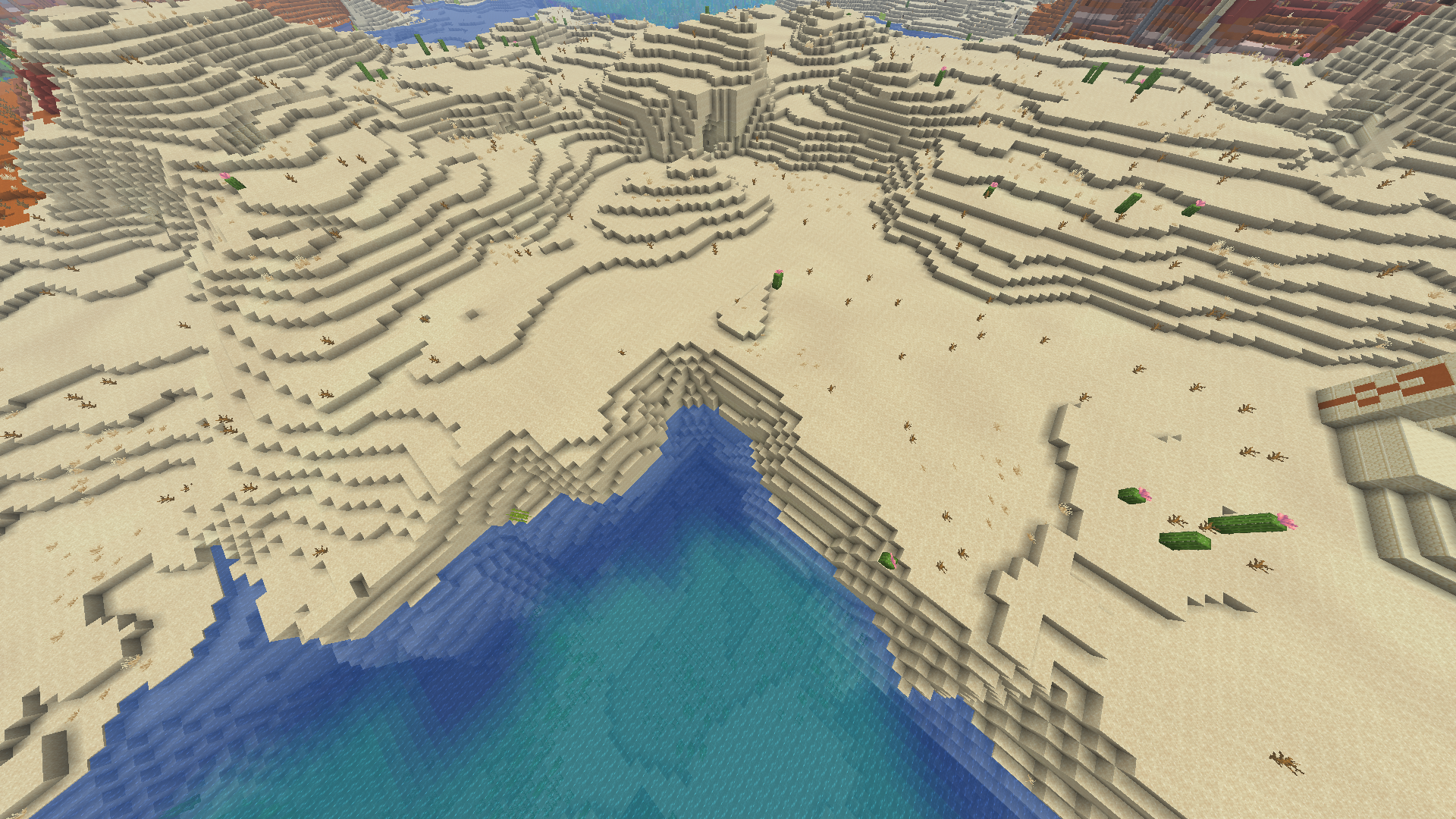
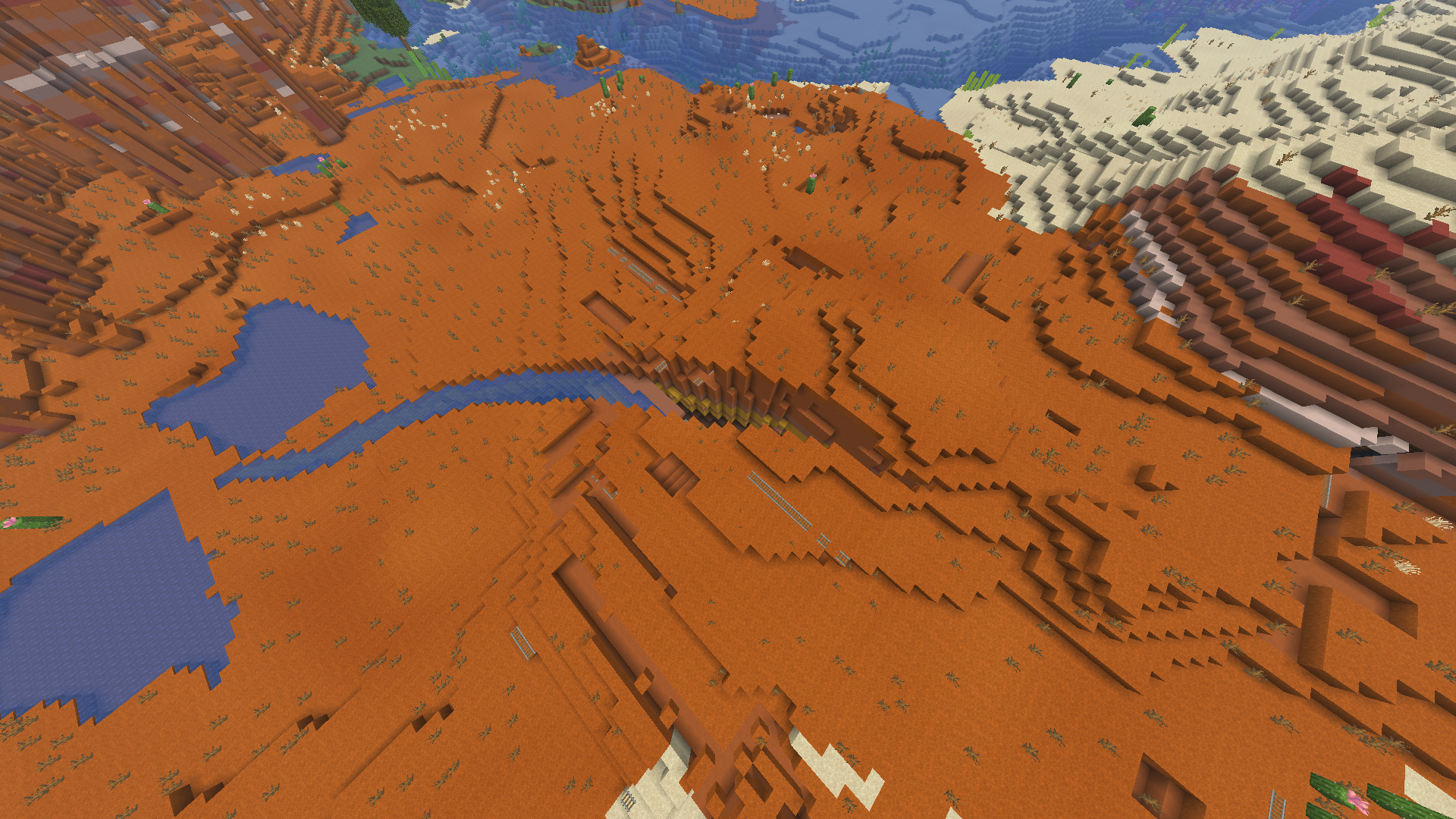
Applies a noise gradient to places where it probably shouldn't be in to break up repeated surfaces, namely the sands and lava.
截图


介绍
Forked from Jaredlll08‘s Ambient Environment
Applies a noise gradient to places where it probably shouldn’t be in to break up repeated surfaces.
Uses the core logic from Ambient Environment but applies it to more places.
- The sands (including soul sands) are slightly darker in some spots, which makes deserts look like they have waves in flatter places.
- Lava has dark spots, similar to how it looks in some shaders.
- Netherrack has dark spots, making the nether wastes & nethrite mining tunnels less repetitive,
- Bedrock has a cool pattern on it now, making the Nether roof less boring.
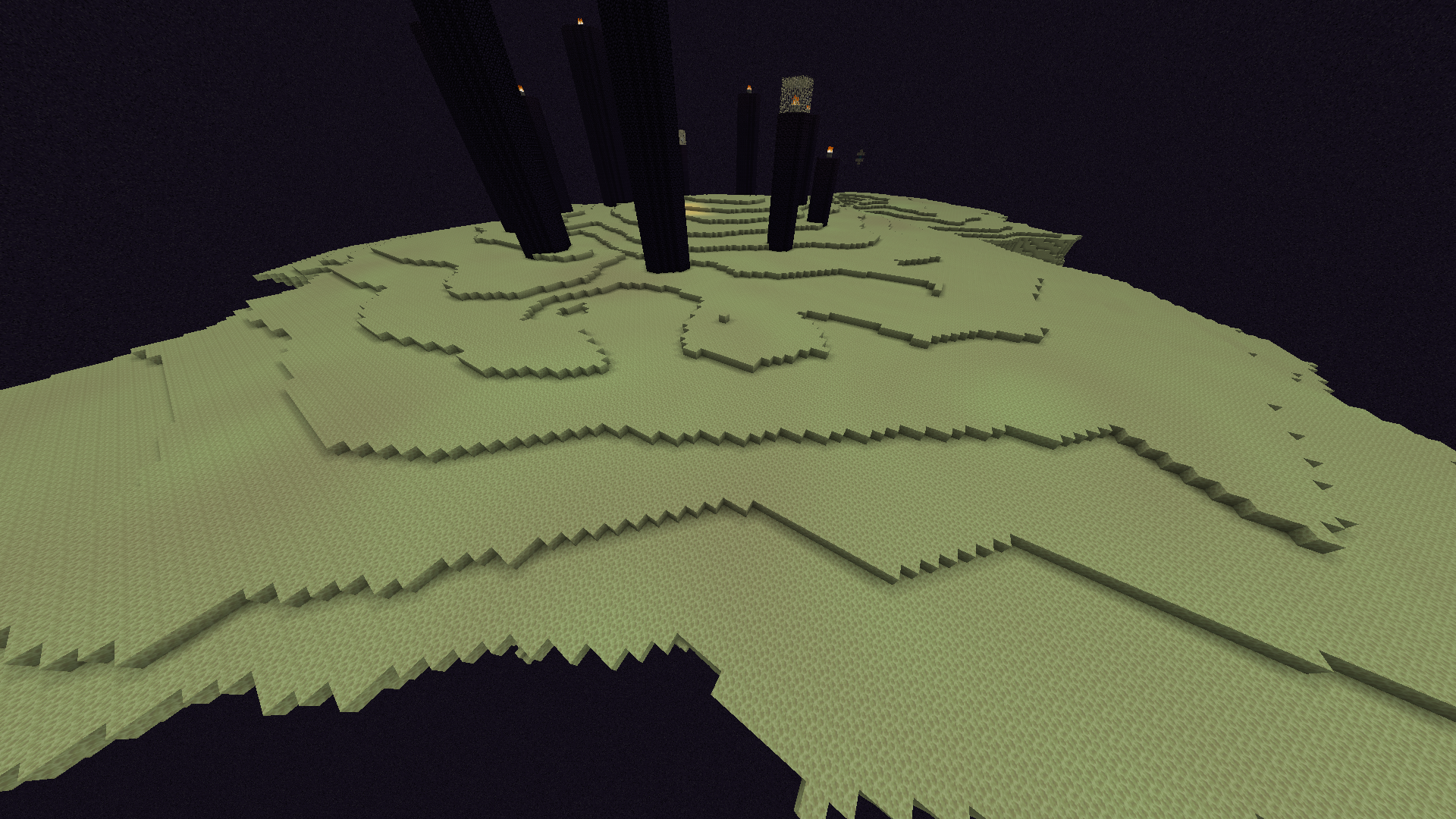
- End Stone is now slightly purpler is some spots.
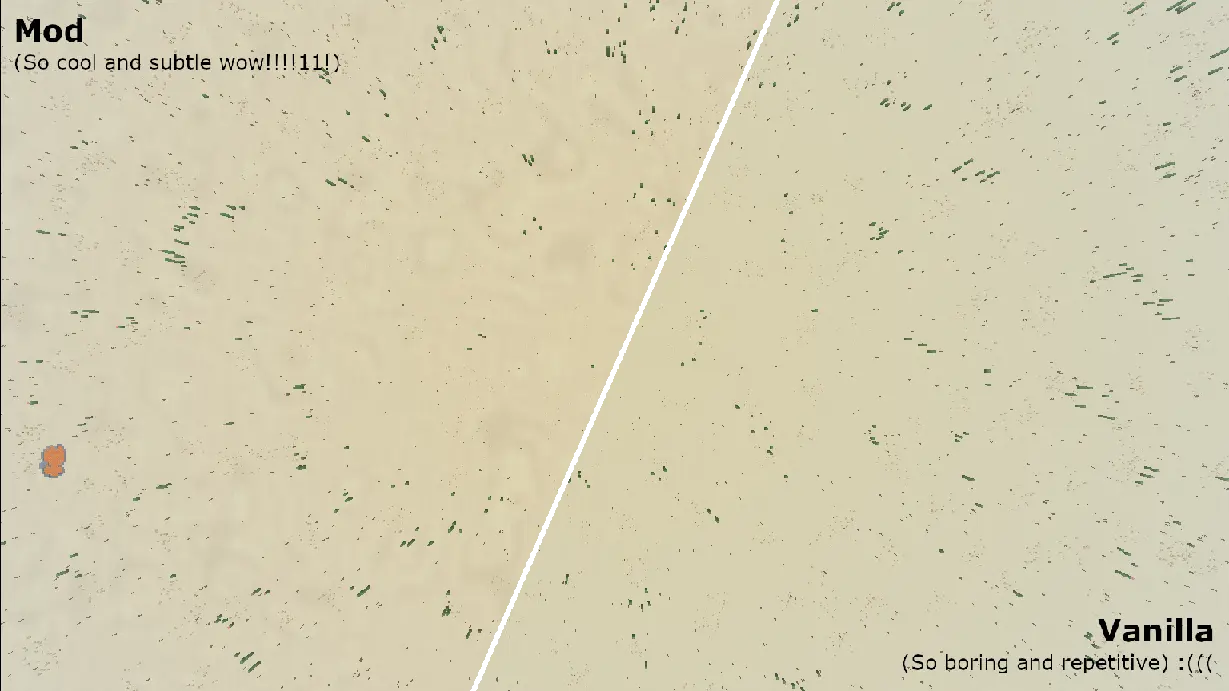
All of this was done by modifying the base methods used in Ambient Environment
Compatibility
The mod is fully compatible with all mods and texture packs, as long as they don’t mess with the block models of the textures that are tinted (in case they do all that happens is that the noise gradient isn’t visible).
Fully Configurable*!
You can change the values of the noise, its scale, its strength, customize it however you want. if you dont like a certain block having the noise just set its strength to 0.
*You can’t change the blend color, for now.
Performance
The mod produced near to zero impact on performance.
When deactivating biome blending leaves can appear weirdly transparent (this is most likely why the original doesn’t do this for leaves), this is only if you have see-through leaves enabled.
More screenshots!
Disclaimers
Since the noise works off of position, this mod _can_ leak your cordinates similar to how grass can so be careful out there!
Feel free to add this to your modpacks!
No AI was used, or will ever be used, in the making of this mod, or any of its assets.
If the original creator of Ambient Environment (Jaredlll08) has a problem with this please contact me.
@garcilso on all platforms:
常见问题
Rougher Environment 支持哪些 Minecraft 版本?
Rougher Environment 支持 Minecraft Java 版 26.1–26.3,共 5 个版本,可用的加载器:Fabric。下载时注意选择和你游戏版本一致的文件。
Rougher Environment 怎么安装?
先用 PCL2 或 HMCL 启动器安装对应版本的 Fabric,再把下载的 .jar 文件放进游戏目录的 mods 文件夹,重新启动游戏即可。开启了版本隔离的,mods 文件夹在 versions/版本名 下面。运行环境:仅客户端。
garcilso 的其他作品
查看全部 →
Ascension Mace Sounds
Changes the sound of the mace (and wind charges) to include the ascension sfx from hit game Rain World: Downpour (2023)

Rain World Karma Flower Totem
Changes the totem be a karma flower or "wheel flower" from hit game Rain World (2017).
评论
登录后评论和评分