
Ropeworks
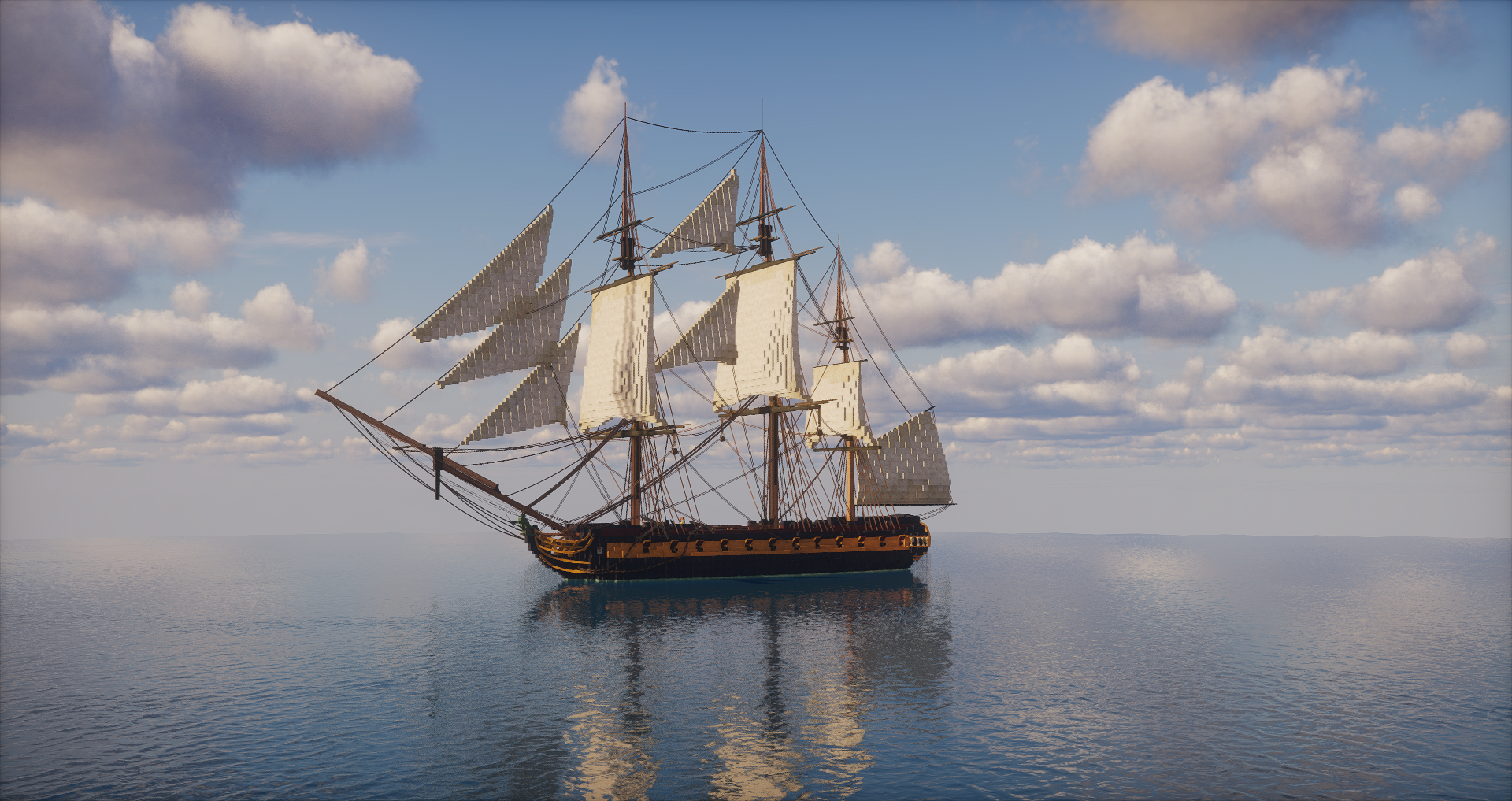
Adds all of the ropes, chains, tinsel and bunting you need for your builds! Keeping it ropey!
截图
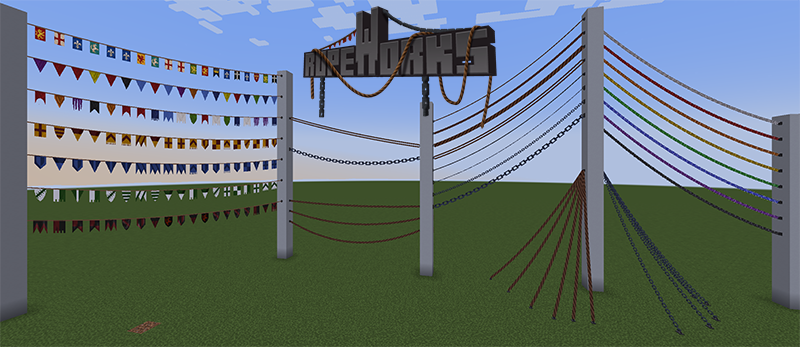
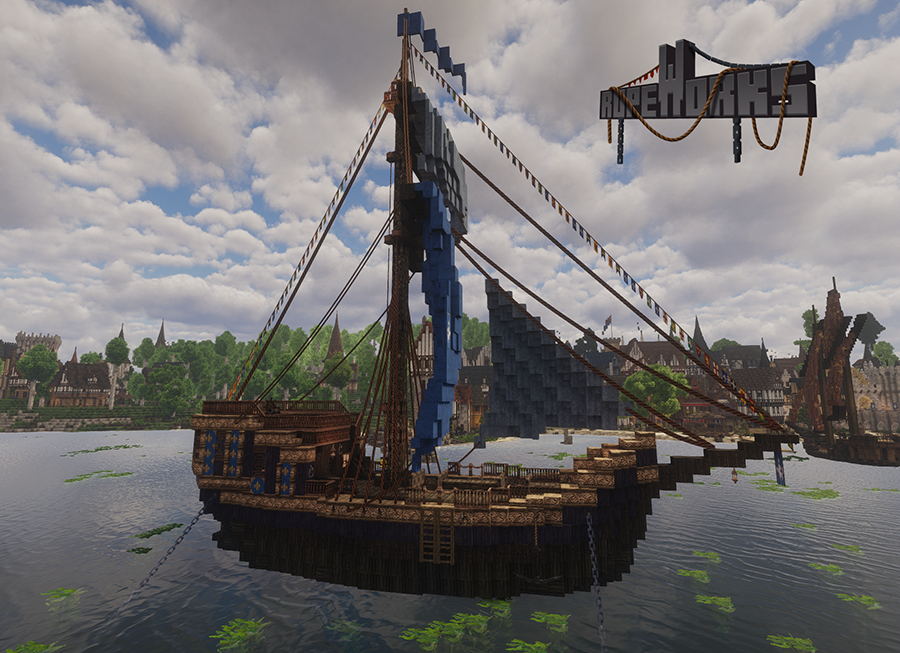
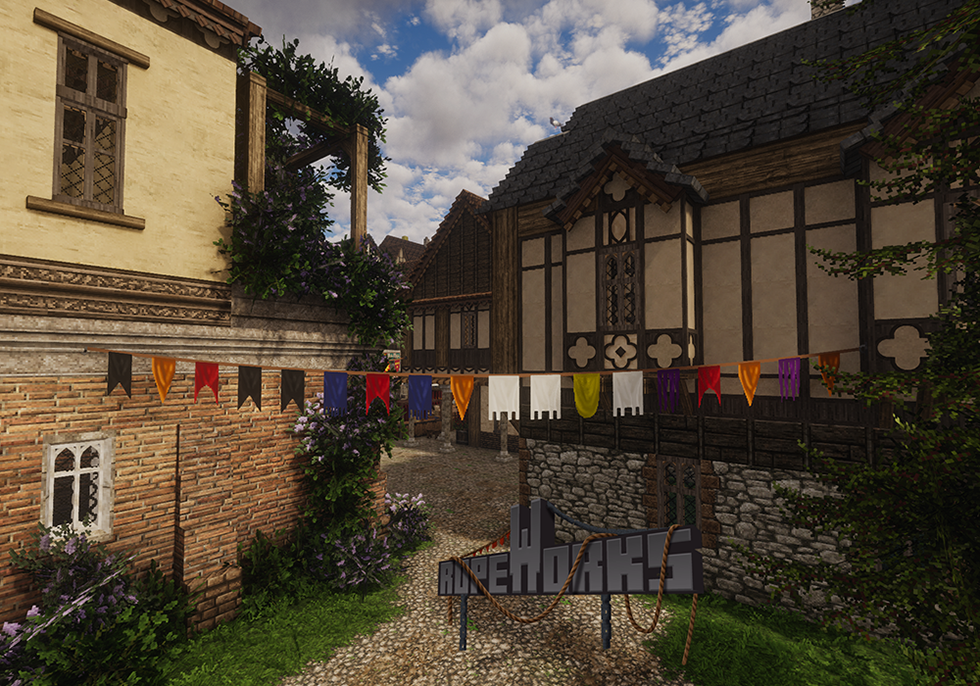
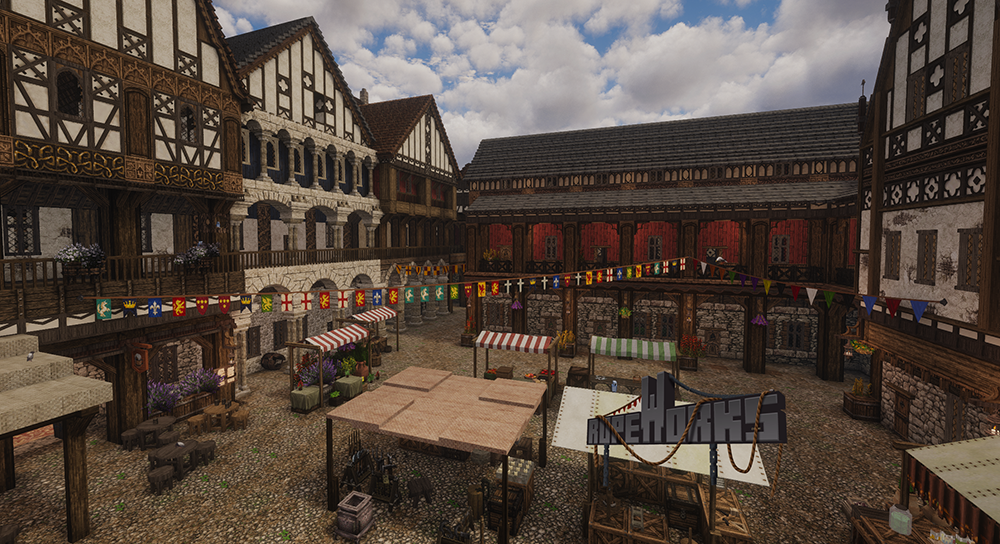

介绍
_A ship can’t ship without its rigging, nor does a tourney make without flags and bunting! If you’ve ever missed having some ropes and chains or some pennants at your disposal, then look no further!_
Ropeworks is designed to augment builds with additional detailing and comes initially with
4 thicknesses of Rope Anchors
3 thicknesses of Chain Anchors
1 Cable Anchor
1 Tinsel Anchor (9 colours)
1 Bunting Anchor (7 sets)
1 bunting decoration block
Config file for max distance implemented on all 3 versions. Max distance is 400 blocks. Run your world with Ropeworks installed, then edit the generated config file to set the max distance you require.
Chains, rope and cable can be tightened with their sag modifier shift+right click with the rope tool on their origin anchor
Tinsel can be recoloured by right-clicking with an open hand on the origin anchor
Bunting sets can be changed by shift+right clicking with the rope tool on their origin anchor
Anchors of all types can be placed on any block face and will remain if the block behind them is removed, giving greater options for creativity. Multiple ropes/chains, etc., can be linked to 1 anchor.
ROPEWORKS IS AN ENTITY-BASED MOD. Please bear this in mind when adding entities to your builds; they can and will cause lag if you place too many in a relatively small area!
SURVIVAL – anchors and the rope tool can be crafted on the stonecutter in survival
BUG REPORTING – Please report any issues you find.
Textures are 32×32, mod is currently in beta.
Must be added to both client and server.
Contacts Discord – Transcendent-Visions-Discord
Patreon – Elandria’s Patreon
常见问题
Ropeworks 支持哪些 Minecraft 版本?
Ropeworks 支持 Minecraft Java 版 1.20.1–1.21.1,共 2 个版本,可用的加载器:Fabric / NeoForge。下载时注意选择和你游戏版本一致的文件。
Ropeworks 怎么安装?
先用 PCL2 或 HMCL 启动器安装对应版本的 Fabric / NeoForge,再把下载的 .jar 文件放进游戏目录的 mods 文件夹,重新启动游戏即可。开启了版本隔离的,mods 文件夹在 versions/版本名 下面。运行环境:客户端和服务端都要装。

评论
登录后评论和评分