
截图
介绍
Rollback
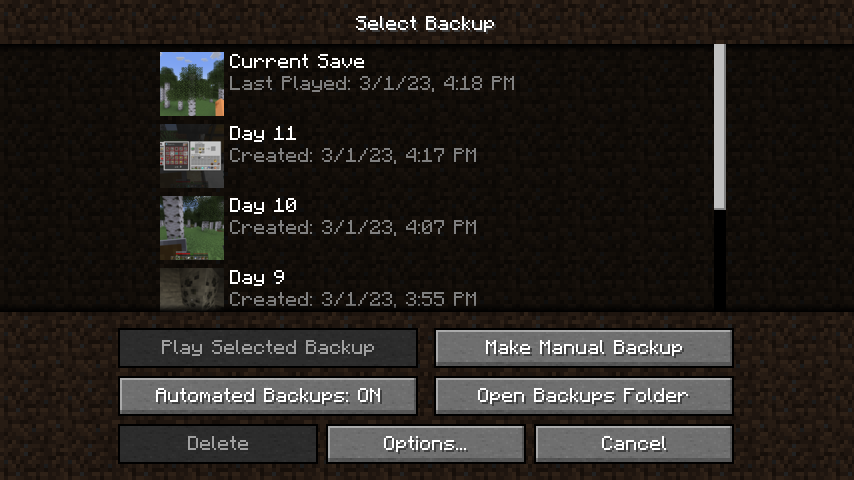
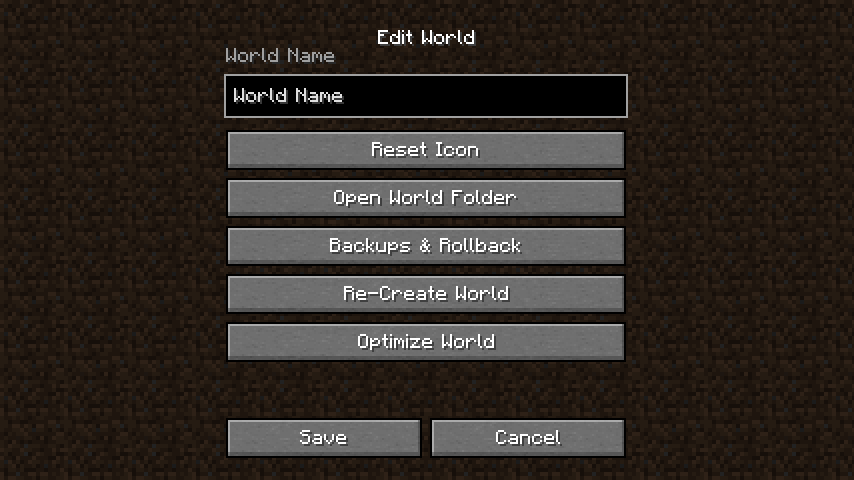
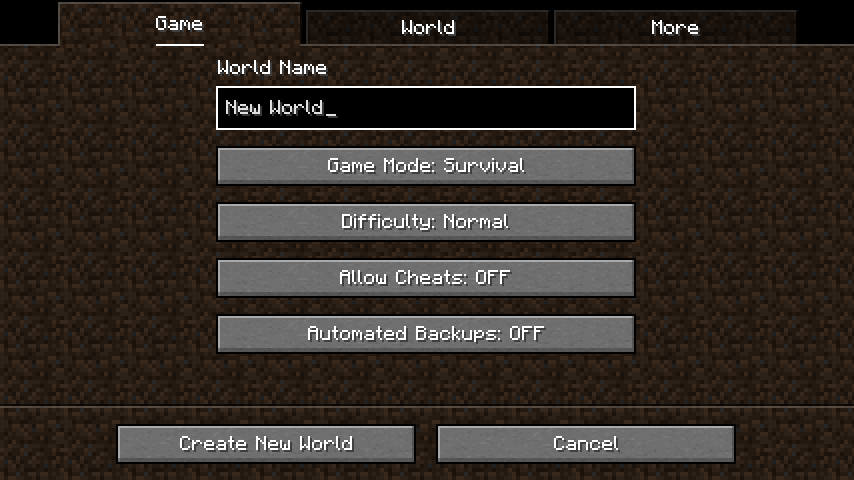
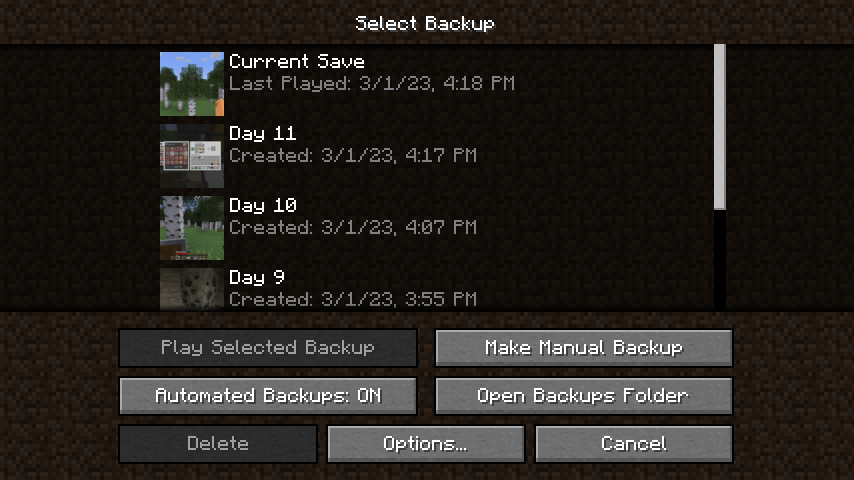
This Minecraft mod improves the backup system. (Automatic backups, GUI, etc.)
- Rolling back to a backup using in-game GUI
- Creating backups using commands
- Automated backups
Command
/rollback list
Shows a list of the automated backups available for this world.
/rollback create [\]
Creates an automated backup. You can provide a name for the said backup. The name must be wrapped in quotations " if it consists of multiple worlds. It can be at most 32 characters long.
/rollback delete (“latest”/”oldest”/\)
Deletes the corresponding backup. If “latest” or “oldest” is provided, the latest/oldest backup gets deleted. If an index is provided, the backup with that index gets deleted.
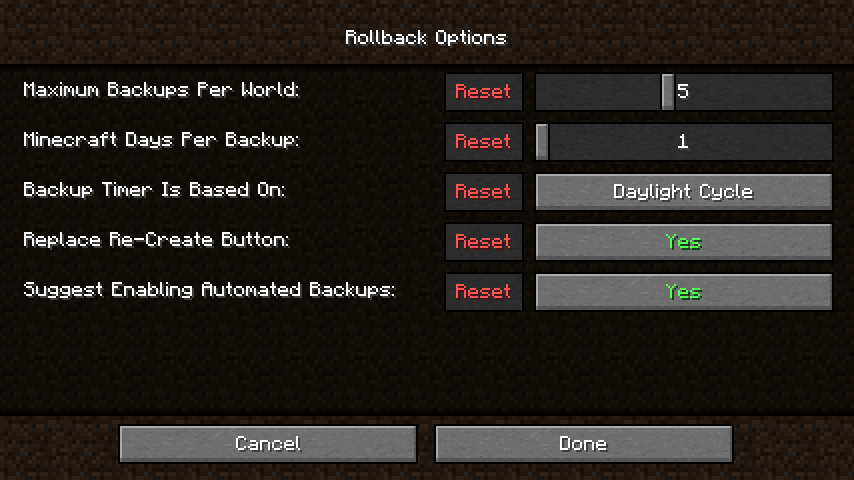
/rollback config (\) (\)
Changes the configuration, similar to the /gamerule command.
常见问题
Rollback 支持哪些 Minecraft 版本?
Rollback 支持 Minecraft Java 版 1.19.3–1.19.4,共 2 个版本,可用的加载器:Fabric。下载时注意选择和你游戏版本一致的文件。
Rollback 怎么安装?
先用 PCL2 或 HMCL 启动器安装对应版本的 Fabric,再把下载的 .jar 文件放进游戏目录的 mods 文件夹,重新启动游戏即可。开启了版本隔离的,mods 文件夹在 versions/版本名 下面。运行环境:仅客户端。


评论
登录后评论和评分