
截图
介绍
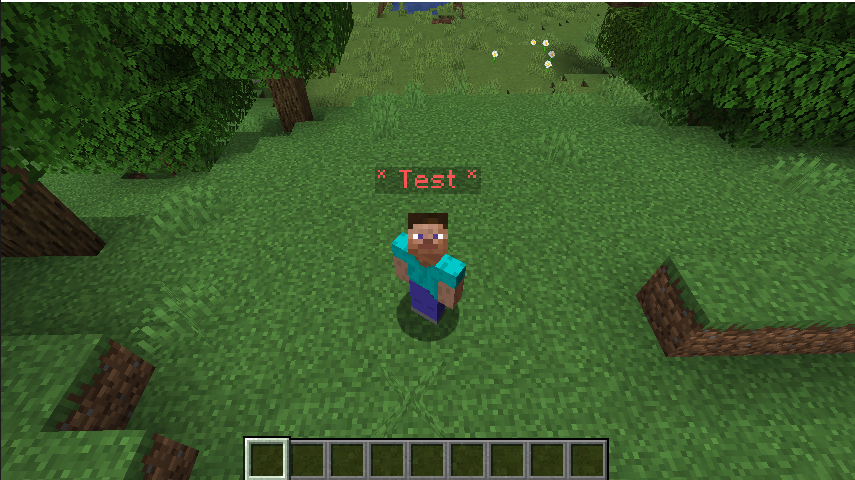
FiveM-style chat channels and HUD overlay for Minecraft
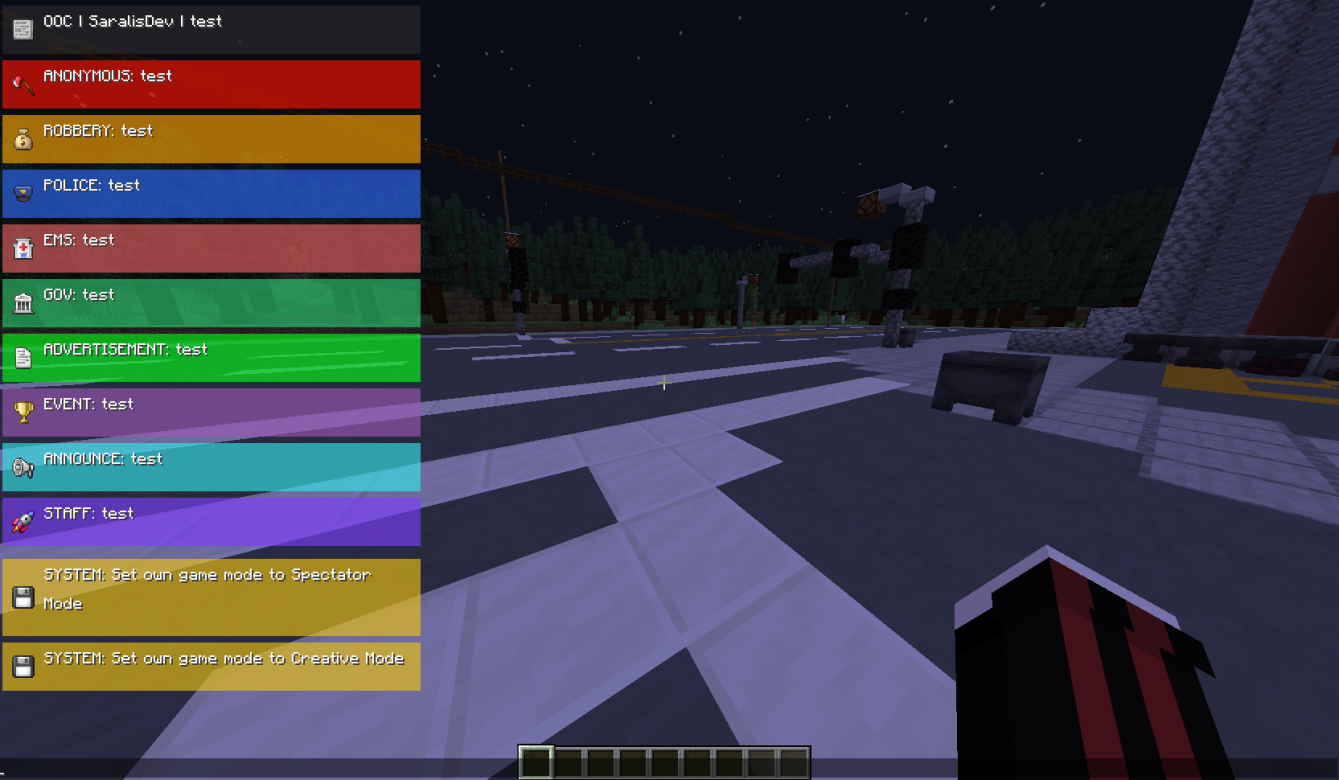
A server-side mod (with a required client component) that replaces Minecraft’s default chat with a sleek, GTA/FiveM-inspired HUD. Messages appear as styled, icon-tagged boxes that slide in and fade out — perfect for roleplay servers.
Features
- Custom chat overlay — replaces the vanilla chat with a styled HUD overlay (colored boxes, icons, labels)
- 10 chat channels — each with its own icon, color, and label
- Staff-only channels —
staffandsystemare restricted to operators (permission level 2) - Smooth animations — messages slide in and fade out after a configurable duration
- Scrollable chat history — open chat and scroll through up to 500 past messages
- Server-configurable HUD — the server can push HUD layout settings directly to clients via packets
- System message interception — server system messages are automatically styled and shown through the HUD
⚠️ Both the server and client must have this mod installed.
常见问题
Roleplay Chats 支持哪些 Minecraft 版本?
Roleplay Chats 支持 Minecraft Java 版 1.16.5–1.21.1,共 8 个版本,可用的加载器:Fabric / Forge / NeoForge。下载时注意选择和你游戏版本一致的文件。
Roleplay Chats 怎么安装?
先用 PCL2 或 HMCL 启动器安装对应版本的 Fabric / Forge / NeoForge,再把下载的 .jar 文件放进游戏目录的 mods 文件夹,重新启动游戏即可。开启了版本隔离的,mods 文件夹在 versions/版本名 下面。运行环境:客户端和服务端都要装。
M4riosDev 的其他作品
查看全部 →
PixelPhone
A modern multiplayer smartphone for Minecraft

Better Rewards
Create and manage promotional codes to reward players with items. Perfect for events, giveaways, and starter bonuses. Includes anti-abuse protection and real-time statistics.
评论
登录后评论和评分