
截图
介绍
中文介绍正在准备中,下面暂时显示原文。
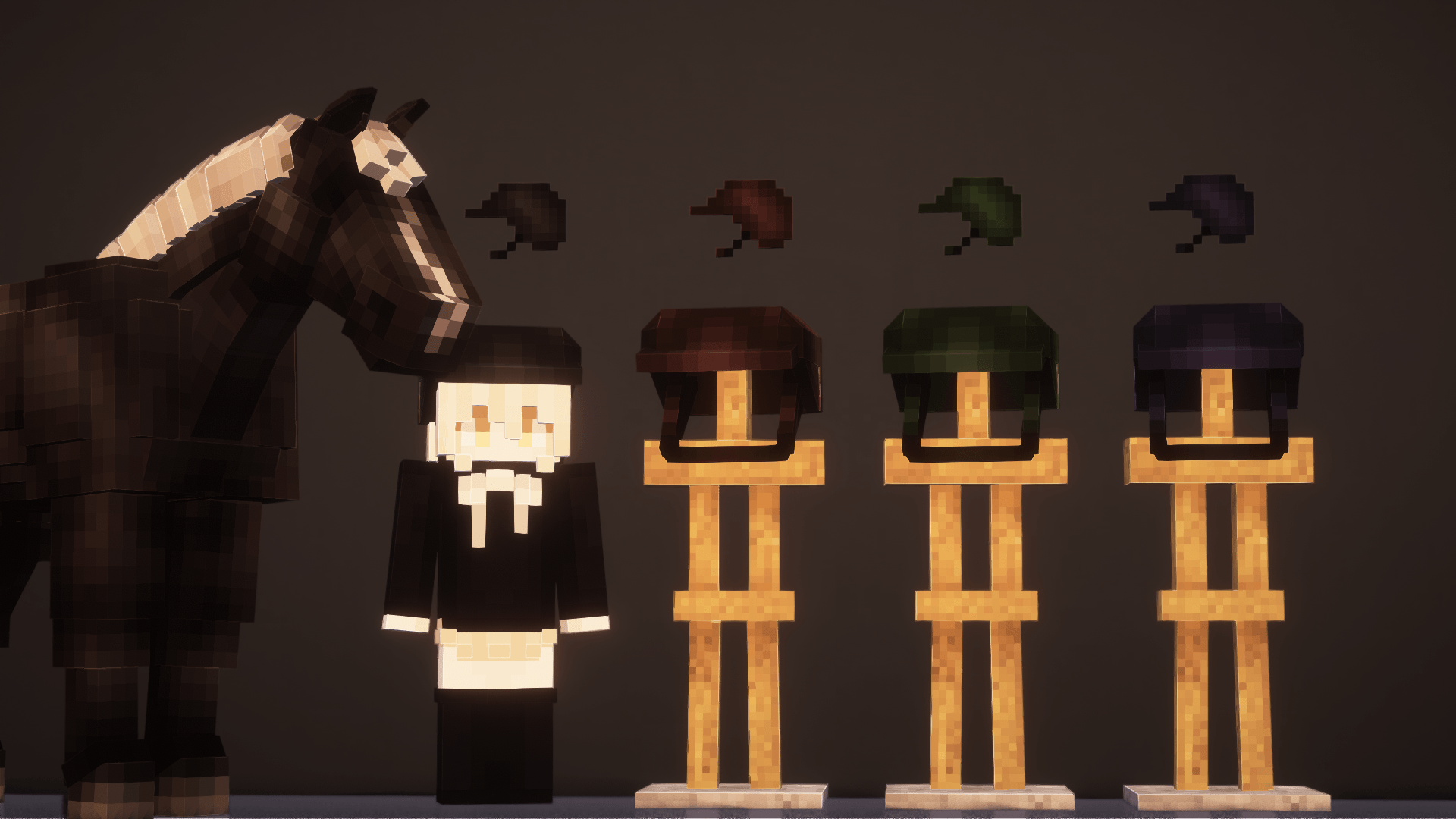
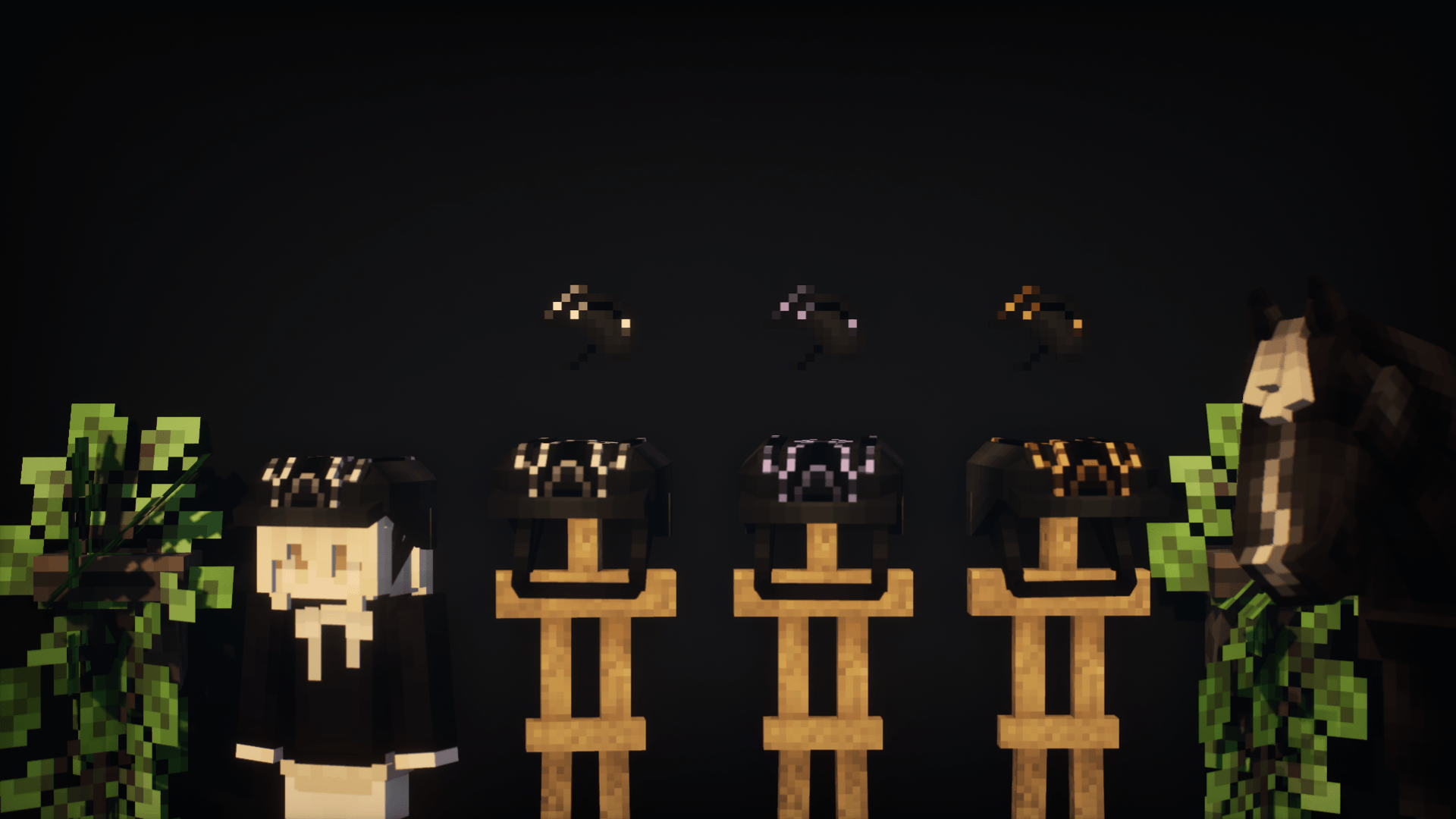
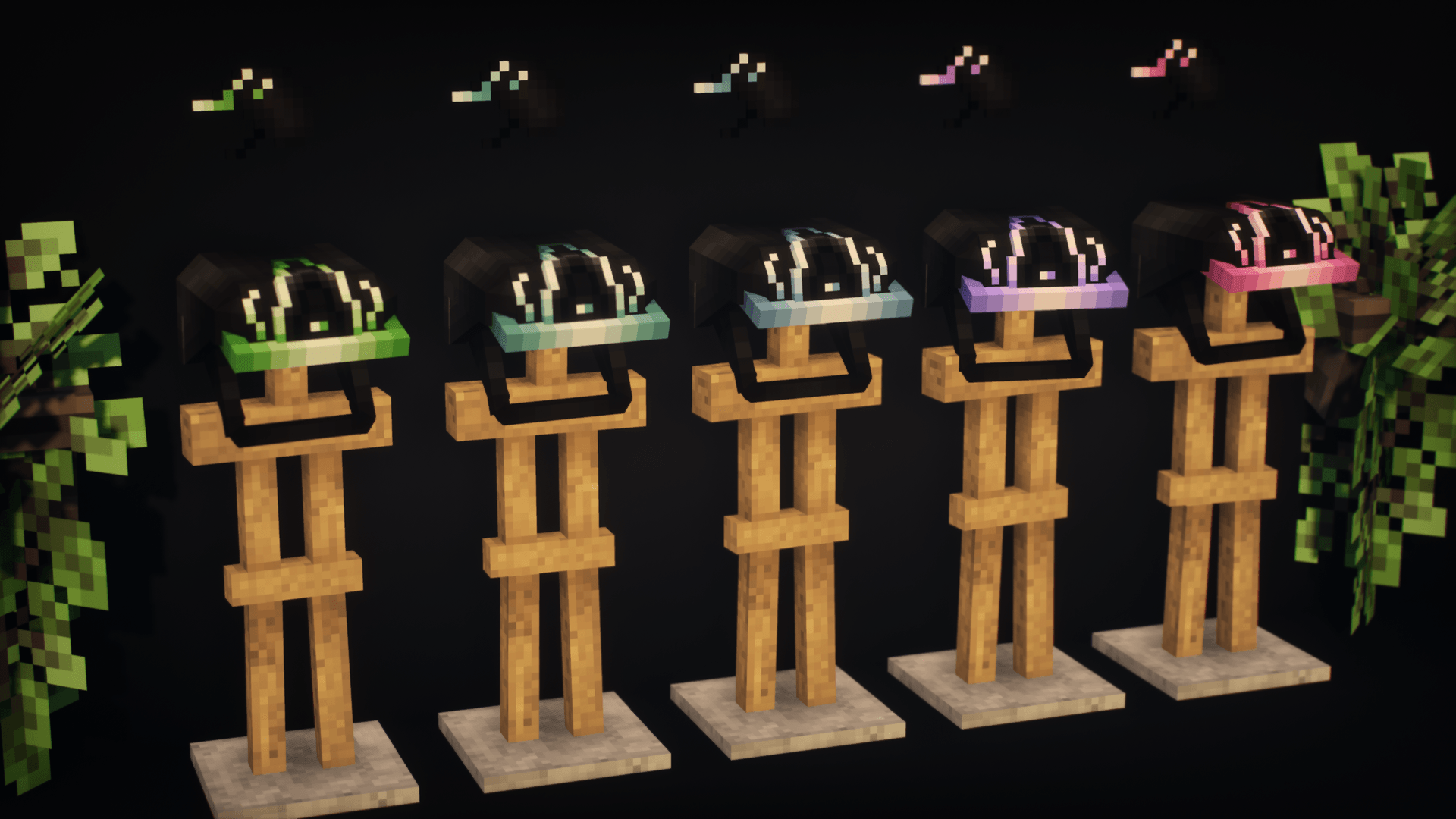
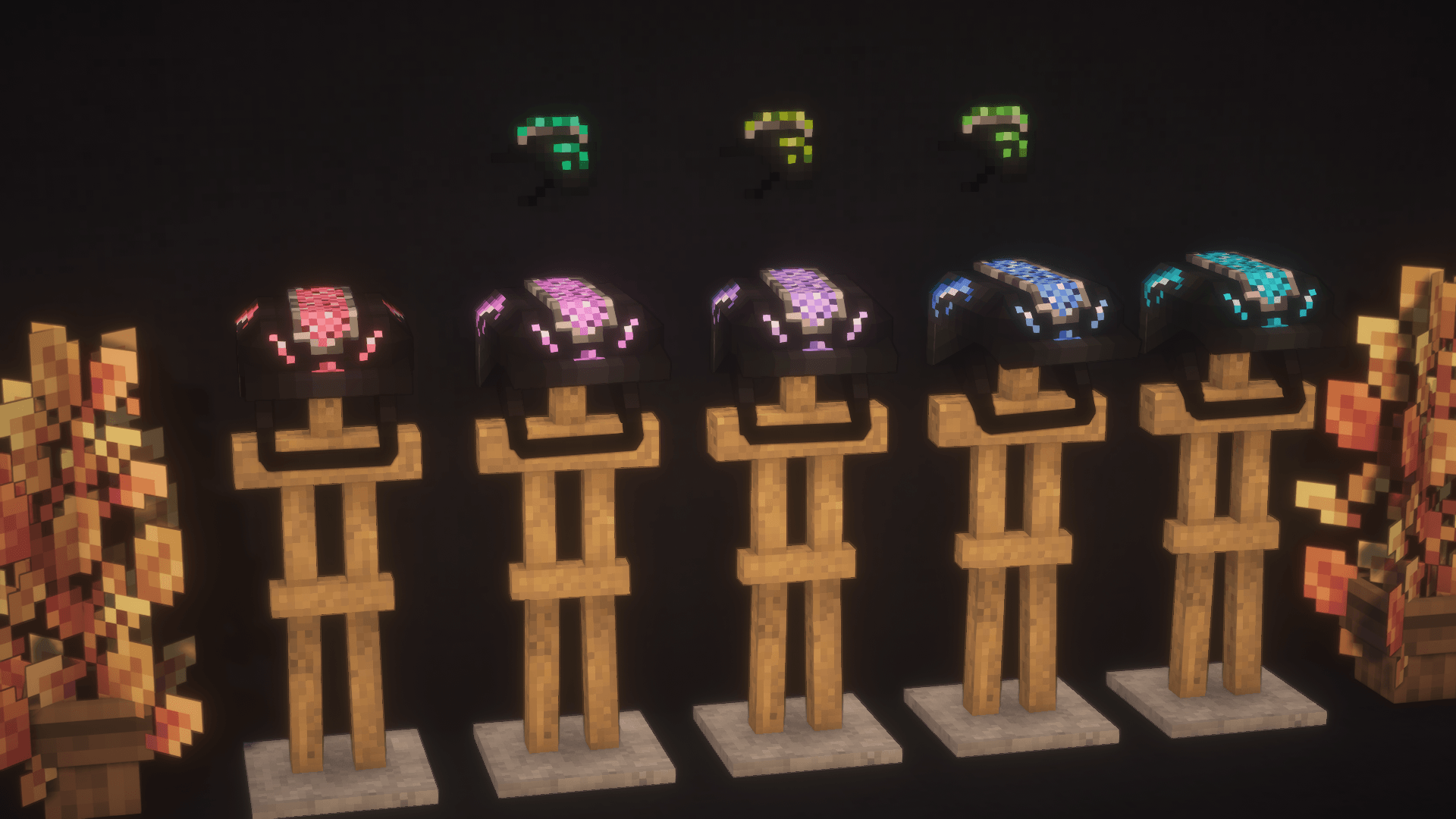
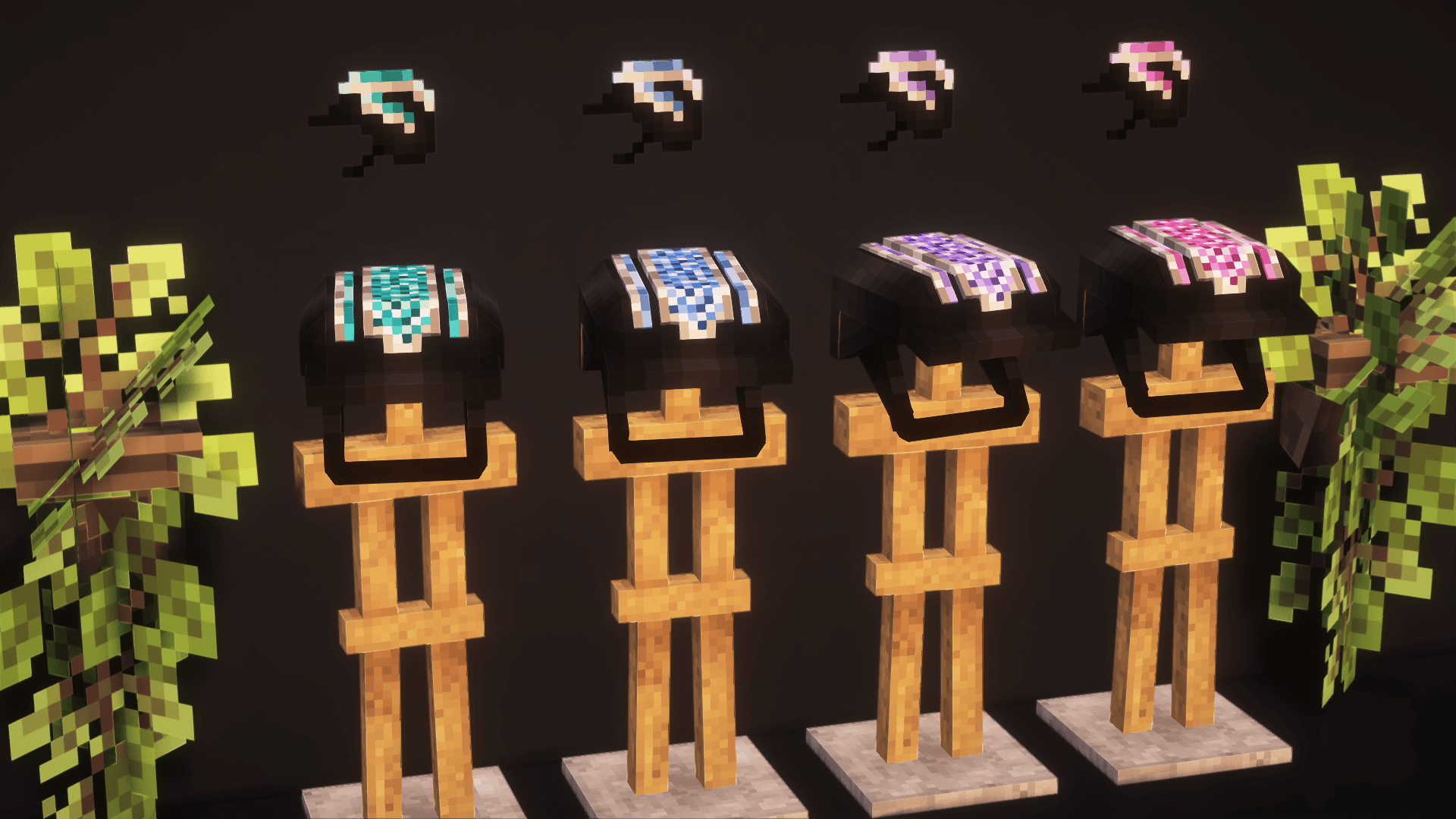
The mod adds a riding helmet!
There are 4 base colors and 40 “empty” textures available! You can use the empty textures, replacing them with your own, thereby complementing the mod with new colors and helmet designs!
In future updates of the mod, even more empty textures will be added, so there will be no limit to the space for new designs!
🔧 How to replace a texture?
1. Replacing the main texture:
1). Right-click on the mod file → “Open archive”.
2). Go to:
assets → riding_helmet_mod_bys_dreamalway → textures → entities.
3). Select the texture named h(n) (where n is any number: 1, 2, 3…).
4). Rename your texture according to the selected slot (for example, h5.png) and move it to the mod folder, replacing the original.
2. Replacing the icon:
1). Right-click on the mod file → “Open archive”.
2). Go to:
assets → riding_helmet_mod_bys_dreamalway → textures → items.
3). Select the texture named hi(n) (where n is any number: 1, 2, 3…).
4). Rename your texture (for example, hi5.png) and move it to the mod folder, replacing the original.
Now your helmet will be displayed with your design! 🎨
The modification is waiting for you in the comments under the post!
🔧 Other Ways to Add New Helmet Textures
Via a Shared Resource Pack:
Download and install the resource pack. It is compatible with all versions of the mod and the game.
Note: It won’t add new helmets by itself—it only provides texture slots.
Replacing the Main Texture:
1). Open the resource pack folder.
2). Navigate to: assets → riding_helmet_mod_bys_dreamalway → textures → entities
3).Select a texture named h(n) (where n is any number: 1, 2, 3…).
4). Rename your texture to match the slot (e.g., h5.png) and replace the original file.
Replacing the Icon:
1). Open the resource pack folder.
2). Navigate to: assets → riding_helmet_mod_bys_dreamalway → textures → items
3).S elect a texture named hi(n) (where n is any number: 1, 2, 3…).
4). Rename your texture to match the slot (e.g., hi5.png) and replace the original file.
Via Separate Resource Packs (Pre-made Sets):
These packs come with pre-configured textures.
Each set replaces textures starting from the first “empty” slot (h1.png, h2.png, etc., depending on the number of helmets in the pack).
Replacing the Main Texture:
1). Open the resource pack folder.
2). Navigate to: assets → riding_helmet_mod_bys_dreamalway → textures → entities
3). Select a texture named h(n). If using multiple packs, check which slots are “empty/available.”
4). Rename your texture accordingly (e.g., h5.png).
Replacing the Icon:
1). Open the resource pack folder.
2). Navigate to: assets → riding_helmet_mod_bys_dreamalway → textures → items
3). Select a texture named hi(n). If using multiple packs, check which slots are “empty/available.”
4). Rename your texture accordingly (e.g., hi5.png).
Important Notes:
Always ensure your textures are in .png format and match the original dimensions.
If using multiple resource packs, check for conflicting textures in the same slots.
✅ Done! Your new helmet textures should now appear in-game. 🎮✨
Free and paid kits, as well as the opportunity to order your own unique designs (or your modest support) – Boosty https://boosty.to/samecreation
Discord – same1202
常见问题
Riding Helmet 支持哪些 Minecraft 版本?
Riding Helmet 支持 Minecraft Java 版 1.18.2–1.21.1,共 3 个版本,可用的加载器:Forge / NeoForge。下载时注意选择和你游戏版本一致的文件。
Riding Helmet 怎么安装?
先用 PCL2 或 HMCL 启动器安装对应版本的 Forge / NeoForge,再把下载的 .jar 文件放进游戏目录的 mods 文件夹,重新启动游戏即可。开启了版本隔离的,mods 文件夹在 versions/版本名 下面。

评论
登录后评论和评分