
RGBCraft
Programmable RGB strips, panels, controllers and networks for NeoForge, with animated effects, redstone control, CC:Tweaked support and optional colored lighting.
截图
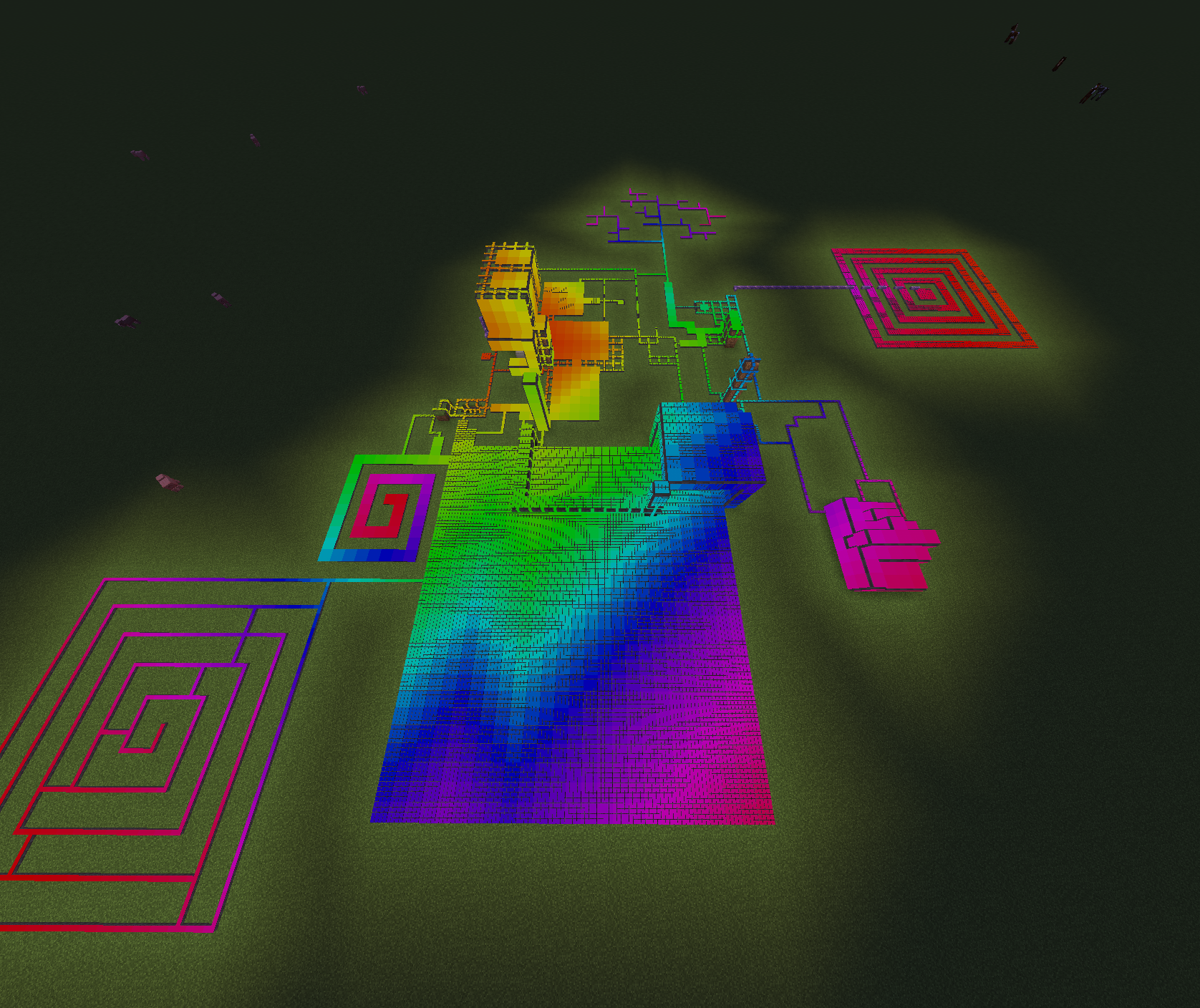
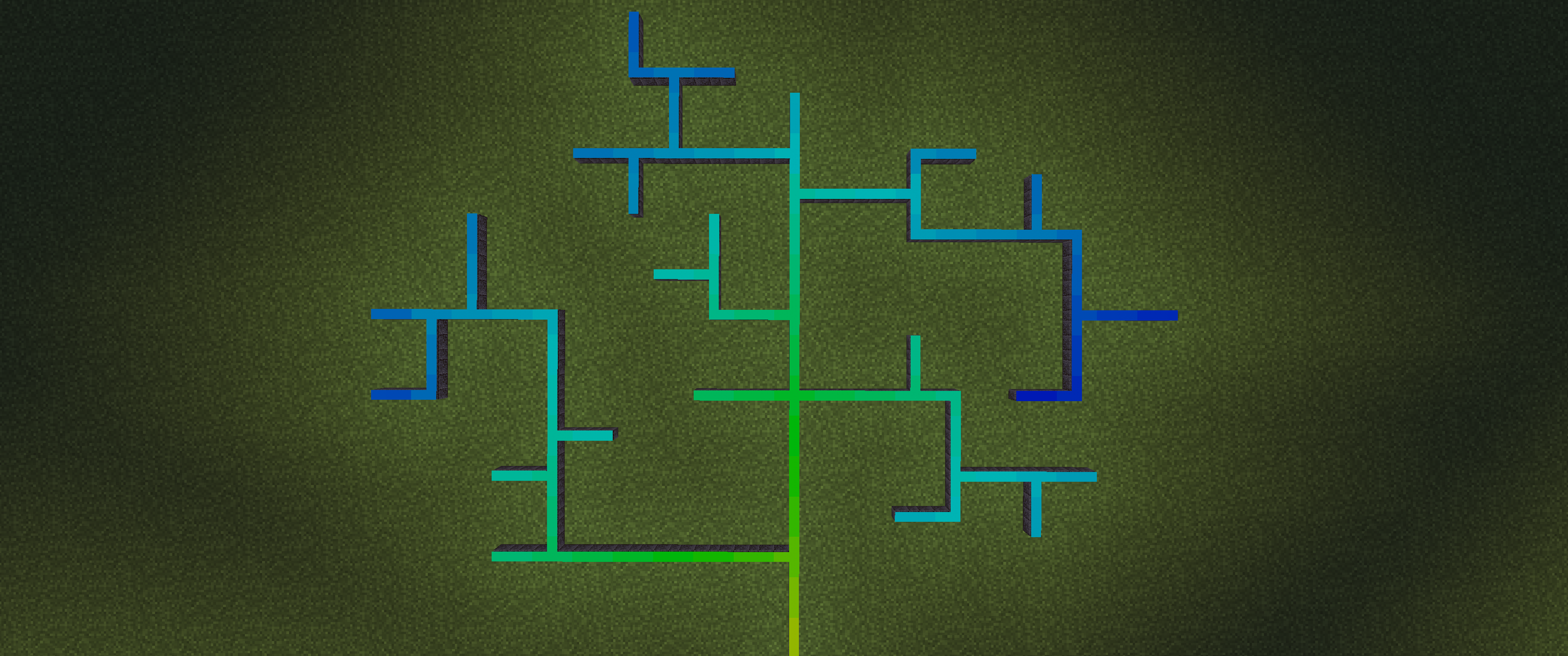
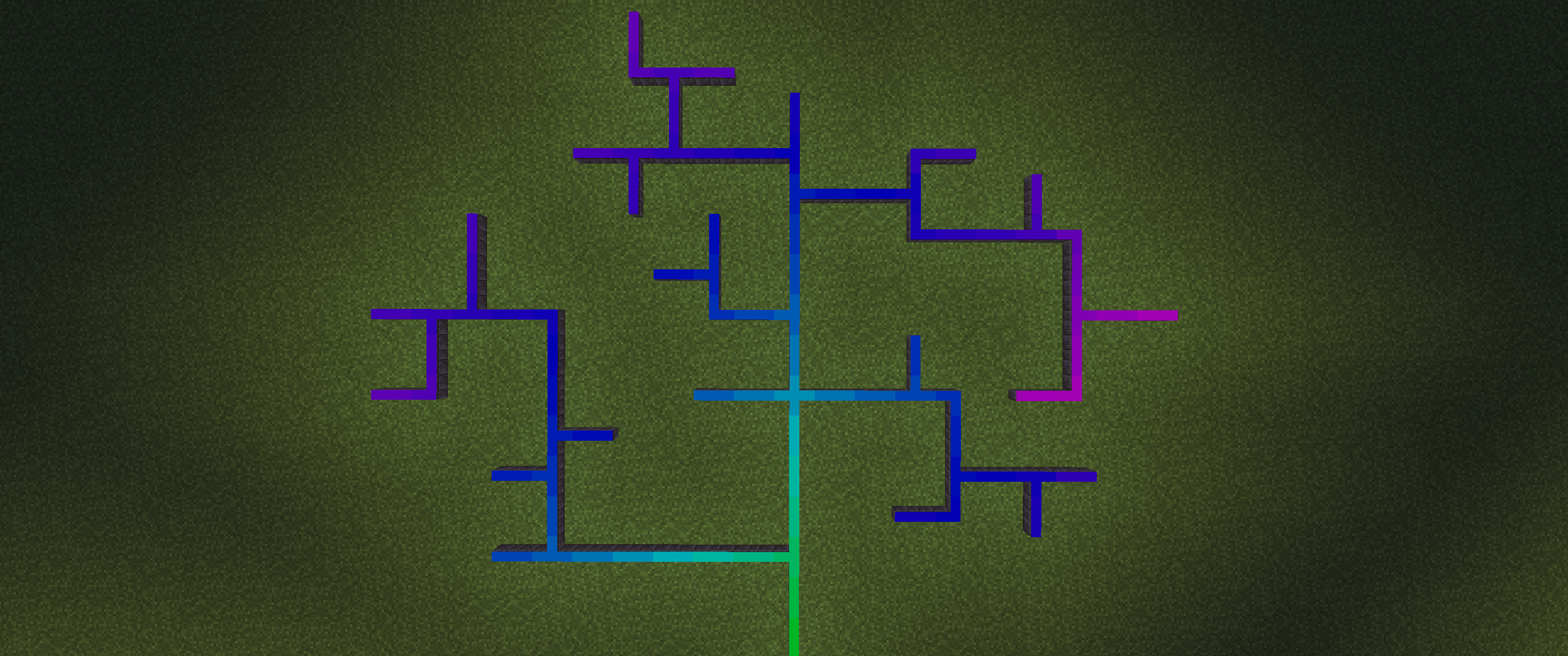
介绍
RGBCraft
RGBCraft is a programmable RGB lighting mod for Minecraft 1.21.1 using NeoForge. Build anything from simple accent lighting to large animated displays using
physical cables, controllers, addressable strips, and panels.
Features
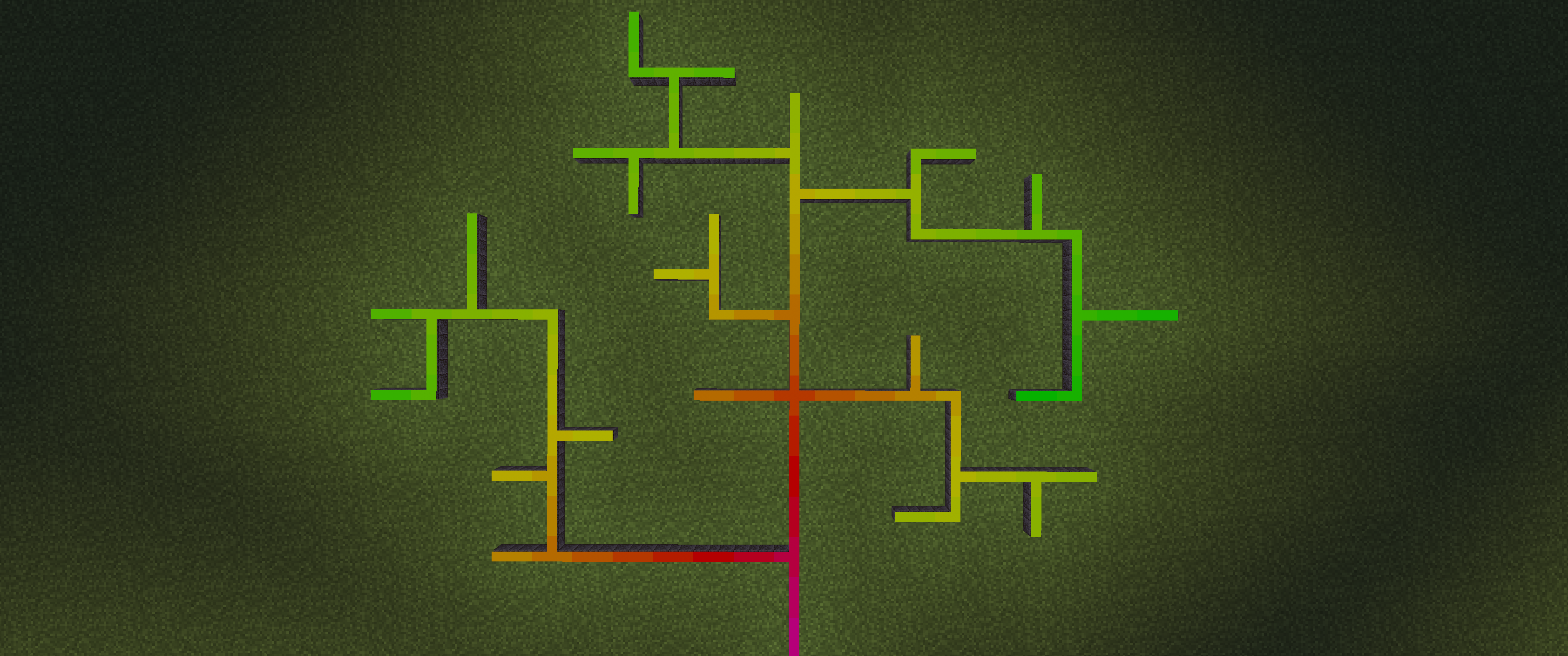
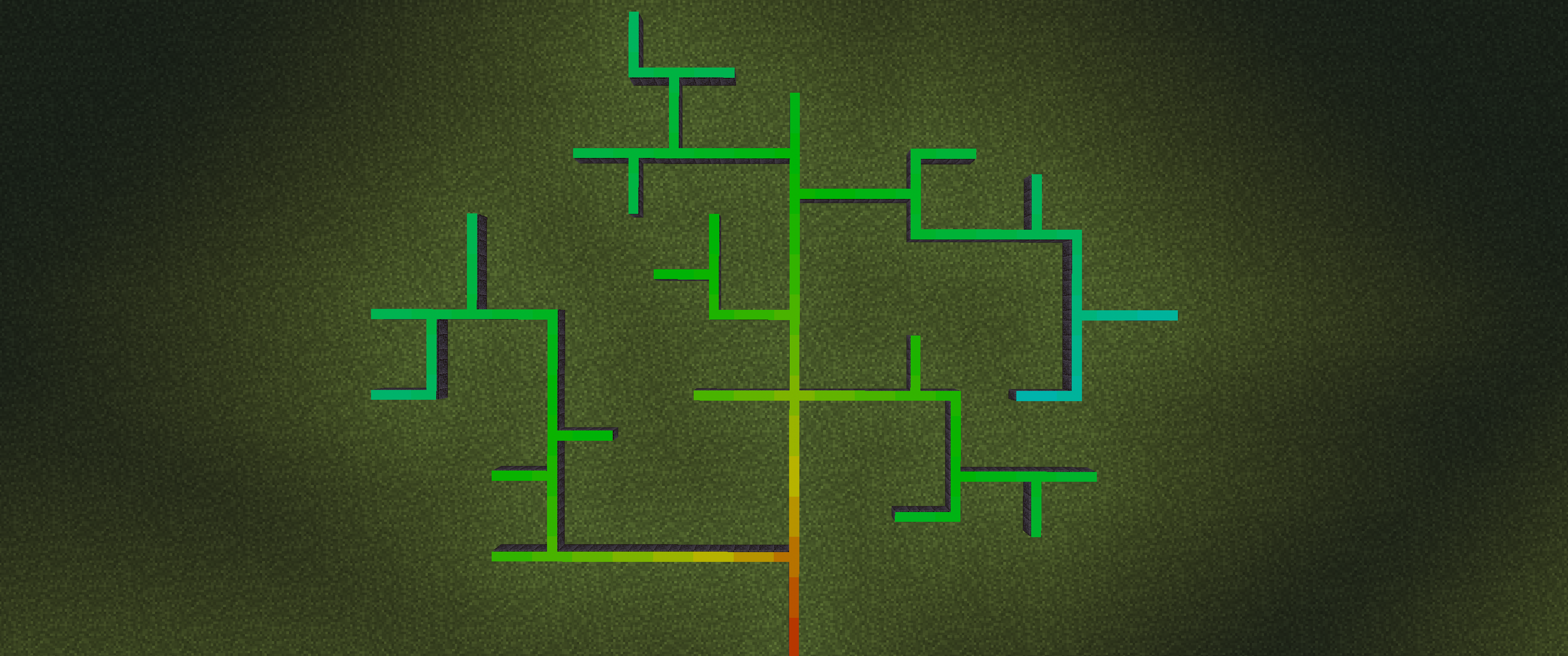
- Addressable RGB strips and panels
- Standard and smoothly diffused fixture variants
- Floor, wall, ceiling, corner, junction, and block-wrapping connections
- RGB redstone lamps and lanterns
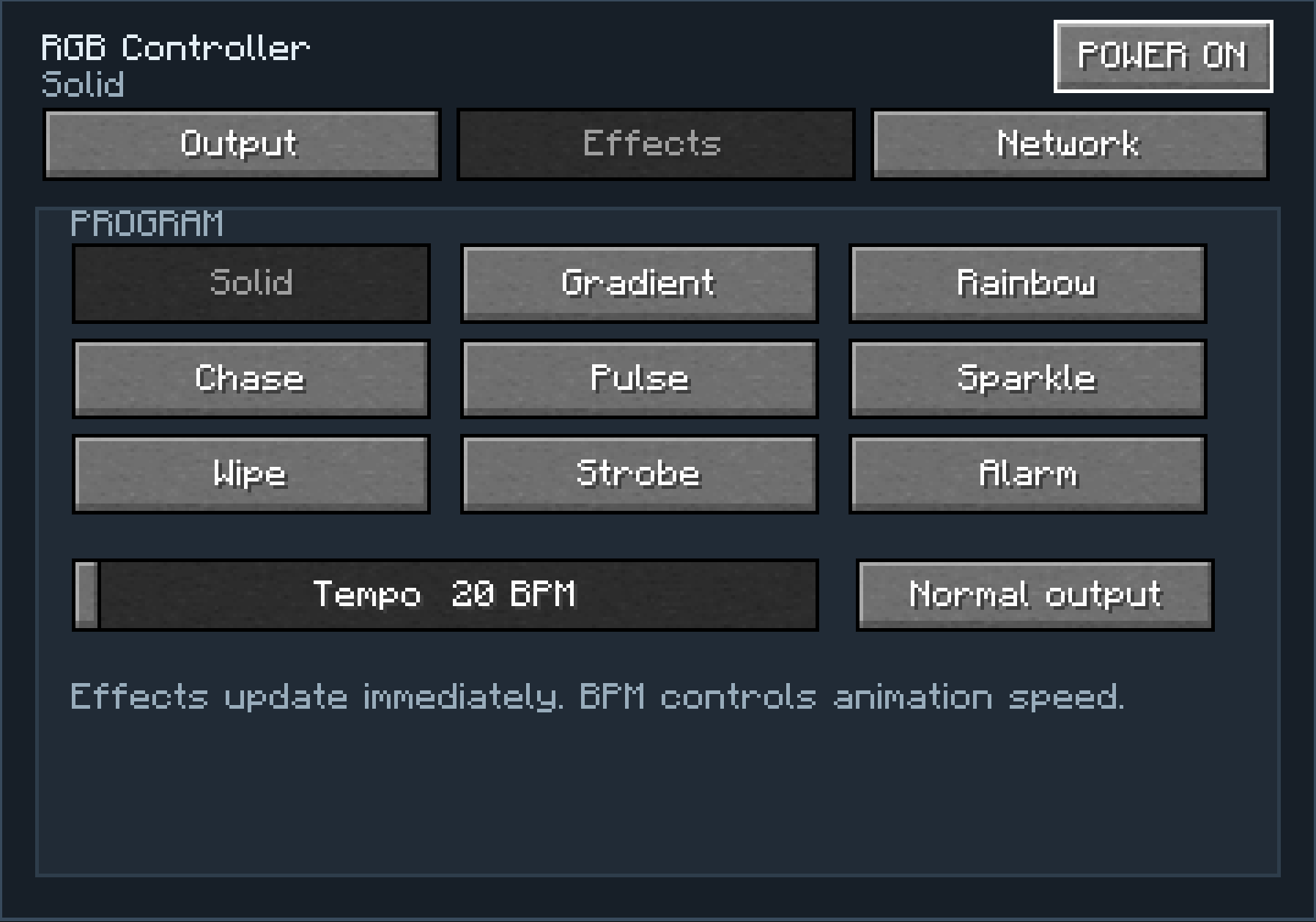
- Basic, advanced, and show controllers
- Animated effects, colour presets, speed controls, and alarms
- Persistent network IDs and remote network selection
- Server racks for linking controllers and expanding pixel capacity
- Copper, shielded, and photonic RGB cables
- Configurable redstone interfaces
- Mapping wand, program cards, remote control, and surface wrench
- Survival recipes and block loot tables
- Client-side photosensitivity warning
Optional integrations
- CC: Tweaked 1.120+ — control individual pixels and effects using Lua
- Veil 4.4.1+ — experimental coloured point lighting
- Sodium 0.8.12+ — dedicated RGBCraft page inside Video Settings
All integrations are optional. RGBCraft works without them.
Experimental coloured lighting
Veil-powered coloured lighting is disabled by default and must be enabled locally from Video Settings. It can also be controlled per controller, allowing it to be
used selectively as accent lighting.
Servers cannot enable this feature for players.
Requirements
- Minecraft 1.21.1
- NeoForge 21.1.244 or newer
RGBCraft is currently an alpha release. Back up important worlds before testing new versions.
常见问题
RGBCraft 支持哪些 Minecraft 版本?
RGBCraft 支持 Minecraft Java 版 1.21.1,可用的加载器:NeoForge。下载时注意选择和你游戏版本一致的文件。
RGBCraft 怎么安装?
先用 PCL2 或 HMCL 启动器安装对应版本的 NeoForge,再把下载的 .jar 文件放进游戏目录的 mods 文件夹,重新启动游戏即可。开启了版本隔离的,mods 文件夹在 versions/版本名 下面。运行环境:客户端和服务端都要装。
评论
登录后评论和评分