
截图


介绍
RGB-Chat mod
RGB Chat allows player to use gradient color text in chat、editing words and RGB loot beam.
There are two types of Hex color you can input,every Hex color is total 6 digits[R(red)G(green)B(blue)]:
1.single color
Input format
“`
#RGByour text
“`
example
“`
#B0E0E6ABCDEFG
“`
2.gradient color
Input format(from color A to color B,then follows words)
“`
#RGB-RGByour text
“`
example
“`
#FF69B4-FFF0B4Hello World!
“`
multiple gradient effect:
Input format(several colors ,then follows words)
“`
#RGB-RGB…-RBGyour text
“`
example
“`
#FF69B4-BBAACC-B0E0E6-45FF9AI need to be the one
“`
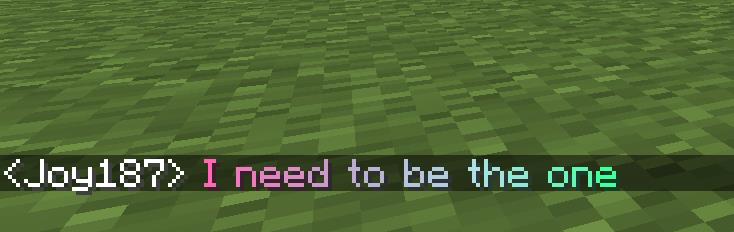
well, you can use a combination of them:
“`
#320004-32FF04ABCDEFGHILJK#32FF04-320004LMNOPRSTVUWXYZ
“`
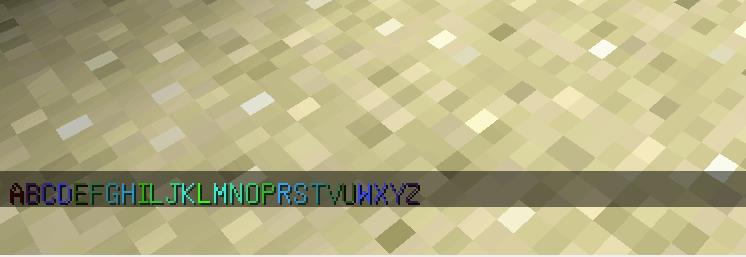
More you can do:
you can create colored name item through Anvil:
colored entity name:
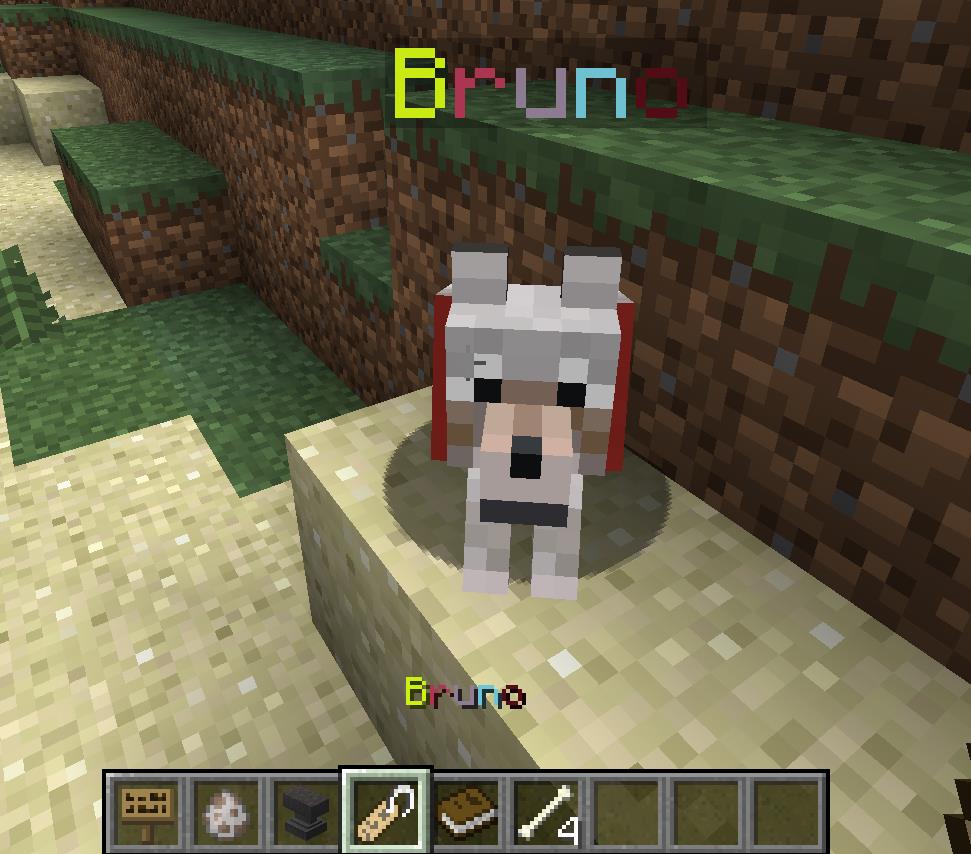
make your sign words more colorful: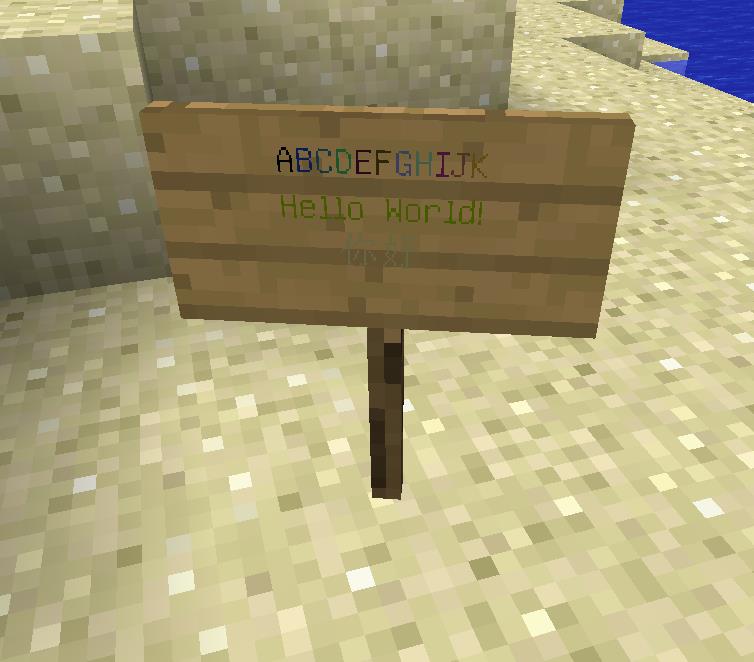
3.RGB loot beam
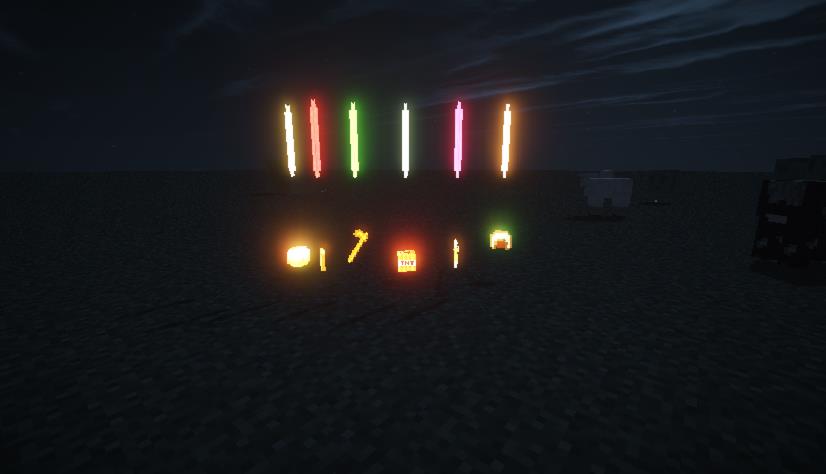
if your item has the RGB name like what we talk before,then your loot beam will has the same color effect:
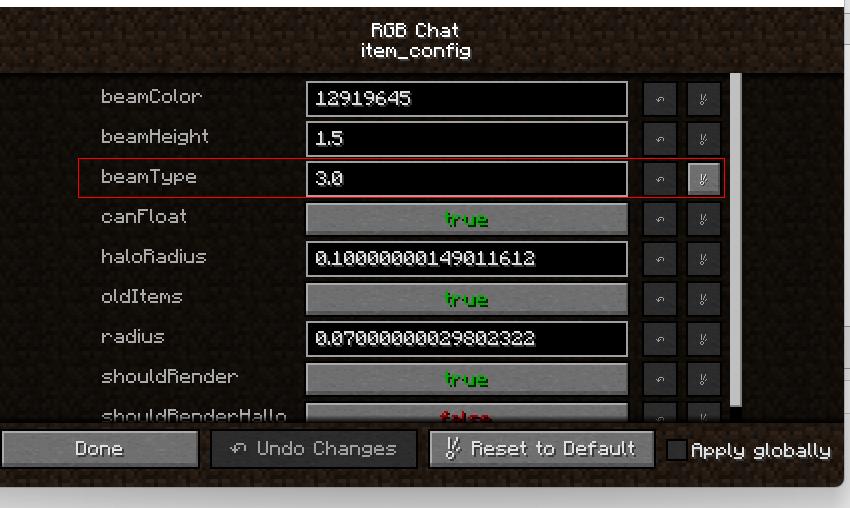
You can custom your loot beam in the config file:
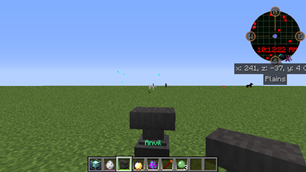
The latest version 0.6 adds item borders, and players can modify item names through the anvil to achieve different border colors.
This project is opensource,you can visit my github repository: https://github.com/BitbanChou/RGB-Chat
常见问题
RGB Chat 支持哪些 Minecraft 版本?
RGB Chat 支持 Minecraft Java 版 1.12.2,可用的加载器:Forge。下载时注意选择和你游戏版本一致的文件。
RGB Chat 怎么安装?
先用 PCL2 或 HMCL 启动器安装对应版本的 Forge,再把下载的 .jar 文件放进游戏目录的 mods 文件夹,重新启动游戏即可。开启了版本隔离的,mods 文件夹在 versions/版本名 下面。


评论
登录后评论和评分