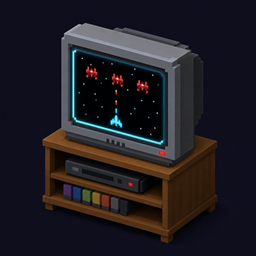
截图
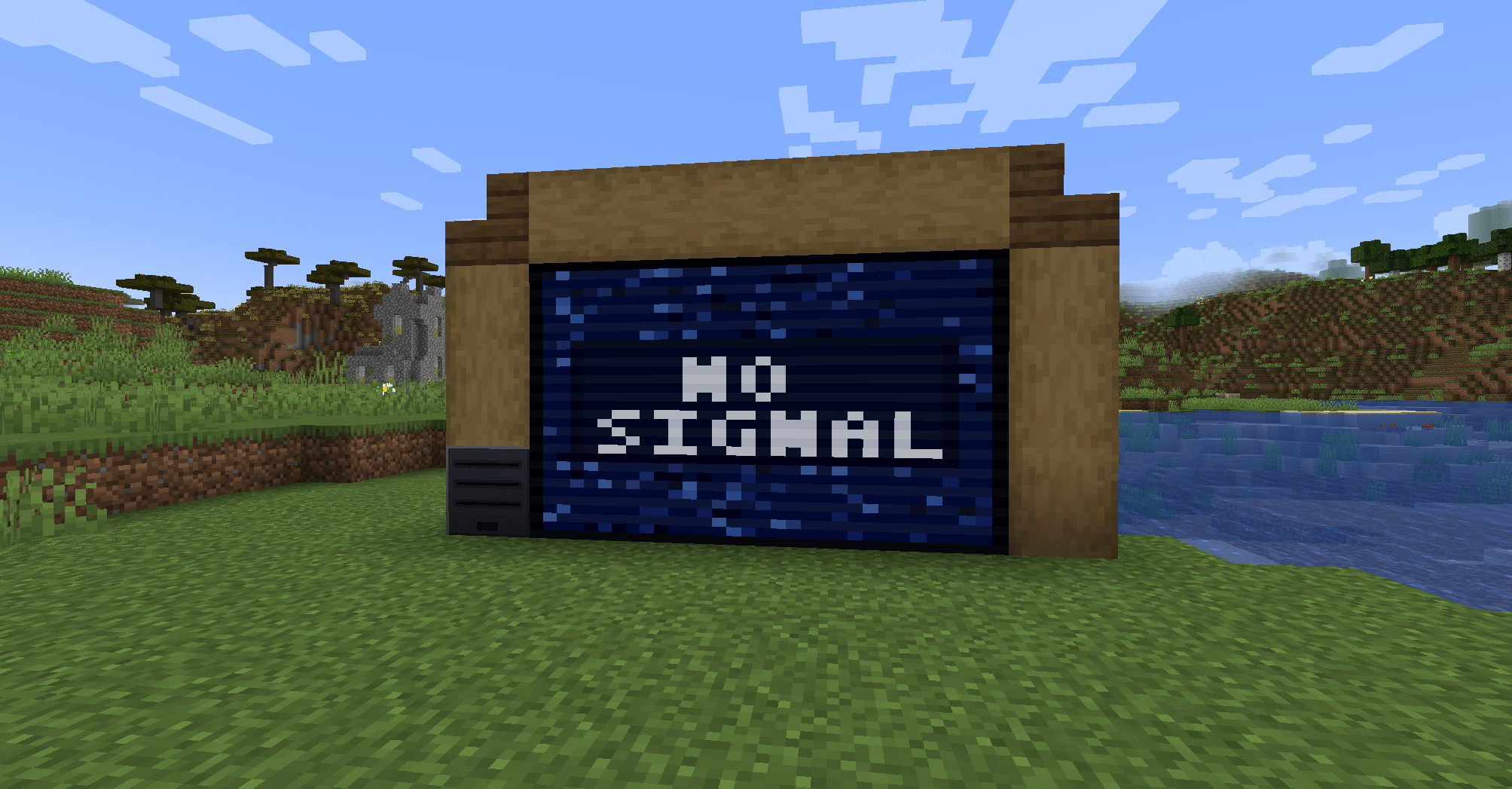
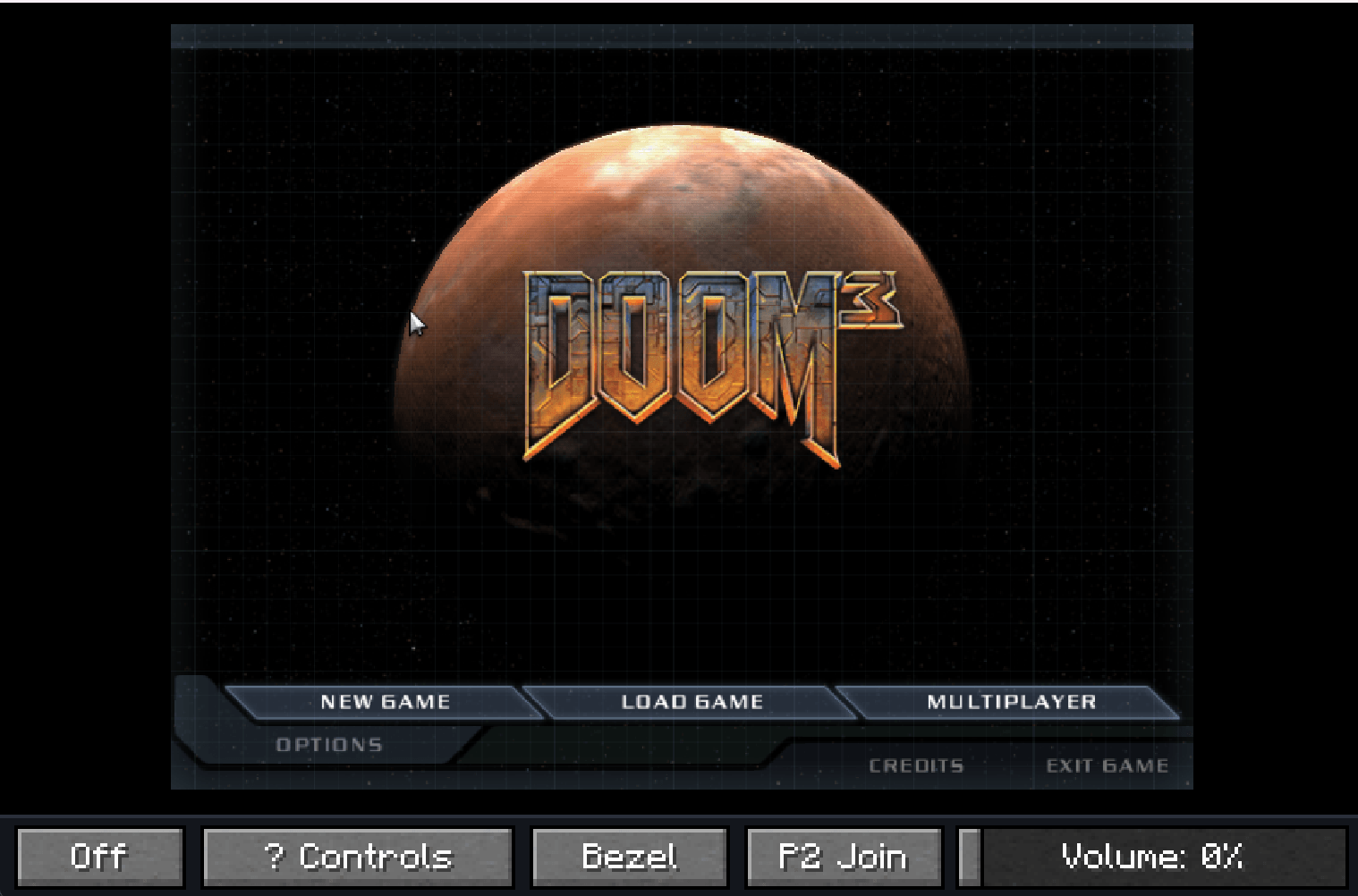
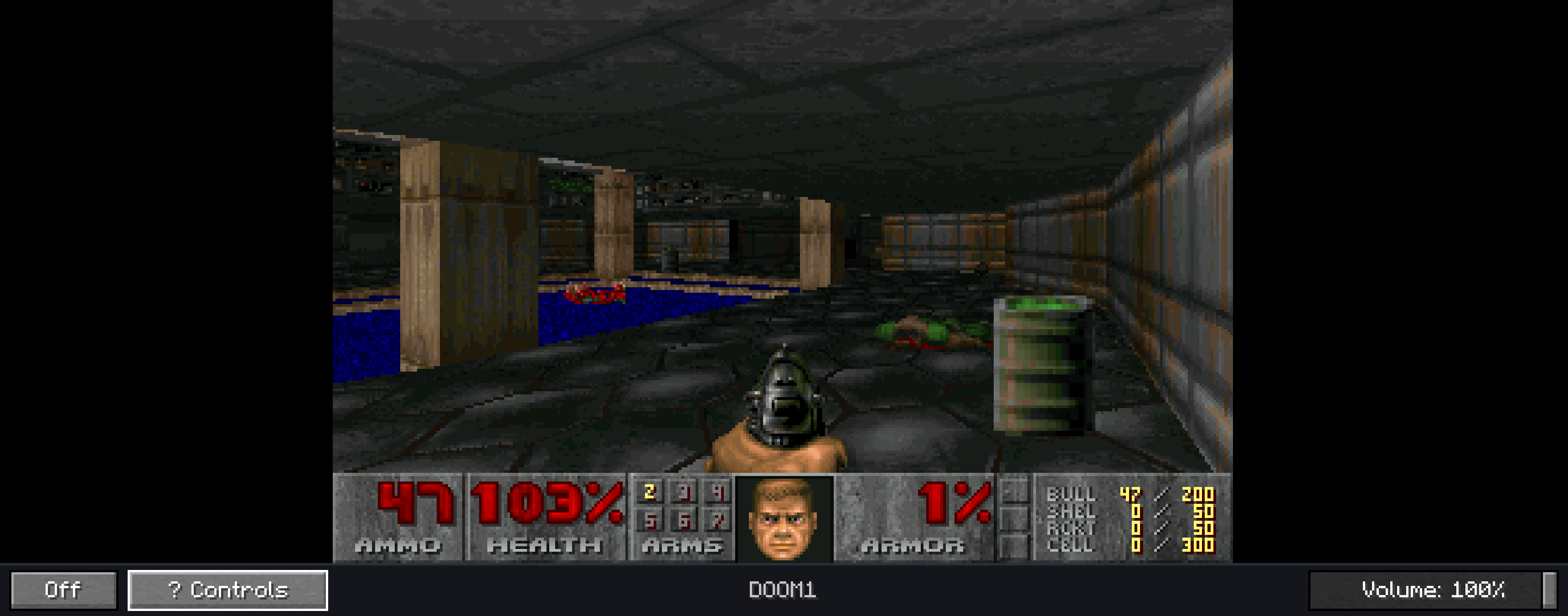
介绍
RetroConsole
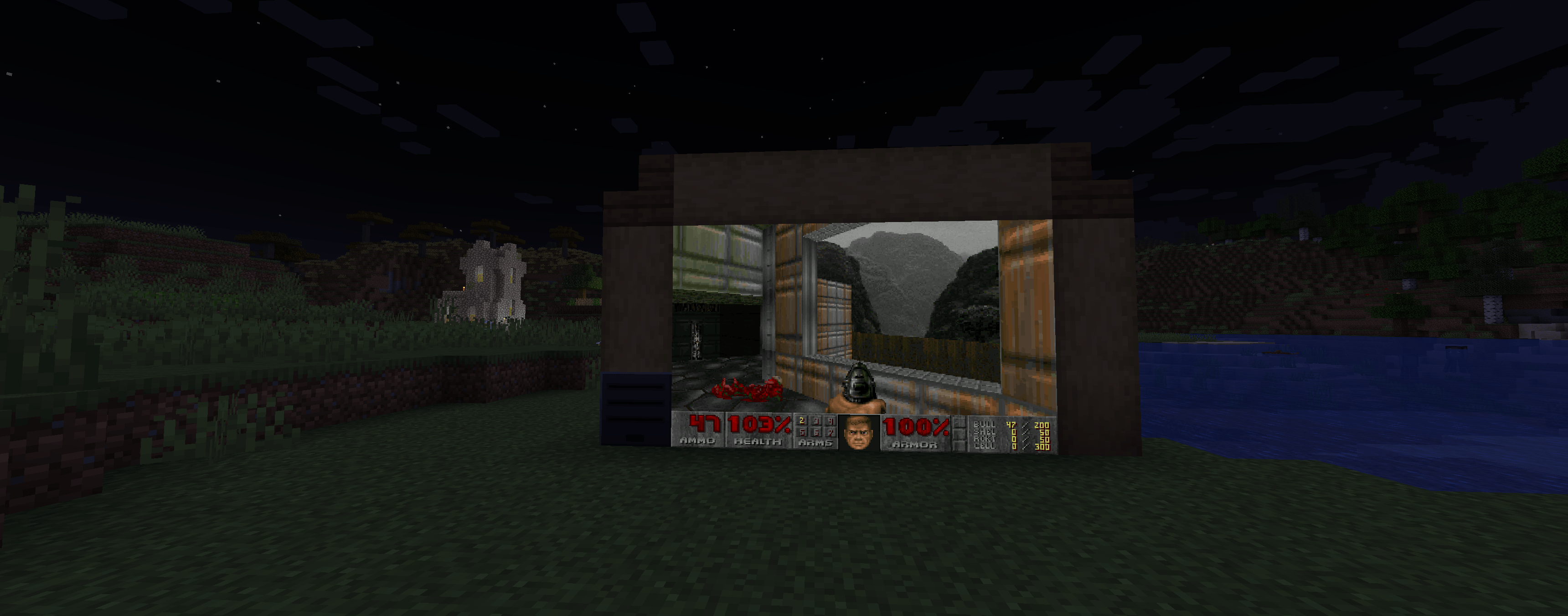
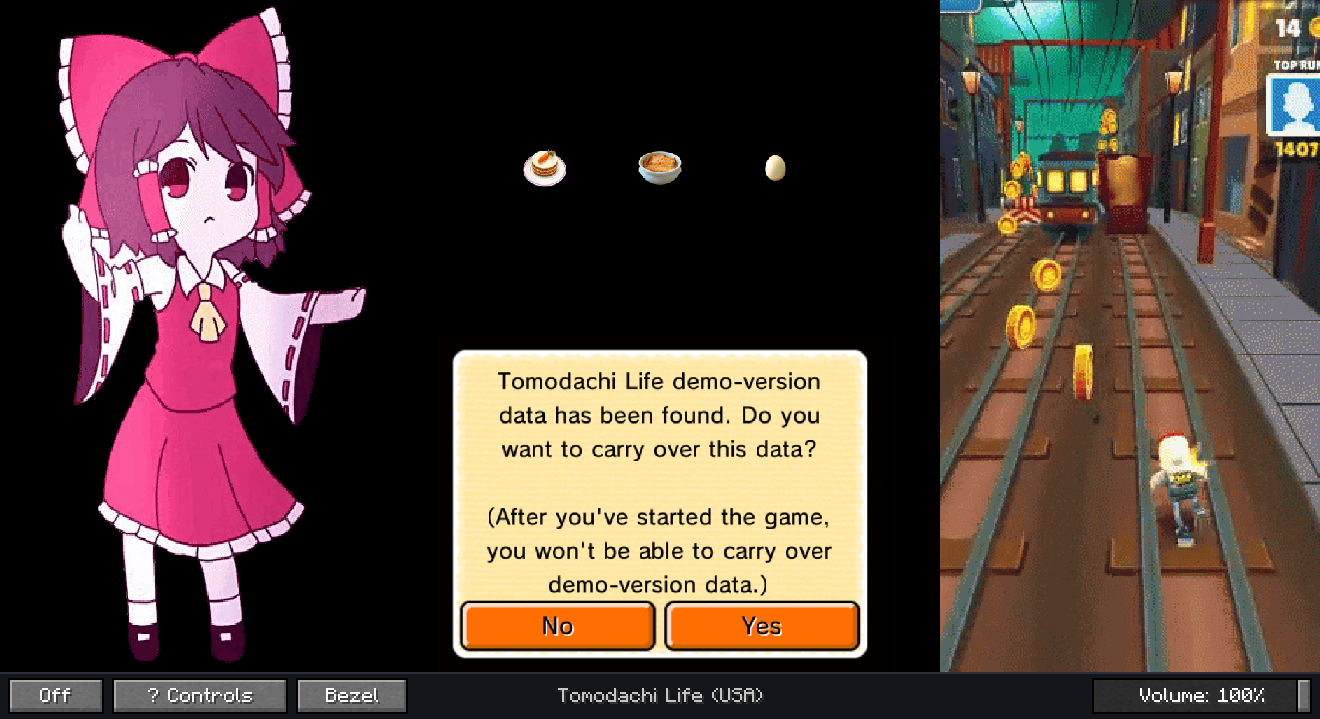
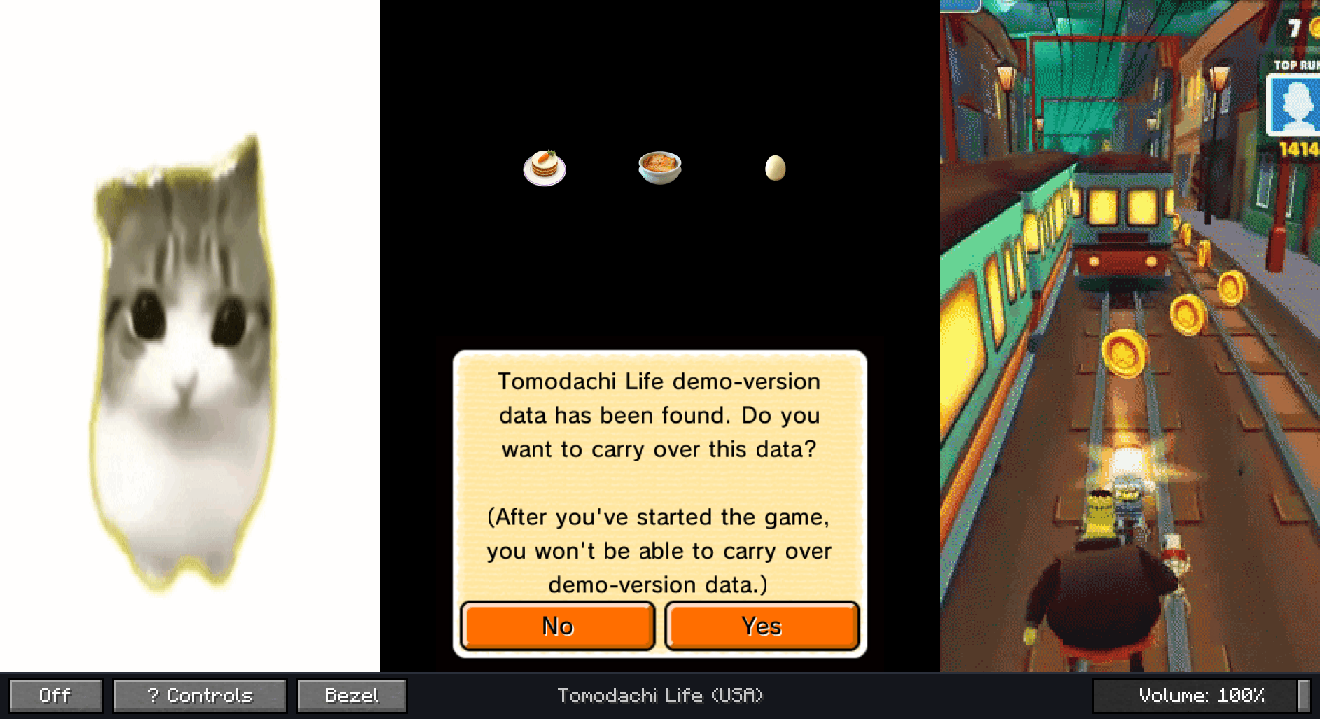
RetroConsole 0.3.0 brings libretro emulation into Minecraft 1.21.1 — on both NeoForge and Fabric. Place a console in your world, build a TV wall from Screen blocks, browse your game library, and play on in-world displays or in a fullscreen viewer.
Current version: 0.3.0. The port lives on GitHub and is published on GitHub Releases (the same JAR is attached to this project’s Files tab). 0.3.0 adds a Fabric build next to NeoForge, RPG Maker XP / VX / VX Ace through
mkxp-z, and stops the world from freezing while a heavy core boots or stops.Early release — expect rough edges. Bug reports and screenshots are welcome in GitHub Issues.
Which file do I need?
| Loader | File |
|---|---|
| NeoForge 21.1.x | retroconsole-0.3.0+1.21.1-neoforge.jar |
| Fabric Loader 0.16+ | retroconsole-0.3.0+1.21.1-fabric.jar — requires Fabric API |
Both builds contain the same game code and read the same config/retroconsole.json, so settings, saves and play stats carry over if you switch loaders.
What’s new in 0.3.0
- Fabric support — the mod now ships for Fabric Loader as well as NeoForge, feature-for-feature.
- RPG Maker XP / VX / VX Ace via the
mkxp-zcore — one library entry per game folder, a correctly sized picture even for games that scale their window, and a chat message that names the missing RTP instead of leaving you at a black screen. - Launching and stopping no longer freezes the world — cores boot, stop and snapshot save states on their own threads; a 20-second RPG Maker load no longer stalls the tick loop.
- Legible text on screens — downscaling averages pixels instead of dropping them, so 1-pixel glyph stems survive on small walls.
- Boot feedback — while a core starts, the TV shows a “Launching <game>” card with elapsed time instead of a misleading No Signal.
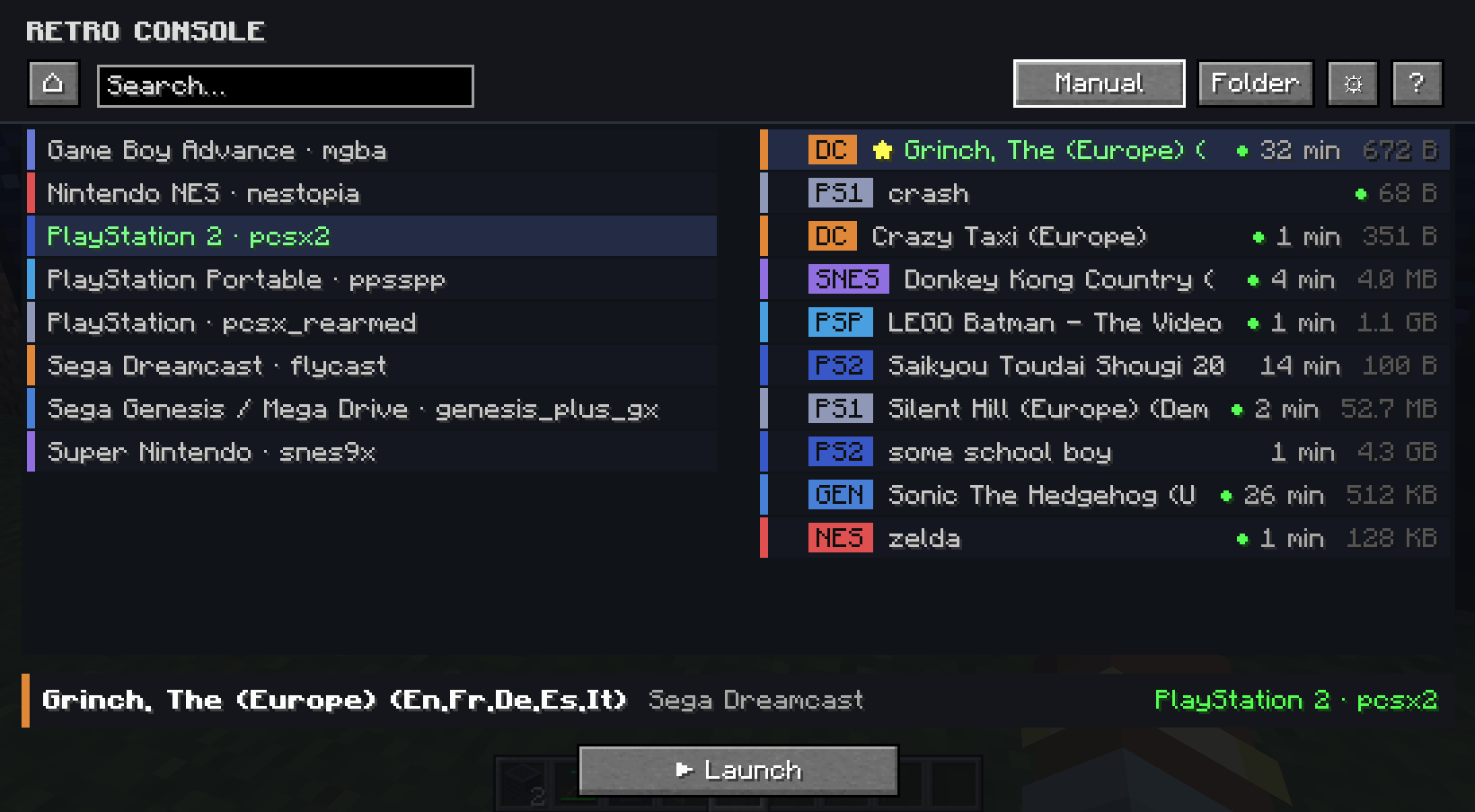
- In-game config UI — one settings screen (⚙) for paths, streaming distances, session limits, video presets.
verboseLogs— optional debug toggle for heartbeats and GL diagnostics; off by default.
What you get
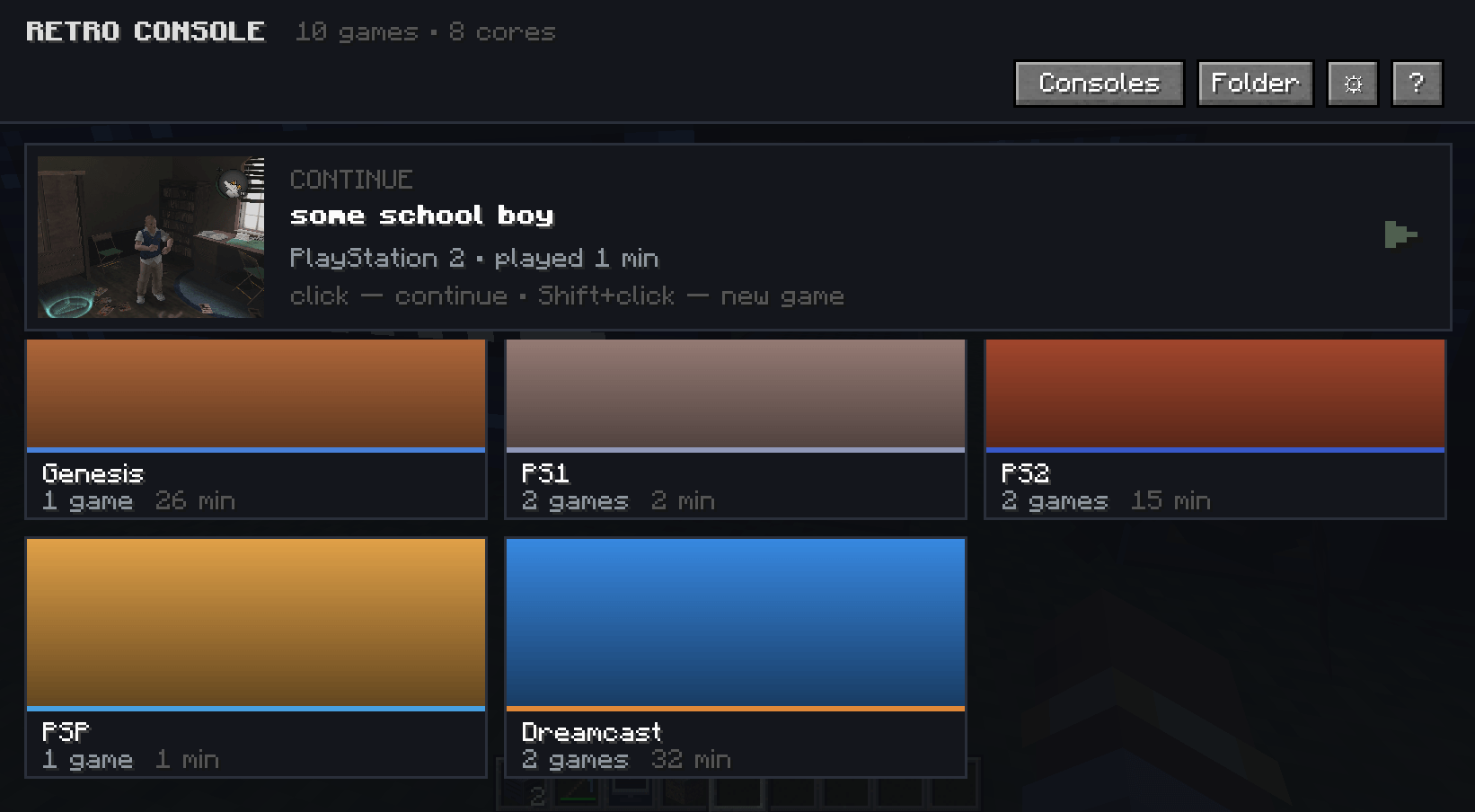
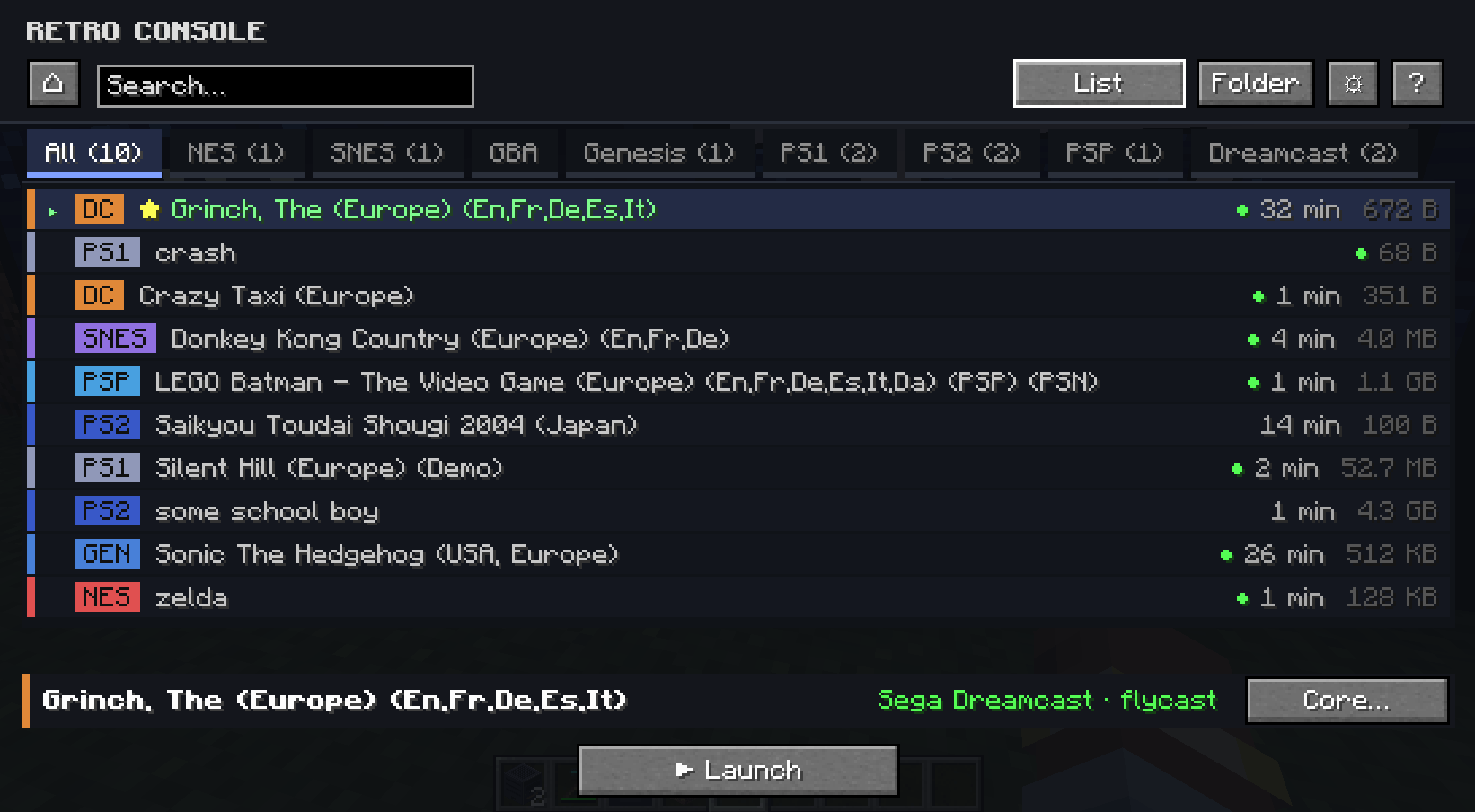
- Retro Console block with a game library UI — tabs per system, search, favorites
- Screen blocks that form multiblock TV walls (console must touch the wall)
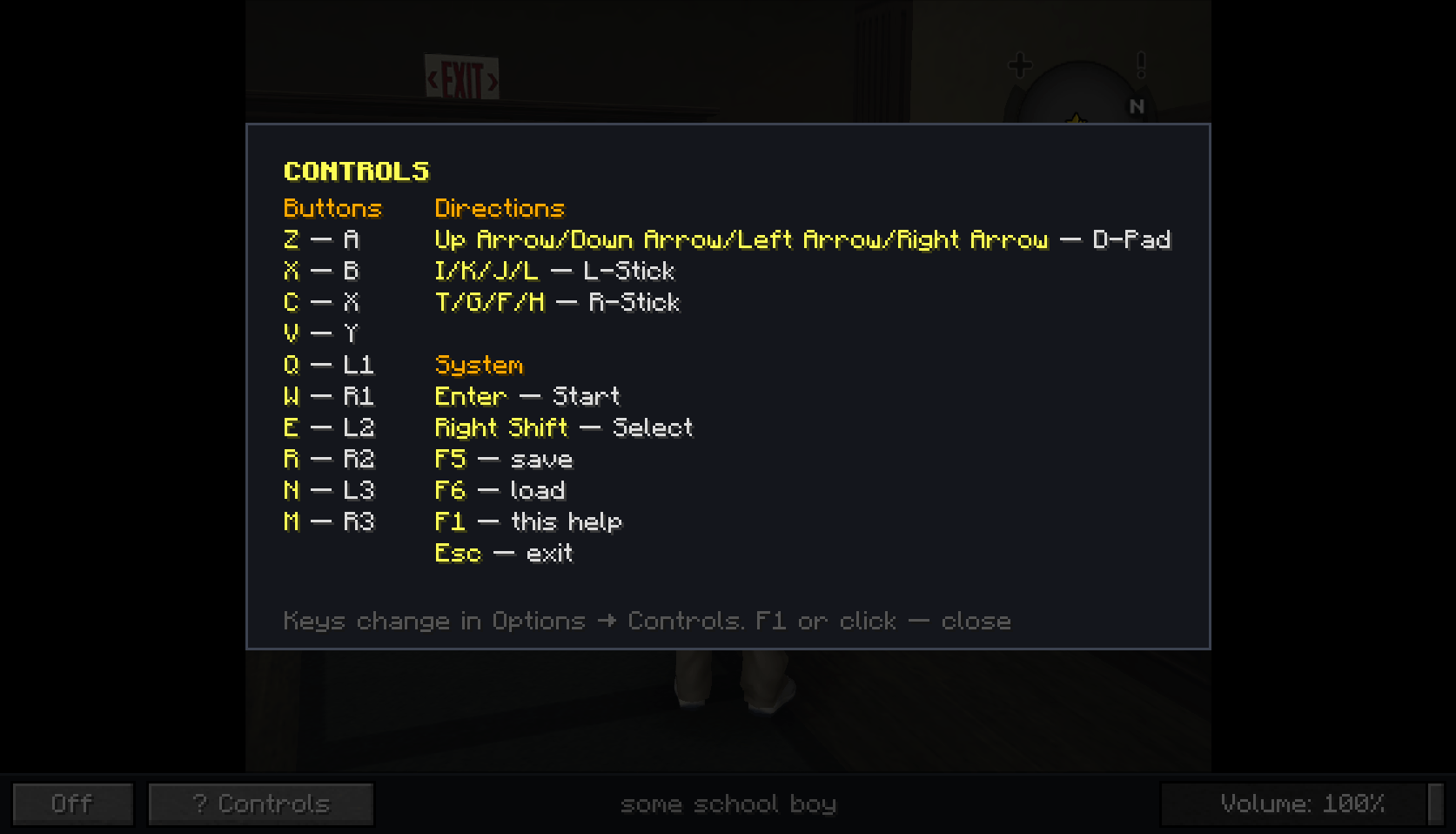
- Fullscreen TV view with volume, quick save/load (F5/F6)
- Server-side emulation — video and audio stream to nearby players
- Per-player saves, play-time stats, PS2 memory-card sync
- In-game config UI — paths, streaming distances, session limits, video presets
- Hardware-render cores (PS2, PSP, Dreamcast, Doom 3, RPG Maker, 3DS) via a bundled headless OpenGL helper
- Doom 3 through the
boom3core — retail or the free demo - RPG Maker XP / VX / VX Ace through the
mkxp-zcore — RTP-aware, one entry per game - Nintendo DS / 3DS with an absolute touch pointer (DeSmuME, melonDS, Citra)
Requirements
| Minecraft | 1.21.1 |
| Loader | NeoForge 21.1.x or Fabric Loader 0.16+ (+ Fabric API) |
| Java | 21 |
| OS | Windows or Linux (64-bit) |
| GPU (HW cores) | OpenGL 3.3+ |
macOS is not supported.
This mod does not ship libretro cores, BIOS files, or ROMs. You must supply them yourself and only use content you have the legal right to use.
Quick start
- Install NeoForge 21.1.x — or Fabric Loader with Fabric API — and drop the matching mod JAR into
mods. - Launch the game —
config/retroconsole/is created automatically. - Download libretro cores (
.dll/.so) from the libretro buildbot →config/retroconsole/cores/ - Add ROMs to
config/retroconsole/roms/<system>/(e.g.nes/,gba/,ps2/). RPG Maker games go intoroms/rpgmaker/<game>/. - For PS2 / Dreamcast: add BIOS to
config/retroconsole/system/(see the GitHub README) - Craft the blocks (or use the Retro Console creative tab):
Retro Console          Screen ×2
I I I                  G G G
I R I                  G R G
I I I                  I I I

I = iron ingot, R = redstone, G = glass pane- Place the console so it touches your screen wall. Right-click → library → Launch.
- Right-click again while playing → fullscreen TV view.
TV screens
- Screens link only by physical contact with the console.
- Same facing/orientation → one rectangular wall (L-shapes split into separate rectangles).
- Look down/up sharply to place floor/ceiling screens (CC:Tweaked-style).
Tested cores (0.3.0)
Smoke-tested on Windows 11. Other libretro cores may work but are not guaranteed.
| Core | System | Notes |
|---|---|---|
fceumm_libretro · nestopia_libretro · quicknes_libretro · mesen_libretro |
NES / Famicom | software render — any of them works as the NES core |
snes9x_libretro |
SNES | software render |
gambatte_libretro |
Game Boy / Game Boy Color | software render |
mgba_libretro |
GBA | software render |
genesis_plus_gx_libretro |
Genesis / Mega Drive, Master System, Game Gear, Sega CD | software render |
desmume_libretro · desmume2015_libretro |
Nintendo DS | software render, dual screen, touch pointer |
citra_libretro |
Nintendo 3DS | HW OpenGL, top + bottom screen, touch pointer |
pcsx_rearmed_libretro |
PS1 | software render |
pcsx2_libretro (LRPS2) |
PS2 | HW OpenGL, needs BIOS, multi-console |
ppsspp_libretro |
PSP | HW OpenGL, multi-console |
flycast_libretro |
Dreamcast | HW OpenGL, needs BIOS, multi-console |
boom3_libretro |
Doom 3 | HW OpenGL, game data in roms/doom3/ |
mkxp-z_libretro |
RPG Maker XP / VX / VX Ace | HW OpenGL, one entry per game folder, RTPs in system/mkxp-z/RTP/ |
easyrpg_libretro |
RPG Maker 2000 / 2003 | software render, async core (the frontend drives its clock and audio), game as a .zip or an unpacked folder in roms/easyrpg/ |
Any other libretro core can be dropped into cores/ and picked per game from the Other tab (N64, Saturn, …), but only the cores above were part of the 0.3.0 smoke test. The mkxp-z core is not on the libretro buildbot; build it from the mkxp-z source.
Multiplayer
On a dedicated server, ROMs and cores live on the server. Emulation runs server-side; clients receive video/audio streams. Saves, save states and play stats are per-player on the server.
Clients do not scan their local roms/ folder in multiplayer — the library comes from the server’s config/retroconsole/.
Configuration
Open ⚙ in the library, or Mods → RetroConsole → Config (NeoForge; on Fabric use the ⚙ button).
config/retroconsole.json— paths, streaming distances, session limits (maxCoreSlots,maxPcsx2Sessions), video presets, debug toggles- Upgrading from 0.2.6 or older? The old
retroconsole-common.toml/retroconsole-server.tomlare read once and folded into the new file; the toml files are then ignored. - On a dedicated server, edit the server’s copy — clients cannot change server streaming or video from the UI.
Controls (defaults)
Emulator: Arrow keys = D-Pad · Z/X/C/V = A/B/X/Y · Q/W/E/R = L1/R1/L2/R2 · N/M = L3/R3 · Enter = Start · Right Shift = Select · I/K/J/L and T/G/F/H = analog sticks
TV view: F1 = help · F5/F6 = quick save/load · Esc = exit (autosave runs on exit)
Rebind under Options → Controls → Retro Console.
Known limitations
- macOS is not supported (headless GL helper is Windows/Linux only).
- Linux builds include the matching native helper, but hardware-render cores are less tested there than on Windows.
- Heavy cores need a GPU with OpenGL 3.3+; PS2/Dreamcast need BIOS dumps.
- RPG Maker games that use an RTP need that package unpacked into
system/mkxp-z/RTP/(Standard,RPGVX,RPGVXAce). - Automatic save-state resume is skipped when a core’s state is huge (mkxp-z serializes its whole Ruby heap, ~100 MB) — quick slots F5/F6 and the game’s own saves still work.
- 3DS (Citra) is disabled in the server config by default (
limits.enable3ds). - No cores, BIOS or ROMs are included.
Legal
- RetroConsole is not RetroArch and is not affiliated with the libretro project. It implements the libretro API only.
- No ROMs, BIOS, or cores are included. You are responsible for complying with copyright and core licenses.
- Mod license: GPL-3.0. Source: GitHub
Links
- Source, docs, changelog & downloads: github.com/Gaigen/retroconsole
- Releases (0.3.0): github.com/Gaigen/retroconsole/releases
- Issues / feedback: github.com/Gaigen/retroconsole/issues
- Libretro cores: buildbot.libretro.com
常见问题
RetroConsole 支持哪些 Minecraft 版本?
RetroConsole 支持 Minecraft Java 版 1.21.1–26.1.2,共 2 个版本,可用的加载器:Fabric / NeoForge。下载时注意选择和你游戏版本一致的文件。
RetroConsole 怎么安装?
先用 PCL2 或 HMCL 启动器安装对应版本的 Fabric / NeoForge,再把下载的 .jar 文件放进游戏目录的 mods 文件夹,重新启动游戏即可。开启了版本隔离的,mods 文件夹在 versions/版本名 下面。
评论
登录后评论和评分