
截图

介绍
Minecraft can keep eating your PC even when you’re not actually playing.
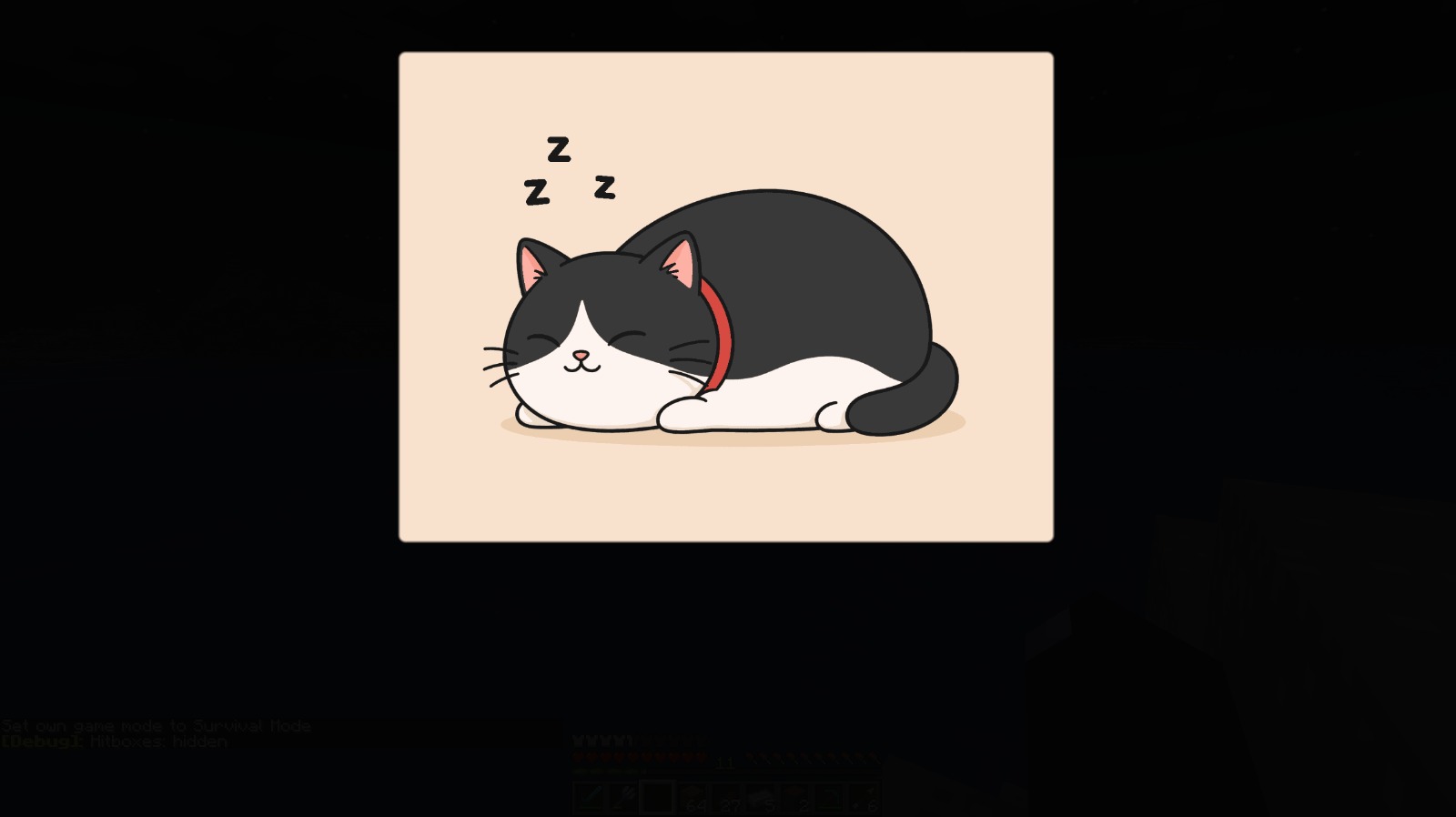
RestMode fixes that by putting Minecraft into a quiet rest state while you’re AFK or away. It reduces the game’s load, fades the sound, dims the screen, and shows a customizable sleep overlay. When you return, everything is restored automatically.
RestMode can significantly reduce Minecraft’s resource usage while the game is AFK or minimized, especially GPU load and system temperatures.
Actual results depend on your hardware, modpack, settings, shaders, render distance, background apps and other performance mods.
Features:
- Automatically detects when you’re AFK or away from the game
- Reduces PC load while Minecraft is idle
- Lowers FPS during rest mode
- Can reduce particles and simulation distance
- Smoothly fades the game sound
- Dims the screen while resting
- Supports a custom sleep screen image
- Restores your original settings when you come back
- Works fully client-side, no server install required
Custom Sleep Screen
You can replace the default sleep screen with your own PNG image.
Put your custom image here:
“.minecraft/config/restmode/sleep_overlay.png”
The image must be named sleep_overlay.png
Configuration
RestMode can be configured in-game from:
Mods -> RestMode -> Config
You can adjust AFK timers, rest behavior, overlay position, overlay size, image opacity, screen darkness, and more.
常见问题
RestMode 支持哪些 Minecraft 版本?
RestMode 支持 Minecraft Java 版 1.20.1–26.3,共 10 个版本,可用的加载器:Fabric / Forge / NeoForge。下载时注意选择和你游戏版本一致的文件。
RestMode 怎么安装?
先用 PCL2 或 HMCL 启动器安装对应版本的 Fabric / Forge / NeoForge,再把下载的 .jar 文件放进游戏目录的 mods 文件夹,重新启动游戏即可。开启了版本隔离的,mods 文件夹在 versions/版本名 下面。运行环境:仅客户端。
norevy 的其他作品
查看全部 →
OptiLeaves
优化树叶渲染,提升 FPS,同时几乎不影响视觉效果。

Weather Refined
用更精致的粒子效果替换原版雨雪,让画面更清爽、更有氛围。

RestMode
Reduces PC load while you’re AFK, with a customizable sleep screen

ZoomLens
ZoomLens - mod with adjustable zoom option.
评论
登录后评论和评分