
Resource Pack Selector
An efficient and simple QOL mod for resource pack management with an interactive GUI overhaul that surpasses vanilla resource pack management.
截图
介绍
Resource Pack Selector
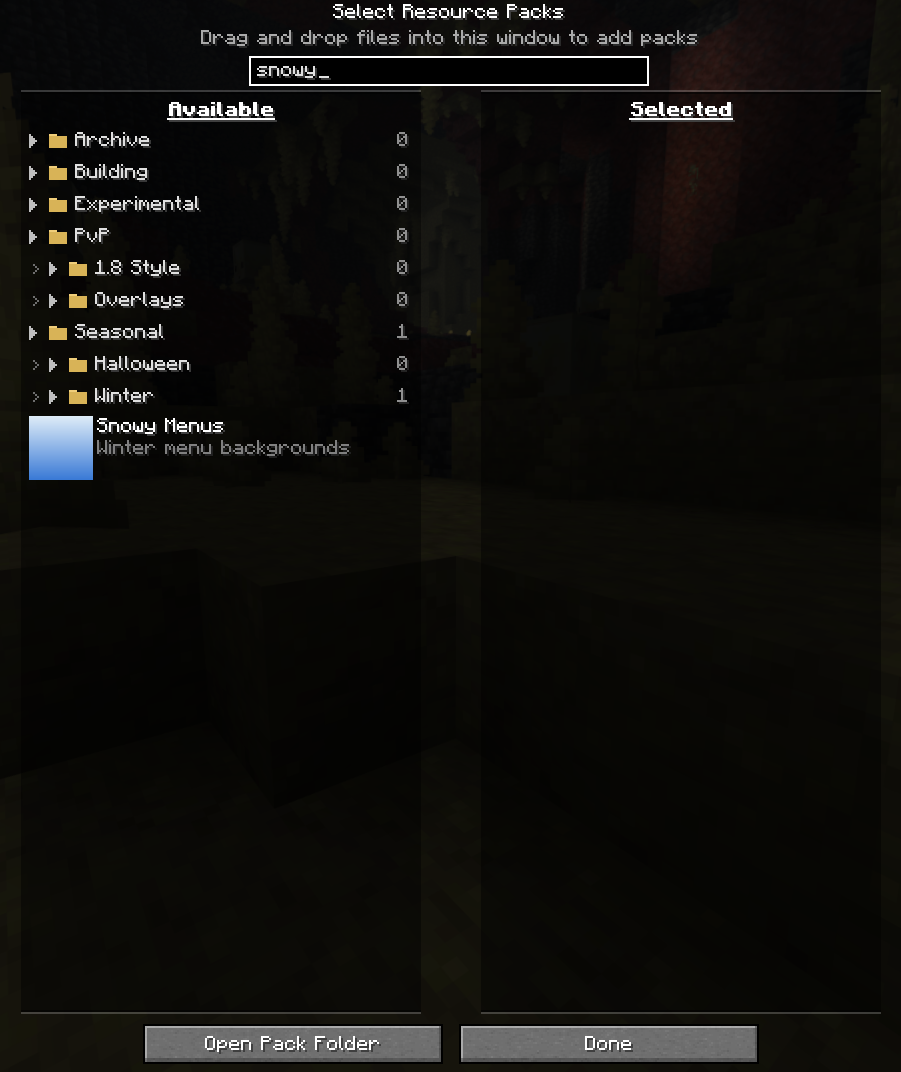
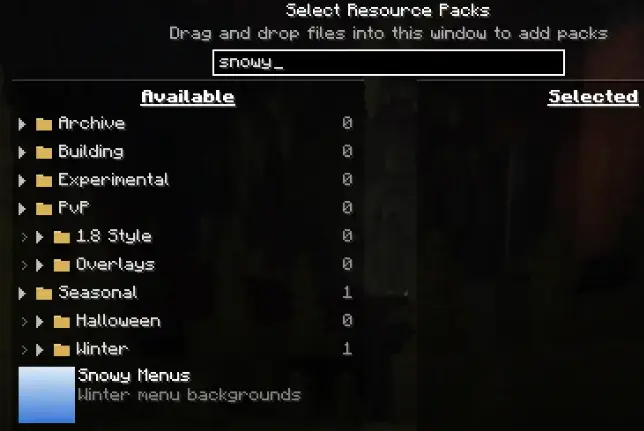
Searching
Search for any pack, even if its in a collapsed folder.
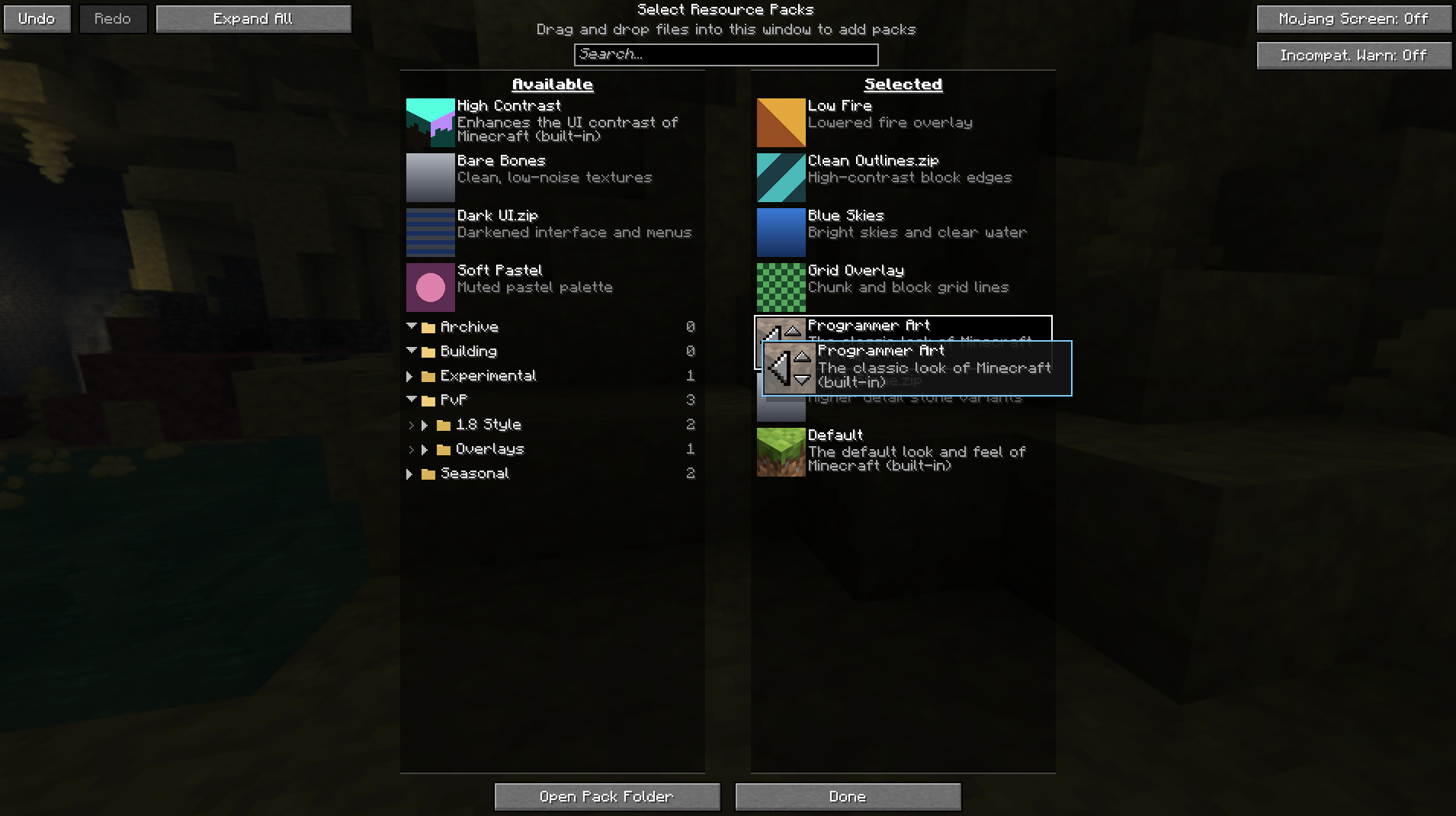
Drag and drop
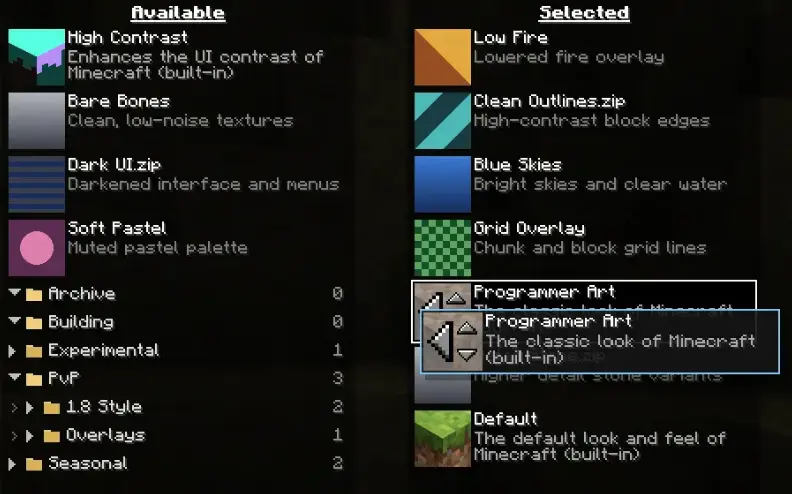
Grab a pack anywhere outside its icon and drag it. The list reorders live as you
move, and a gap shows exactly where the pack will land. Drag a pack straight from
the available list into position on the selected list.
Dragging near the top or bottom of a list scrolls it automatically, so you can move
a pack across a long list in one motion.
The pack icon keeps all of its vanilla behaviour, so the old click targets still
work exactly as before.
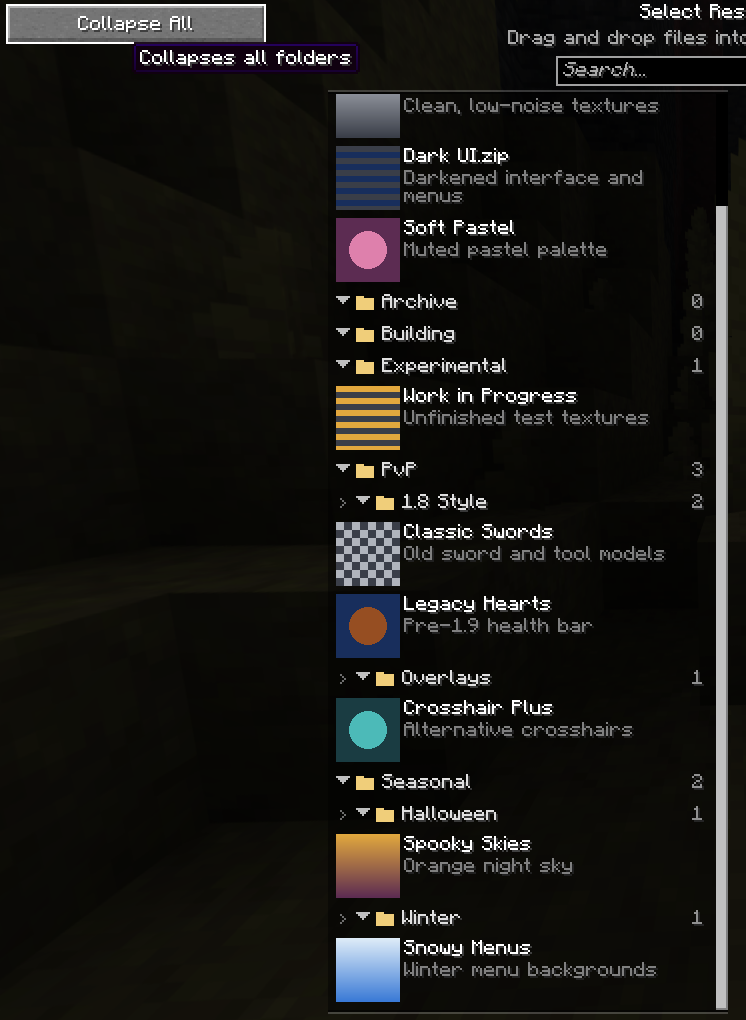
Folders
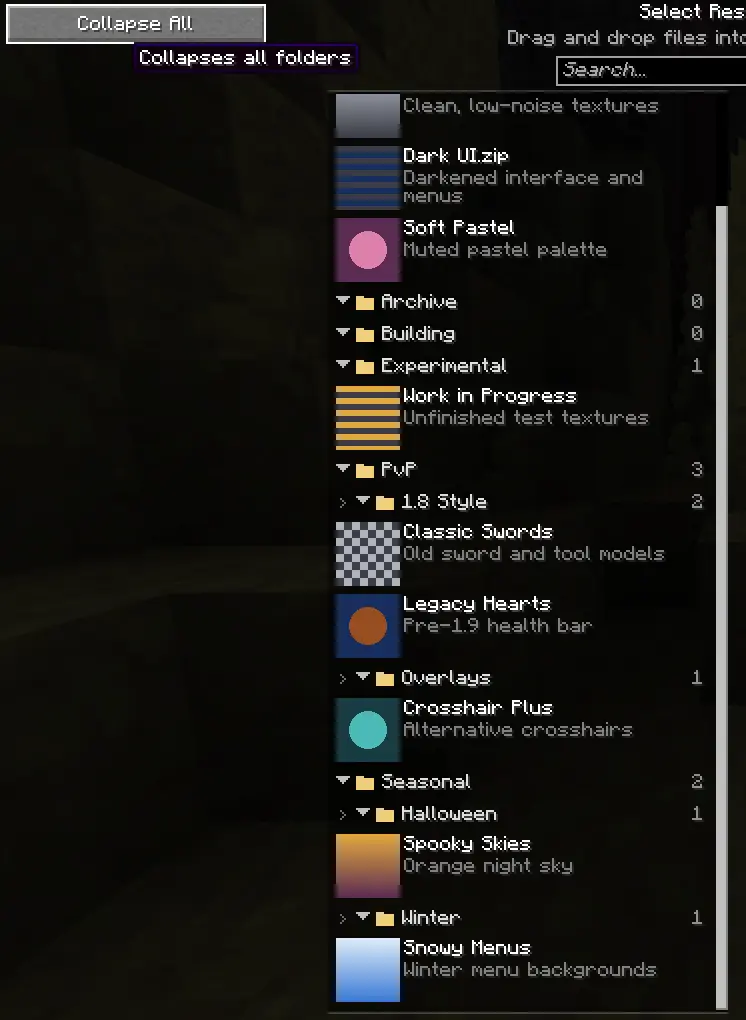
Folders remember whether they’re open, there’s an expand/collapse all button, and
searching temporarily opens everything so no match can hide inside a closed folder.
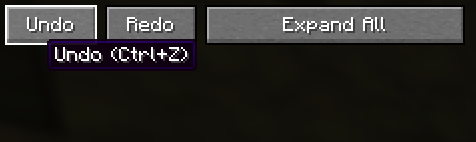
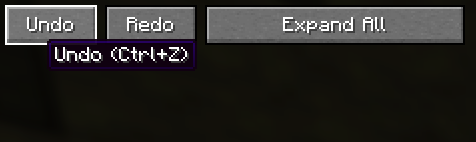
Undo and redo
“Ctrl+Z” and “Ctrl+Y” (or “Ctrl+Shift+Z”), plus buttons on the screen. Covers
everything: dragging, selecting, the arrow buttons, keyboard moves.
Fewer interruptions
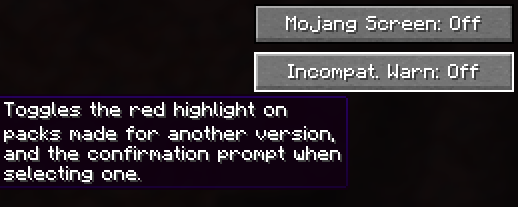
- Skip the Mojang loading screen. The red splash on startup and on every pack change becomes a plain progress bar which skips the annoying fading animation. Toggleable on the pack screen.
Old

New

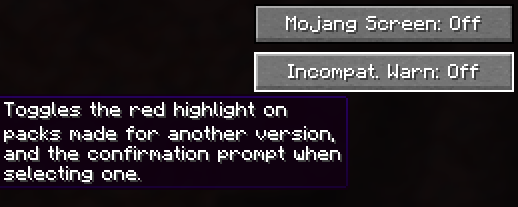
- Optional incompatibility warnings. Turn off the red highlight and the confirmation prompt for packs built for other versions.
- Your place is kept. Editing a pack while the screen is open no longer throws you back to the top of the list.
Requirements
- Fabric
- Fabric API (optional)
常见问题
Resource Pack Selector 支持哪些 Minecraft 版本?
Resource Pack Selector 支持 Minecraft Java 版 26.2,可用的加载器:Fabric。下载时注意选择和你游戏版本一致的文件。
Resource Pack Selector 怎么安装?
先用 PCL2 或 HMCL 启动器安装对应版本的 Fabric,再把下载的 .jar 文件放进游戏目录的 mods 文件夹,重新启动游戏即可。开启了版本隔离的,mods 文件夹在 versions/版本名 下面。运行环境:仅客户端。
评论
登录后评论和评分