
截图

介绍


Make sure to check out the F.A.Q and put any suggestions in the comments
—This Project is currently run by the owner of the LUMINOUS mod series, Ripleysmods—
ABOUT:
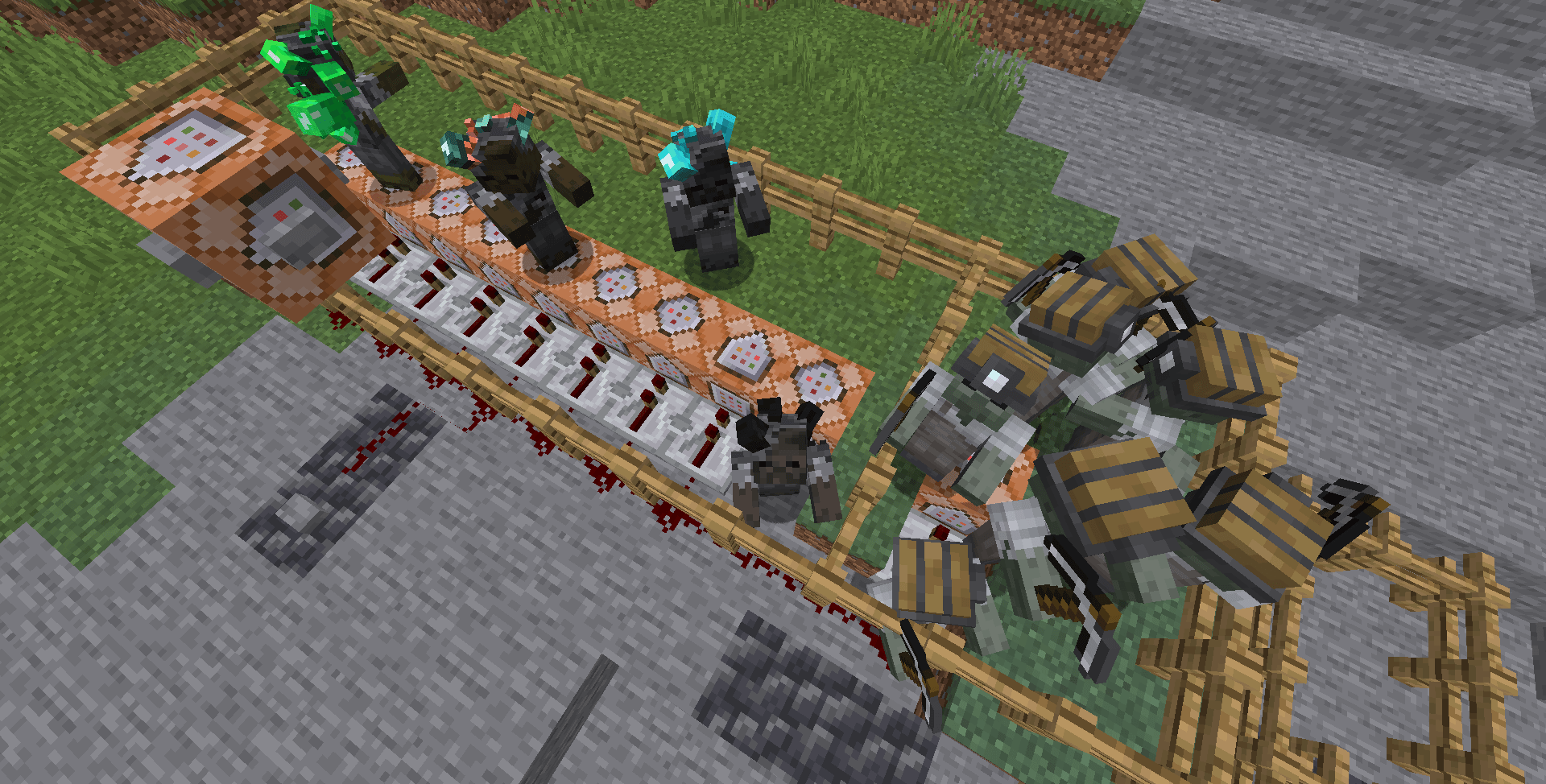
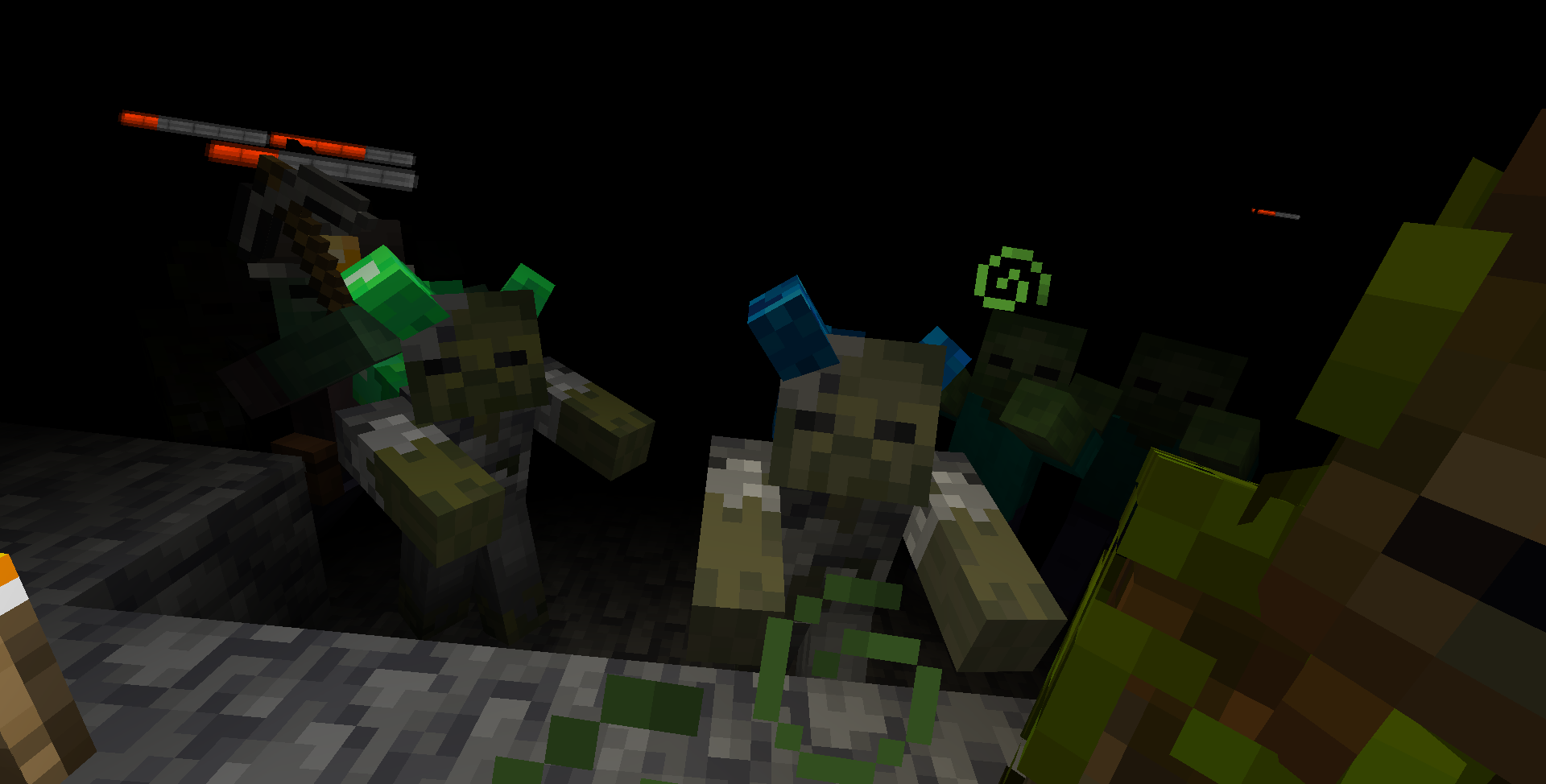
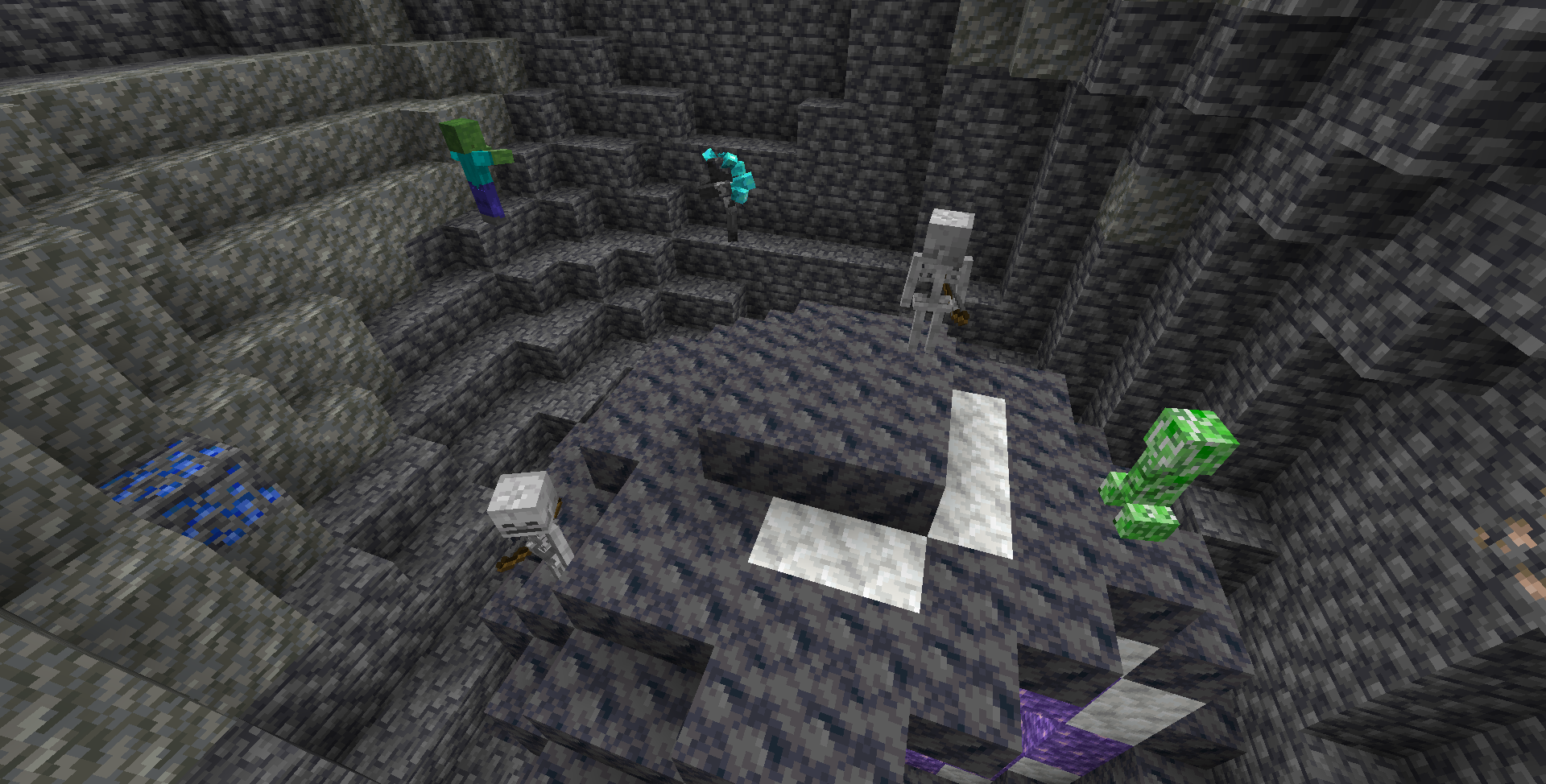
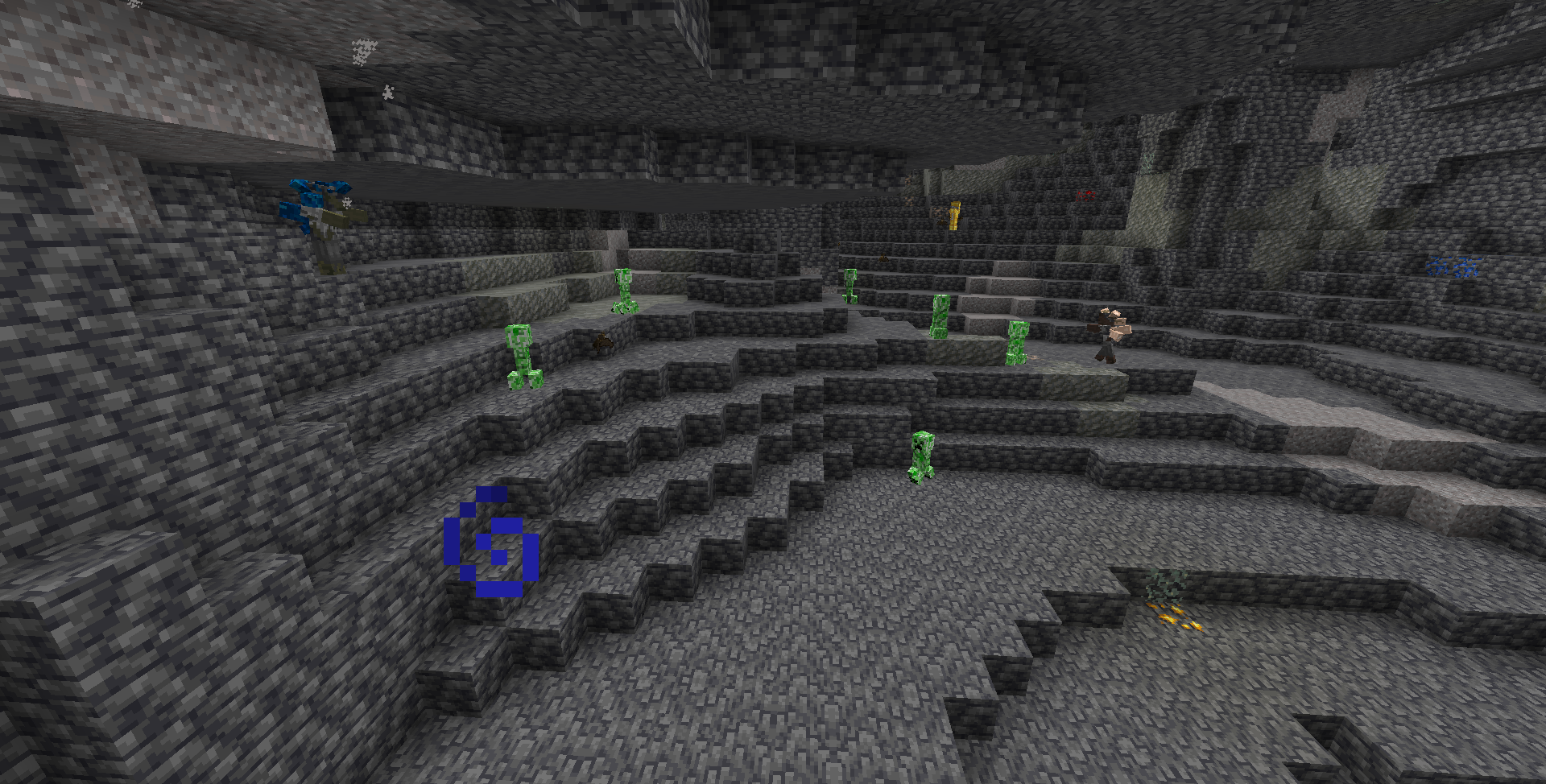
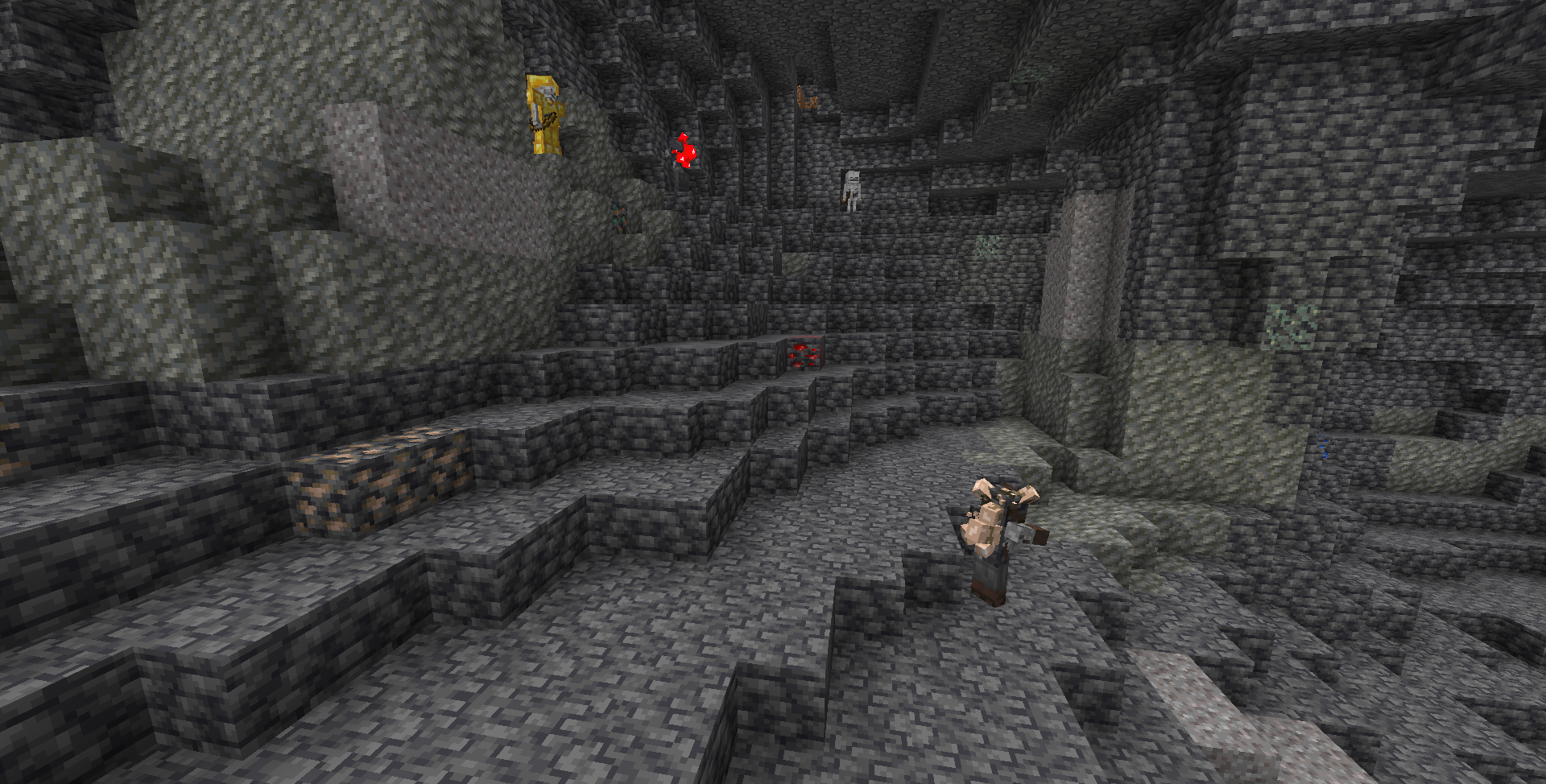
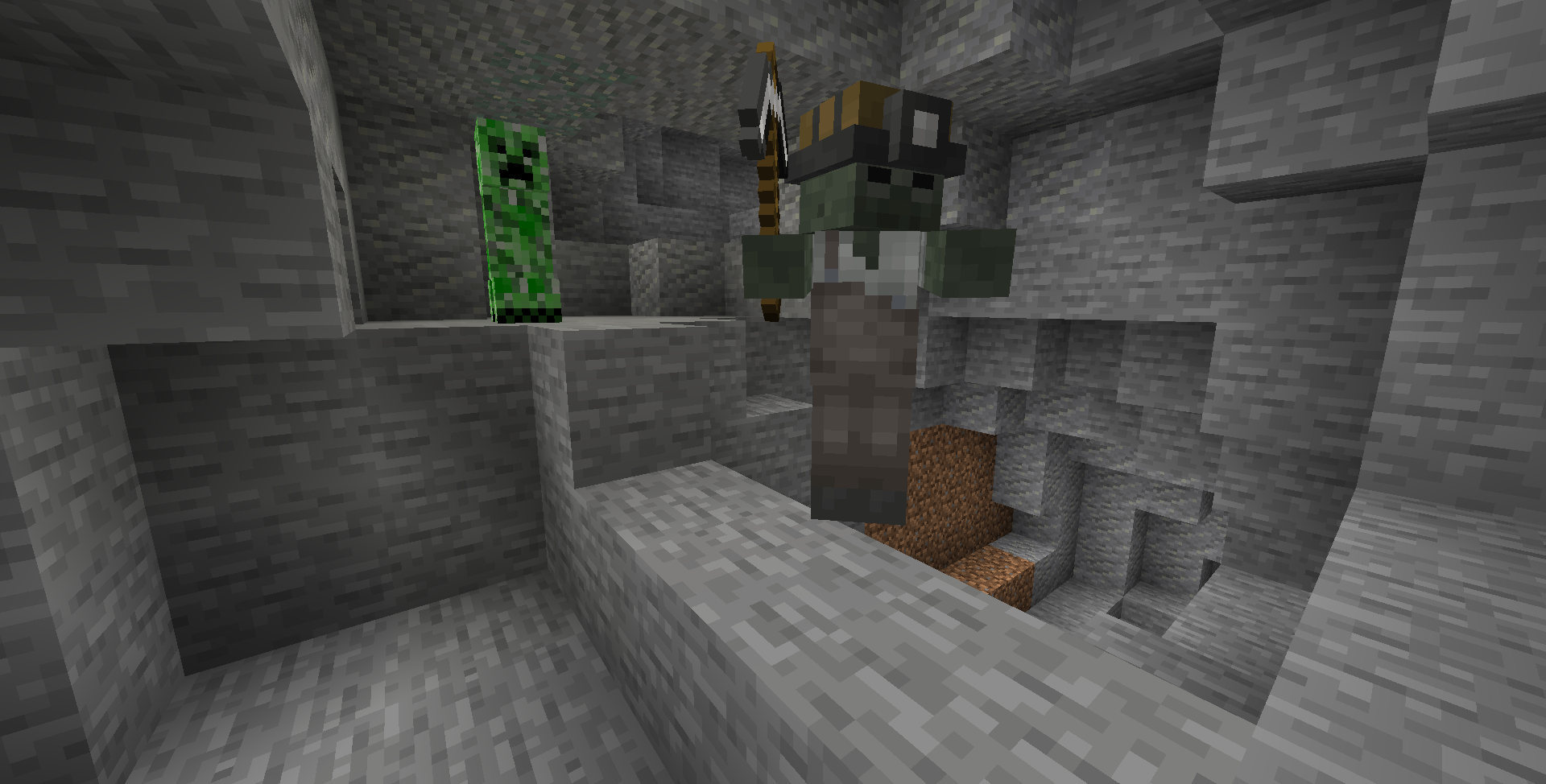
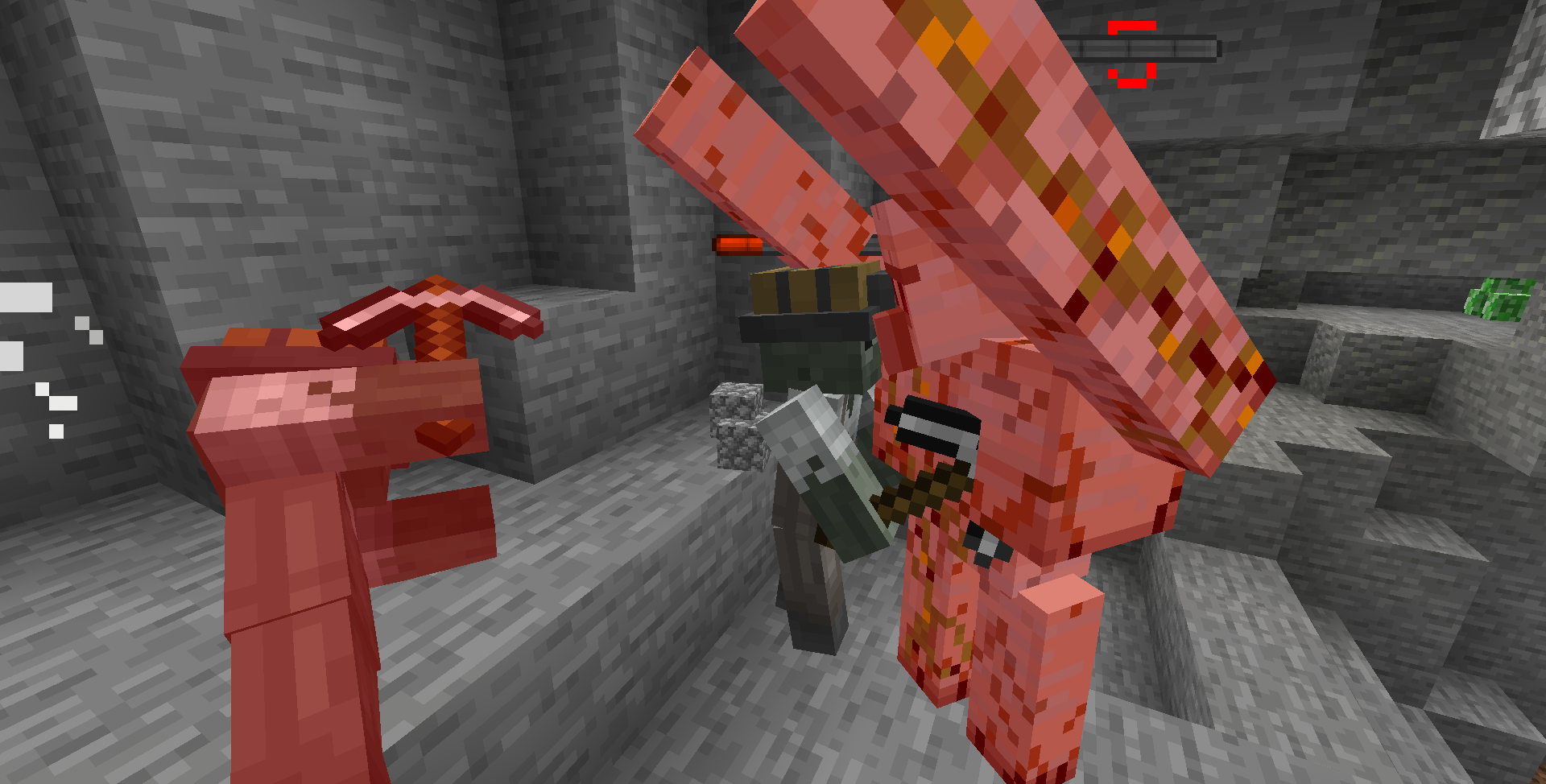
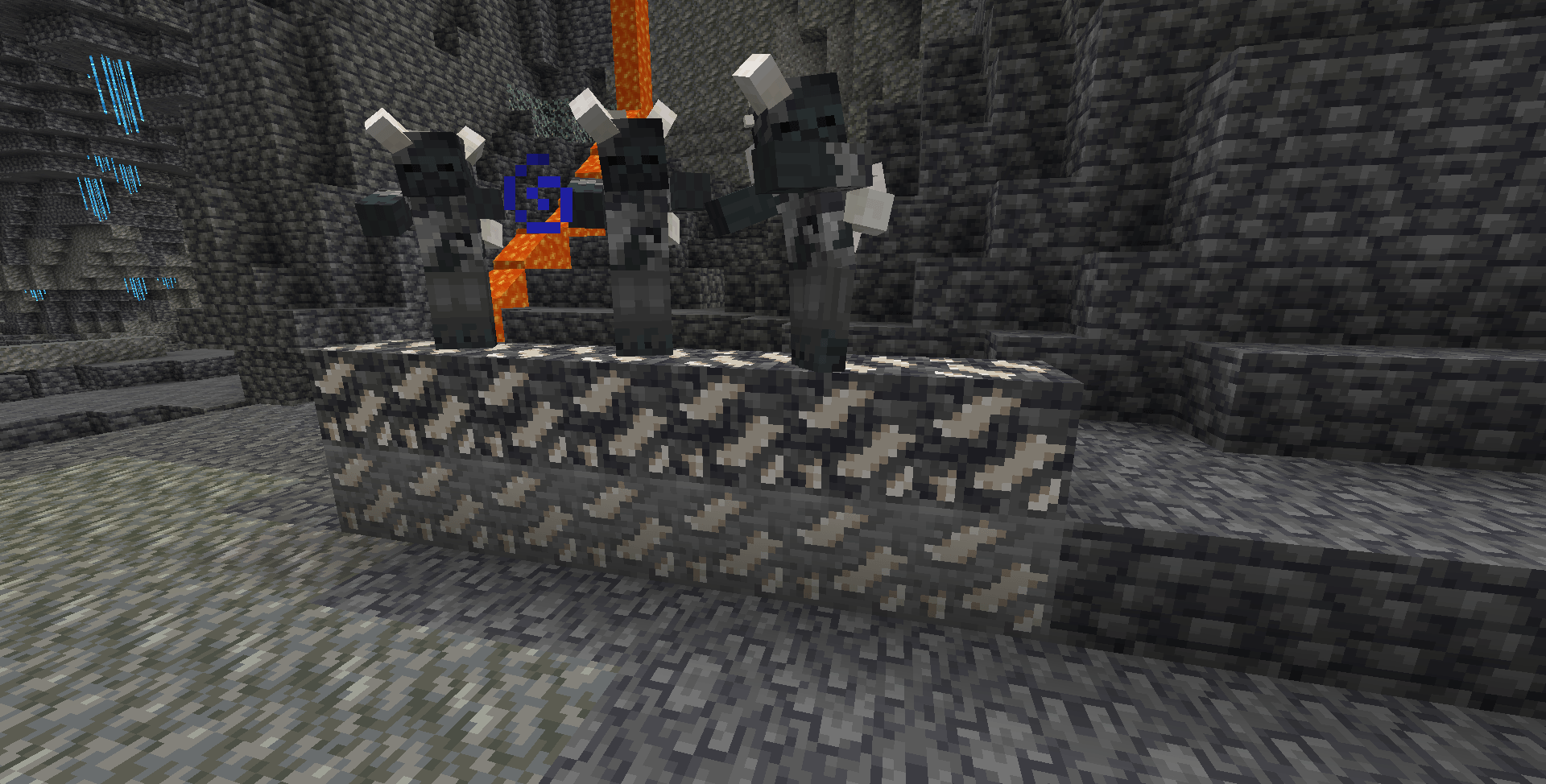
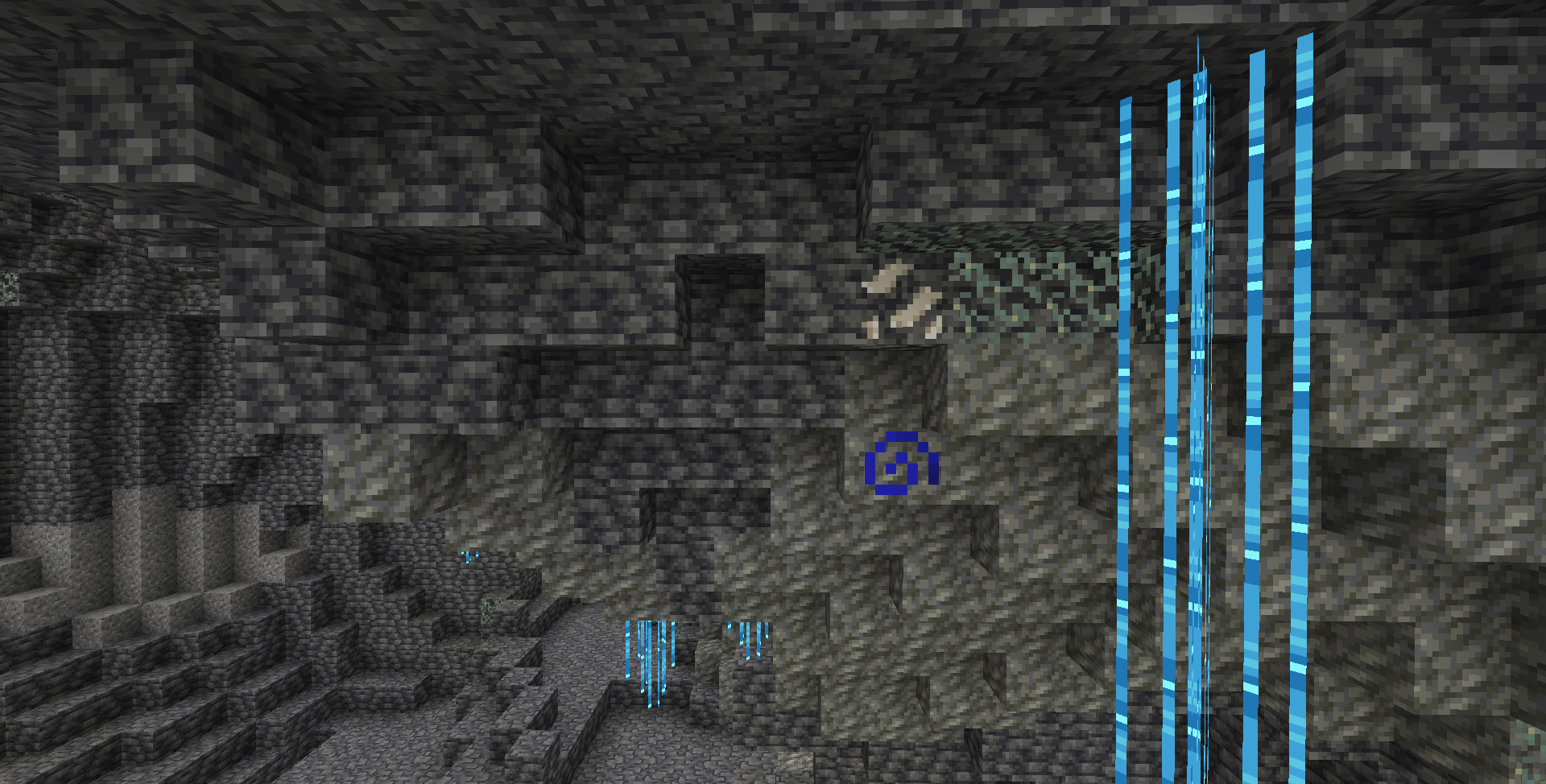
- Resource Ghouls is a light-weight and simple zombie mod that focuses on adding underground variants of the vanilla Zombie, based on the abandoned Geode mod concept by RedrixTTV in 1.16, Resource Ghouls adds in two types of underground Zombies, the first mob is the miner zombie called the Prospector, which spawn underground, slay one and you may obtain its long forsaken wealth, the second type are the Stonebores, these are zombies that got trapped in the deep underground for so long that they have turned one with the earth, when slain, one can get the resources they have been accumulating over the years, Stonebores can inflict Mining Fatigue when they hit you, the rarer the carrying mineral, the tougher the carrier Stonebore will be.
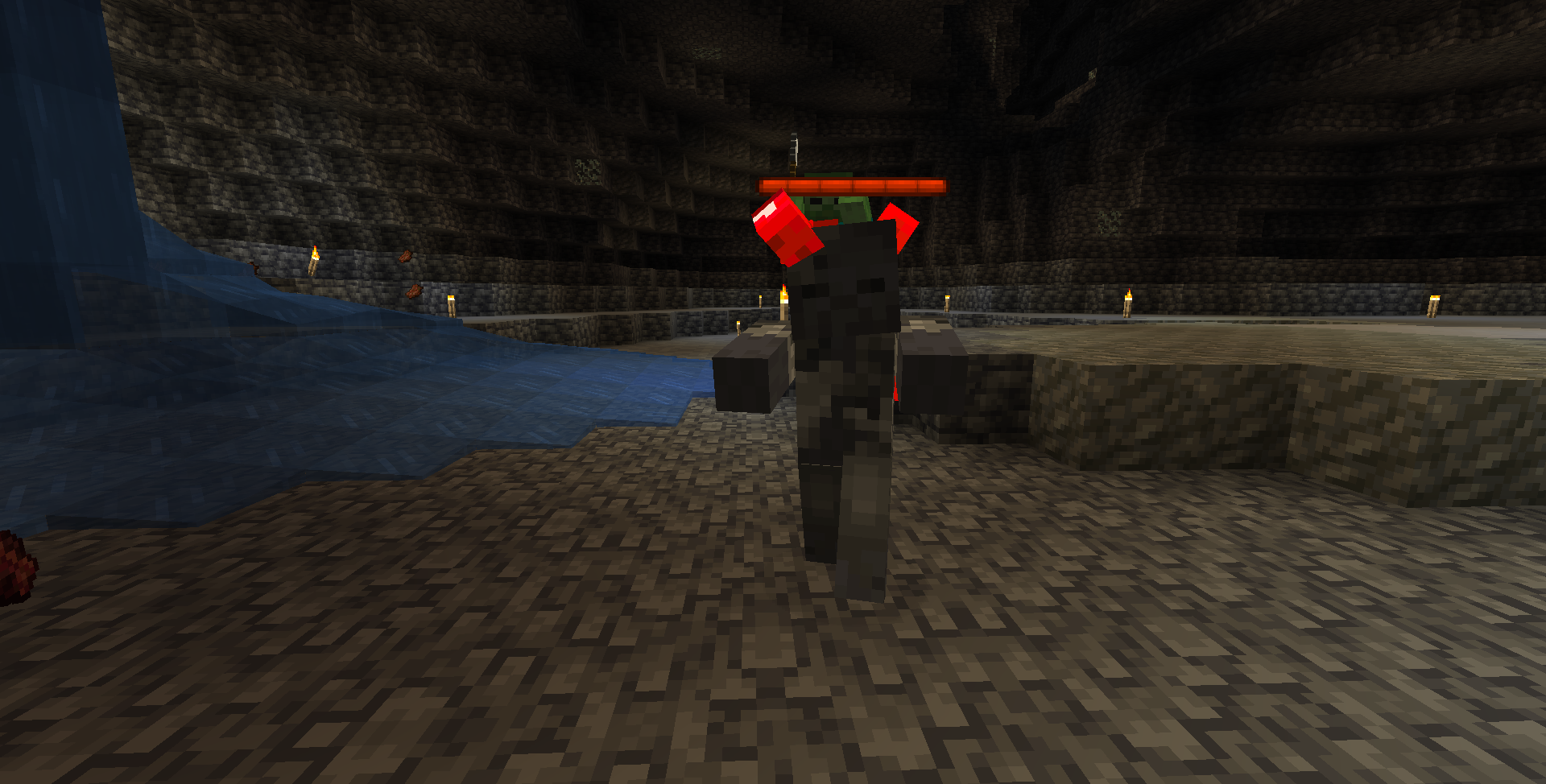
- The mod also comes with a mini boss version of the Prospector called the Miner Ghoul, this ravenous undead is yet another mutation of the Prospector that hunt any unwated souls who travel deep in the mine, defeat the foe may grant you its helmet that allow you to steal its life leech ability, but come prepared, as the Sapper has some nasty tricks off its sleeves.
- Items: The Prospector has a chance to drop its miner helmet when slain, these are cosmetic armor pieces that cannot be broken, nor can they be enchanted. The Miner Ghoul however, can drop its Sapping Miner Helmet that provides decent protection while granting the wearer the boss’s ability.
- Compatibility: As of 1.4.1, I have mode compat with Twilight Forest and Alex’s Caves, making the mobs spawn in spawnable biomes from those mods.
F.A.Q:
Q: Does Looting/Fortune increase the mineral drops?
A: Not at the moment, I am looking to fix this soon, though
Q: Can you port the mod over to Fabric or Neoforge?
A: This mod will not receive a fabric port, but one neoforge and one forge version will be supported at any given time
Q: Where is the config file for spawn weight?/ How can I make it so these mobs won’t spawn in specific biomes?
A: You will need to use another spawning mod such as InControl to edit their spawn rate as well as spawn biome/dimension.
Q: Ugh… This is a Mcreator mod, why should I even consider adding this in my modpack?
A: Although this is a Mcreator creation, I am confident that it won’t hinder any performance nor will it crash frequently, I intentionally preserve the simplicity this mod just for that purpose.
Q: Where is the bug report?/How can I report bugs?
A: You can report any issues or crashes during your gameplay via the comments in the mod’s page, I will be right here to address them.
Q: What is the plan for the mod?
A: The mod is now feature finished as of 1.8, but I will keep on monitoring and addressing any issues prompted.
Q: Can you make zombies for Amethyst, Nether Ores and Modded Ores?
A: Amethyst doesn’t have an ore block in the base game and as such they will not be featured, as for the Nether ores, there will only be one for quartz, and it will be found in the nether.
SPECIAL THANKS:
RipleyMods: For the tremendous help in the development of the mod, as well as being the author of the Prospector’s model, animations and texture, come check out their mod Luminous
KNOWN ISSUE:
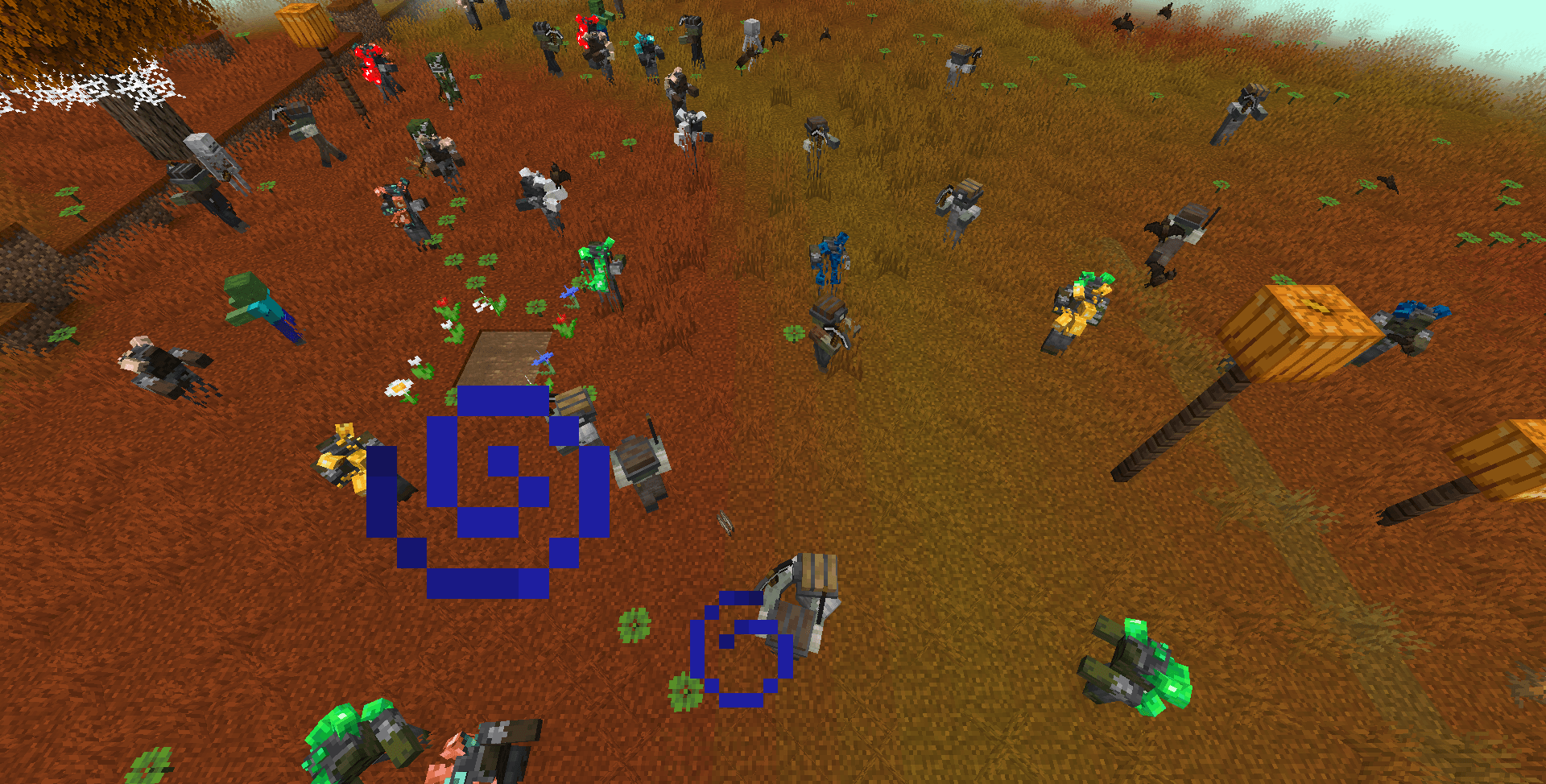
Mobs spawn in modded biomes that aren’t supposed to spawn mobs naturally.
Here’s a step-by-step guide on how to fix the issue of mobs from this mod flooding modded biomes that are supposed to have no monsters spawn in them:
1) Download and install InControl.
2) Boot up the game.
3) Now Incontrol will generate its config, go into the config folder of InControl and open spawn.json with a text editor, if it is newly created, it should only contain “[]”
4) Replace “[]” with the below, add in the ID of the biome(s) that you want to blacklist the mobs from spawning, if you don’t know the ID, you can go into a world and find it manually, add in their ids, save, then run the command “/Incontrol reload” for InControl to immediately execute what you had just put it. You don’t need to delete the example biomes if you don’t want to.
You can check out the InControl wiki for more examples:
Copy this:
[
{
“mob”: [“resource_ghouls:prospector”,”resource_ghouls:quartz_stonebore”,”resource_ghouls:coal_stonebore”,”resource_ghouls:iron_stonebore”,”resource_ghouls:copper_stonebore”,”resource_ghouls:emerald_stonebore”,”resource_ghouls:gold_stonebore”,”resource_ghouls:lapis_stonebore”,”resource_ghouls:redstone_stonebore”,”resource_ghouls:diamond_stonebore”],
“biome”: [“biomesoplenty:auroral_garden”, “biomesoplenty:deciduous_forest”],
“result”: “deny”
}
]
常见问题
Resource Ghouls 支持哪些 Minecraft 版本?
Resource Ghouls 支持 Minecraft Java 版 1.18.2–1.20.4,共 5 个版本,可用的加载器:Forge / NeoForge。下载时注意选择和你游戏版本一致的文件。
Resource Ghouls 怎么安装?
先用 PCL2 或 HMCL 启动器安装对应版本的 Forge / NeoForge,再把下载的 .jar 文件放进游戏目录的 mods 文件夹,重新启动游戏即可。开启了版本隔离的,mods 文件夹在 versions/版本名 下面。


评论
登录后评论和评分