
Resized Items
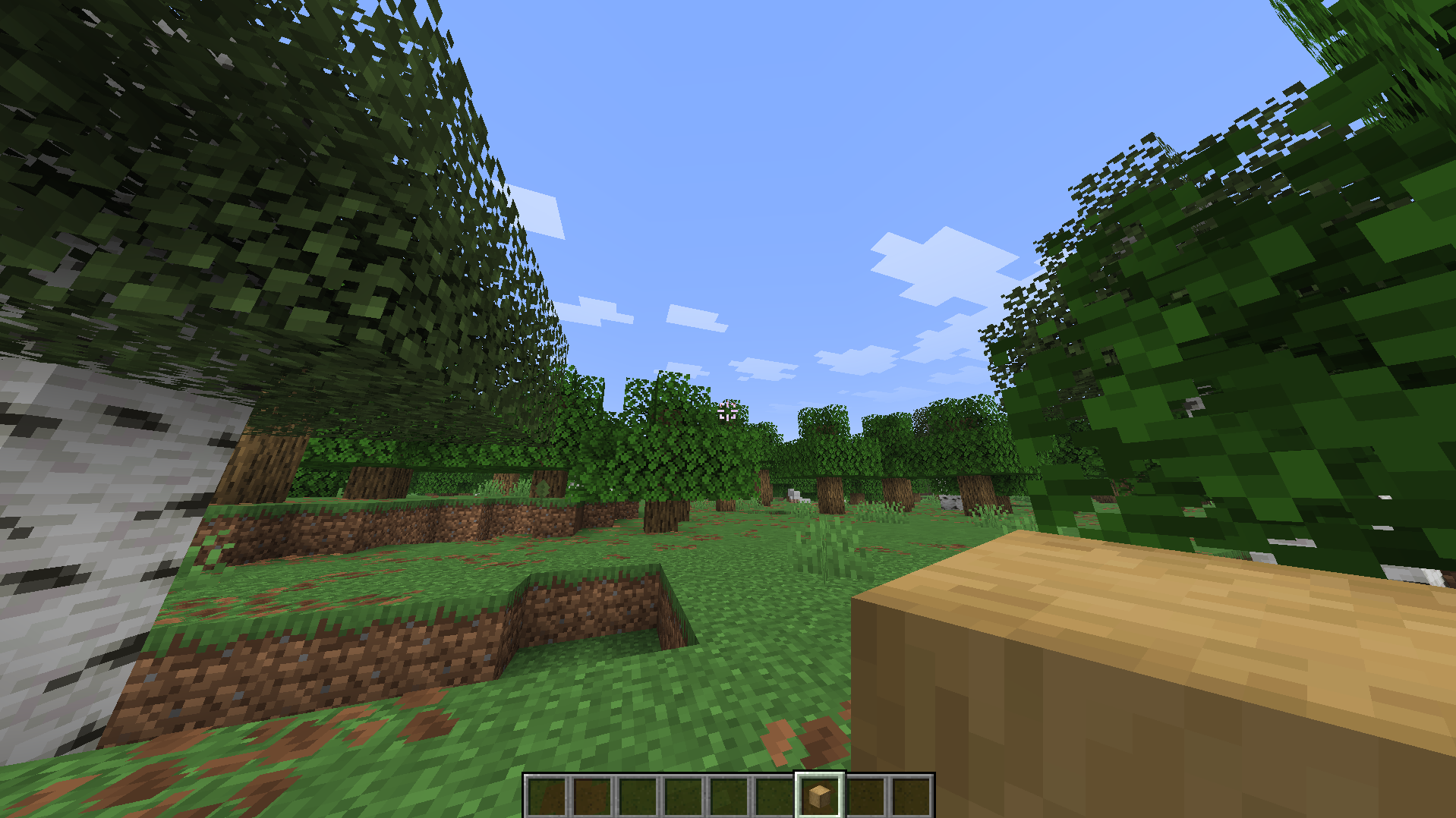
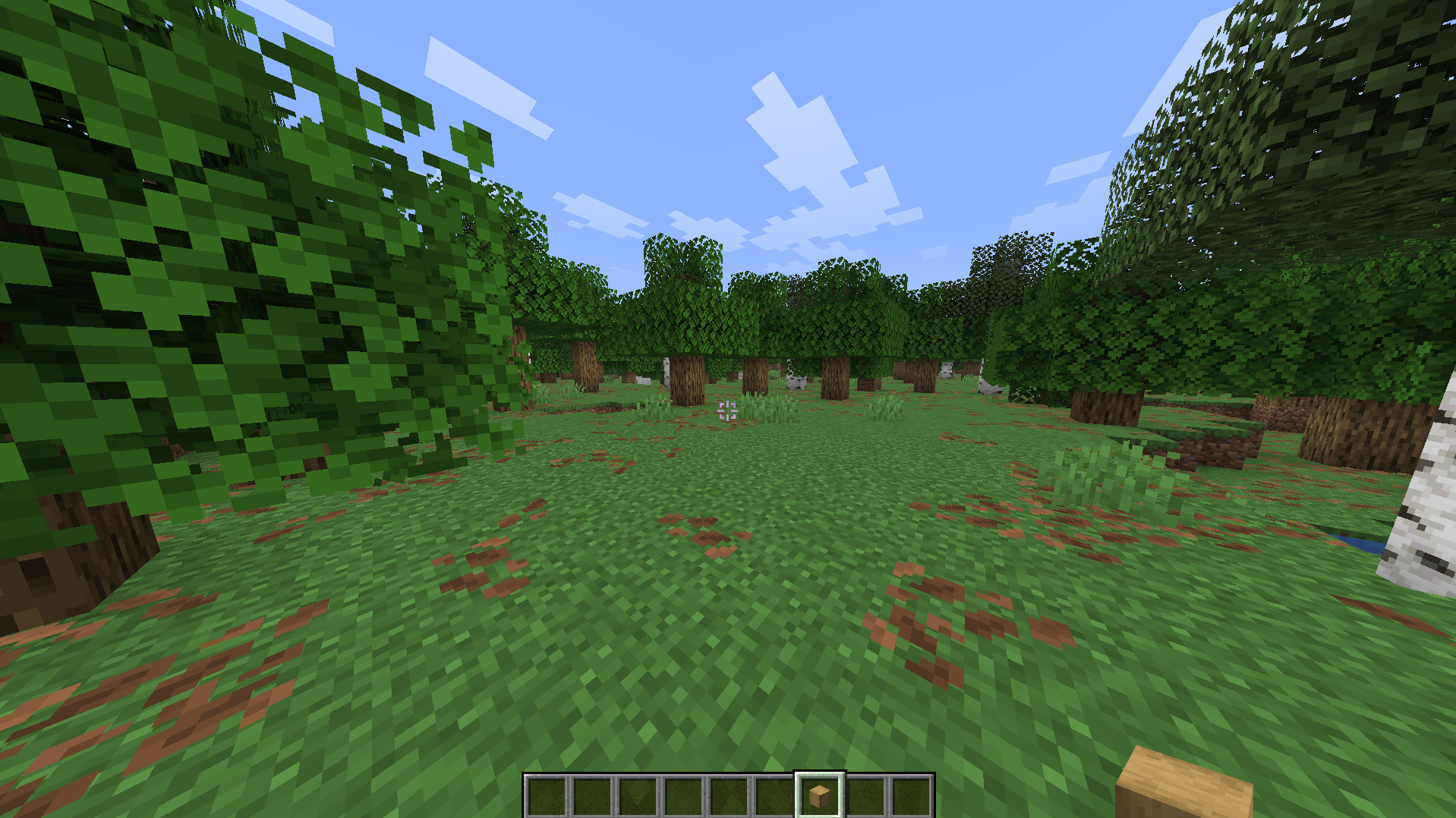
Resized Items lets you customize the visual size of every rendered item in Minecraft. Set a global scale for all items or create individual size overrides for specific items. Changes apply to held items, dropped items, item frames, and modded items.
截图
介绍
Resized Items lets you customize the visual size of every rendered item in Minecraft. Whether you want tiny collectible looking items, oversized dramatic props, or just a subtle size tweak to fit your resource pack’s aesthetic, this mod puts full control in your hands, all without touching a single texture file.
Built on Fabric, this mod needs Fabric Loader and Fabric API installed alongside it to function.
Features
Global scale control
Set one scale value that applies to every item in the game at once. Perfect for an overall aesthetic shift, like making all items feel a bit smaller and more subtle, or bigger and more prominent.
Per item overrides
Not every item should be the same size. Resized Items lets you set individual scale overrides for specific items, so you can shrink clutter items while keeping your favorite tools or weapons at a dramatic, oversized scale. Overrides always take priority over the global scale.
Applies everywhere items render
Scaling isn’t limited to just your hand. Changes apply to held items in both hands, dropped items on the ground, items inside item frames, and modded items from other mods, not just vanilla content.
In game configuration screen
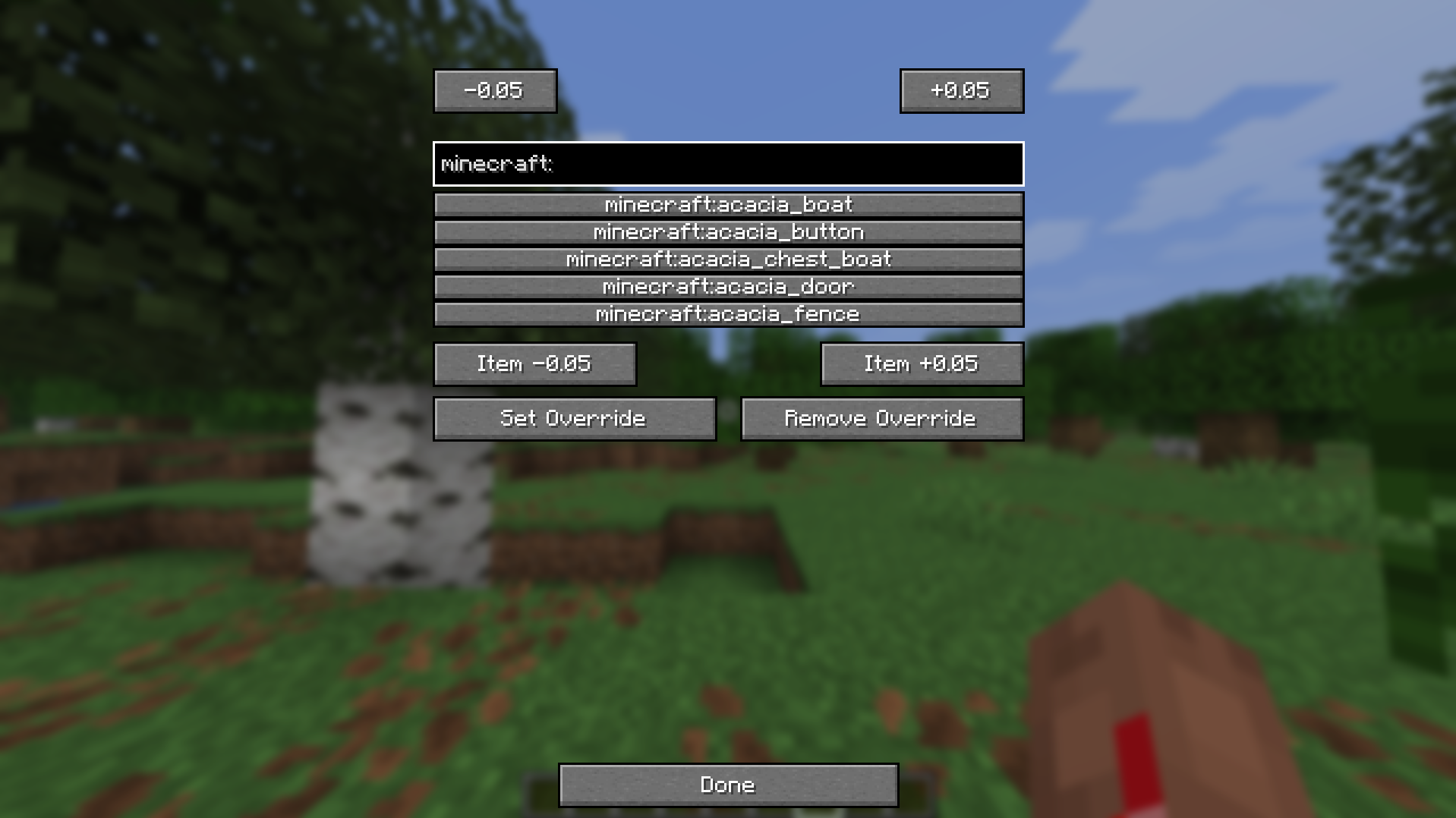
No config files to hand edit. Open the built in config screen in game, search for any item by ID with live autocomplete suggestions, and adjust its scale on the fly. Changes apply instantly, no restart required.
Lightweight and client side
Resized Items is a small, focused mod that does one thing well. It’s entirely client side, meaning it works even on servers that haven’t installed it, and it won’t affect other players who don’t have it installed.
Compatibility
Resized Items works with any item from any mod, since it hooks into the core item rendering pipeline rather than targeting specific items individually. This means new items from other mods you install will automatically be compatible without needing an update.
Configuration
Open the config screen from the in game menu to adjust the global scale applied to all items, individual per item scale overrides searchable by item ID, and to remove overrides so an item reverts back to the global scale.
Frequently Asked Questions
Does this work on servers?
Yes. Since it’s entirely client side, it works whether or not the server has it installed, and it won’t cause any issues for other players.
Will this work with modded items?
Yes. Any item from any mod will scale correctly, since the mod works at the rendering level rather than needing a manual list of supported items.
Does this affect performance?
No. Resized Items is lightweight and only affects how items are rendered, with no measurable impact on performance.
常见问题
Resized Items 支持哪些 Minecraft 版本?
Resized Items 支持 Minecraft Java 版 1.19.2–26.2,共 8 个版本,可用的加载器:Fabric。下载时注意选择和你游戏版本一致的文件。
Resized Items 怎么安装?
先用 PCL2 或 HMCL 启动器安装对应版本的 Fabric,再把下载的 .jar 文件放进游戏目录的 mods 文件夹,重新启动游戏即可。开启了版本隔离的,mods 文件夹在 versions/版本名 下面。运行环境:仅客户端。

评论
登录后评论和评分