
截图

介绍
Rereskillable
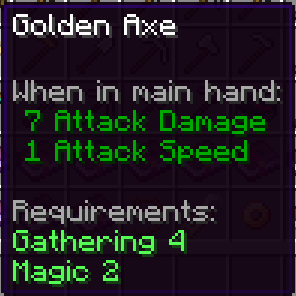
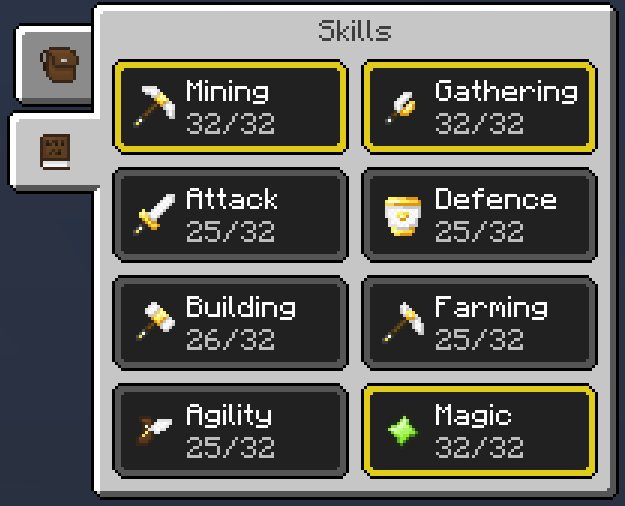
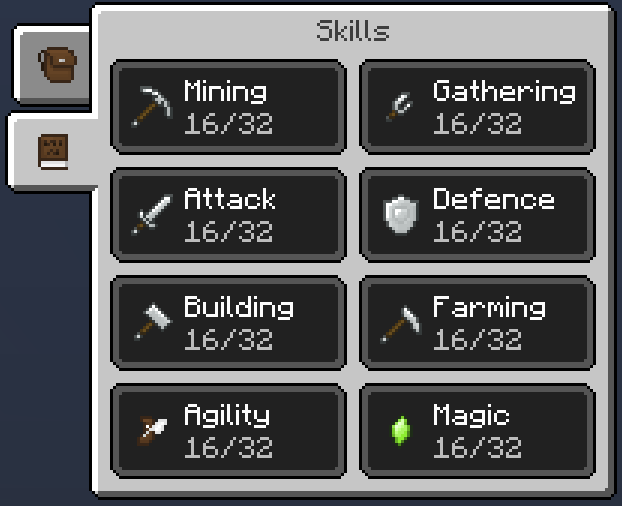
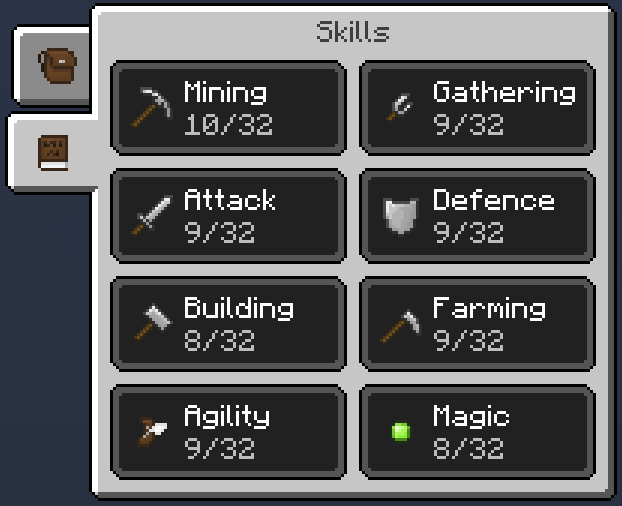
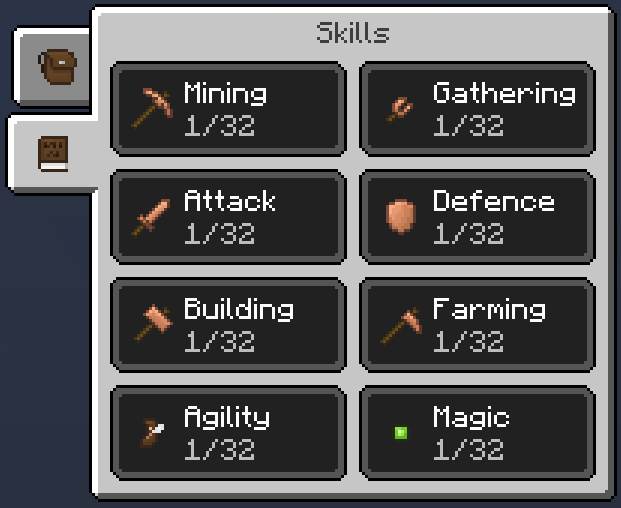
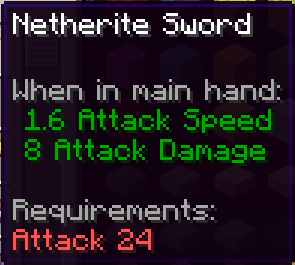
Rereskillable is a mod for Minecraft 1.16.5 that adds upgradeable skills and allows pack developers to lock different features behind those skills. Rereskillable is also compatible with Curios API – items that are put into curios slots will behave the same as armour. Heavily inspired by Reskillable and Skillable, obviously.
This mod allows you to lock:
- Items (using, wearing)
- Blocks (breaking, placing)
- Entities (mounting)
Configuration
Config options include:
- Disabling sheep wool drops
- Changing the starting upgrade cost in XP levels
- Changing the upgrade cost increase in XP levels
- Changing the maximum skill level
- Specifying a list of skill locks
Skill Locks
A new lock can be added by adding a string to the skillLocks list:
“mod:id skill:level”
For example:
“minecraft:ender_pearl magic:5”,
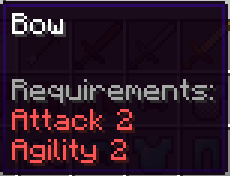
“minecraft:bow attack:3 agility:2”,
“minecraft:horse agility:10”
Commands
To set a skill level:
/skills set [player] [skill] [level]
To get a skill level:
/skills get [player] [skill]
Known Issues
You can’t lock the Totem of Undying from being used.
You can block items from being used regardless of skill only by setting the requirement to a level above max skill level (example: “minecraft:shield magic:69”)
Some issues when using and reloading resource packs, never got to fixing them.
Crash with Create when using the deployer.
NOTE: I won’t be actively updating and maintaining this project as I have other projects (might update to 1.17 though).
Modpacks
Feel free to use this mod in any modpacks, but please do add a credit to the modpack’s page.
Credits
Reskillable and Skillable.
常见问题
Rereskillable 支持哪些 Minecraft 版本?
Rereskillable 支持 Minecraft Java 版 1.16.5,可用的加载器:Forge。下载时注意选择和你游戏版本一致的文件。
Rereskillable 怎么安装?
先用 PCL2 或 HMCL 启动器安装对应版本的 Forge,再把下载的 .jar 文件放进游戏目录的 mods 文件夹,重新启动游戏即可。开启了版本隔离的,mods 文件夹在 versions/版本名 下面。
评论
登录后评论和评分