
ReplayMod AutoMarker
作者:titlo10
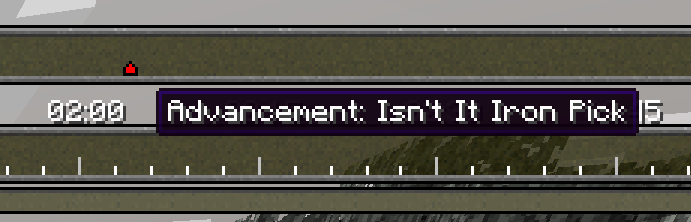
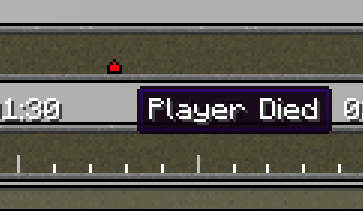
Automatically places markers on ReplayMod recordings when in-game events happen
截图

介绍
中文介绍正在准备中,下面暂时显示原文。
ReplayMod AutoMarker
Forgot the timestamp again? AutoMarker marks it for you.
While you play, it drops a named marker on your ReplayMod timeline whenever something happens, so the highlights are already waiting when you open the replay.
What’s get marked?
- Deaths
- PvP kills
- Totem of Undying pops
- Advancements
- Dimension changes
- Your own chat keywords
Configuration
Press K in-game, or use Mod Menu. Toggle any marker, set keywords as a comma-separated list (marker, highlight, raid).
Needs Minecraft 1.20+, Fabric API, and ReplayMod.
常见问题
ReplayMod AutoMarker 支持哪些 Minecraft 版本?
ReplayMod AutoMarker 支持 Minecraft Java 版 1.20–26.1.2,共 22 个版本,可用的加载器:Fabric。下载时注意选择和你游戏版本一致的文件。
ReplayMod AutoMarker 怎么安装?
先用 PCL2 或 HMCL 启动器安装对应版本的 Fabric,再把下载的 .jar 文件放进游戏目录的 mods 文件夹,重新启动游戏即可。开启了版本隔离的,mods 文件夹在 versions/版本名 下面。运行环境:仅客户端。

评论
登录后评论和评分