
Render Monitor
This mod is designed to help modders transition rendering APIs from OpenGL to Vulkan. It shows what rendering backend you’re using and how your game is performing in real time.
截图
介绍
Render Monitor
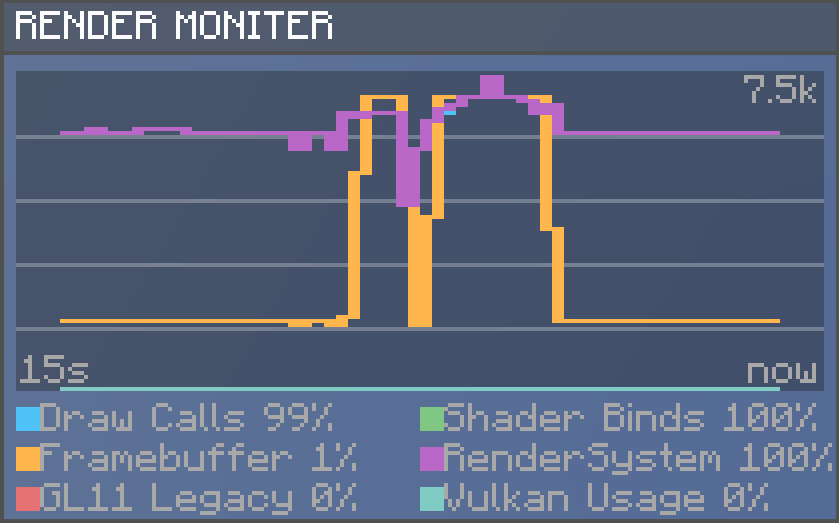
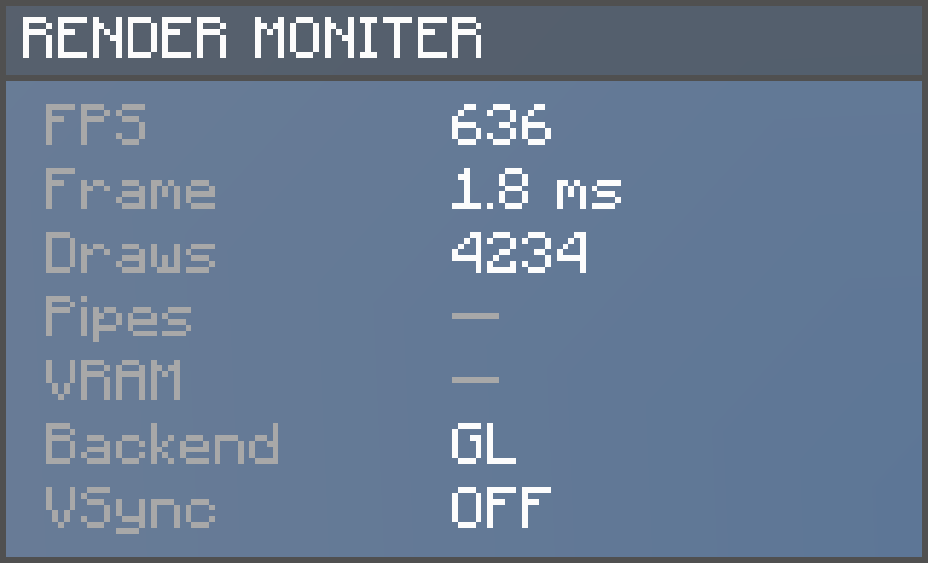
Render Moniter is a lightweight diagnostic tool designed to help modders understand where some performance bottlenecks can appear. It displays real-time information, as shown in images.
Render Monitor includes:
- A minimal HUD (FPS, frametime, backend, VSync)
- An expanded view with a scrolling line graph showing info over the last 15–120 seconds
- Metrics: Draw Calls, Shader Binds, Framebuffer Ops, RenderSystem, GL11 Legacy, Vulkan Usage
- Backend label
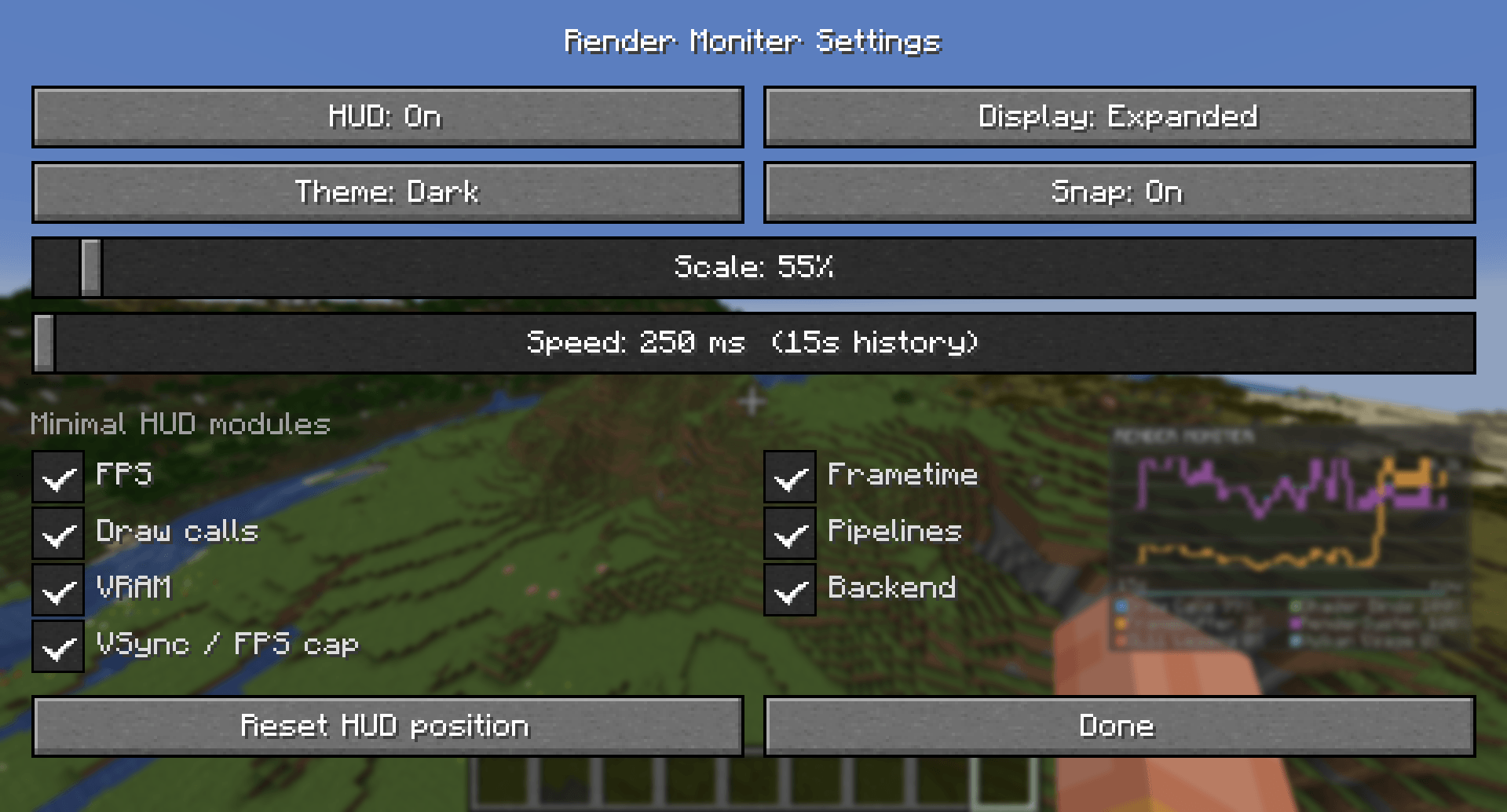
- Draggable panel, scale and update-interval sliders, and a clean config screen
How to use?
Simply install this mod, and click R in Minecraft to open the config and change settings for this mod!
Heads up: Render Monitor aims to be accurate but it isn’t perfect. Some results might not be exact.
Render Monitor does not run or load other mods’ code.
Results are not from scanning files or the network. Everything is kept local.
<small>This tool is meant for everyone — modders, pack creators, and curious players — which is why Render Monitor is licensed under Apache 2.0, keeping it open, flexible, and easy to include in any project.</small>
常见问题
Render Monitor 支持哪些 Minecraft 版本?
Render Monitor 支持 Minecraft Java 版 1.21.1,可用的加载器:Fabric。下载时注意选择和你游戏版本一致的文件。
Render Monitor 怎么安装?
先用 PCL2 或 HMCL 启动器安装对应版本的 Fabric,再把下载的 .jar 文件放进游戏目录的 mods 文件夹,重新启动游戏即可。开启了版本隔离的,mods 文件夹在 versions/版本名 下面。

评论
登录后评论和评分