
Remindest
Remindest is a lightweight reminder mod for Minecraft. Create reminders using real-world times, relative durations, or Minecraft's in-game time.
截图
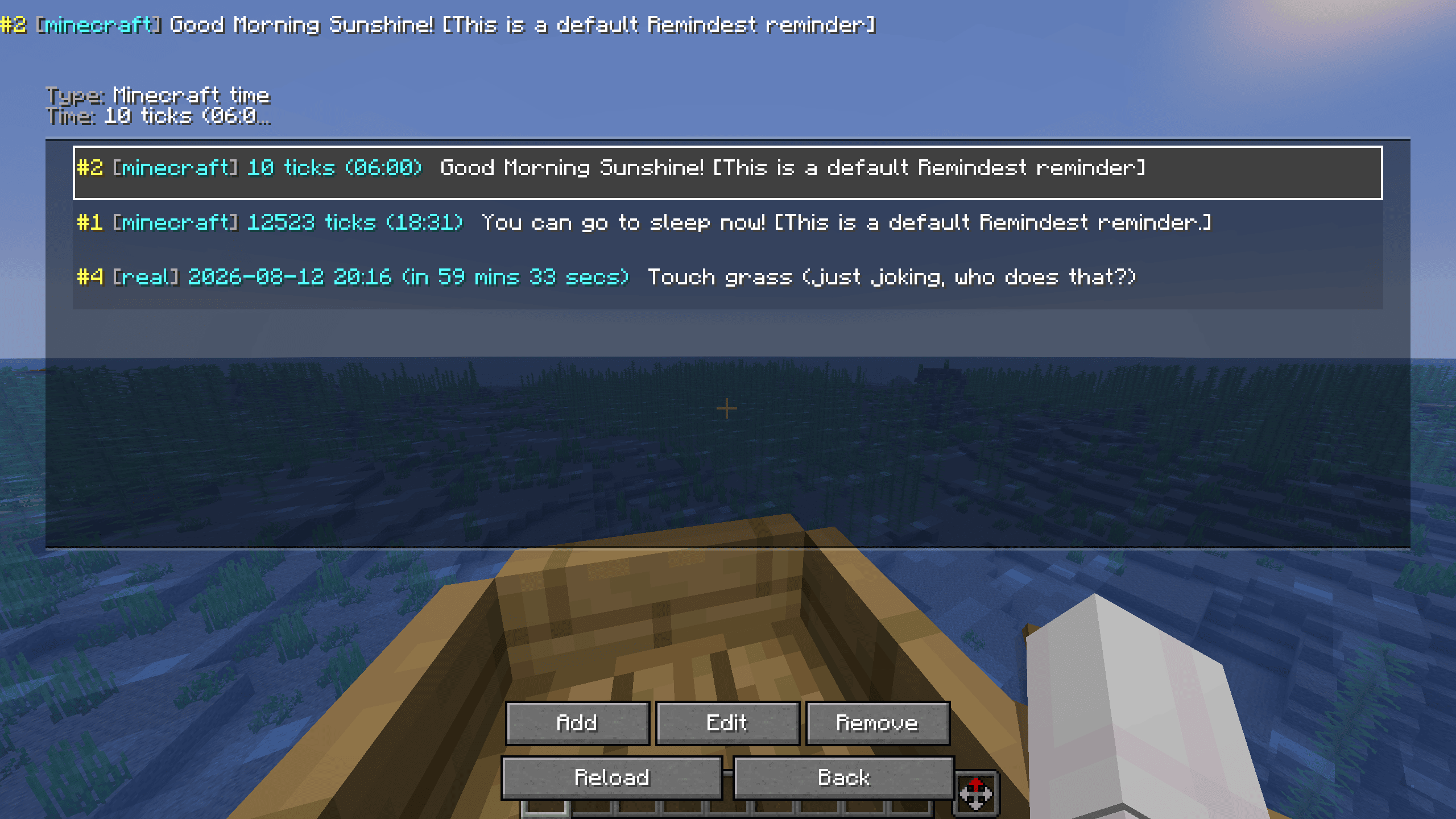
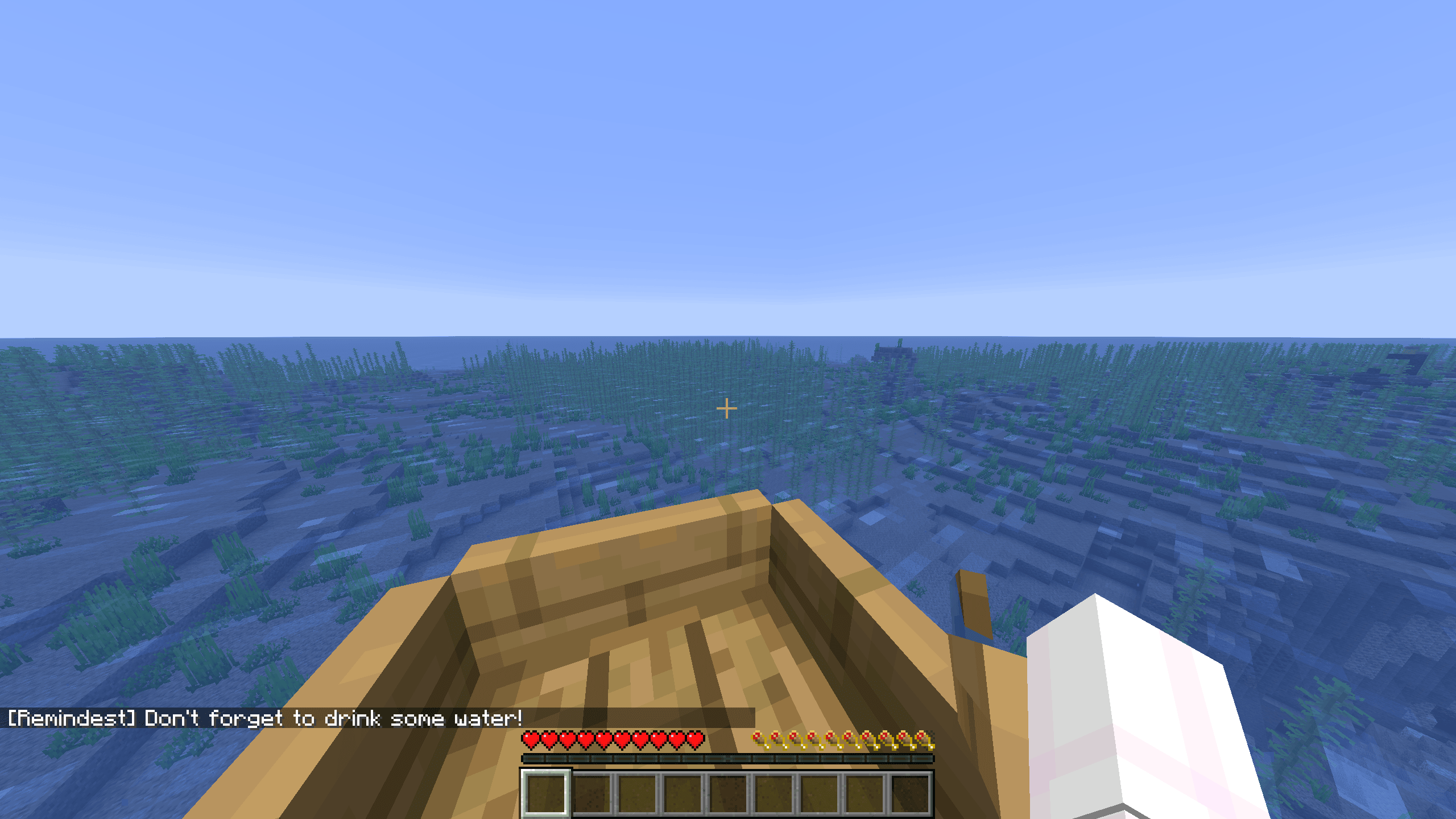
介绍
Remindest
A simple, lightweight reminder mod for Minecraft.
Features
- Real-time reminders
5m– remind me in 5 minutes2h– remind me in 2 hours6:30pm– remind me at 6:30 PM- Supports both 12-hour and 24-hour time formats
- Minecraft time reminders
6am– remind me at 6:00 AM Minecraft time0– remind me at tick 0- Supports recurring daily reminders
- Persistent reminders
- Reminders are saved automatically
- Reminders are shared across all servers and worlds
- Simple interface
- Manage your reminders through an easy-to-use GUI
- No commands required
Tutorial
Creating a reminder
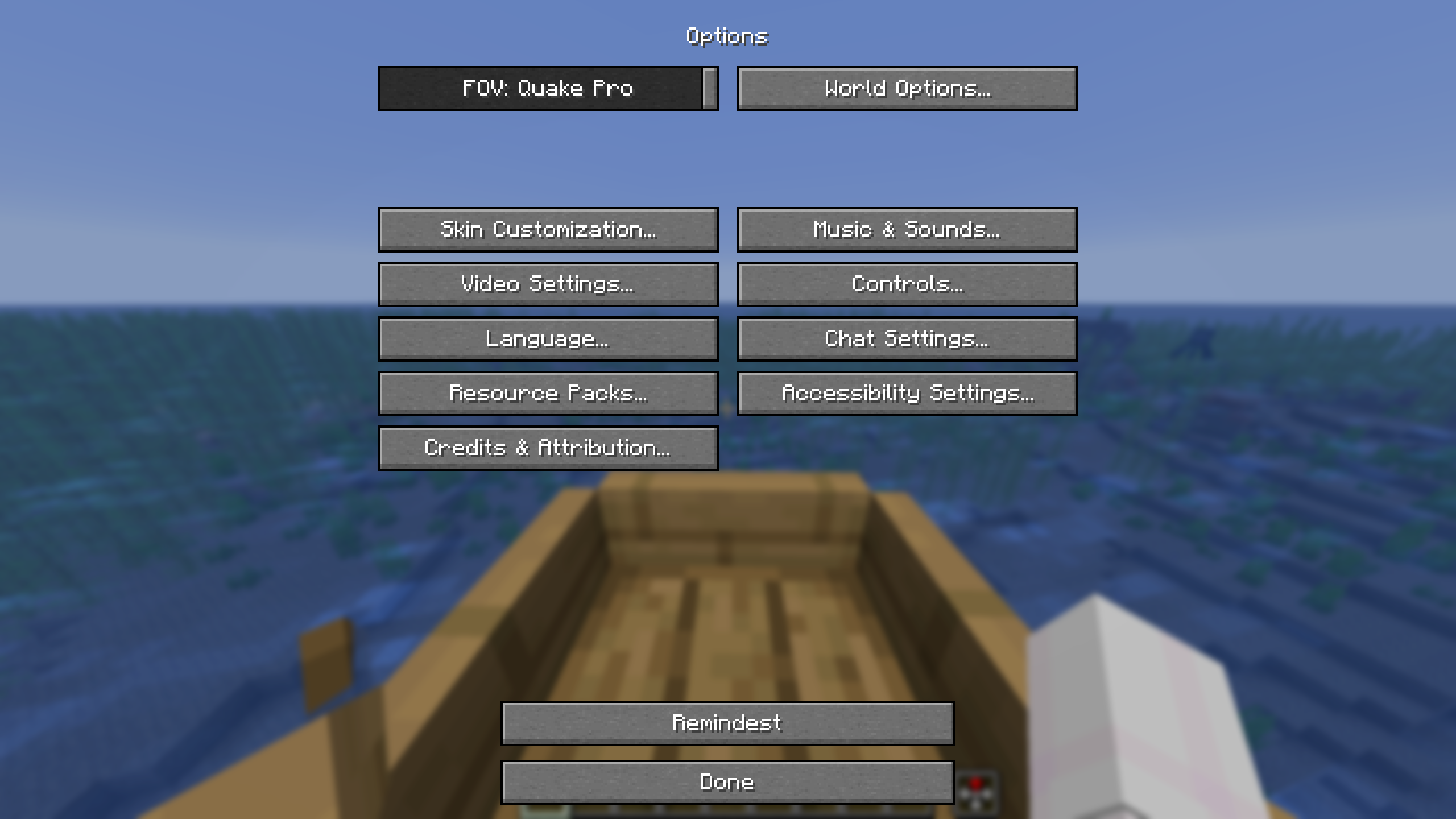
Open the Remindest menu. You can find it in Options.
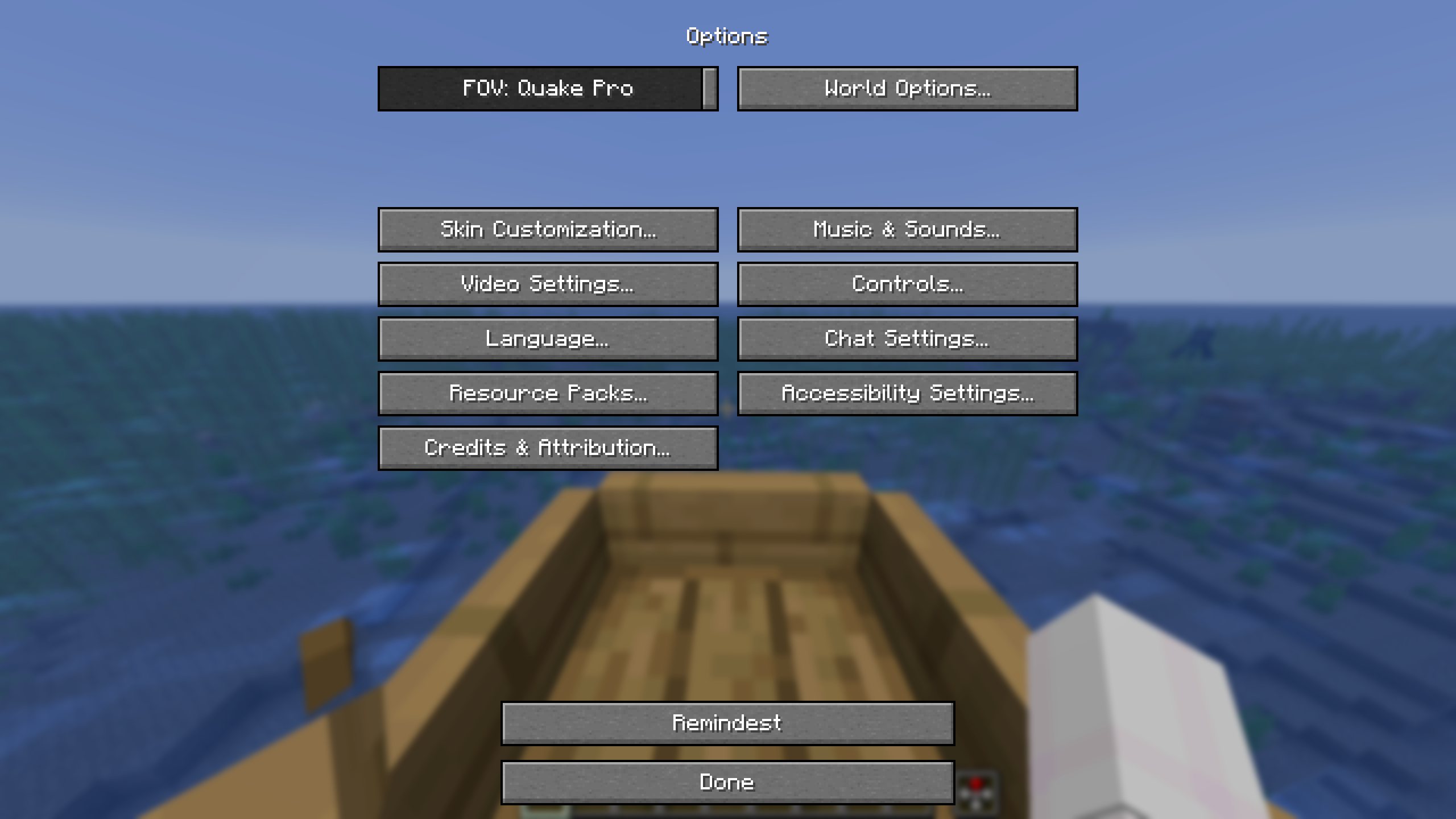
Click Add to create a new reminder.
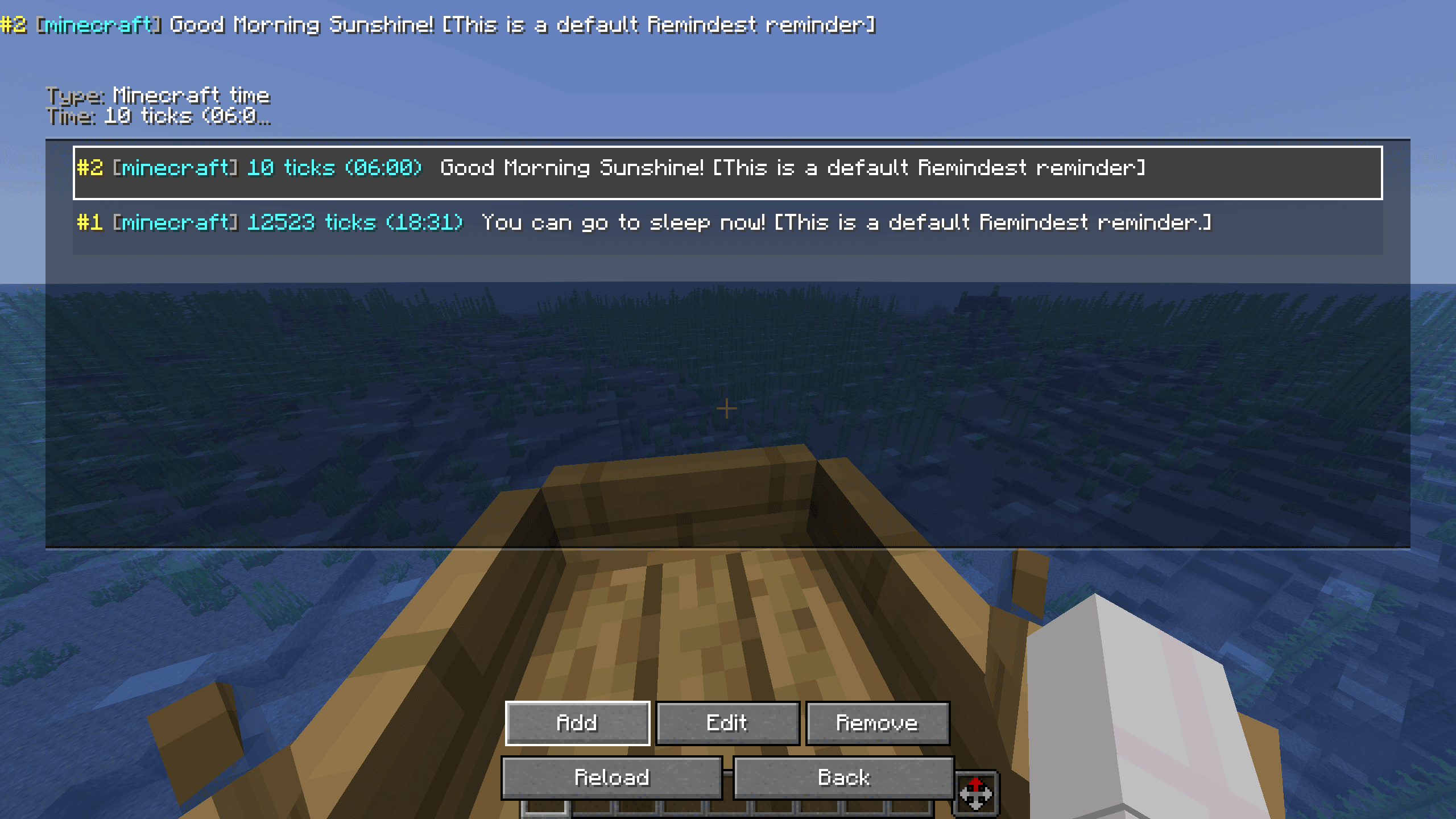
Enter the time and message for your reminder, then save it.
Reminder types
Remindest supports both real-time and Minecraft-time reminders.
Real-time
Real-time reminders use your computer’s actual clock.
Examples:
5m– 5 minutes from now2h– 2 hours from now6:30pm– at 6:30 PM18:30– at 6:30 PM
Real-time reminders are independent of Minecraft’s day/night cycle.
Minecraft time
Minecraft-time reminders use the world’s day/night cycle.
Examples:
6am– 6:00 AM Minecraft time12pm– noon0– tick 018000– tick 18000
Minecraft-time reminders repeat every Minecraft day.
Managing reminders
Your active reminders are displayed in the Remindest menu.
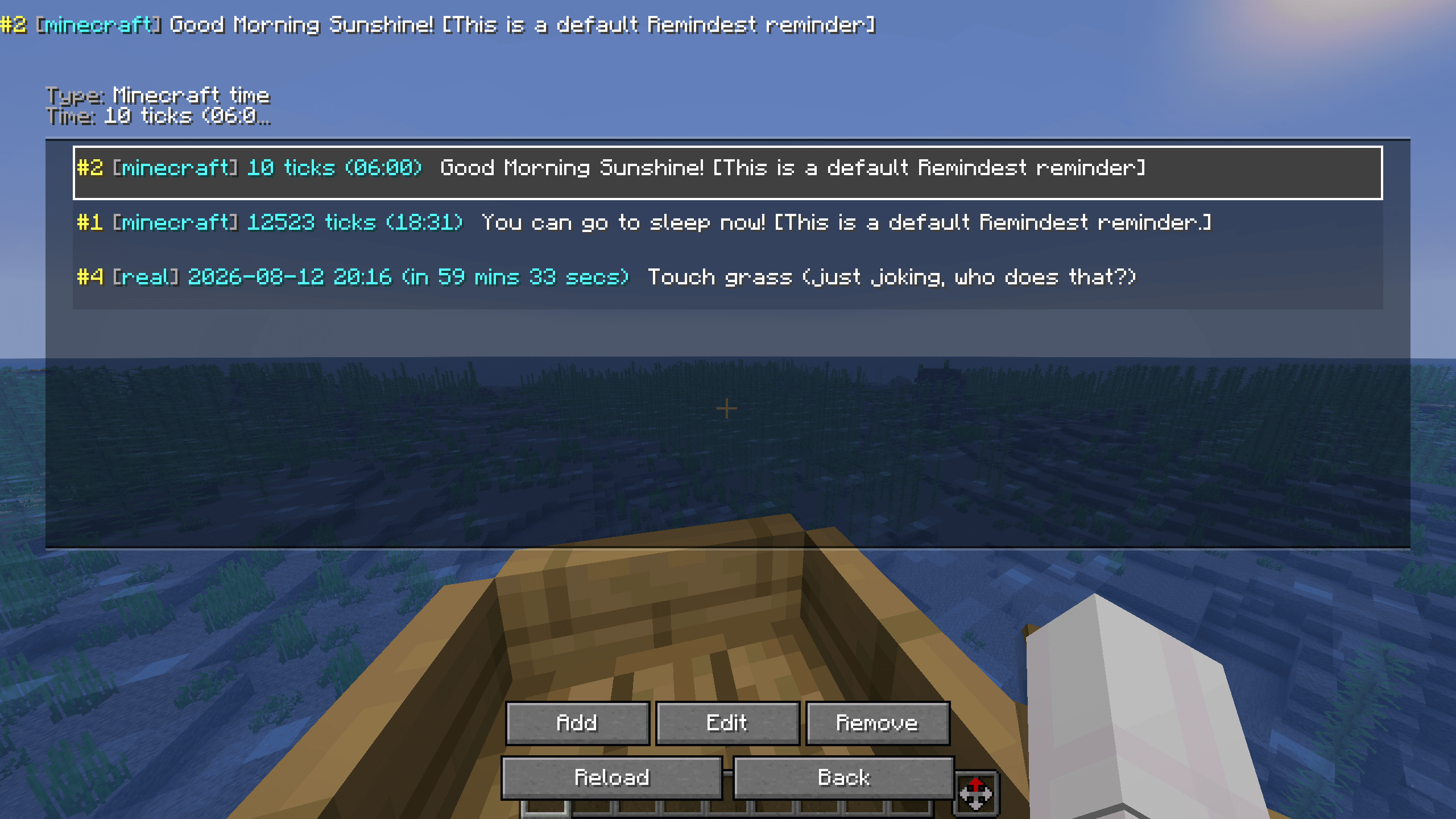
From here, you can view and manage your reminders.
Spoiler
Note: Reminders only show if you’re in a server, or world
常见问题
Remindest 支持哪些 Minecraft 版本?
Remindest 支持 Minecraft Java 版 26.2,可用的加载器:Fabric。下载时注意选择和你游戏版本一致的文件。
Remindest 怎么安装?
先用 PCL2 或 HMCL 启动器安装对应版本的 Fabric,再把下载的 .jar 文件放进游戏目录的 mods 文件夹,重新启动游戏即可。开启了版本隔离的,mods 文件夹在 versions/版本名 下面。运行环境:仅客户端。
评论
登录后评论和评分