
截图
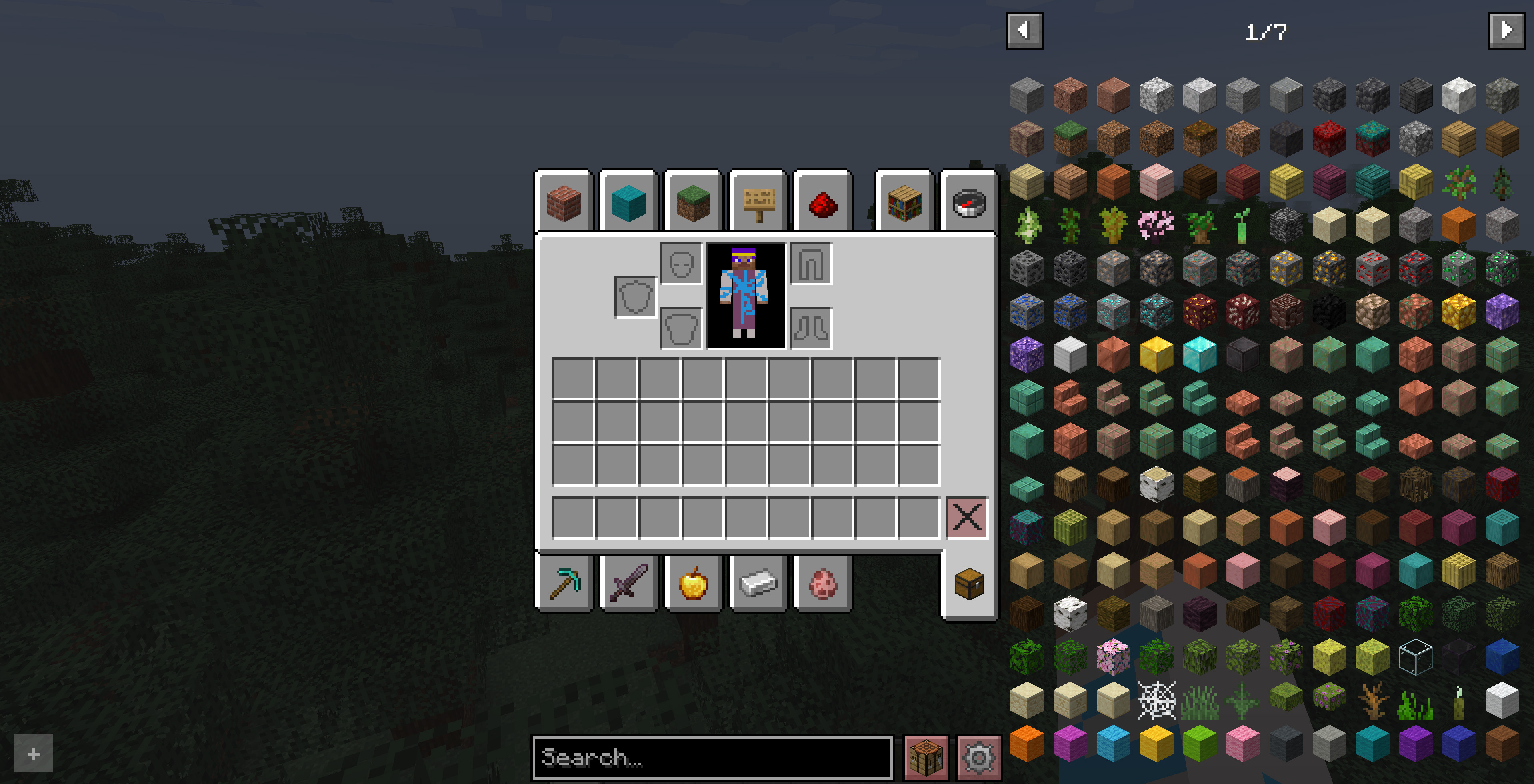
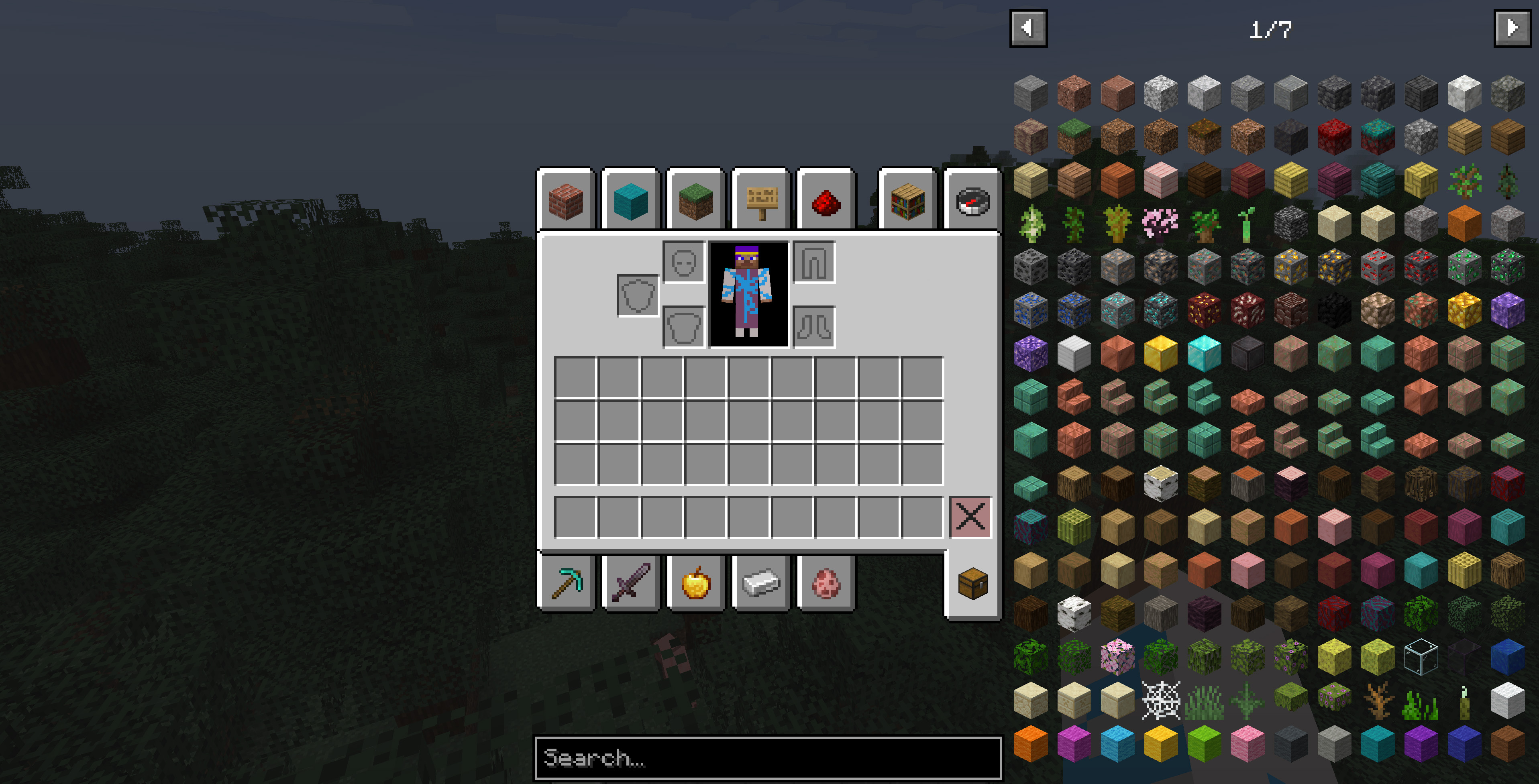
介绍
It hides selected REI interface elements, such as overlay buttons and hint popups, so the inventory screen looks cleaner and more polished. The hidden elements are not removed permanently: they can be temporarily restored at any time with a configurable keybind in the game’s Controls settings.
By default, the interface buttons are hidden and no key is assigned. If you want to bring the hidden buttons back temporarily, open the Controls menu and assign a keybind for REI Clean Overlay.
This is especially useful for modpacks where REI is already configured by the pack author and players do not need quick access to every REI overlay button during normal gameplay.
Notes
By default, the selected REI interface buttons are hidden and the restore keybind is not assigned.

This mod does not change recipes, item entries, or REI functionality itself. It only adjusts selected interface elements in the REI overlay.
Requirements
常见问题
REI Clean Overlay 支持哪些 Minecraft 版本?
REI Clean Overlay 支持 Minecraft Java 版 1.20.1,可用的加载器:Forge。下载时注意选择和你游戏版本一致的文件。
REI Clean Overlay 怎么安装?
先用 PCL2 或 HMCL 启动器安装对应版本的 Forge,再把下载的 .jar 文件放进游戏目录的 mods 文件夹,重新启动游戏即可。开启了版本隔离的,mods 文件夹在 versions/版本名 下面。运行环境:仅客户端。
Riabov 的其他作品
查看全部 →
Village Ruins – 80% Abandoned Villages
Makes about 80% of vanilla villages spawn as zombie villages.

Language Whitelist
Filters the Language menu so it only shows the languages you choose.

Eternal Winter – Hardcore Survival
Eternal Winter is a hardcore survival modpack set in a world where winter never ends. [EN and RU]

World Threat – Progressive Difficulty (Experimental)
Makes hostile mobs stronger as the world progresses.
评论
登录后评论和评分