
Refreshed Backup
Adds an Advanced Menu to Minecraft's world editor with Bedrock-inspired world duplication and .zip export tools.
截图
介绍
Refreshed Backup
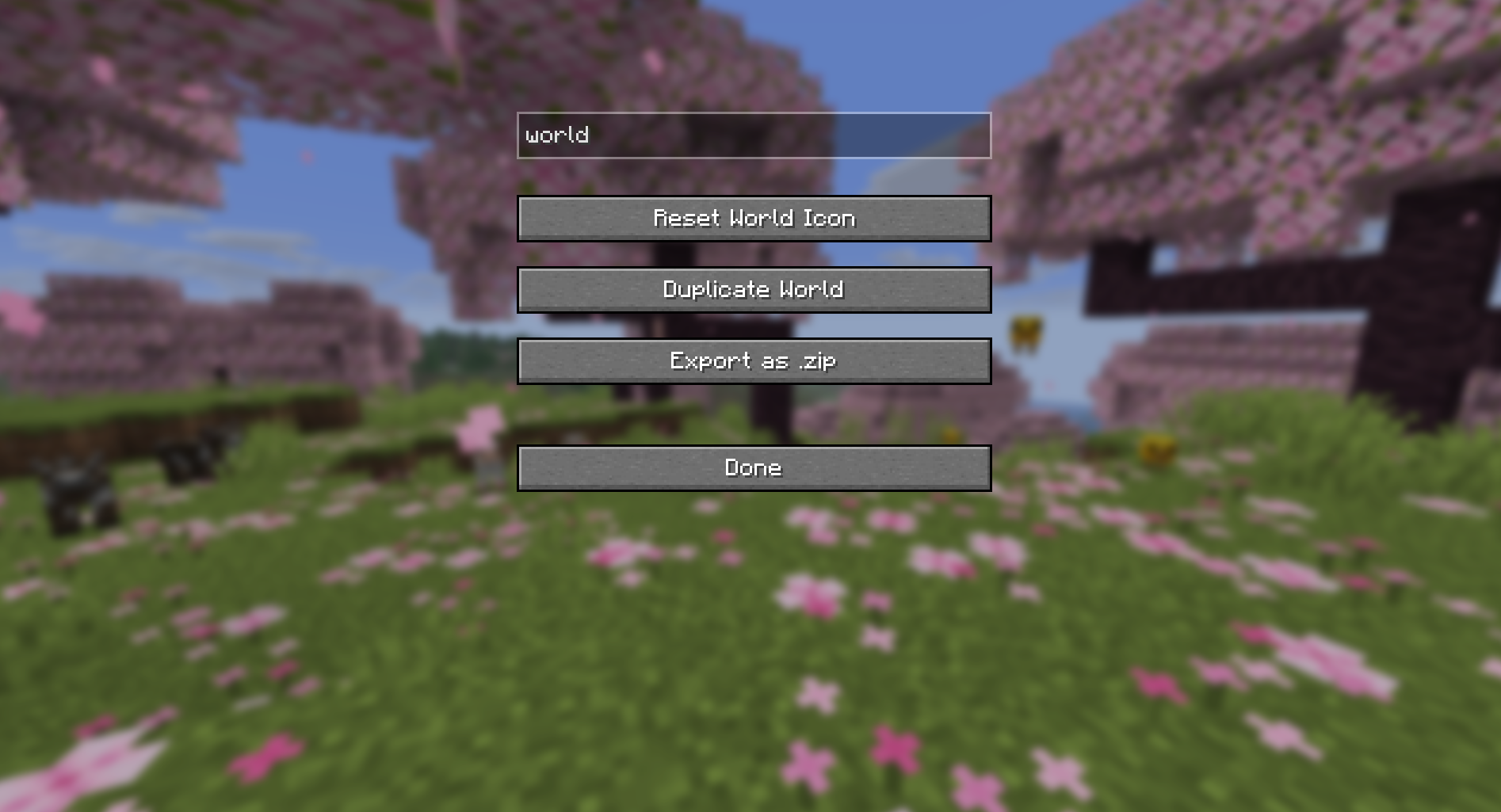
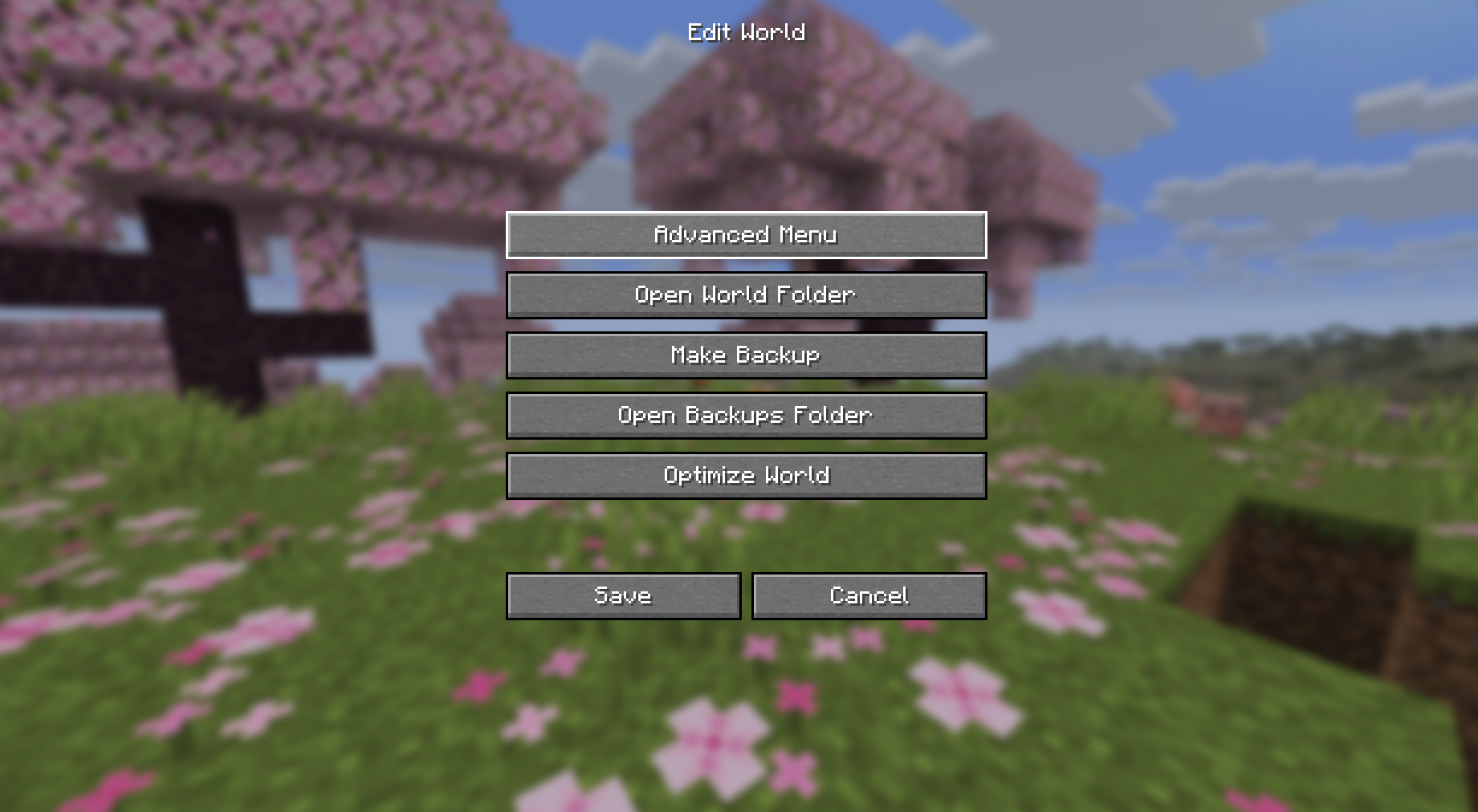
Refreshed Backup is a lightweight utility mod that adds an Advanced Menu to Minecraft’s world editing screen, making common world management tasks easier to access.
The Advanced Menu is available through the vanilla Edit button in the Singleplayer world list and currently includes:
- Duplicate World – Create a copy of an existing world.
- Export as .zip – Export a world as a compressed
.ziparchive.
These features are inspired by the world management options available in Minecraft Bedrock Edition, bringing similar convenience to Java Edition.
Usage
- Open the Singleplayer menu.
- Select a world and click Edit.
- Click Advanced Menu.
- Choose the desired action.
Installation
- Requires Fabric Loader
- Requires Fabric API
- Place the mod
.jarfile in yourmodsfolder
Development Status
This mod is currently a learning project and is still in early development. More world management features may be added in future versions. While the mod should work as intended, bugs or unexpected issues may occur.
常见问题
Refreshed Backup 支持哪些 Minecraft 版本?
Refreshed Backup 支持 Minecraft Java 版 26.1–26.1.2,共 3 个版本,可用的加载器:Fabric。下载时注意选择和你游戏版本一致的文件。
Refreshed Backup 怎么安装?
先用 PCL2 或 HMCL 启动器安装对应版本的 Fabric,再把下载的 .jar 文件放进游戏目录的 mods 文件夹,重新启动游戏即可。开启了版本隔离的,mods 文件夹在 versions/版本名 下面。运行环境:客户端和服务端都要装。
bhargav28377 的其他作品
查看全部 →
SomeInventory
Allows the player to keep important items like armor,food,tools after death.

Pirsm Vanilla
Vanilla+ Minecraft with better performance, enhanced visuals, useful UI improvements, and the return of the craftable Enchanted Golden Apple.

Wooden Glass Texture
This project adds wooden boundaries to glass.
评论
登录后评论和评分