
截图
介绍
If you want to put this mod in your modpack, feel free to use it 🙂
_Formerly known as RS Insert Export Upgrade._
Insert Upgrade
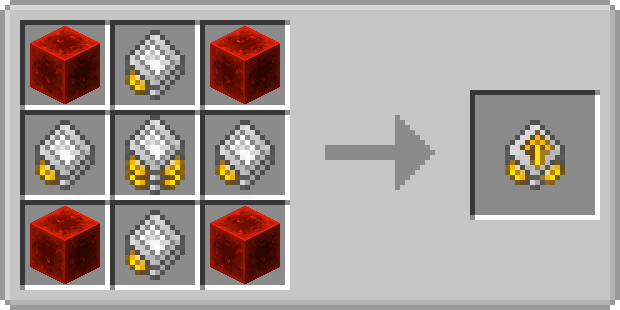
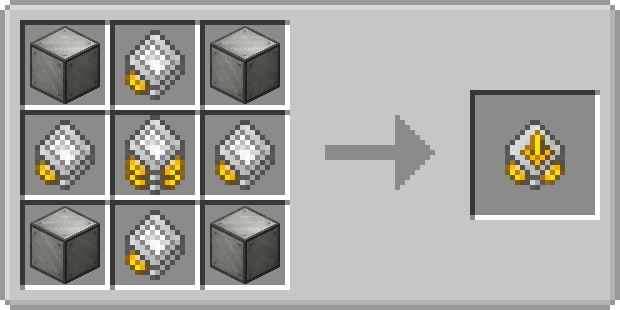
The Insert Upgrade takes items in specific slots of your inventory and dumps them into your network.
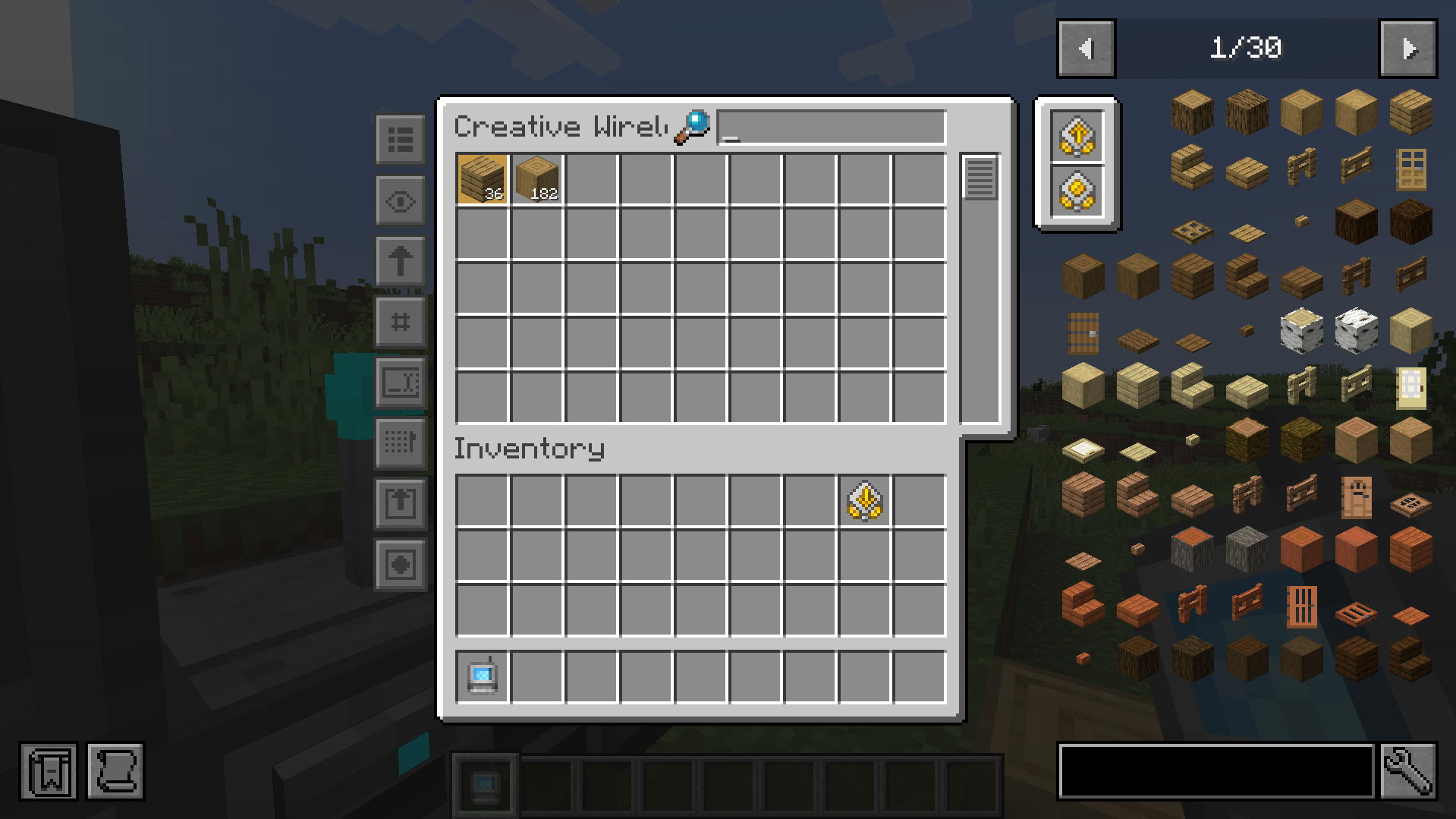
Open up your wireless grid and add the insert or export or block picker upgrade in the slot on the right.
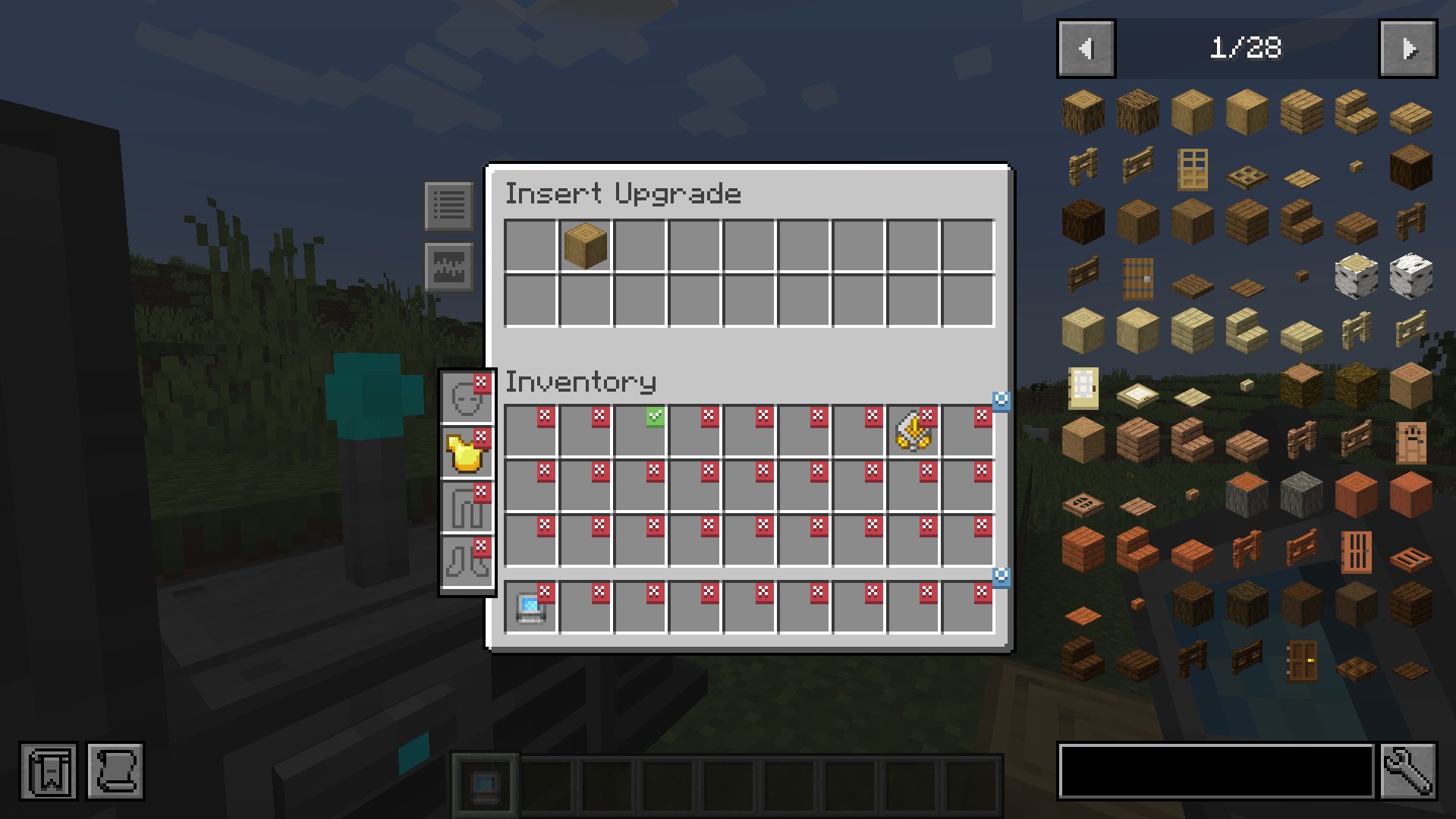
To configure it, click on one of the new left side buttons.
Clicking on slots makes a checkmark. Any item in the slot that has a checkmark will get imported to your network. You can whitelist or blacklist items by adding them to the filter at the top.
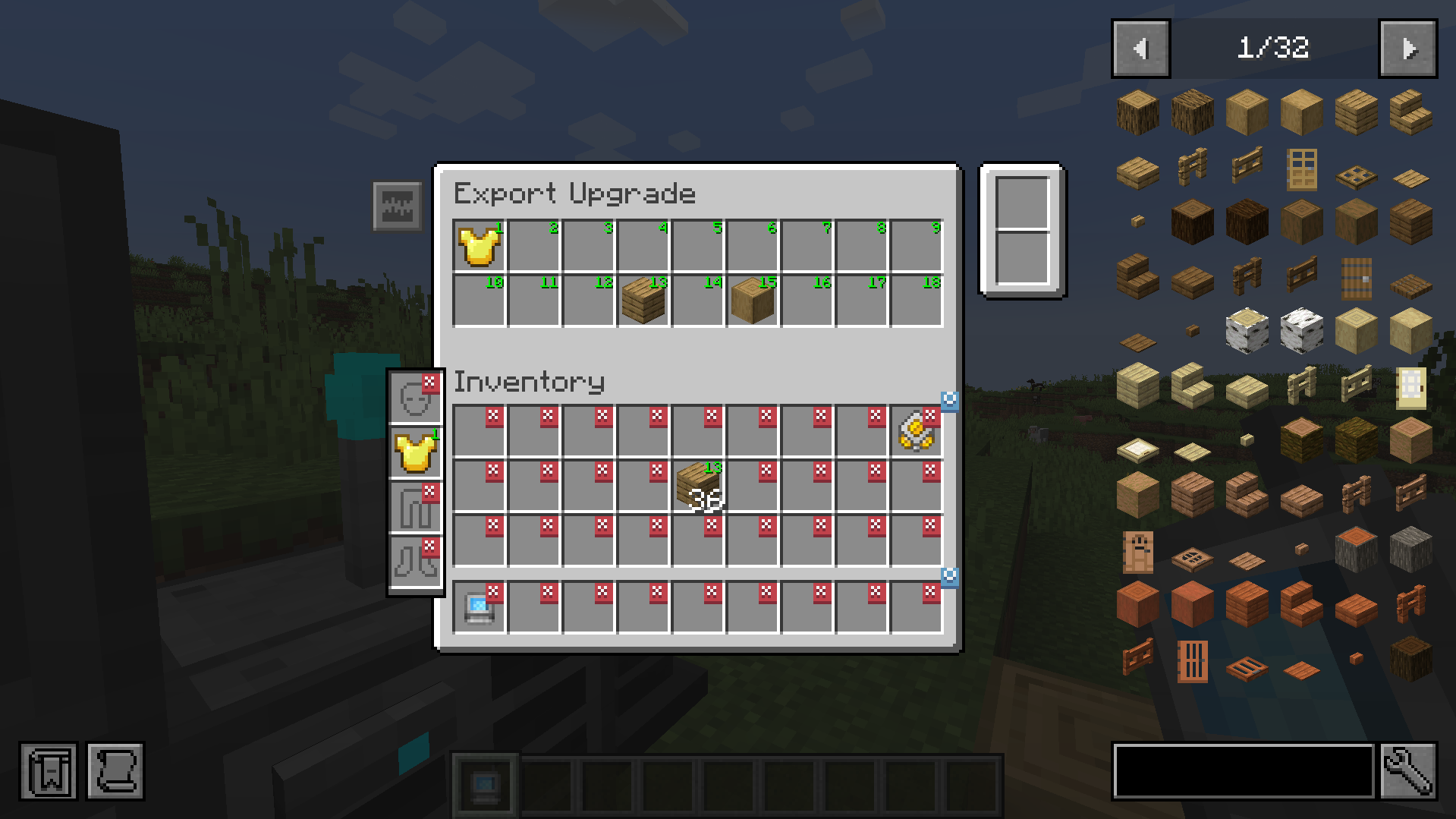
Export Upgrade
The Export Upgrade works exactly the same but will pull items from your Refined Storage into your inventory. To specify what items, drag the item from JEI into one of the slots at the top and click on a slot in your inventory to change it to the desired number. Right clicking clears back to X.
Block Picker Upgrade
Lets you extract the block you are currently looking at directly from your Network. Simply aim at a block and press the “Pick Block” keybind. If the matching block is available in your network, it will be extracted into your inventory.
Magnet Upgrade
Automatically collects nearby dropped items into your inventory or directly into your storage network.
- Pickup Filter: Choose which items the magnet collects.
- Pickup Destination: Send collected items to your inventory or network.
- Insert Filter: In Network mode, choose which collected items enter the network. Other items and anything the network cannot accept go to your inventory.
Items that cannot fit remain on the ground.
Energy Capacity Upgrade
Increase your Wireless Grid’s energy capacity by 1,000 FE per upgrade by default. Install up to two Energy Capacity Upgrades per grid.

Need a server? Get 20% off your first month by using promo code “ultra”
常见问题
Refined Wireless Upgrades 支持哪些 Minecraft 版本?
Refined Wireless Upgrades 支持 Minecraft Java 版 1.20.1–26.1.2,共 3 个版本,可用的加载器:Fabric / Forge / NeoForge。下载时注意选择和你游戏版本一致的文件。
Refined Wireless Upgrades 怎么安装?
先用 PCL2 或 HMCL 启动器安装对应版本的 Fabric / Forge / NeoForge,再把下载的 .jar 文件放进游戏目录的 mods 文件夹,重新启动游戏即可。开启了版本隔离的,mods 文件夹在 versions/版本名 下面。运行环境:客户端和服务端都要装。
Ultramega 的其他作品
查看全部 →
Cable Tiers
为精致存储和 RSRequestify 添加更强大的导出器、导入器、建造器、拆解器、磁盘接口、自动合成器、接口和请求器。
AE2 Import Export Card
为应用能源2添加导入、导出和方块选取卡。

Universal Grid
为精致存储添加通用网格

Showcase Item
允许在聊天中展示物品栏中的物品
评论
登录后评论和评分