截图
介绍
中文介绍正在准备中,下面暂时显示原文。


Ever wanted to make Minecraft a bit more difficult? This mod is what you need! Sticks were too easy to craft, that’s why the process for making one is changed. All the crafting recipes for sticks will be removed from the game with the mod.
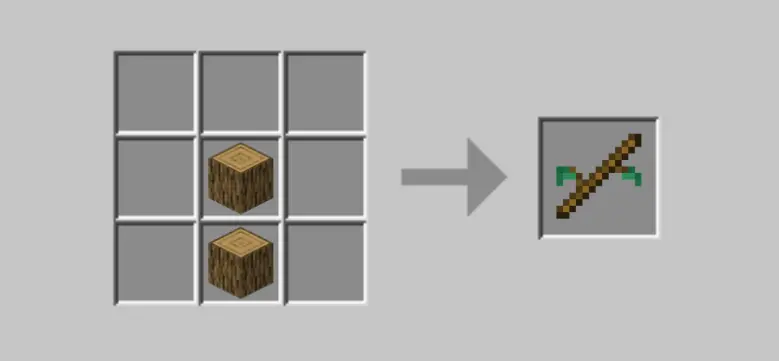
New process:
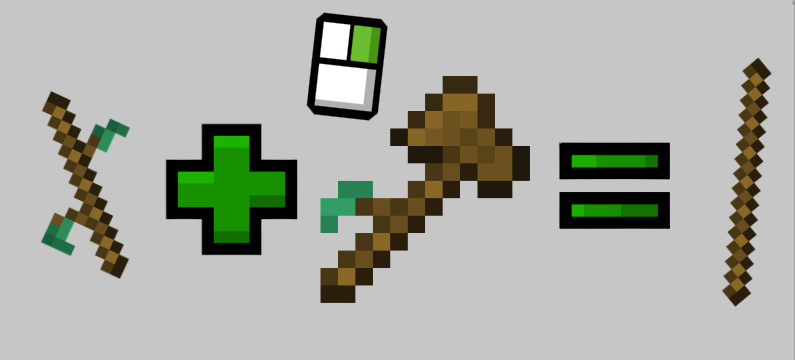
Spoiler
- Grab two logs of any type of wood.
- Put the logs in the crafting table as you would put planks to craft sticks.
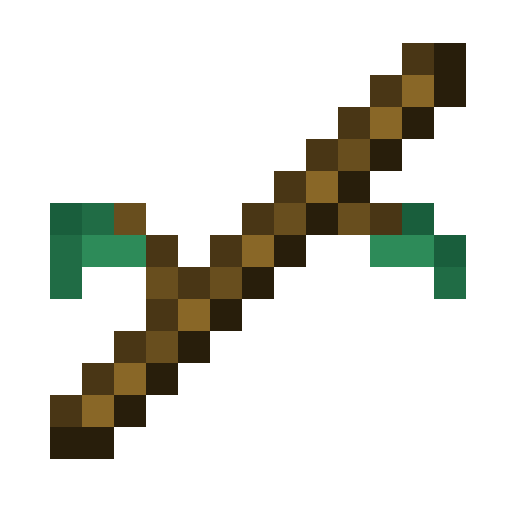
- The result is a rudimentary stick.
- With two rudimentary sticks and three planks you can craft a rudimentary axe.
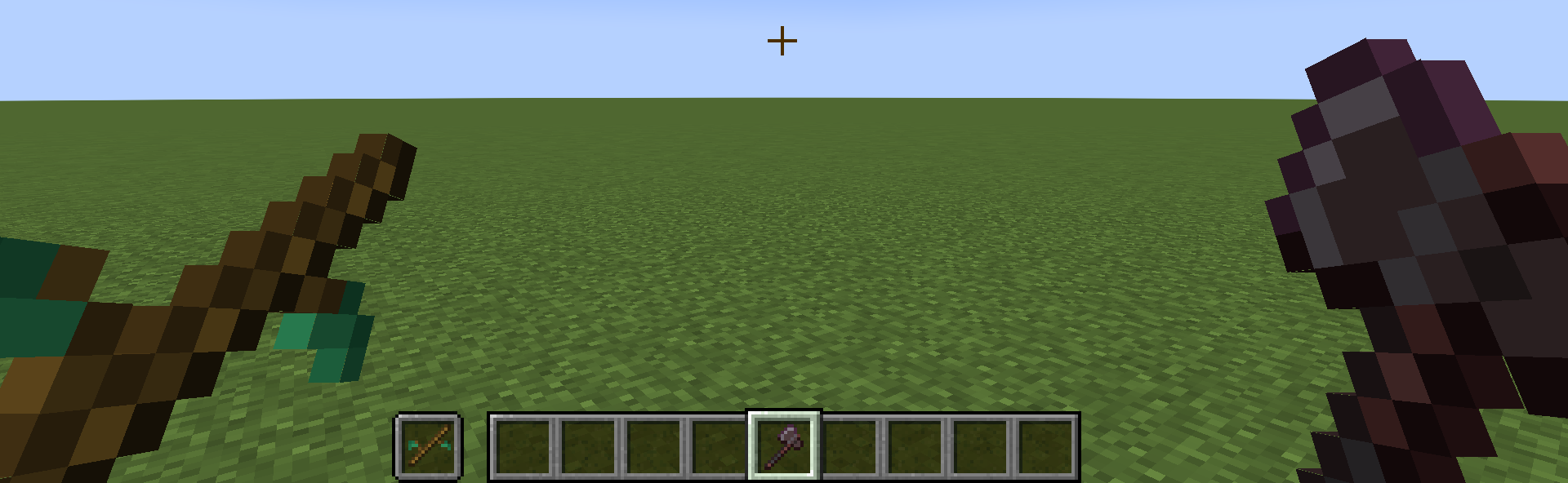
- With a rudimentary stick in your off-hand and one axe in your main-hand, if you interact, you will have a normal stick.
Other features are added:
Spoiler
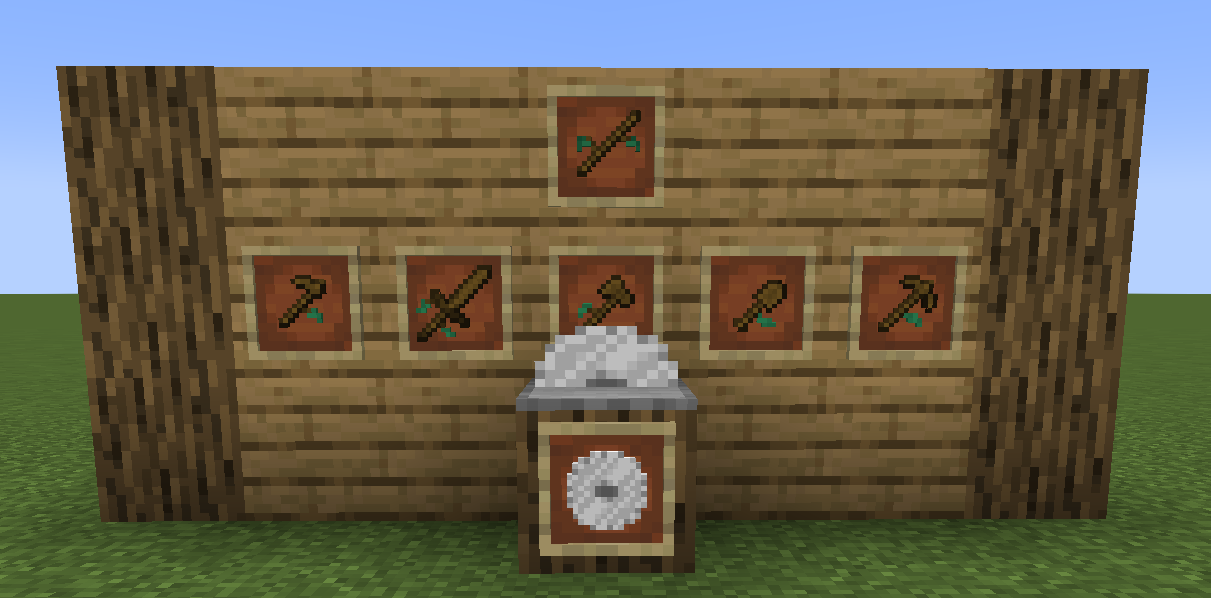
- You can automate this process by crafting a sawmill, you can power it with coal, charcoal or a block of coal. No, you can’t use wood. Rudimentary sticks in the top slot and the power source in the bottom slot.
- Not only you can automate the process of refining sticks, you can also put logs to have 8 planks of the wood you want.*
- Rudimentary tools; shovel, axe, pickaxe, hoe, sword…
- Sticks have been removed from the loot table of leaves. (Only regular Minecraft leaves)*
- For creating the sawmill, a new item has been created, the saw, which replaces iron from the stonecutter recipe and it is also for the crafting recipe for the sawmill.
*: There is no compatibility with any wood nor leaves mod, so only regular Minecraft, I will try adding, if requested.
Disclaimers:
Spoiler
- Recipes can be found with JEI and in the recipe book, but not the regular stick recipe.
- Keep in mind this is my first mod, so there may be some bugs, I would be grateful if you report them, I will try my best to solve them.
- If you have any suggestion, I would like to hear them.
- The most important disclaimer, enjoy!
This project was made using Mcreator.
Try my other new mod: Hec’s Extensions!

常见问题
RealiStick 支持哪些 Minecraft 版本?
RealiStick 支持 Minecraft Java 版 1.20.1–1.21.8,共 3 个版本,可用的加载器:Forge / NeoForge。下载时注意选择和你游戏版本一致的文件。
RealiStick 怎么安装?
先用 PCL2 或 HMCL 启动器安装对应版本的 Forge / NeoForge,再把下载的 .jar 文件放进游戏目录的 mods 文件夹,重新启动游戏即可。开启了版本隔离的,mods 文件夹在 versions/版本名 下面。运行环境:客户端和服务端都要装。

评论
登录后评论和评分