RandomBlocksPlacement
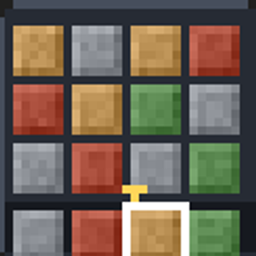
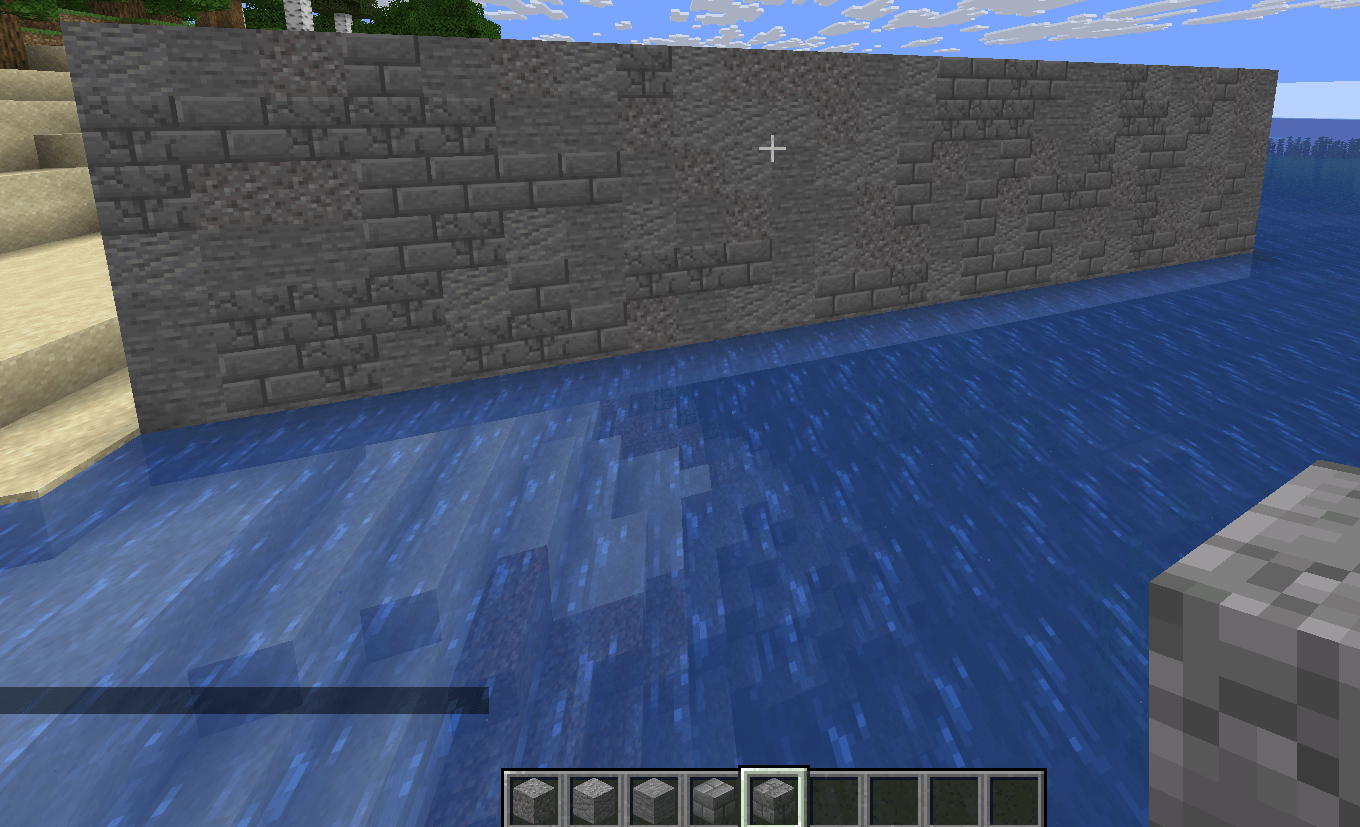
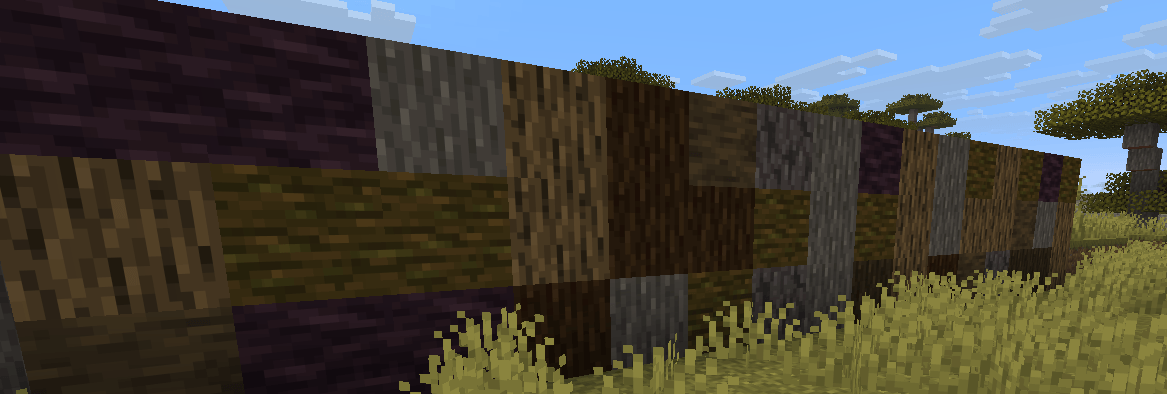
Build walls, floors and roads that look naturally mixed. Every time you place a block, this mod randomly switches your selected hotbar slot, so your next block comes from a different stack.
截图
介绍
RandomBlockPlacement
Build walls, floors and roads that look naturally mixed. Every time you place a block, this mod randomly switches your selected hotbar slot, so your next block comes from a different stack.
Features
- Random block switching: after each placement, the hotbar selects a random slot from the range you chose.
- Weighted by stack size: slots with more items are picked more often, so a stack of 50 cobblestone and a stack of 5 stone gives you roughly one stone per ten blocks. Use different amounts to get the mix you want.
- Manual control stays possible: slots outside the chosen range (for example one holding a lantern) are never switched to or away from.
- Client-side only: nothing needs to be installed on the server.
How to use
- Put your building blocks into hotbar slots.
- Press R to turn the mod on (the key can be changed in the controls menu). Press R again to turn it off.
- For finer control, use the command
/rblock <first slot> <last slot>, with slots counted from 1 to 9. For example,/rblock 7 9randomizes between the last three slots. /rblock offturns the mod off.
Requirements
- Minecraft 26.1
- Fabric Loader 0.19.5 or newer
- Fabric API
- Java 25 or newer
- Mod Menu is recommended, but optional
Note: the mod only changes which hotbar slot is selected on your own client. If you play on a server, check its rules on client-side helper mods.
Credits & license
This is an updated port of RandomBlockPlacement by Blndr2 , updated to Minecraft 26.1. It is released under the MIT License, and the original copyright notice is kept.
常见问题
RandomBlocksPlacement 支持哪些 Minecraft 版本?
RandomBlocksPlacement 支持 Minecraft Java 版 26.1–26.3,共 3 个版本,可用的加载器:Fabric。下载时注意选择和你游戏版本一致的文件。
RandomBlocksPlacement 怎么安装?
先用 PCL2 或 HMCL 启动器安装对应版本的 Fabric,再把下载的 .jar 文件放进游戏目录的 mods 文件夹,重新启动游戏即可。开启了版本隔离的,mods 文件夹在 versions/版本名 下面。
评论
登录后评论和评分