
截图
介绍

Radial Hot Bar
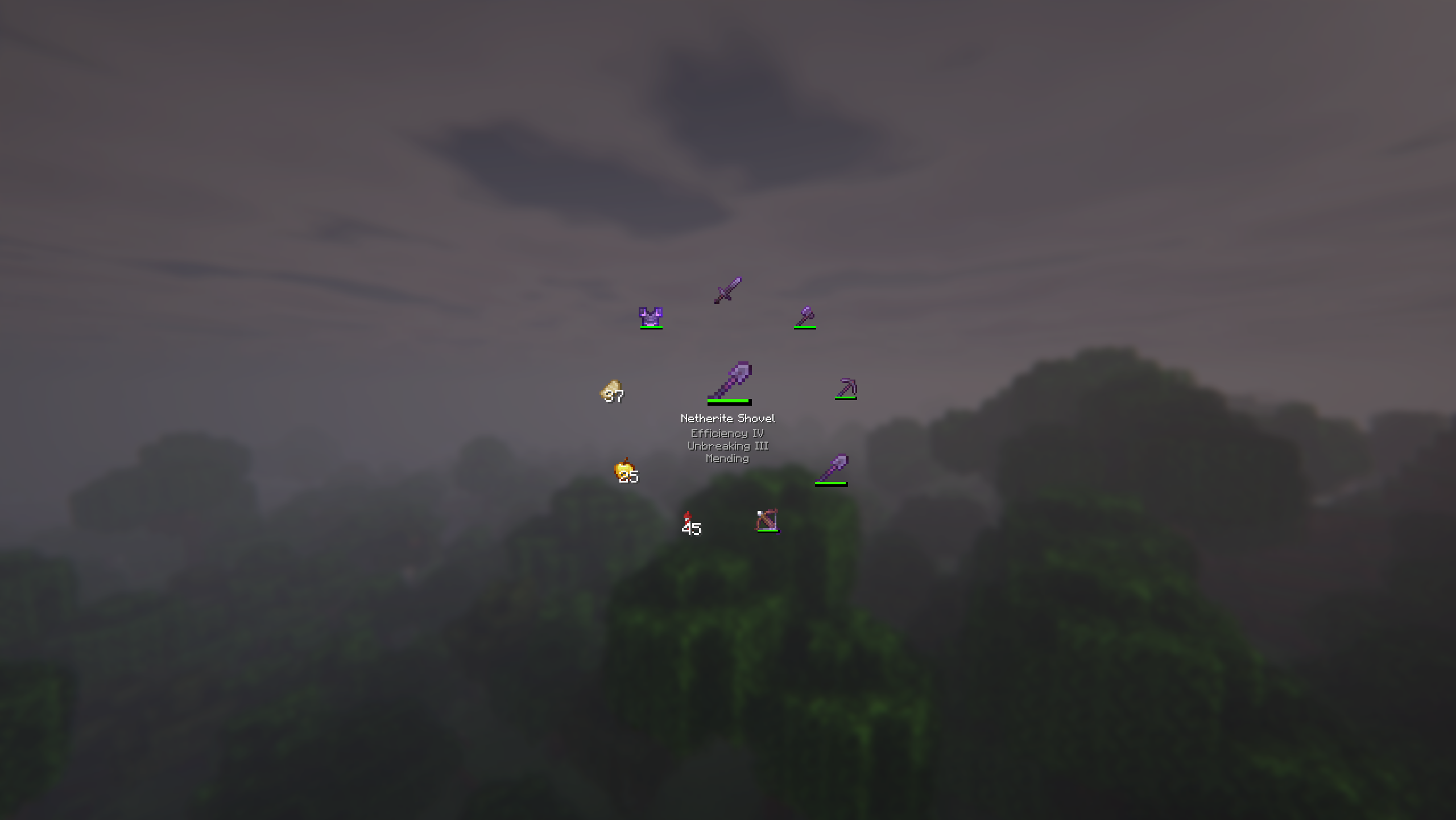
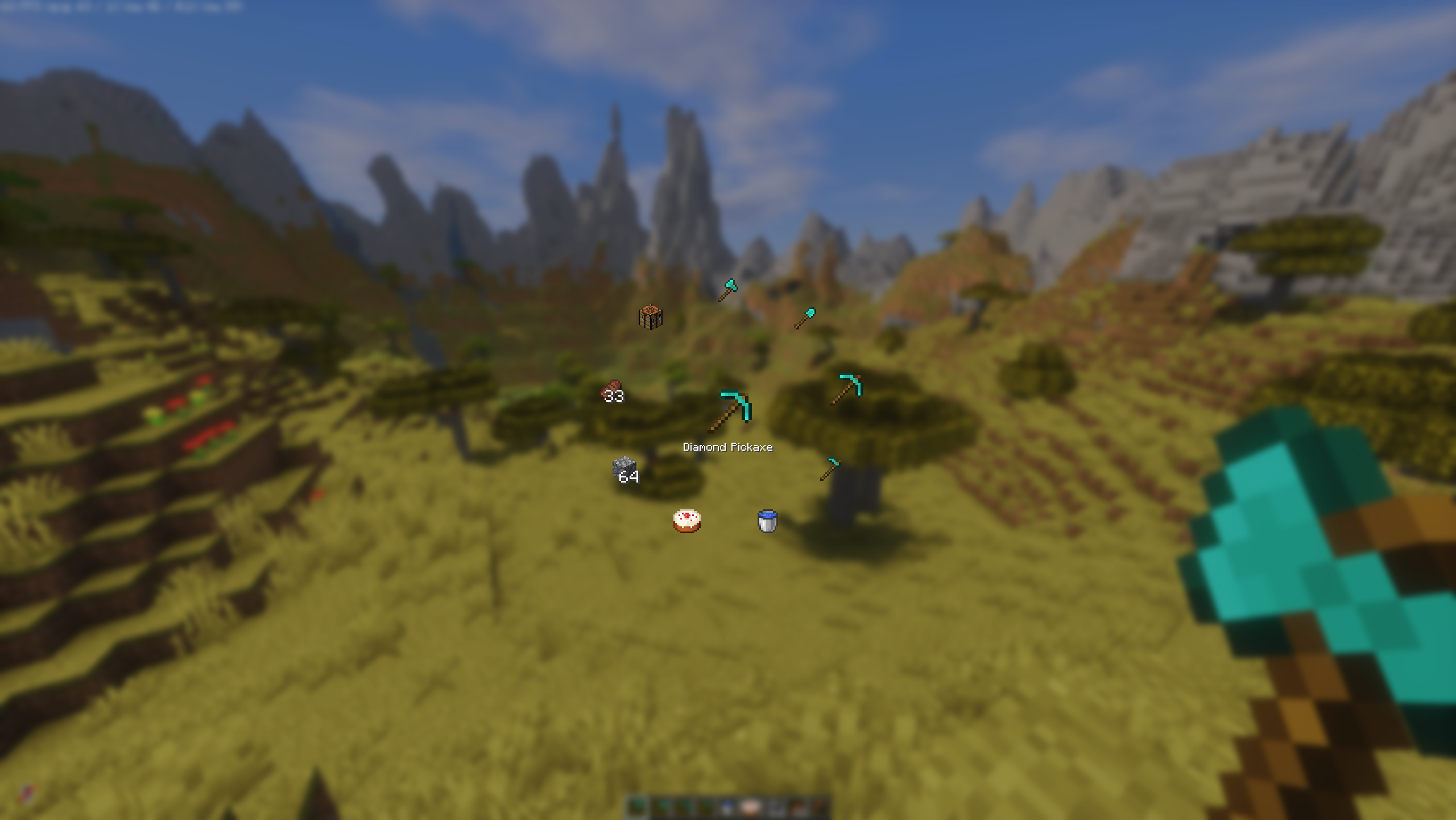
This simple mod adds an intuitive radial menu. Reaching for slots 7–9 or constantly scrolling the mouse wheel can be uncomfortable and slow, especially in fast-paced situations.
With the radial menu, you just hold the key (default R), move your mouse toward the item you want, and release. It’s quick and feels great during combat, building or any other gameplay.
IMPORTANT NOTE
If you are using Fabric with Iris Shaders keep in mind that it uses R as the default key for reloading shaders. You’ll need to rebind one of the keys to avoid conflicts.
⚠ If you are using Kilt (a mod that allows loading Forge mods on Fabric), the “Allow Movement” feature of the radial hotbar may break.
This happens because Kilt aggressively overrides hotkeys when a screen is open.
As a temporary workaround, please use InvMove.
If you choose to download this mod from sources other than the ModRinth, please be aware that you do so at your own risk.
You may not reupload this mod to other websites, launchers, apps or place it behind ad links.
Config
You can easily configure all options to your liking using Fabric with Mod Menu, or via the Mods tab in Forge, NeoForge.
Feedback & Suggestions
Feel free to open an issue or leave a suggestion on the Github.
常见问题
Radial Hot Bar 支持哪些 Minecraft 版本?
Radial Hot Bar 支持 Minecraft Java 版 1.20.1–26.3,共 9 个版本,可用的加载器:Fabric / Forge / NeoForge。下载时注意选择和你游戏版本一致的文件。
Radial Hot Bar 怎么安装?
先用 PCL2 或 HMCL 启动器安装对应版本的 Fabric / Forge / NeoForge,再把下载的 .jar 文件放进游戏目录的 mods 文件夹,重新启动游戏即可。开启了版本隔离的,mods 文件夹在 versions/版本名 下面。运行环境:客户端和服务端都要装。

评论
登录后评论和评分