
截图
介绍
中文介绍正在准备中,下面暂时显示原文。
RadarZone
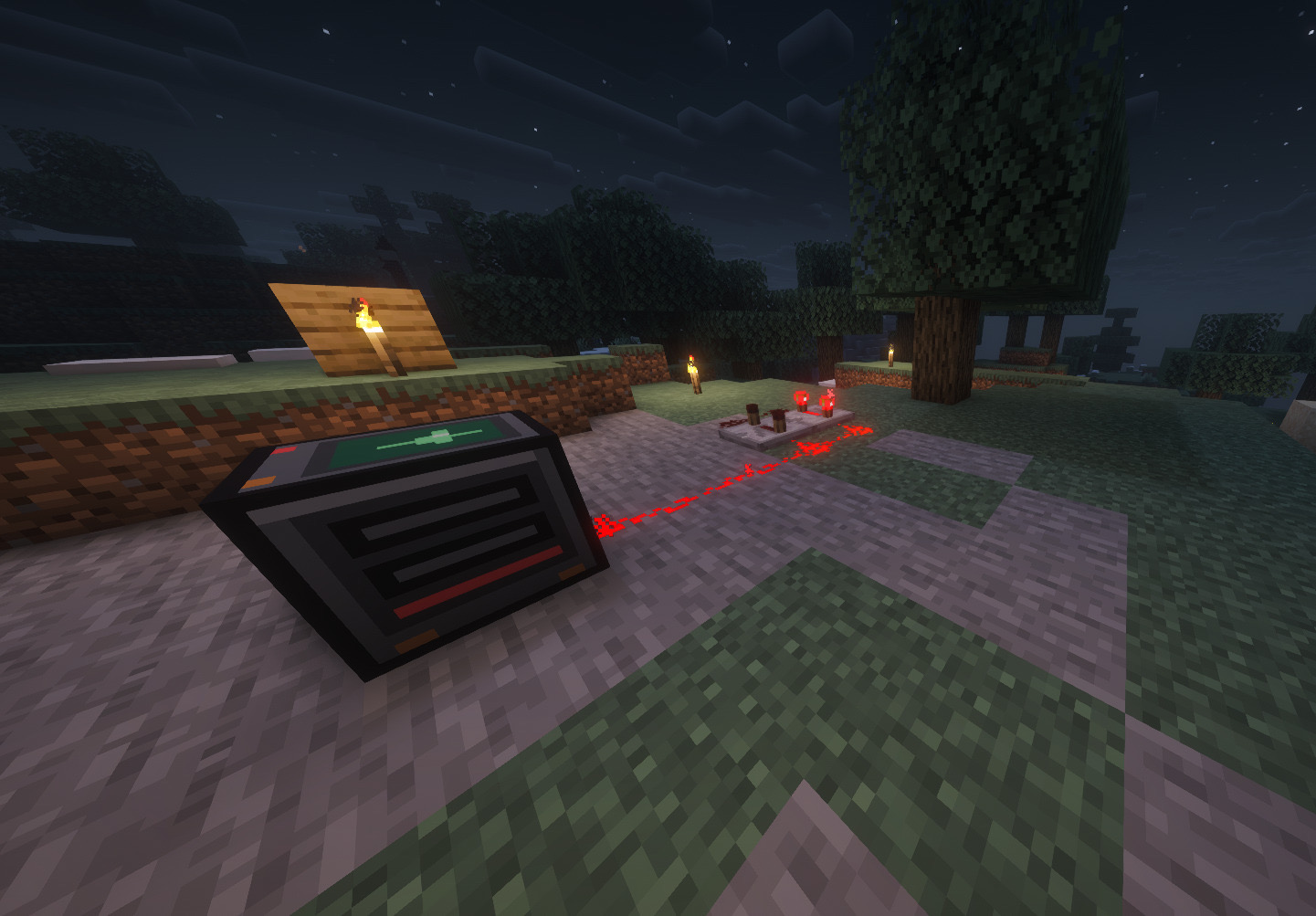
Adds proximity radar that detect players within a configurable perimeter and alert your allies remotely.
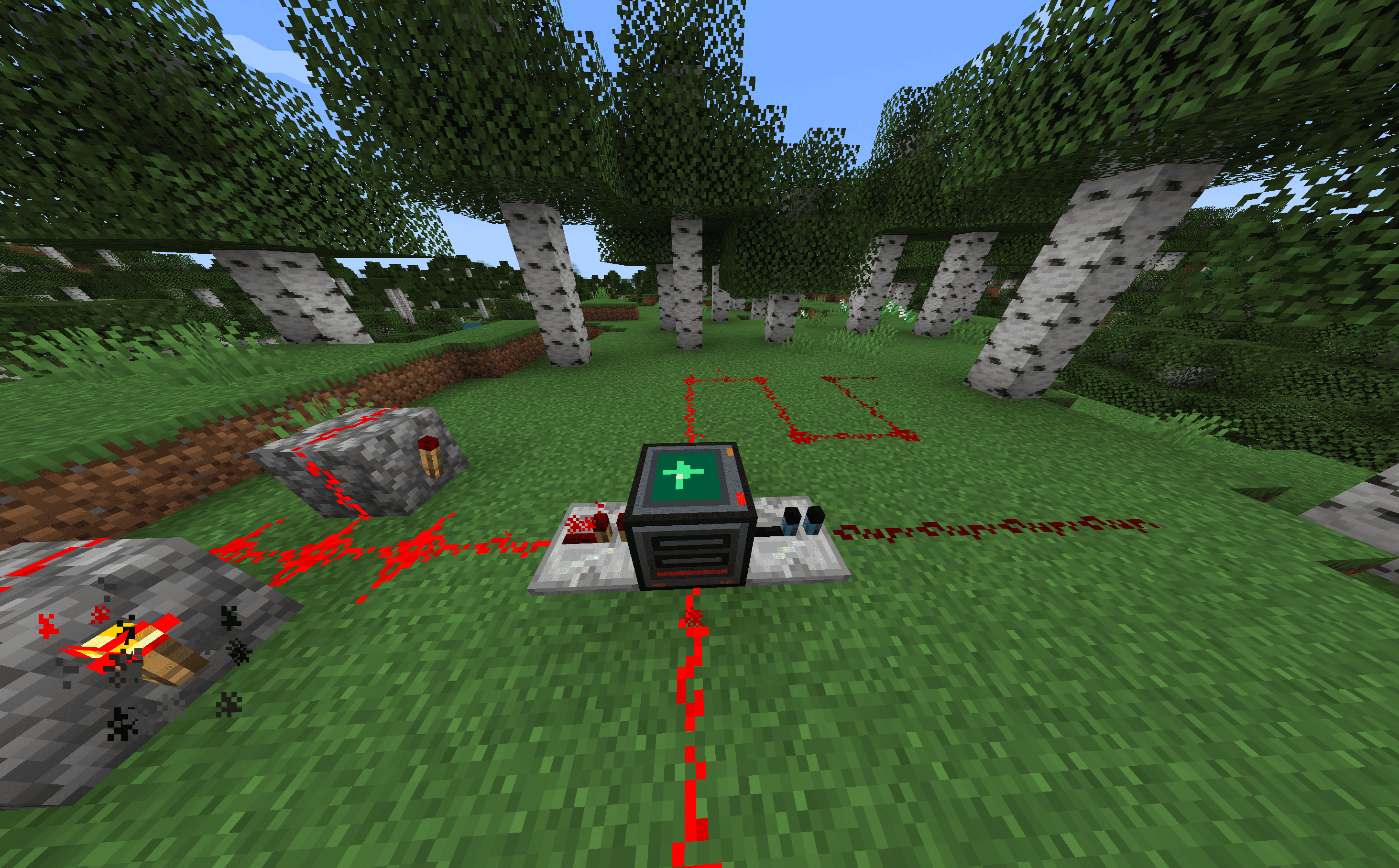
Blocks and items
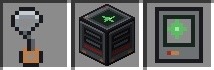
- Radar antenna – crafting component.
- Radar – proximity radar block.
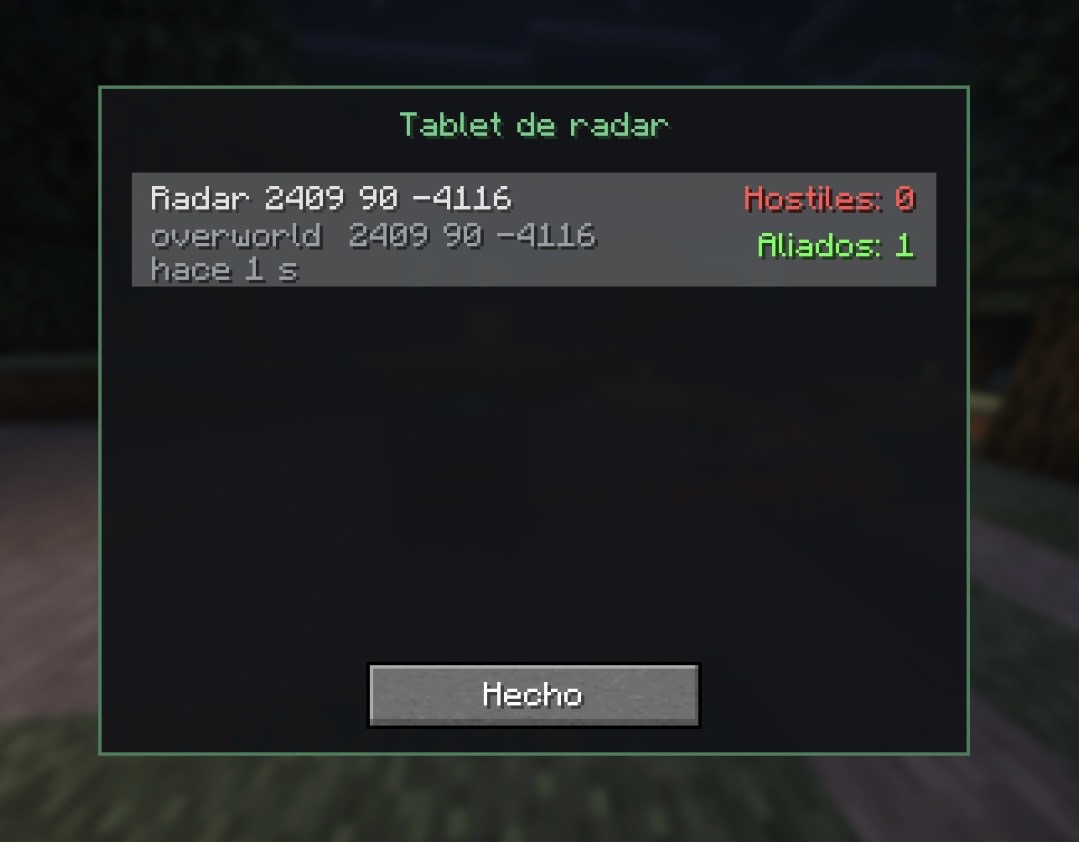
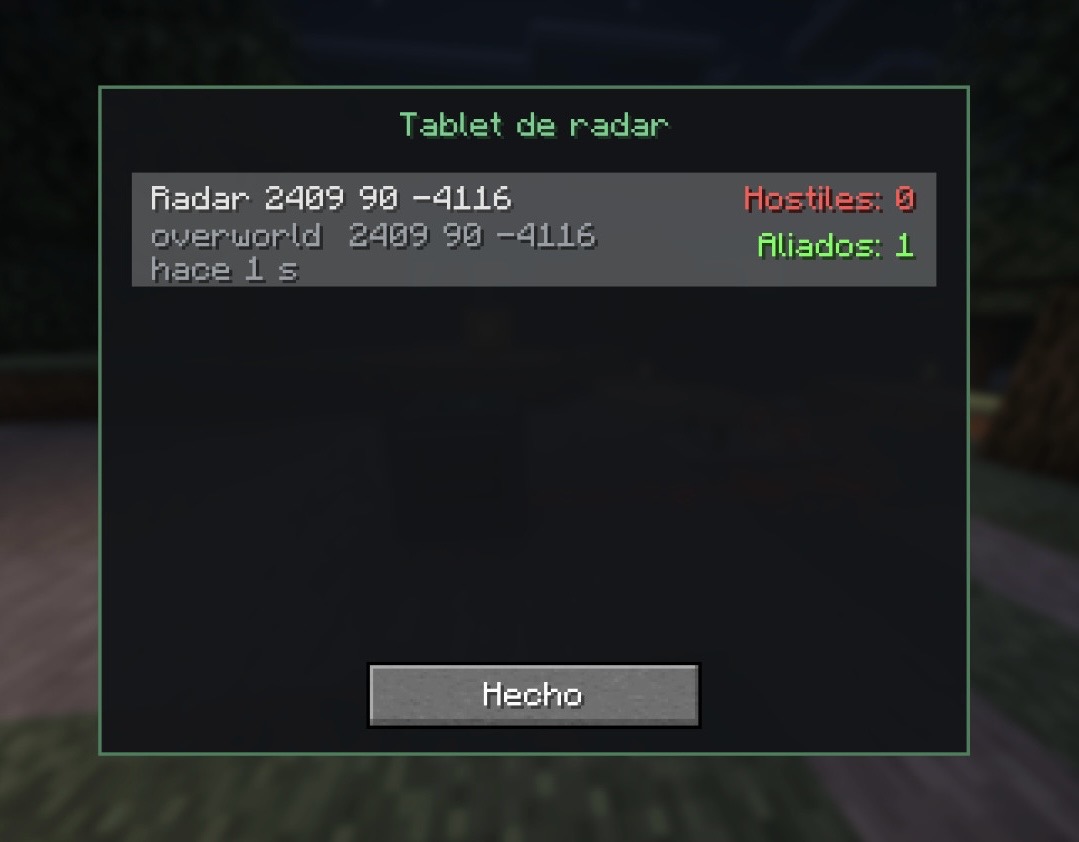
- Radar tablet – a device that lets check your radars and receive alerts if you have it in your inventory.
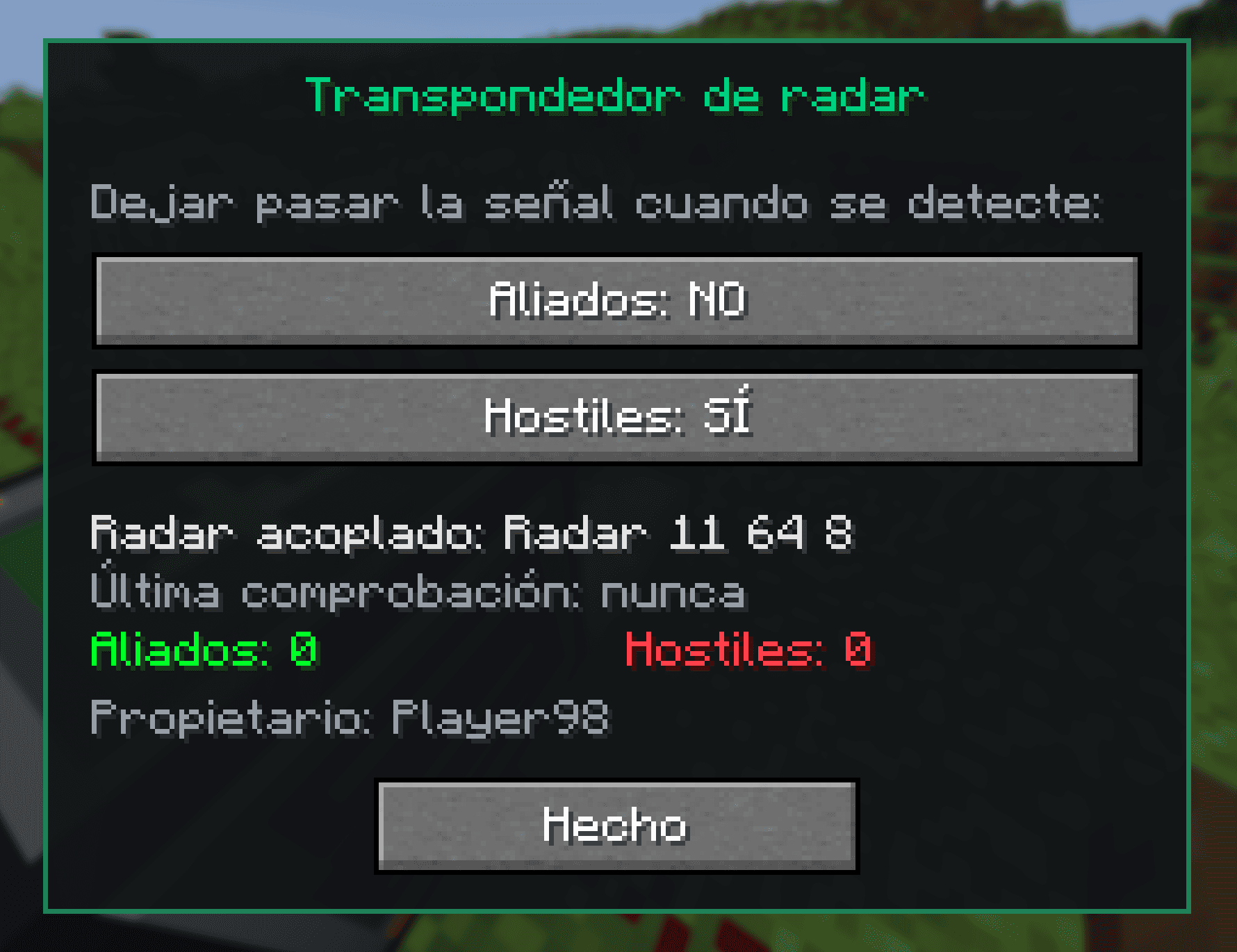
- Radar transponder – filters the redstone signal generated by the radar.
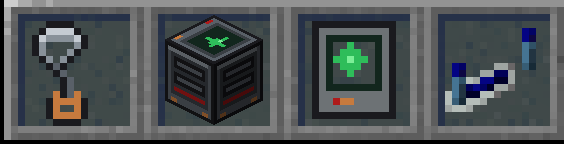
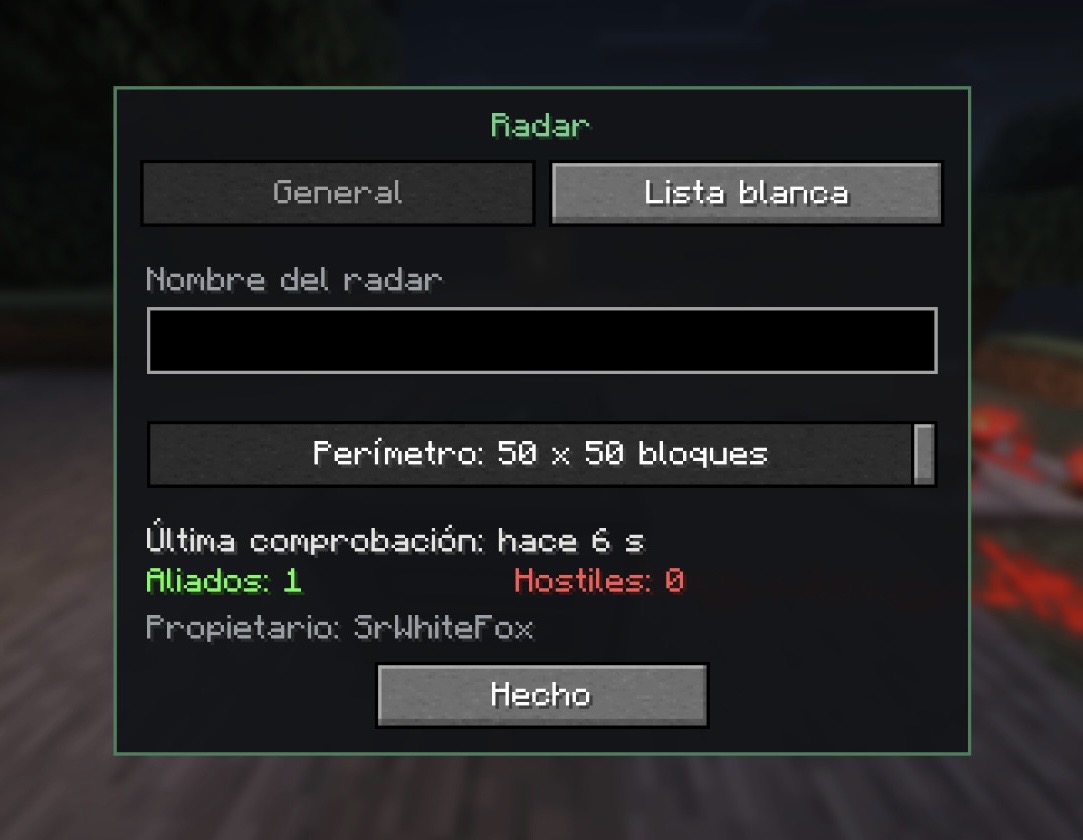
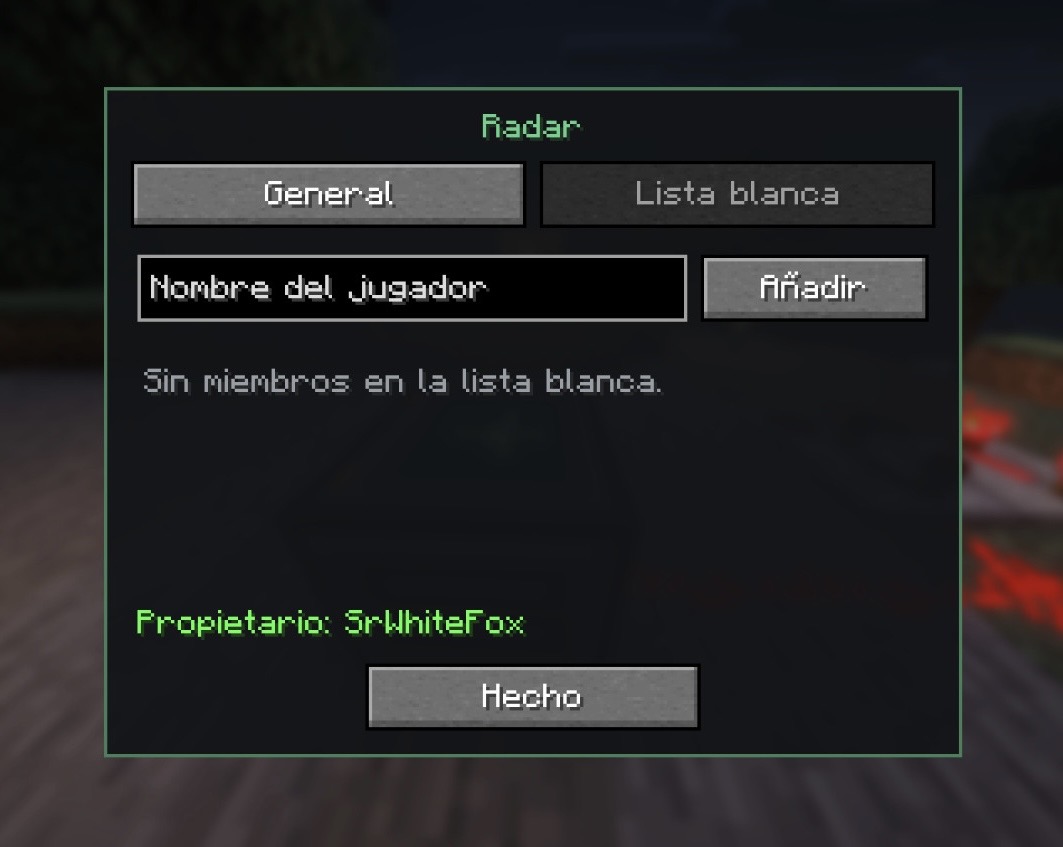
The RADAR lets you set the following in GUI:
- Name – to easily identify the area when checking the list of radars or receiving alerts.
- Perimeter size (maximum configurable, 50×50 by default).
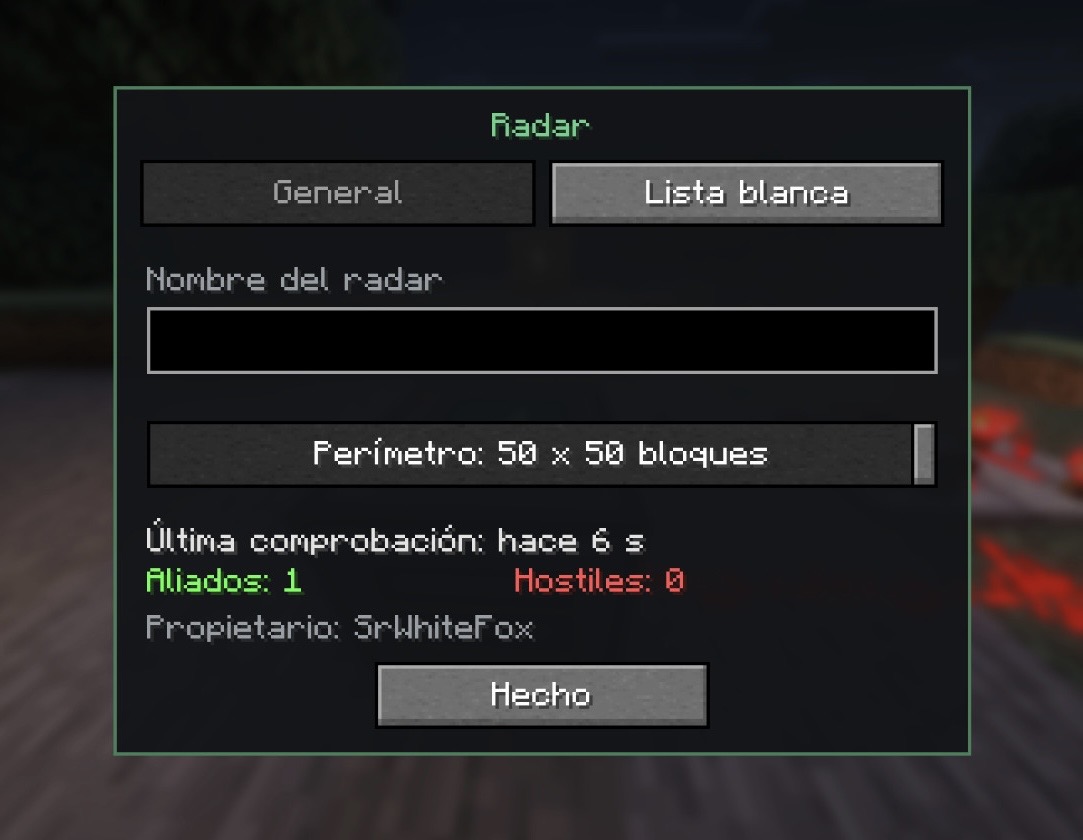
- List of allied players – Allies will have access to the radar and will not be marked as hostile when they enter the perimeter.
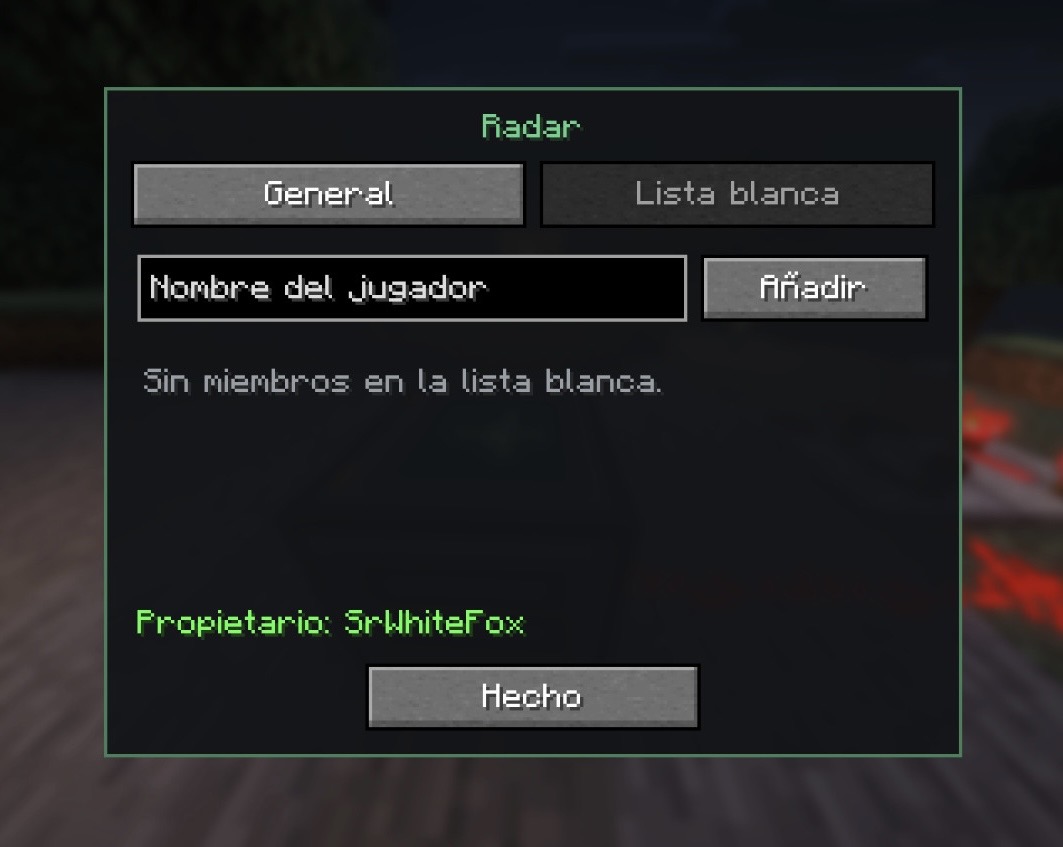
_It needs redstone pulses to check the perimeter. (You can build a classic redstone clock to receive frequent pulses)._
_It generates a redstone pulse when it detects players inside the perimeter._
The RADAR TABLET lets you:
- Receive alerts (sound and on-screen text) simply by carrying it in your inventory (when a hostile player enters the range of a radar you have access to).
- GUI for checking your radars (hostile players on the perimeter, allied players, how long has it been since the last check…).
The TRANSPONDER lets you:
- Visually similar to a redstone repeater, but blue and with its own GUI that allows you to filter the redstone signal generated by the radar. Choose whether to filter based on electricity generated when an ally enters the perimeter, when an enemy enters the perimeter, or both. It must be placed next to a radar.
Crafting recipes
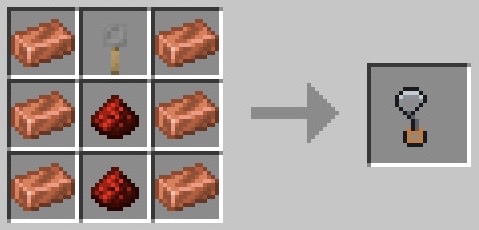
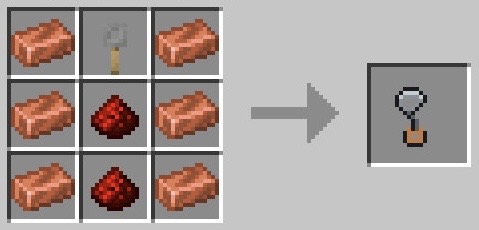
- Radar antenna – copper ingot in slots 1, 3, 4, 6, 7 and 9, redstone dust in 5 and 8, rope hook in 2.
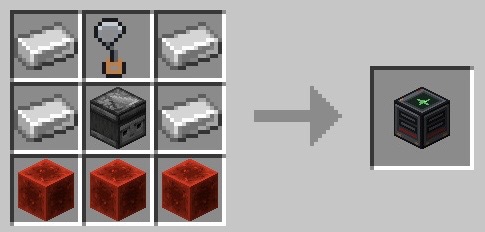
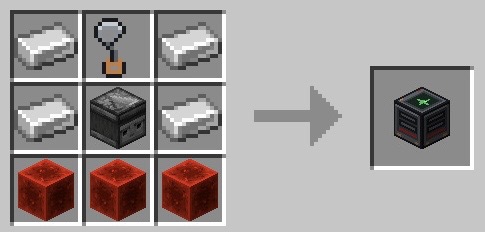
- Radar – iron ingot in slots 1, 3, 4 and 6, observer in 5, redstone block in 7, 8 and 9, radar antenna in 2.
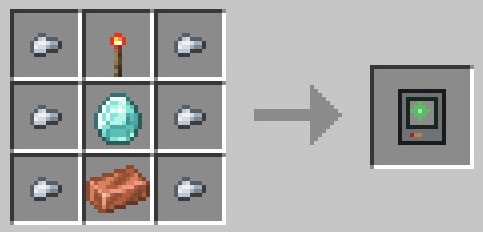
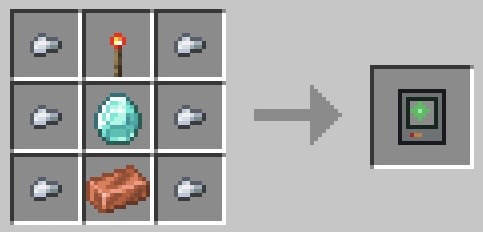
- Radar tablet – iron nugget in slots 1, 3, 4, 6, 7 and 9, redstone torch in 2, diamond in 5, copper ingot in 8.
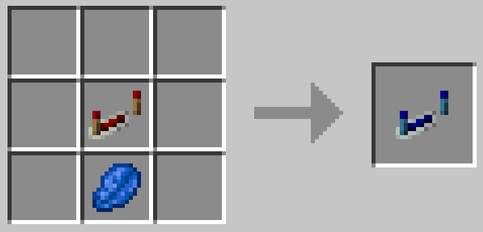
- Radar transponder – redstone repeater, lapiz lasuli.
Available languages
- English
- Spanish (Español)
常见问题
RadarZone 支持哪些 Minecraft 版本?
RadarZone 支持 Minecraft Java 版 1.21.1,可用的加载器:Fabric。下载时注意选择和你游戏版本一致的文件。
RadarZone 怎么安装?
先用 PCL2 或 HMCL 启动器安装对应版本的 Fabric,再把下载的 .jar 文件放进游戏目录的 mods 文件夹,重新启动游戏即可。开启了版本隔离的,mods 文件夹在 versions/版本名 下面。运行环境:客户端和服务端都要装。

评论
登录后评论和评分