
介绍
This mod doesn’t add any new GUIs or anything to the game but it makes building GUIs for mods much easier with a large set of tools and functionality not found in the vanilla classes.
Features include:
- Multiple Panels
- Grids
- Lists
- Draggable camera
- allows you to move player perspective while in GUIs
- Unicode and vanilla font support
- and more!
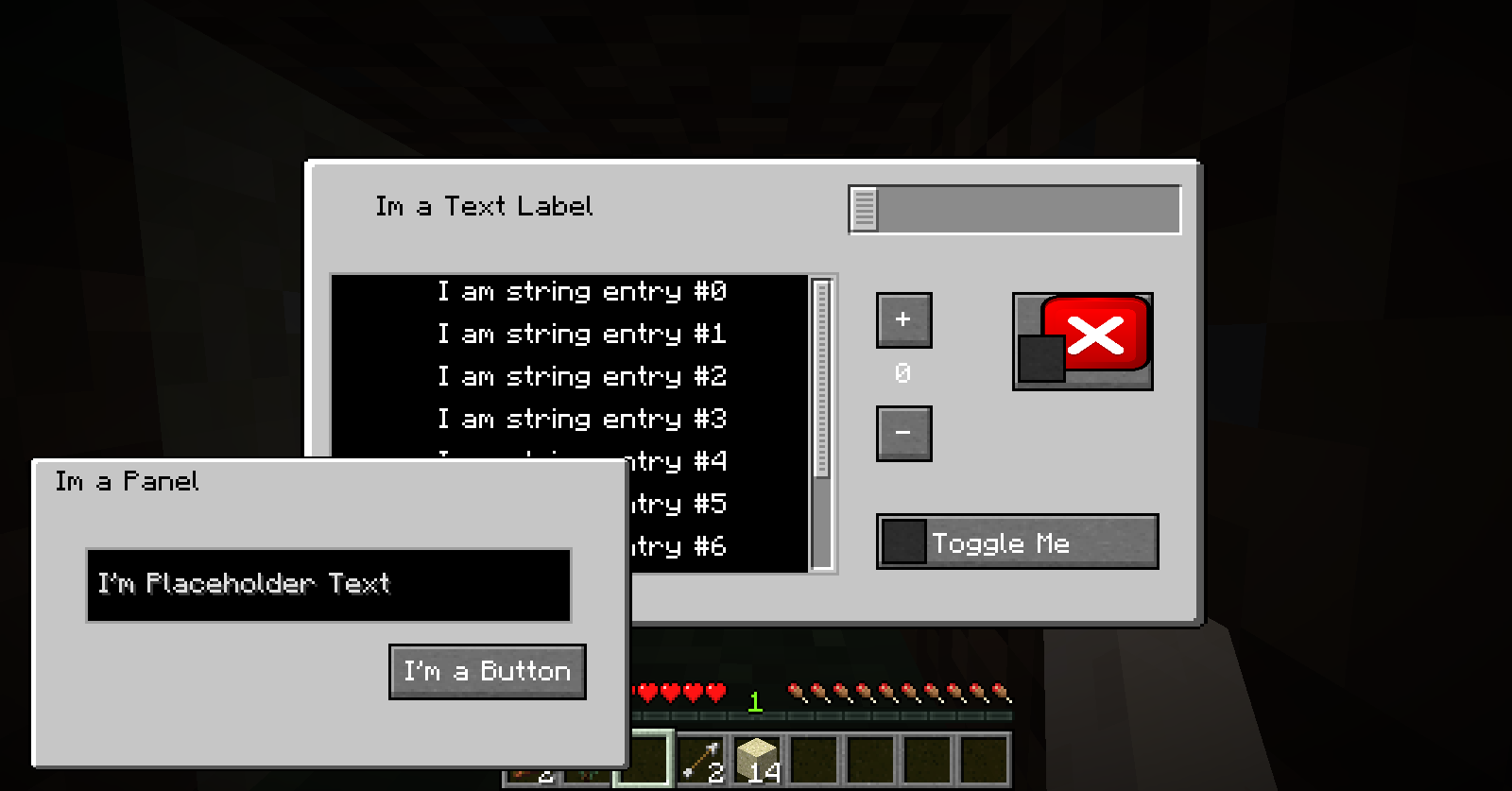
With Panels GUIs can have multiple layers that scale with window size
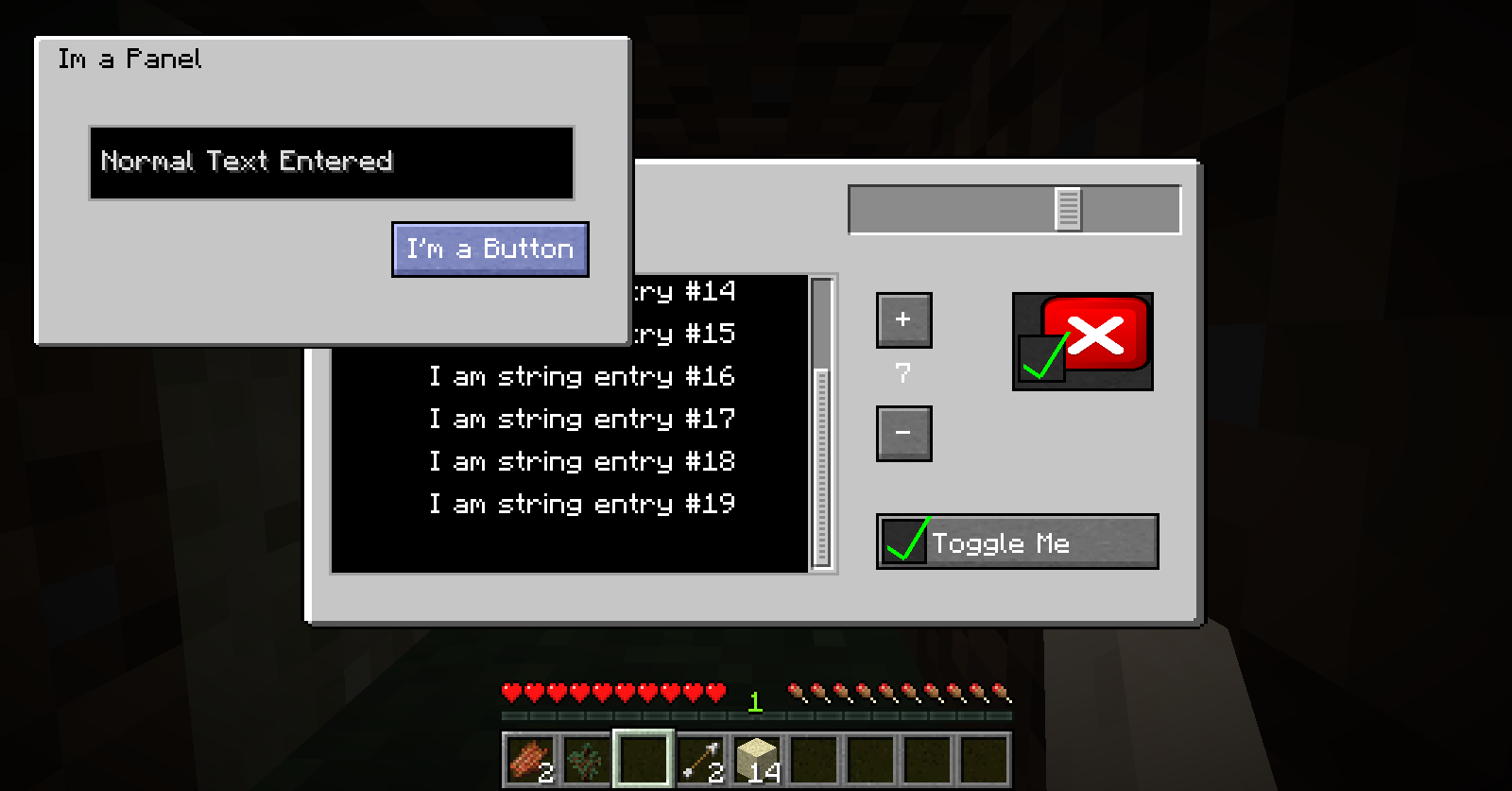
Panels are also draggable so you can utilize space and can be toggled visible. When they are not visible their components are not interactable so you don’t have to worry about unexpected actions from invisible buttons.
The background gui is not a panel and is therefore always interactive so long as its components are not behind another object. That way if a panel is over a button if you click on the panel the background button will not fire accidentally.
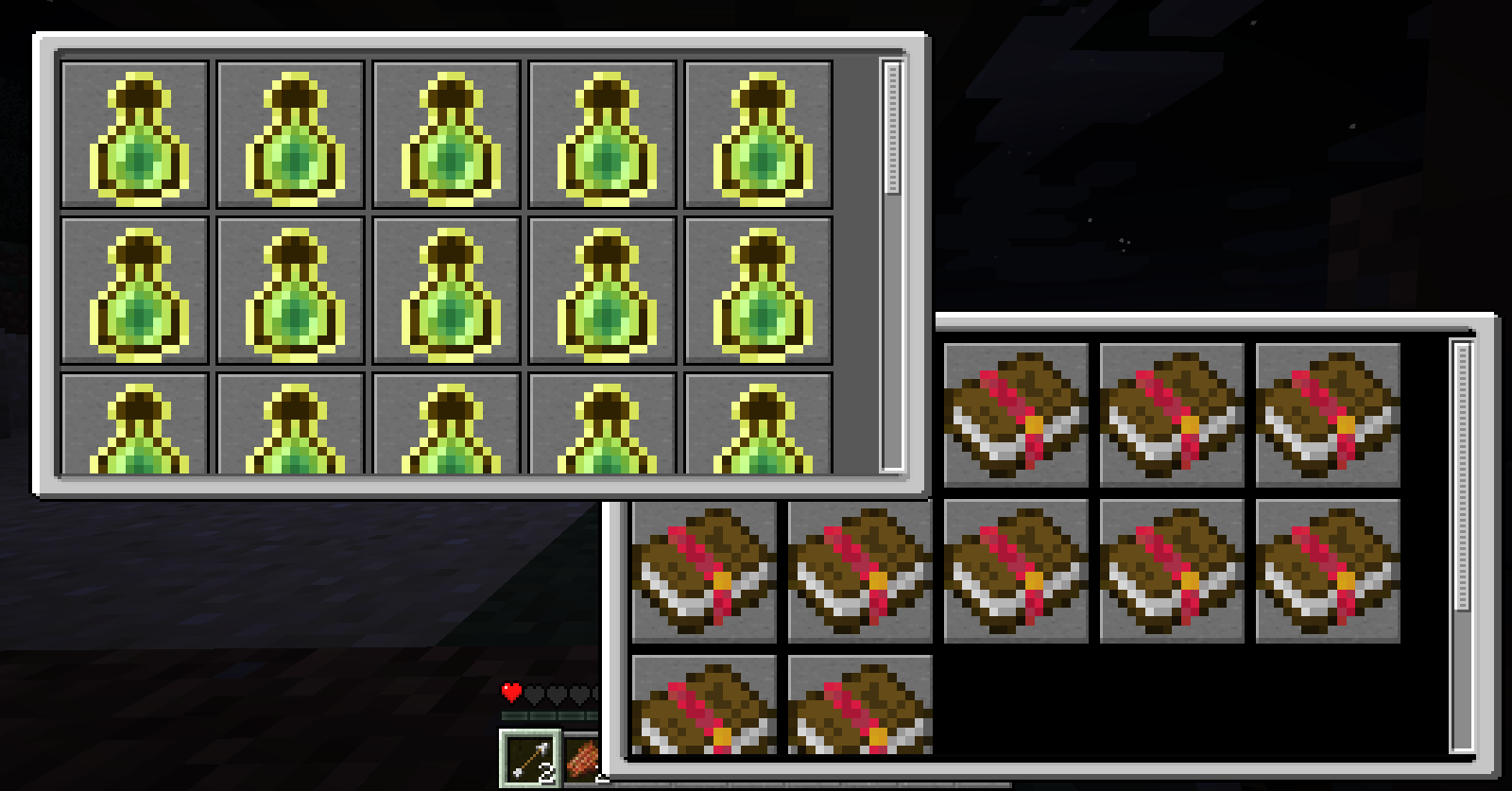
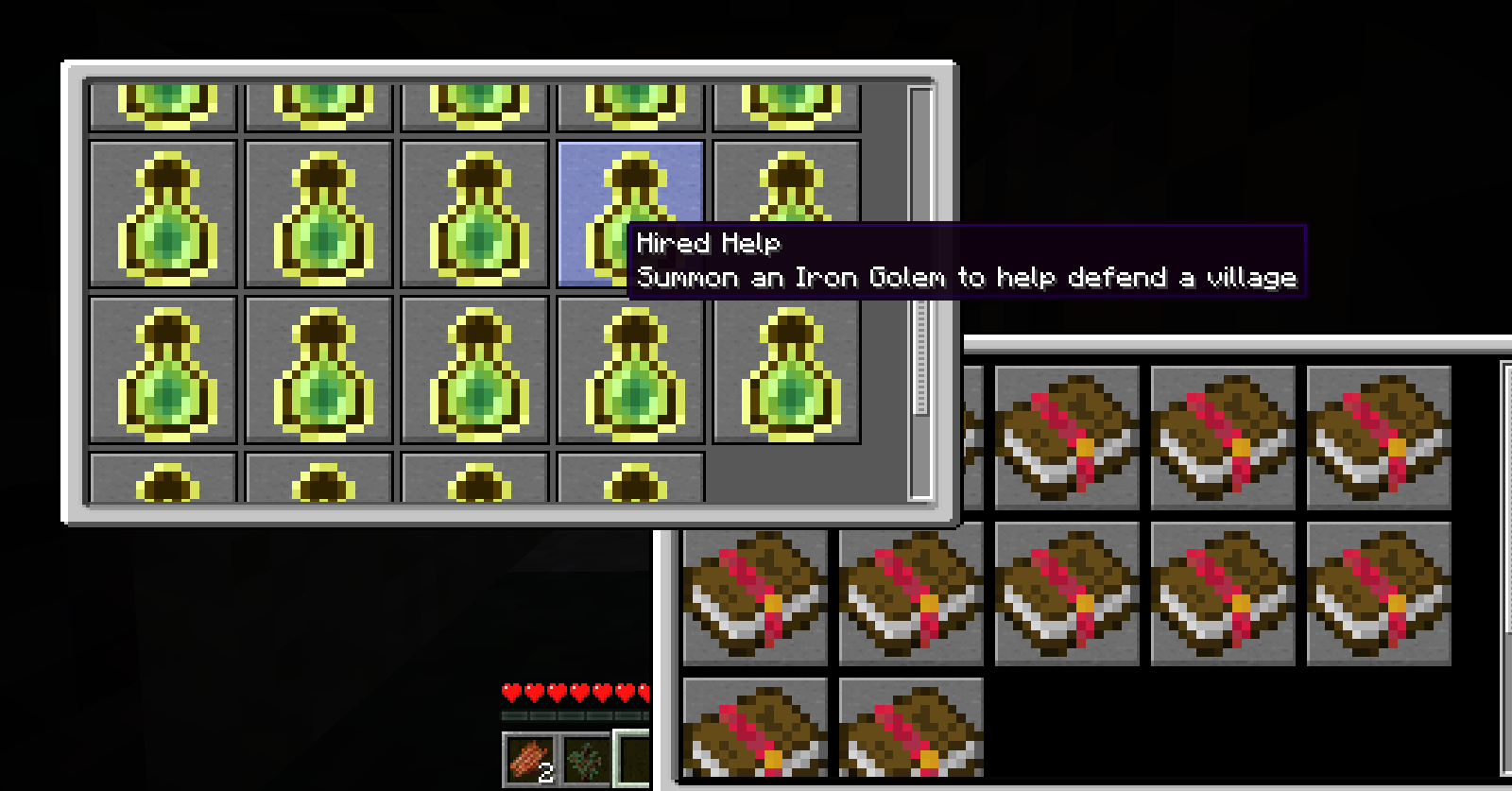
Grids are dynamic. You only need to tell it how big you want the panels and give it a list of elements and it will automatically lay them out to best utilize the size of the grid. Once a grid has surpassed the total size a scroll bar will allow you to scroll to other entries.
常见问题
Rabbit GUI 支持哪些 Minecraft 版本?
Rabbit GUI 支持 Minecraft Java 版 1.12.2,可用的加载器:Forge。下载时注意选择和你游戏版本一致的文件。
Rabbit GUI 怎么安装?
先用 PCL2 或 HMCL 启动器安装对应版本的 Forge,再把下载的 .jar 文件放进游戏目录的 mods 文件夹,重新启动游戏即可。开启了版本隔离的,mods 文件夹在 versions/版本名 下面。

评论
登录后评论和评分