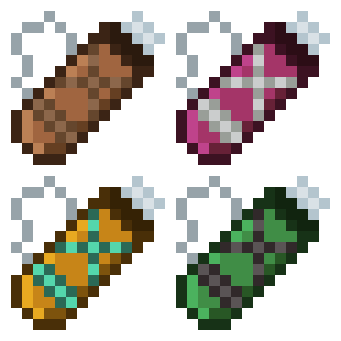
截图
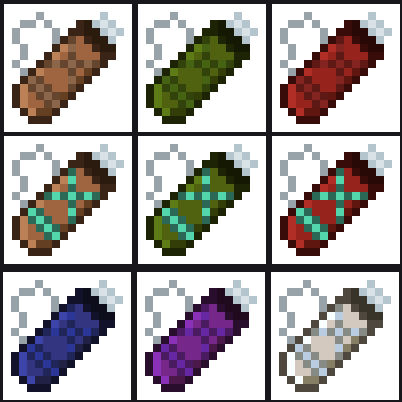
介绍

Carry every arrow type in a single inventory slot. Switch selected arrow with shotcuts.
Four tiers: Leather, Iron, Diamond and Netherite. Each holding more arrows than the last.
Hovering over the quiver shows its contents. It works with any arrow, vanilla or modded.
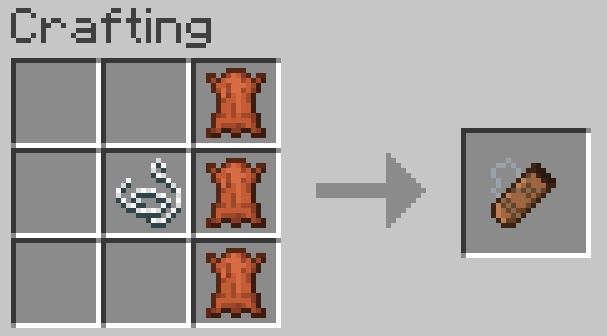
Crafting
3 leather in a vertical line, with a string to the left of the middle leather.
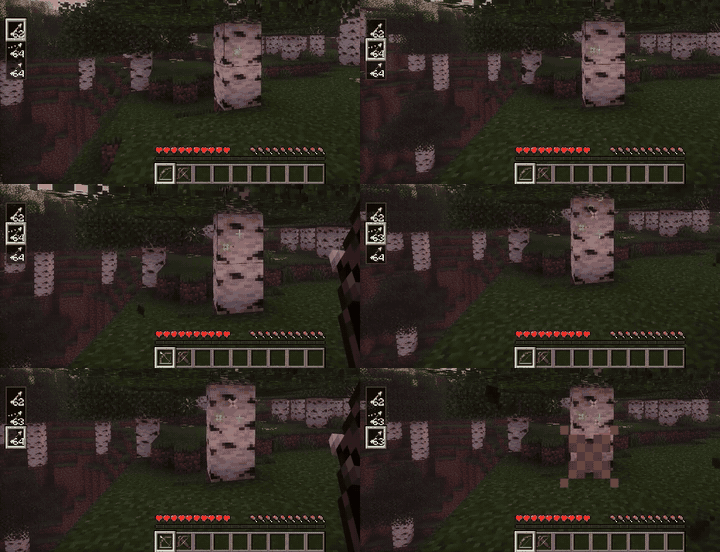
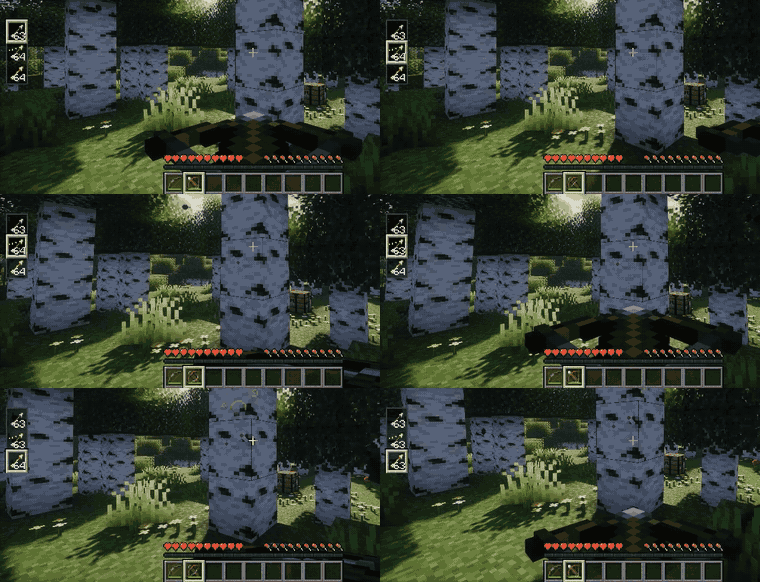
Switching arrows
Hold a bow or crossbow and use Alt + Scroll to pick the active arrow type. (You can rebind in the keybind settings.)
Storing arrows
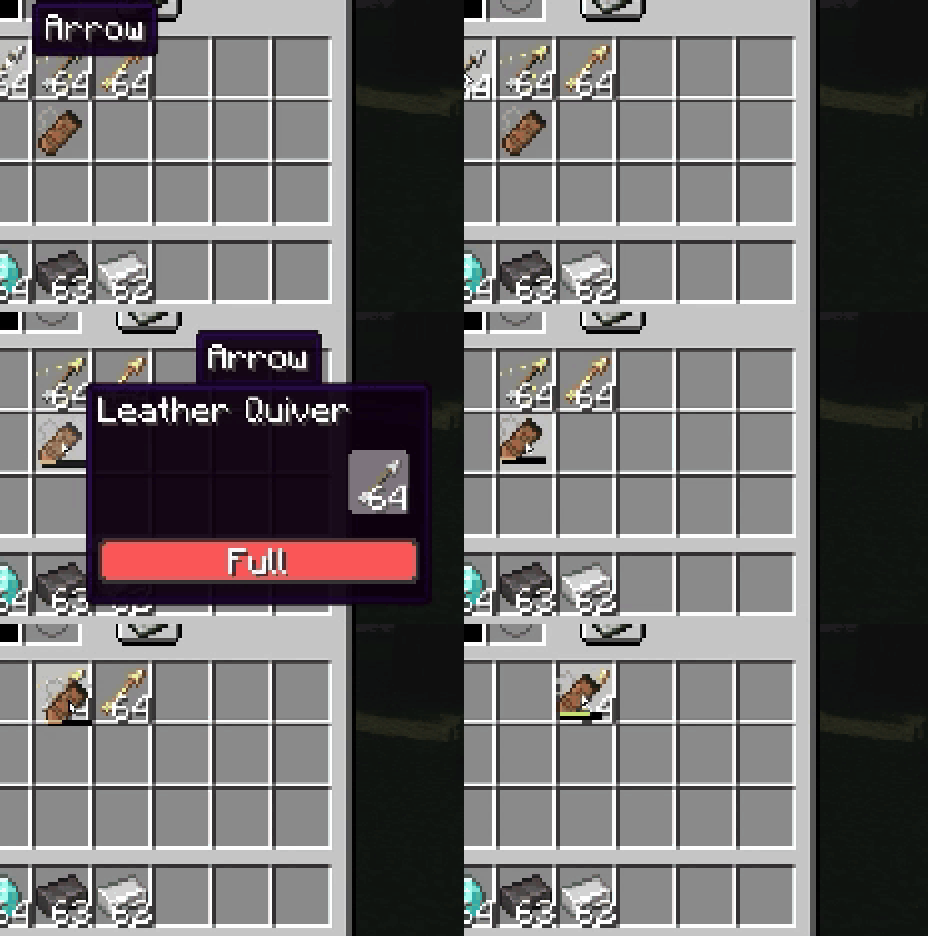
Arrows picked up from the ground go straight into the quiver automatically (can be turned off in the settings).
You can also drop arrows onto the quiver, drop the quiver onto arrows, or open its window and drag them in by hand.
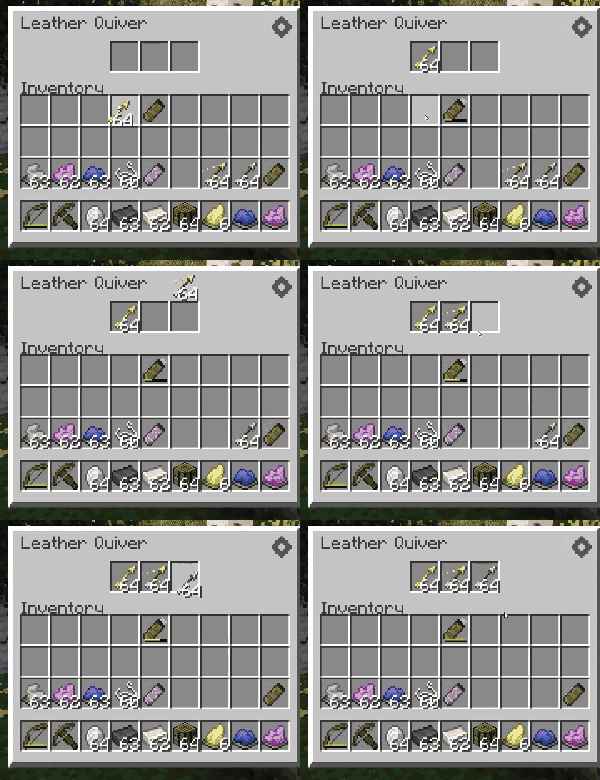
Upgrading
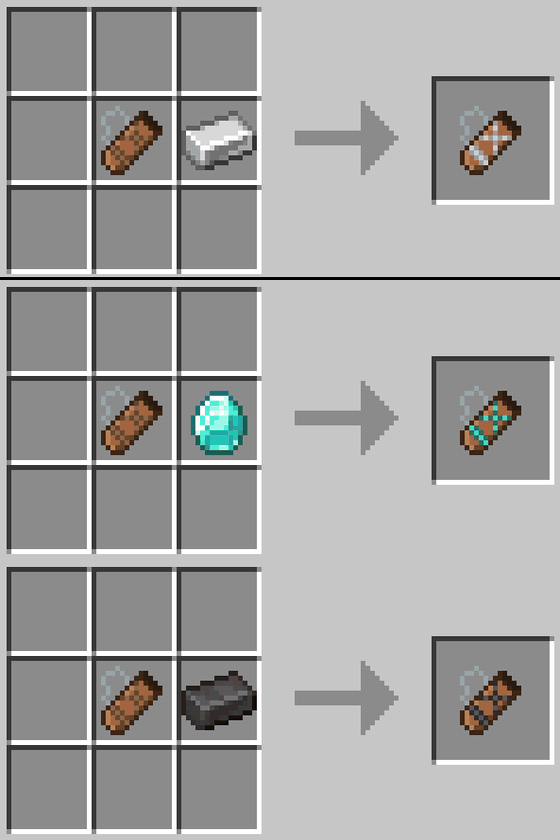
Combine any quiver with 1 material (Iron Ingot, Diamond, or Netherite Ingot) to upgrade it, regardless of its current tier.
Leather → 3 slots, Iron → 4 slots, Diamond → 6 slots, and Netherite → 8 slots.
Dyeing
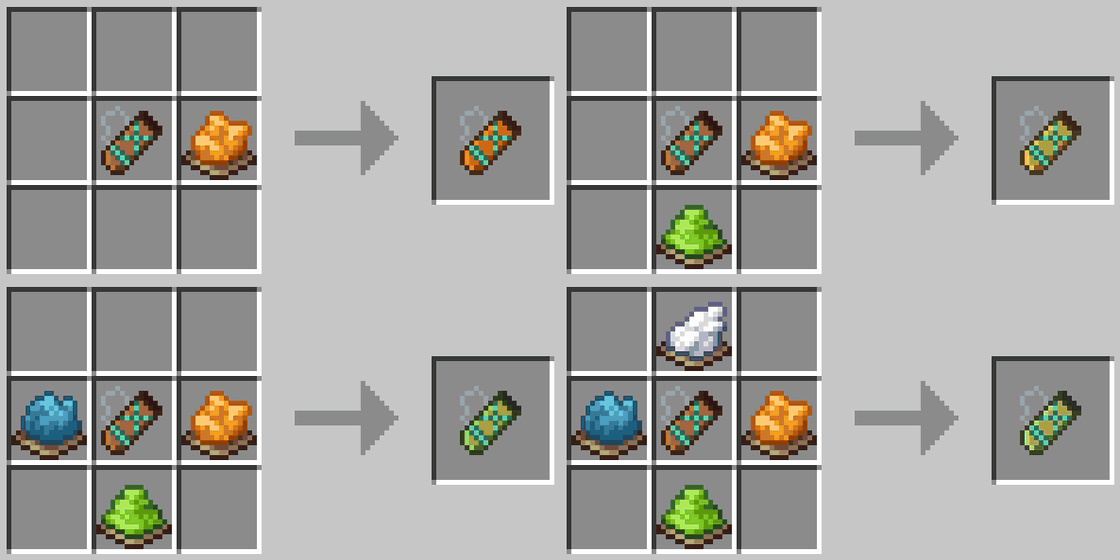
The quiver follows the same dyeing rules as leather armor: mix dyes for a custom color, and wash it off in a cauldron.
Settings
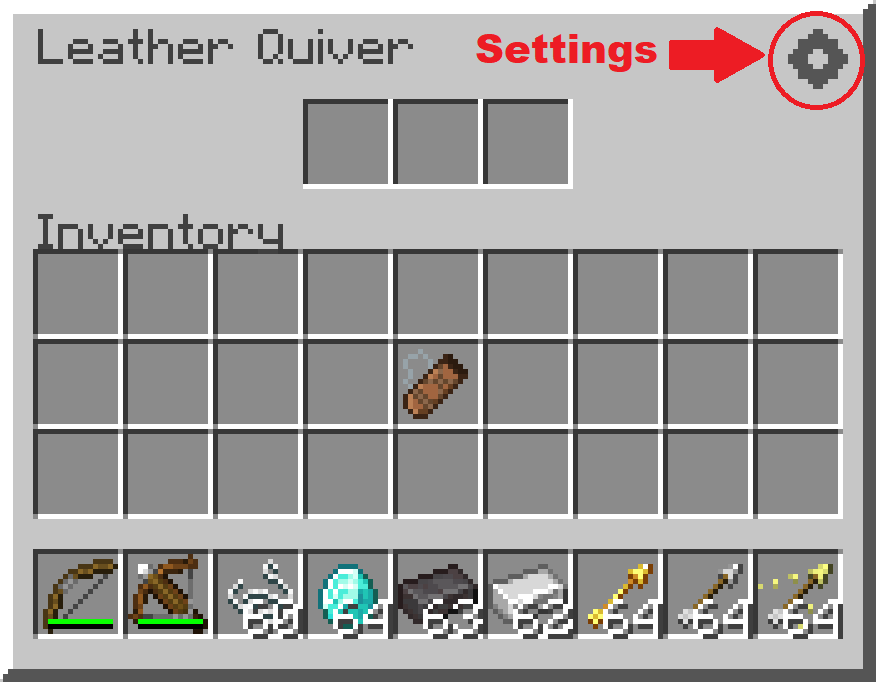
Customize the mod from the button in the top-right corner of the Quiver window. (Keybinds, like the arrow-switching shortcut, are set in the game’s own Controls settings.)
常见问题
Quivers 支持哪些 Minecraft 版本?
Quivers 支持 Minecraft Java 版 26.1–26.2,共 4 个版本,可用的加载器:Fabric / Forge / NeoForge。下载时注意选择和你游戏版本一致的文件。
Quivers 怎么安装?
先用 PCL2 或 HMCL 启动器安装对应版本的 Fabric / Forge / NeoForge,再把下载的 .jar 文件放进游戏目录的 mods 文件夹,重新启动游戏即可。开启了版本隔离的,mods 文件夹在 versions/版本名 下面。运行环境:客户端和服务端都要装。
评论
登录后评论和评分