
截图
介绍
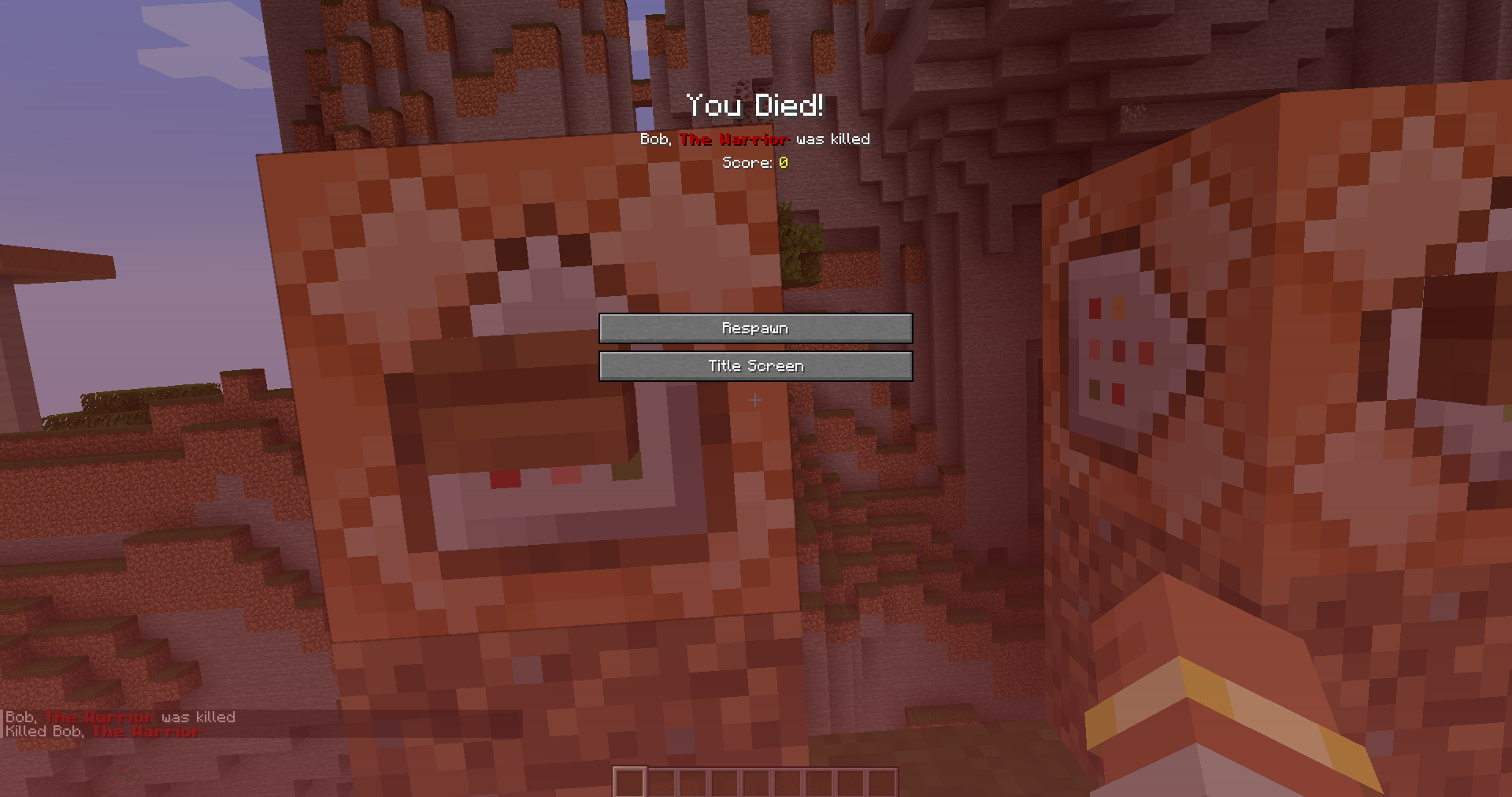
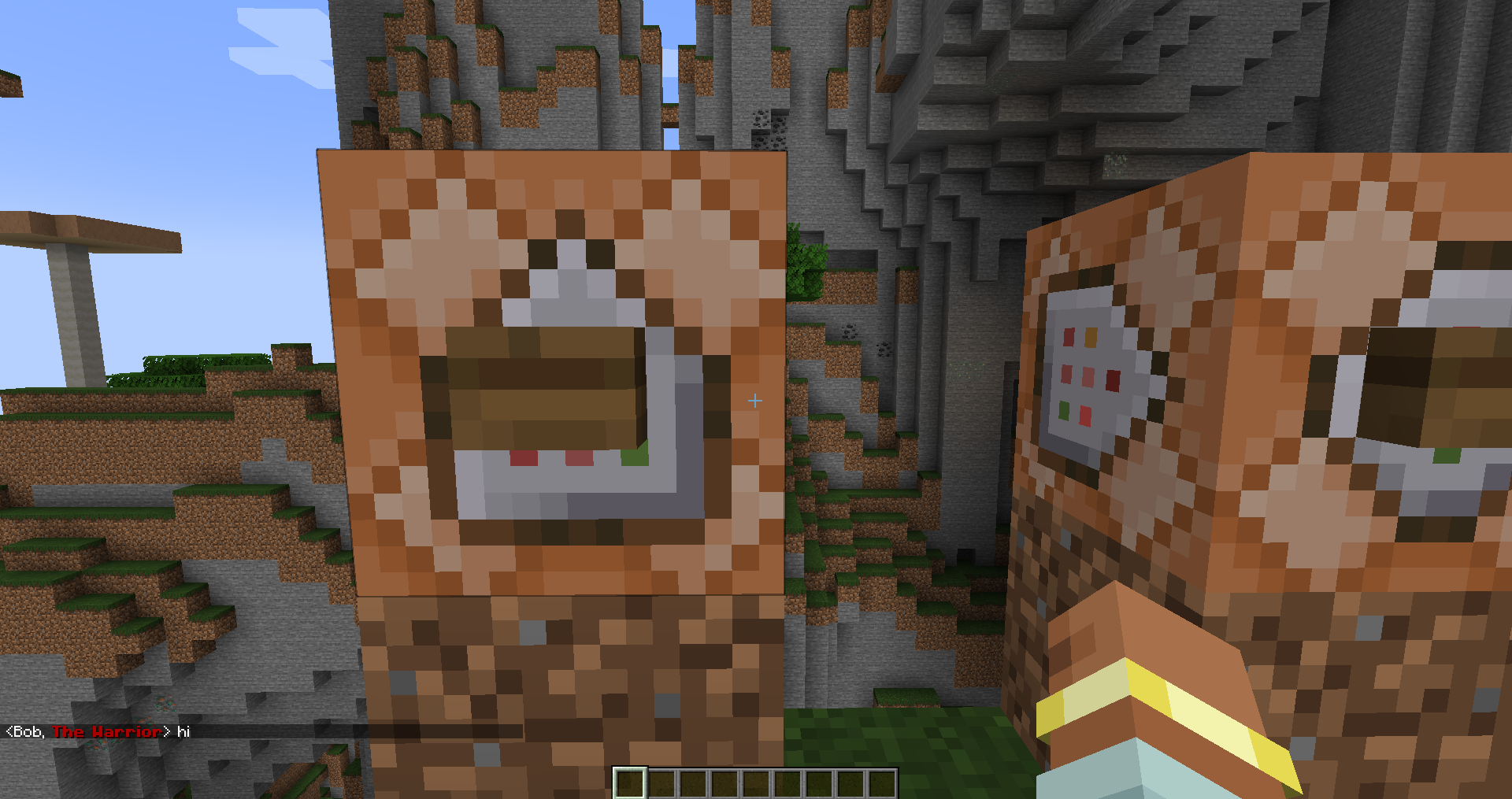
This mod adds a command that allows you to change the display name of a player.
/quicknick <player> “Bob”
Formatted text is also supported!
/quicknick <player> {“text”: “Bob”, “color”: “blue”}
Includes config to change the permission level for the command, default is permission level 1. Only needs to be installed on the server for death messages and chat, client if you want nametag and player list.
Project no longer being worked on. Source available here: https://github.com/HecknTarnation/QuickNick
Feel free to edit and modify the code (along with publishing your modifications.)
常见问题
QuickNick 支持哪些 Minecraft 版本?
QuickNick 支持 Minecraft Java 版 1.20–1.20.4,共 5 个版本,可用的加载器:Forge。下载时注意选择和你游戏版本一致的文件。
QuickNick 怎么安装?
先用 PCL2 或 HMCL 启动器安装对应版本的 Forge,再把下载的 .jar 文件放进游戏目录的 mods 文件夹,重新启动游戏即可。开启了版本隔离的,mods 文件夹在 versions/版本名 下面。

评论
登录后评论和评分