
QuickList
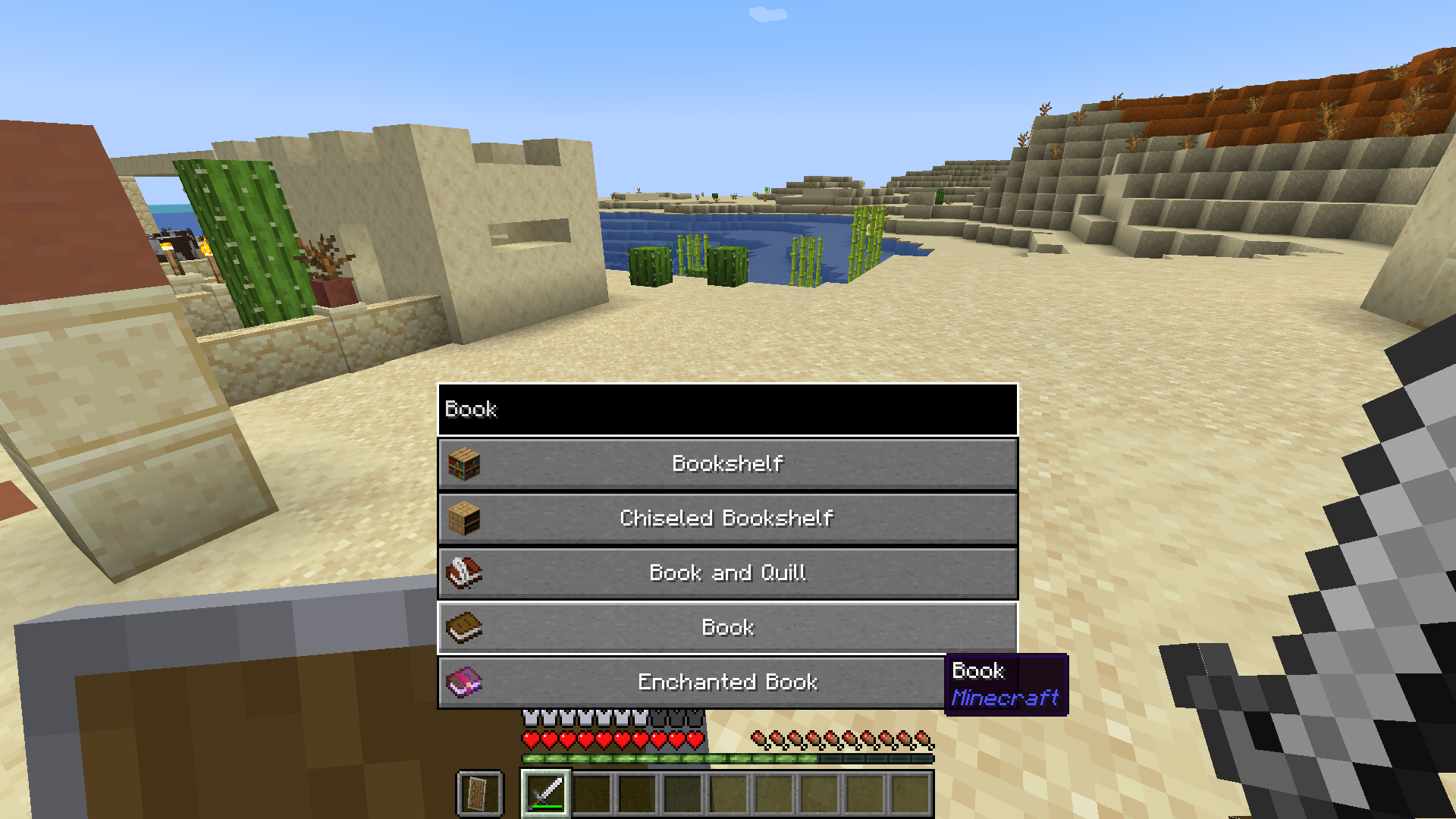
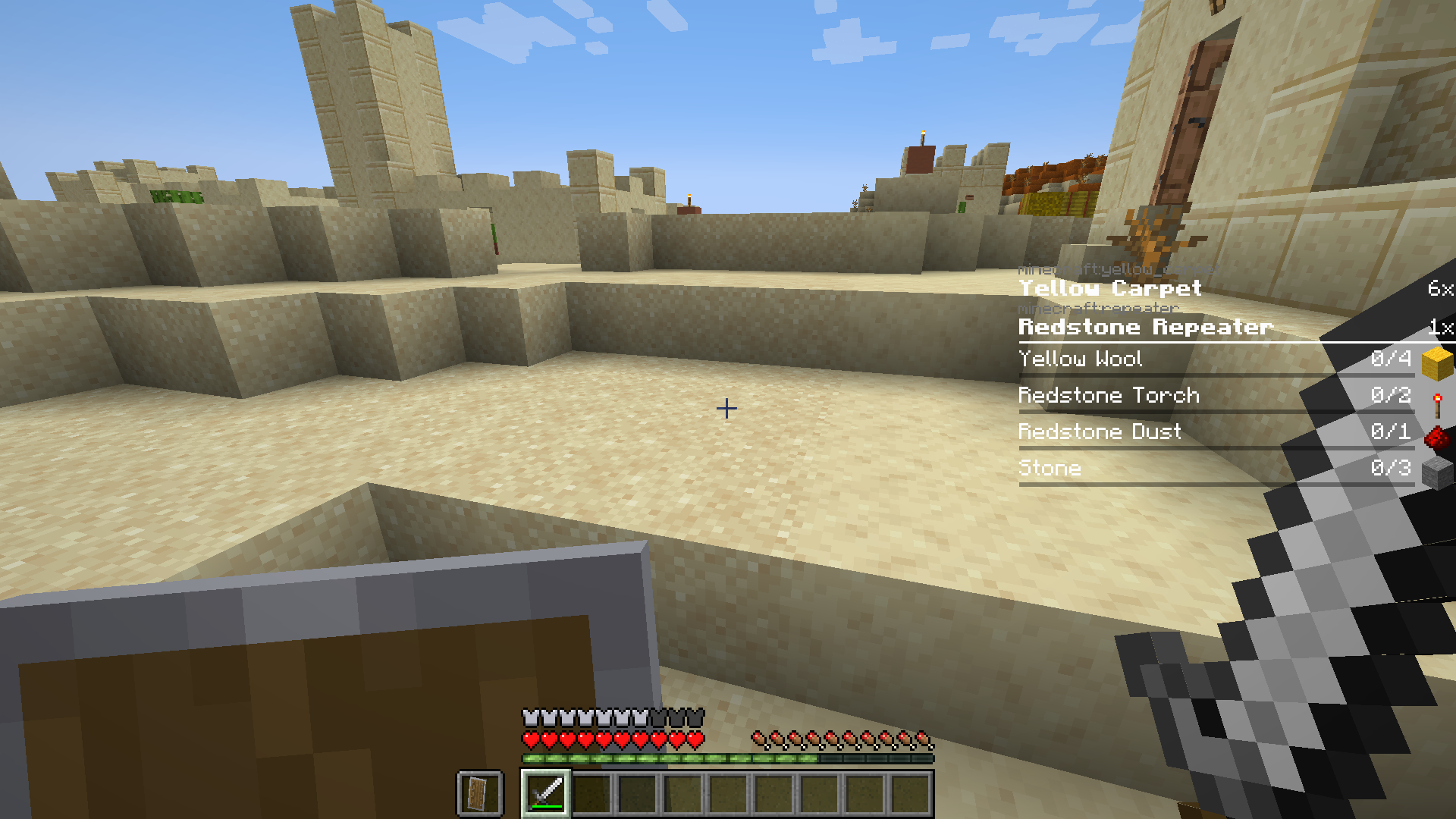
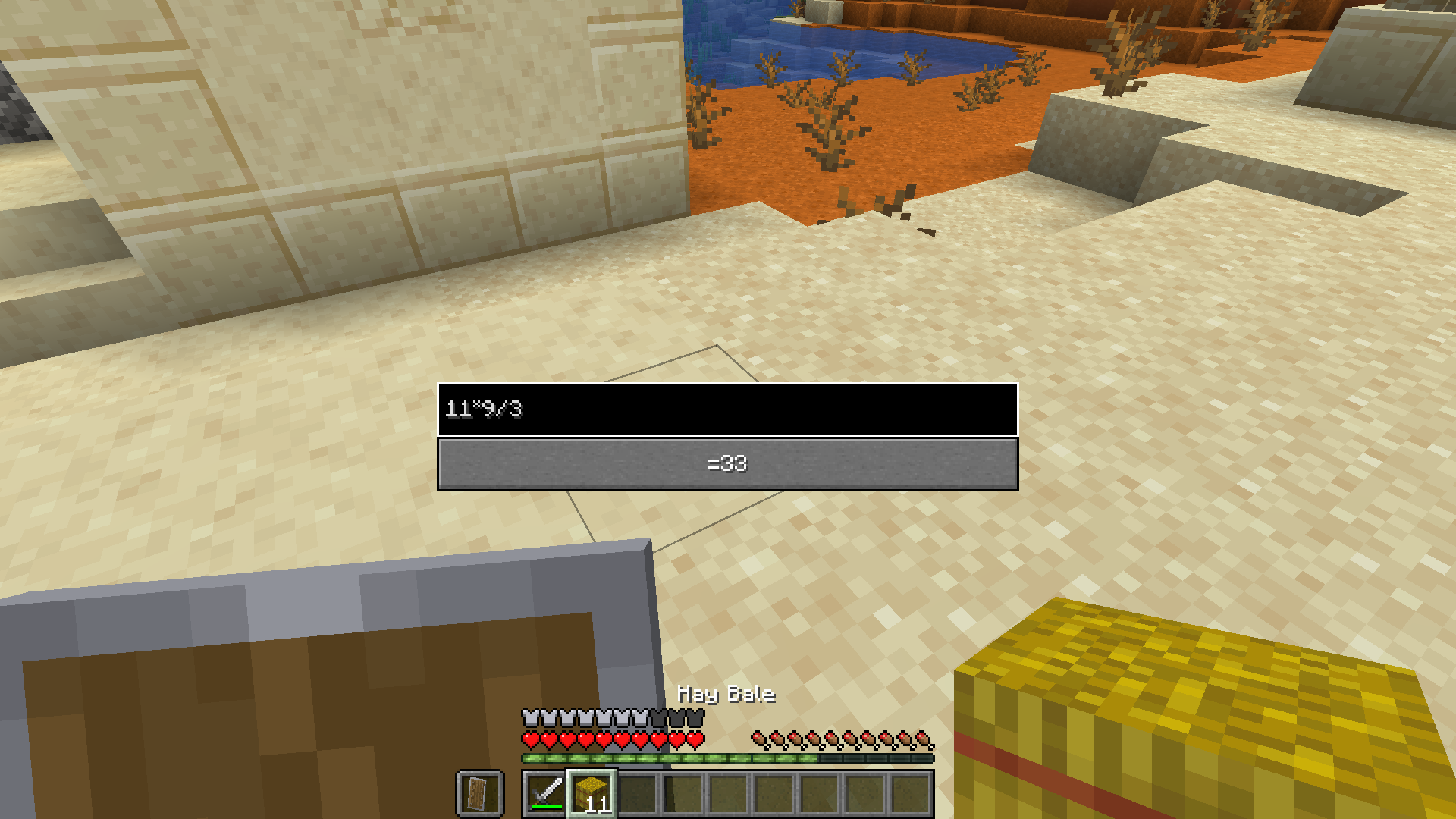
With QuickList you can search for any item in the Game by pressing [N] (by default), you can calculate things AND you have a nice To-Do List! (Inspired by Satisfactory)
截图
介绍


With QuickList you can search for any item via EMI by simply pressing [N] AND you have a nice To-Do list :3
Quicksearch + Calculator
By pressing [N] you can search for any item and calculate math-things

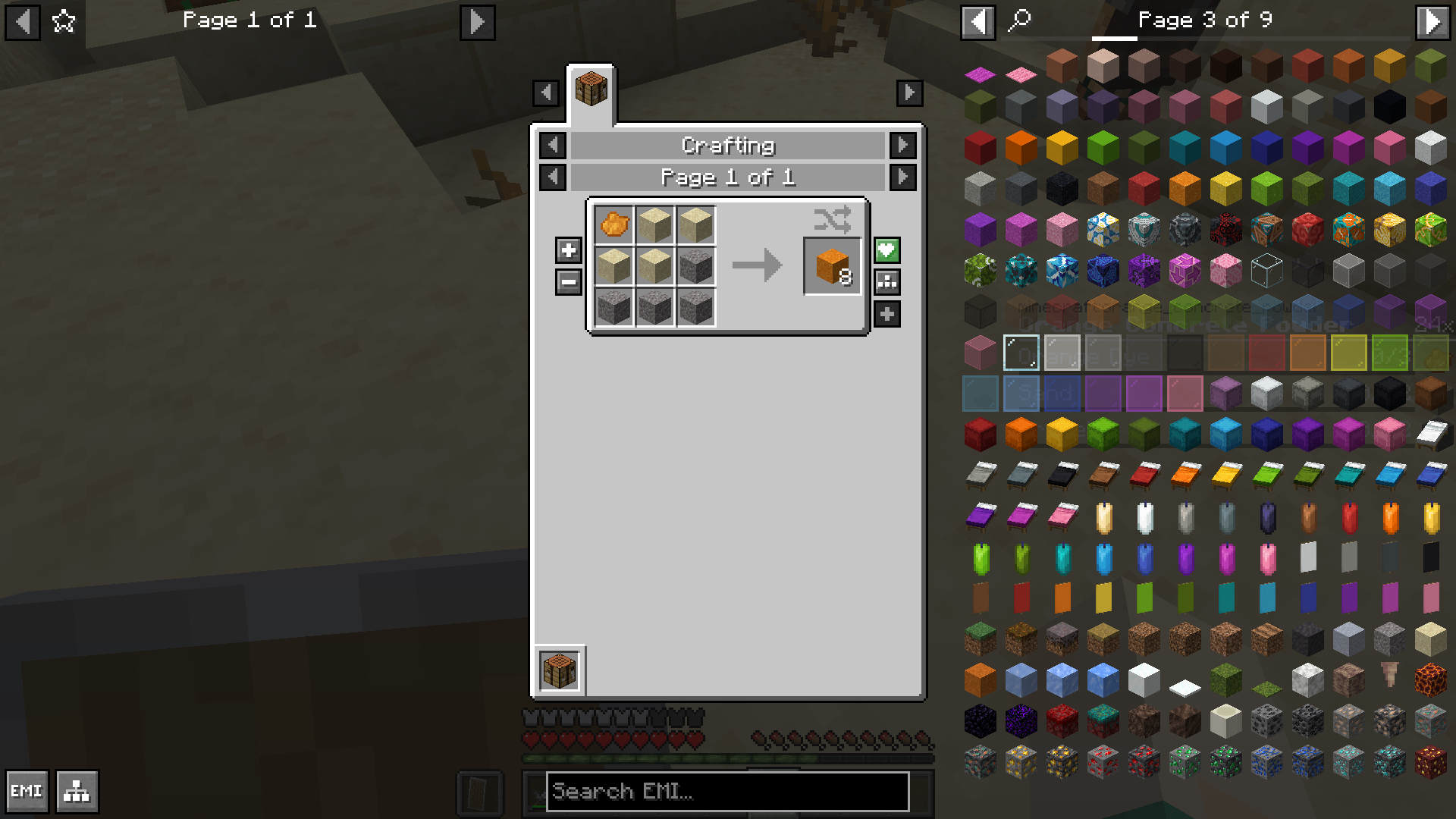
To-Do List
When you click on a item, you can add/remove it from the To-Do list by clicking the +/- buttons on the left

NOTE:
To see the add/remove buttons for the To-Do list you need to change one thing in the EMI configuration
EMI Config Button on the bottom left -> Show Recipe Decorators to true” loading=”lazy”>
Credits:
- Both features (quick search and to-do list) are inspired by Satisfactory
- Icon made with Microsoft Copilot (if you want to make a new one, pls contact me on Discord)
- Thanks to Emi for making the EMI Mod
- This Mod uses the exp4j Library, which is licensed under the Apache License 2.0
常见问题
QuickList 支持哪些 Minecraft 版本?
QuickList 支持 Minecraft Java 版 1.21–1.21.1,共 2 个版本,可用的加载器:Fabric。下载时注意选择和你游戏版本一致的文件。
QuickList 怎么安装?
先用 PCL2 或 HMCL 启动器安装对应版本的 Fabric,再把下载的 .jar 文件放进游戏目录的 mods 文件夹,重新启动游戏即可。开启了版本隔离的,mods 文件夹在 versions/版本名 下面。运行环境:仅客户端。
Hajsori 的其他作品
查看全部 →
Simple Macro
With Simple Macro you can control Simple Voice Chat with your Macros!

Tough as Mekanism
Tough as Mekanism is a Mod that adds compatibility between ToughAsNails and Mekanism.

MrMo’s WarGames
competetive project with weapons

Unhidden Advancements
With Unhidden Advancements you can see all the advancements you normally can't see!
评论
登录后评论和评分